Free trial
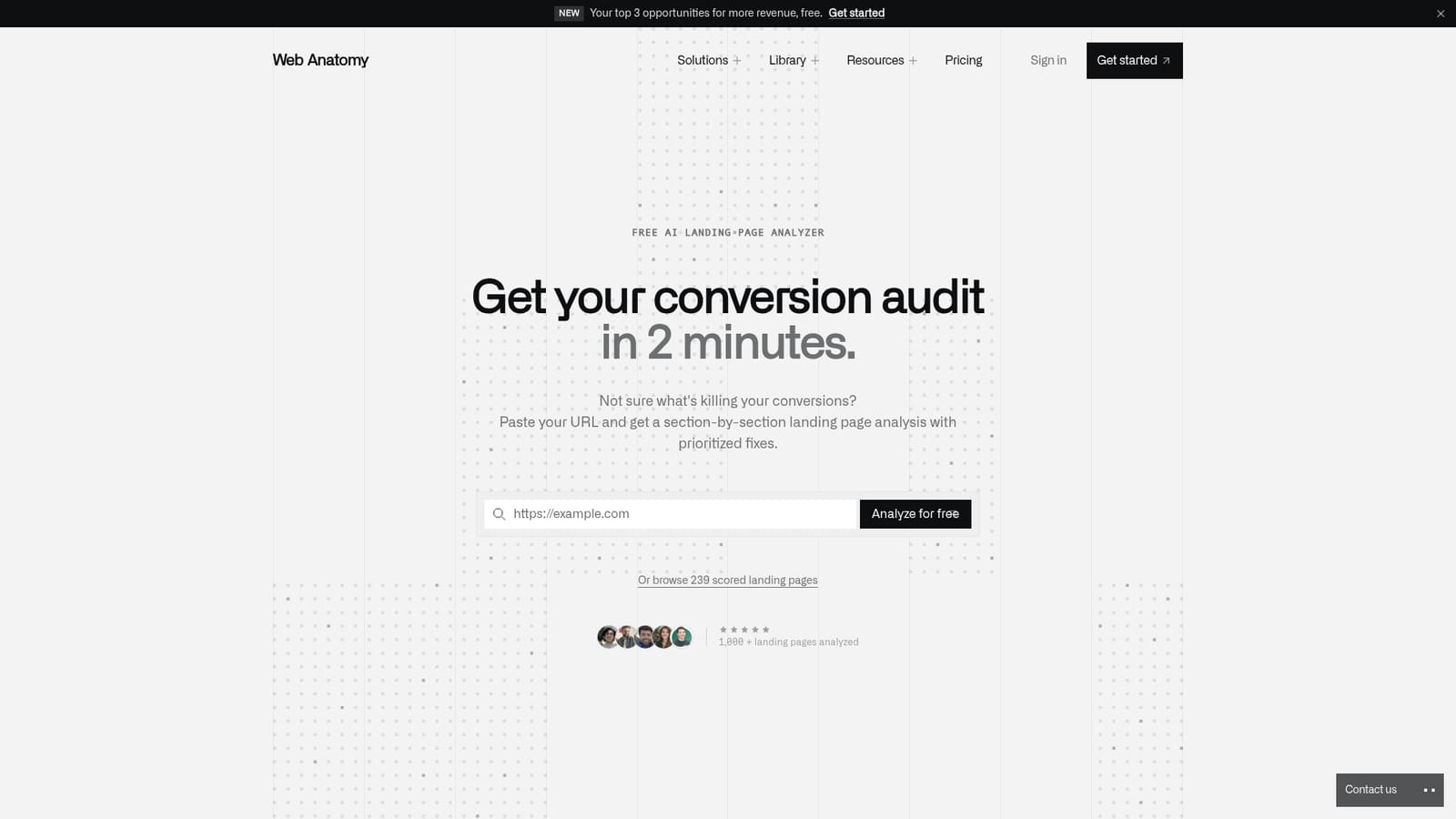
The landing page analysis is offered for free on the tool's site: paste a URL and receive the audit without a stated payment step. Limits on repeat or full reports are not detailed on the homepage.
Learn morePaste a URL and get a scored conversion audit in about 2 minutes.
Own Landing Page Analyzer? Verify ownership to get a dofollow link

Landing Page Analyzer is an AI screen analyzer tool. A free AI audit that scores a public landing page against 60 conversion best practices, with annotated screenshots, a 0 to 100 score across 8 categories, and fixes ranked by expected conversion impact.
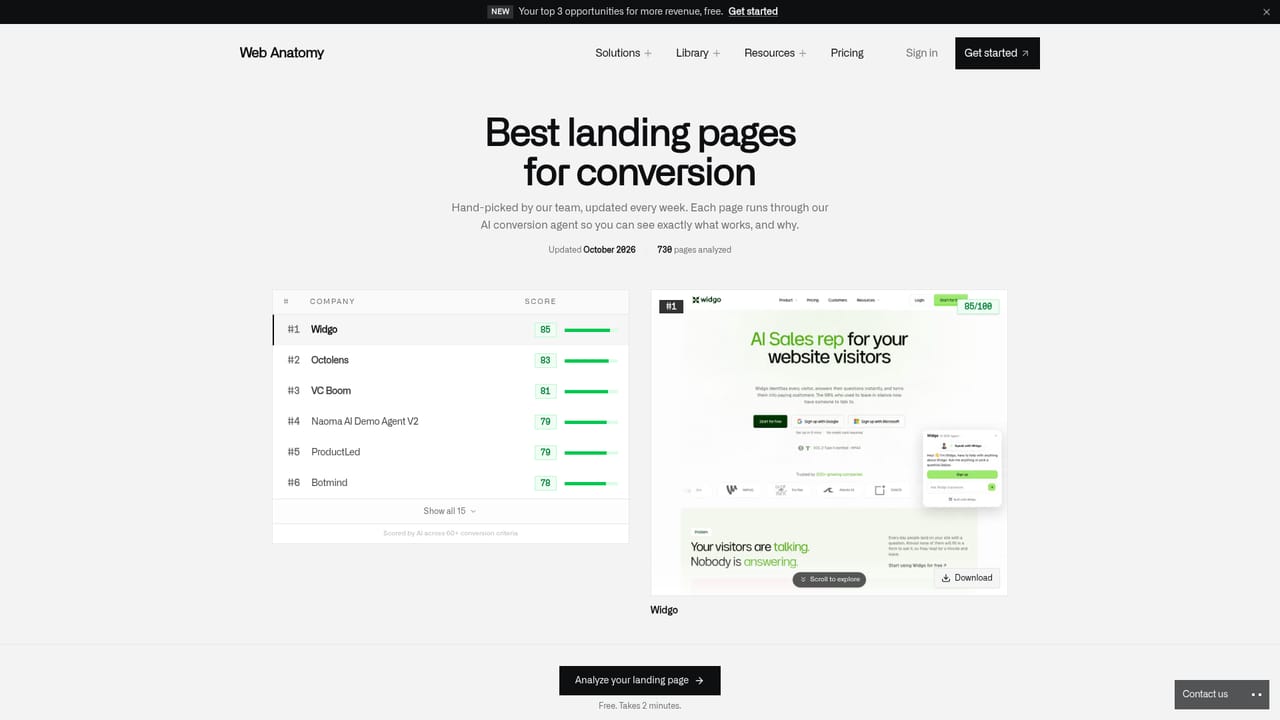
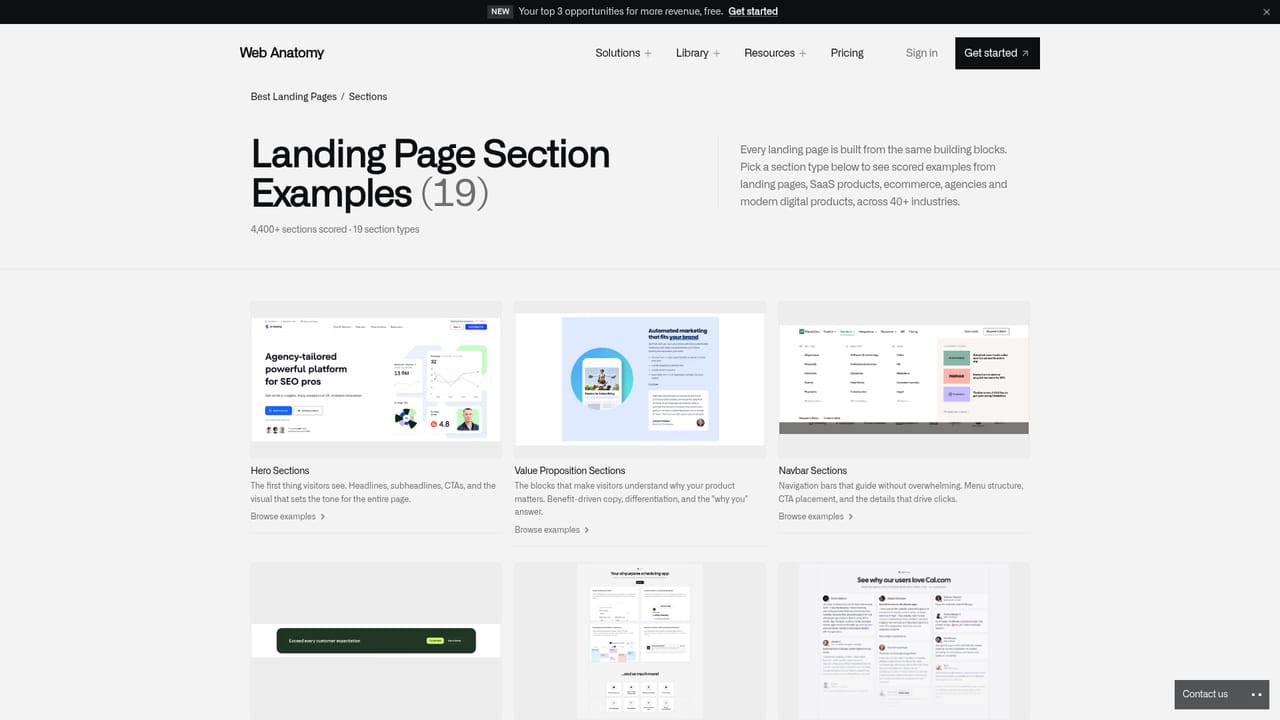
Landing Page Analyzer is a free web tool from Web Anatomy that audits a landing page against 60 conversion criteria grouped into 8 categories. You paste a public URL and the system captures a real desktop screenshot of the page, then uses visual AI to read layout, hierarchy and design the way a visitor would. The result is a 0 to 100 conversion score plus a numbered overlay on the screenshot, so each problem is pinned to the exact spot on the page where it occurs rather than buried in a generic checklist. Recommendations are ranked HIGH, MEDIUM or LOW by expected conversion impact, and the report includes paste-ready copy suggestions. The tool asks for no questionnaire: it infers the product, audience and goal on its own, which keeps the advice tied to the page being reviewed. Benchmark comparisons show how stronger SaaS pages handle the same elements, drawn from a library of 4,000 analyzed sections across more than 650 companies. A browsable gallery of scored landing pages, organized by vertical from SaaS and fintech to ecommerce and agency, gives teams a reference set beyond their own audit. The tool suits founders, growth marketers and CRO consultants, plus developers who want concrete fixes to hand to a coding assistant. Agencies use it to open client conversations with specific quick wins. On the dedicated page, Web Anatomy says the audit takes about 2 minutes and cites more than 1,000 pages analyzed, while a separate claim references 239 scored pages in the public gallery. It sits between manual heuristic reviews and heavy session-replay suites. There is no traffic data or A/B testing here: it judges the page itself against best practices. It also cannot reach password-protected or login-gated pages, and the analysis reflects conversion criteria rather than live visitor behavior.
The landing page analysis is offered for free on the tool's site: paste a URL and receive the audit without a stated payment step. Limits on repeat or full reports are not detailed on the homepage.
Learn moreAnnotated desktop screenshots with numbered issue markers, a 0 to 100 conversion score across 60 criteria in 8 categories, HIGH, MEDIUM and LOW impact fix rankings, paste-ready copy rewrites, benchmark comparisons from 4,000 sections across 650+ companies, automatic inference of product, audience and goal, and a browsable gallery of 239 scored landing pages by vertical.
 AI Angels400+ customizable AI girlfriends for NSFW chat, voice calls, and roleplay
 Candy AIExperience the future of companionship with AI friends who chat, role-play, and connect with you on a human level.
 ourdream.aiA vast AI roleplay platform with millions of characters for chat, images, video and voiceAI Angels400+ customizable AI girlfriends for NSFW chat, voice calls, and roleplayCandy AIExperience the future of companionship with AI friends who chat, role-play, and connect with you on a human level.ourdream.aiA vast AI roleplay platform with millions of characters for chat, images, video and voice