Free trial
A permanent free tier gives 50 AI chat messages, 10 document uploads and 5 memo collections each month, with no credit card required at signup.
Learn moreCapture anything, then query your own knowledge base in plain language

MyMemo is an AI search tool. MyMemo gathers articles, videos, screenshots, files and notes into one searchable library, then lets you ask questions about that library and jump to the sources behind each answer. Summaries, podcast recaps and team spaces round out the package, with a free tier for small libraries.
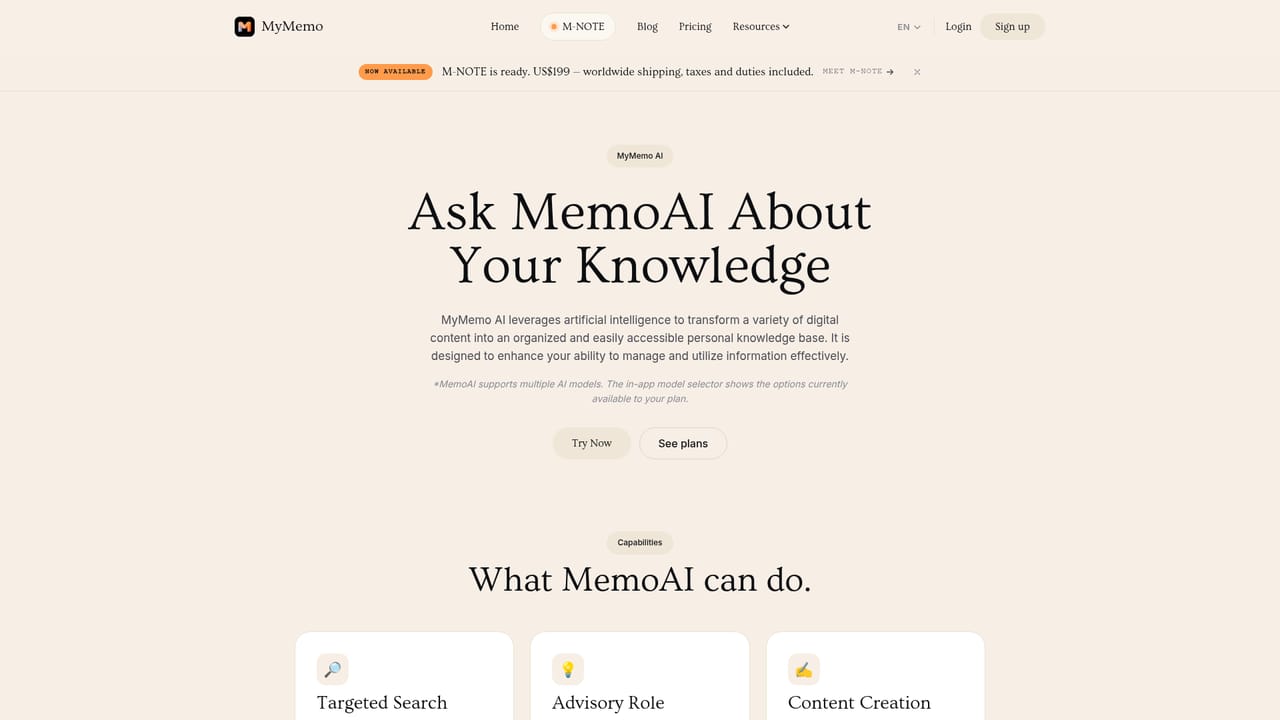
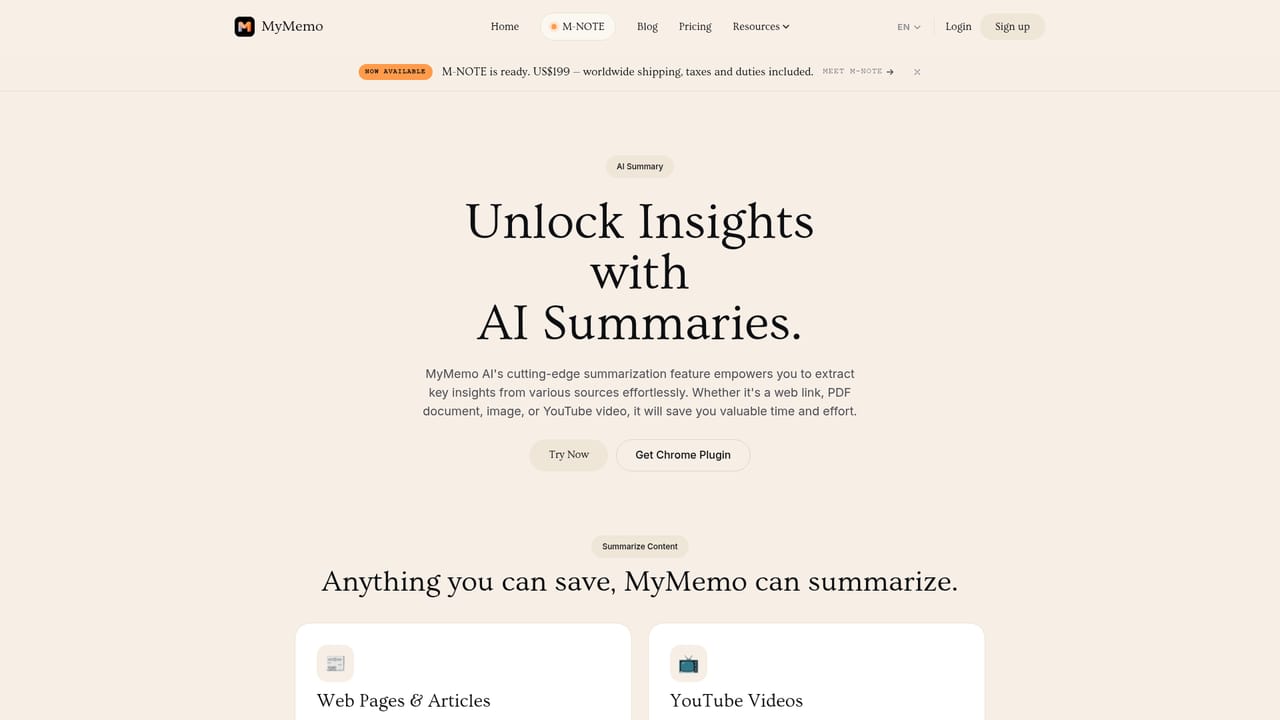
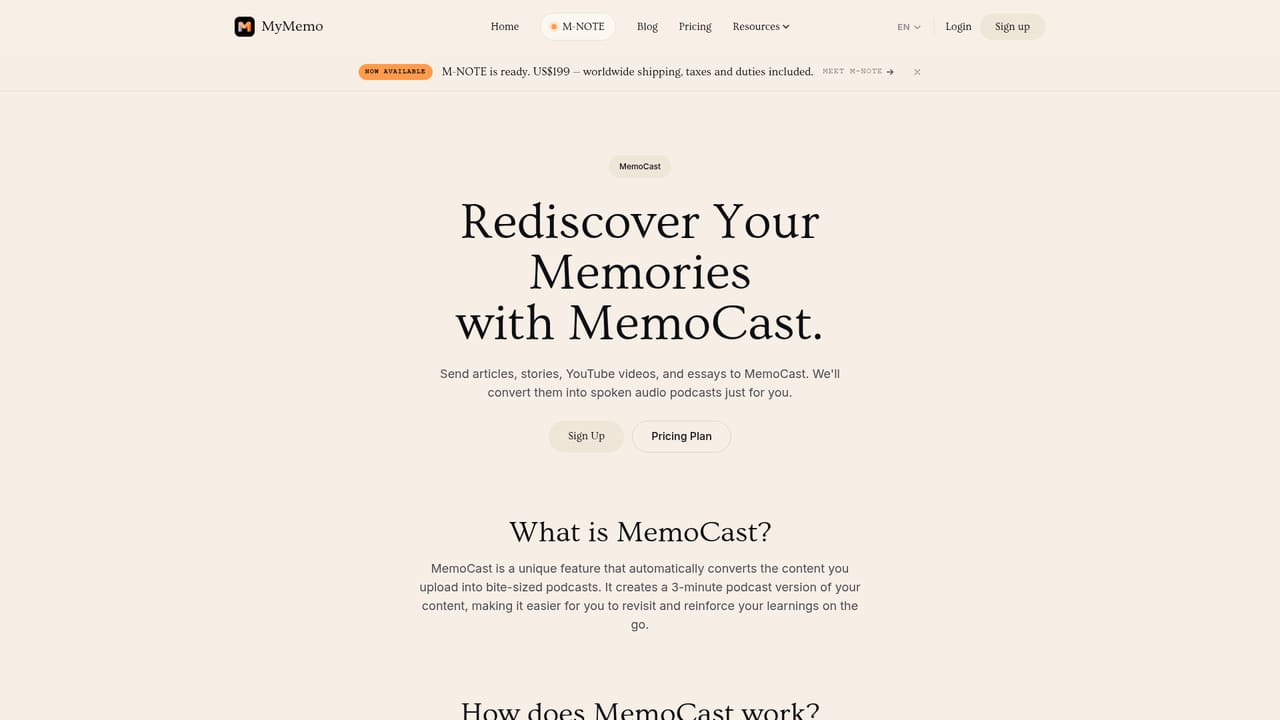
MyMemo is a personal knowledge base that collects scattered material from the web and turns it into something you can question. Articles, links, YouTube videos, screenshots, PDFs, Word documents, audio files and images all land in one inbox, and hand-written notes can be created inside the app as well. A Chrome extension handles capture from the browser, while iOS and Android apps keep the library reachable away from the desk. The company describes the product as a second brain, and the framing is accurate: the value is less in storage than in what happens after the storing. The core mechanic is retrieval through conversation. MemoAI answers natural language questions against your own captures and cites the source behind each answer, so a query about a marketing strategy pulls the specific article, clip or note you half remember. Answers can draw across several formats at once. Summaries are generated automatically for uploads and can be exported as PDF or Word files. Collections group memo cards by project or task, and AI chat can be scoped to the active collection, which keeps a focused question from dragging in unrelated material. TeamSpace extends the same idea to a shared team library with shared questions. The product goes further than most note tools. MemoCast converts saved content into a roughly three-minute podcast feed for listening on a commute or passing to a friend. M-NOTE, a 33.4 g card-shaped voice recorder with 64 GB of storage, feeds meetings, calls and lectures into the library, and paid plans include a monthly transcription allowance. Paid tiers also raise chat and upload ceilings and let users pick from the AI models available to their plan. Multiple languages are supported, with automatic detection based on the uploaded file. This sits between read-later apps, note tools and general chatbots. Read-later services store without understanding; general chat assistants reason without access to your archive. MyMemo tries to close that gap, though the free tier is tight at 50 chats and 10 uploads per month, and the hardware is a separate purchase. OpenMyMemo, an open-source companion that keeps memory in a local folder for MCP clients, is a distinct early-stage project rather than part of the subscription.
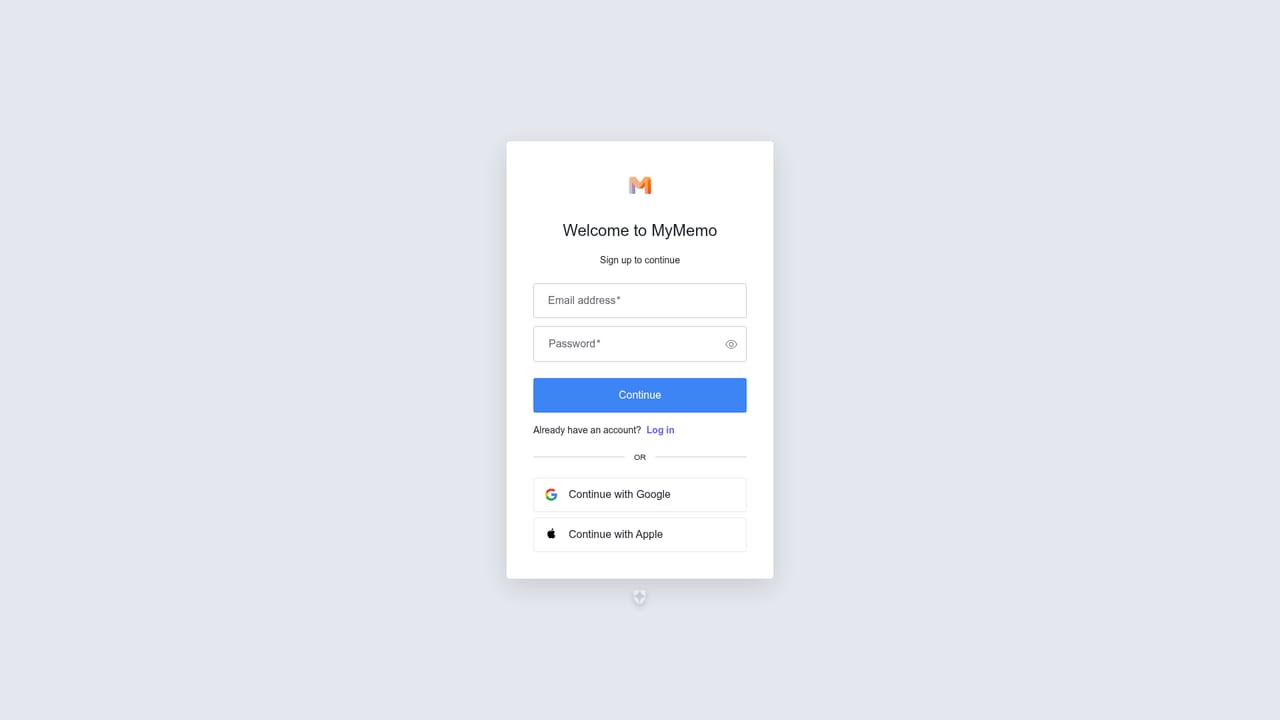
A permanent free tier gives 50 AI chat messages, 10 document uploads and 5 memo collections each month, with no credit card required at signup.
Learn moreFree at $0 with 50 chat messages, 10 uploads and 5 collections per month. Pro costs $5.9 per month billed annually ($9.9 month to month) for 1,000 chats, 200 uploads, 300 M-NOTE transcription minutes and 30 manual MemoCast episodes. Ultra is $11.9 annually ($19.9 monthly) with 3,000 chats, 500 uploads, 200 collections, 600 transcription minutes and 60 episodes.
Learn moreA FAQ on the homepage covers supported file types, cloud storage of uploads, language support and summary exports. Nothing on the homepage describes live chat, email support or response times.
Browser capture runs through a dedicated Chrome extension, and mobile access comes from the iOS and Android apps. The separate open-source OpenMyMemo project lets MCP clients such as Claude, Codex and Cursor share a local memory folder.
Learn moreUnified capture of links, YouTube videos, screenshots, PDFs, Word documents, audio and images, with native notes. AI summaries with key points, downloadable as PDF or Word. MemoAI chat answers questions against your own library and links to sources. Smart Collections scope chat to a project, TeamSpace shares a library across a team, and MemoCast builds short podcast episodes from saved content.
Learn more AI Angels400+ customizable AI girlfriends for NSFW chat, voice calls, and roleplay
 Candy AIExperience the future of companionship with AI friends who chat, role-play, and connect with you on a human level.
 ourdream.aiA vast AI roleplay platform with millions of characters for chat, images, video and voiceAI Angels400+ customizable AI girlfriends for NSFW chat, voice calls, and roleplayCandy AIExperience the future of companionship with AI friends who chat, role-play, and connect with you on a human level.ourdream.aiA vast AI roleplay platform with millions of characters for chat, images, video and voice