Support
The site offers a demo booking link and a beta program that prioritizes resolution of reported issues.
Learn moreManaged AI agents and RAG apps deployed straight to production

Myple is an AI project builder tool. A managed platform for deploying AI agents and RAG applications, with SDKs for Node.js, Python, Go and Rust, a one-command CLI, ready made templates, and one click integrations for GitHub, GitLab, Bitbucket, Discord, Jira and Slack.
Myple is a managed platform for building and shipping AI applications, with a focus on agents and retrieval augmented generation (RAG) models. Rather than assembling infrastructure for model hosting, safety and scaling, teams write application logic against a small SDK and let the platform handle the operational side. The pitch is production readiness: safe AI applications delivered with the user experience and developer experience treated as first class concerns. The product covers the full build path. Open source SDKs serve Node.js, Python, Go and Rust, plus a plain REST interface for anything else. A CLI handles installation and deployment in a handful of commands, and the web platform adds keyboard driven navigation for people who prefer to stay off the mouse. Templates give a running start: a RAG chatbot for documentation, an AI agent that watches Gmail and flags important messages, and a fine tuned Q&A assistant. Each template is customizable and can serve as the base for a real project rather than a throwaway demo. Integration is the other half of the offer. GitHub, GitLab, Bitbucket, Discord, Jira and Slack connect in a few clicks, with no coding required for the hookup itself, so agents can respond to events and conversations in the tools a team already uses. This places Myple closest to managed LLM app platforms and agent hosting services: less infrastructure work than a raw cloud stack, more control over code than a visual chatbot builder. It suits developers and small product teams who want agents in production without owning the plumbing. The site also runs a beta program that grants early access to upcoming features and priority handling of reported issues.

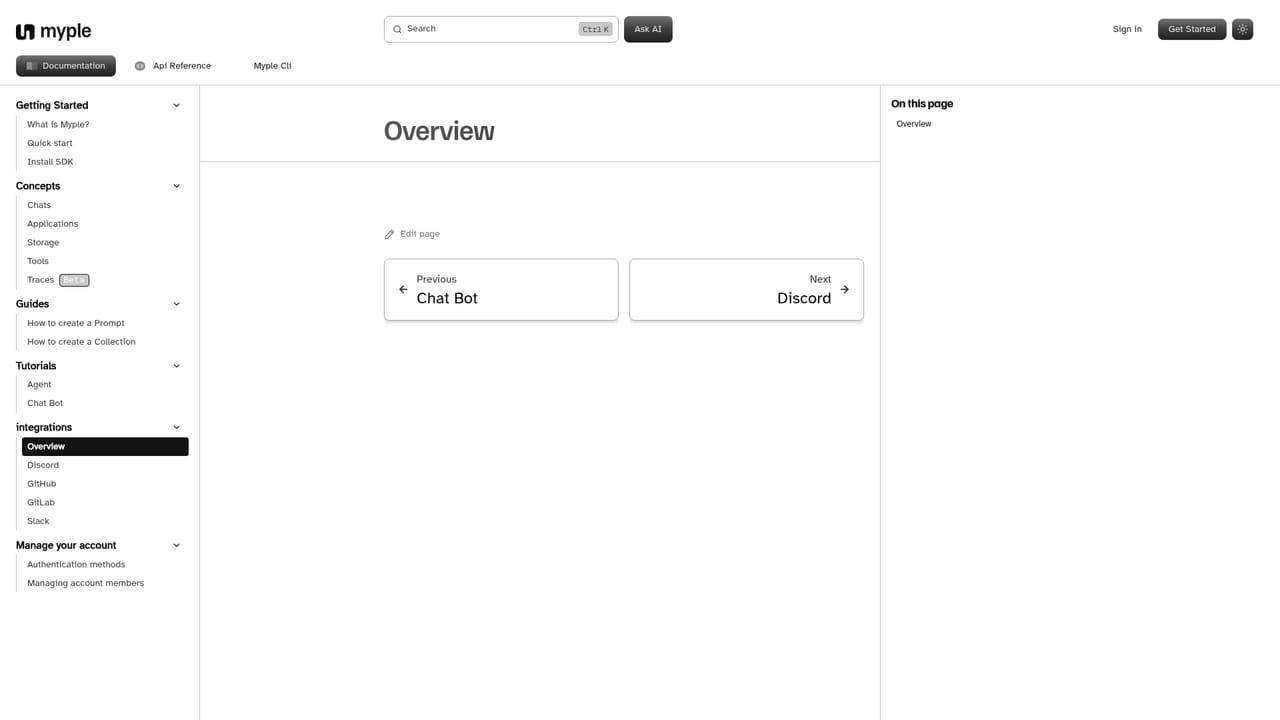
The site offers a demo booking link and a beta program that prioritizes resolution of reported issues.
Learn moreGitHub, GitLab, Bitbucket, Discord, Jira and Slack connect in a few clicks without coding, per the integrations docs.
Learn moreOpen source SDKs for Node.js, Python, Go and Rust with a REST fallback, CLI deployment, managed hosting for agents and RAG models, keyboard driven platform navigation, customizable templates (RAG documentation chatbot, Gmail agent, fine tuned Q&A) and one click integrations with developer and communication tools.
 AI Angels400+ customizable AI girlfriends for NSFW chat, voice calls, and roleplay
 Candy AIExperience the future of companionship with AI friends who chat, role-play, and connect with you on a human level.
 ourdream.aiA vast AI roleplay platform with millions of characters for chat, images, video and voiceAI Angels400+ customizable AI girlfriends for NSFW chat, voice calls, and roleplayCandy AIExperience the future of companionship with AI friends who chat, role-play, and connect with you on a human level.ourdream.aiA vast AI roleplay platform with millions of characters for chat, images, video and voice


