MythBlender

Free AI story and fanfiction generator with a full world builder

Beginner
Screenshot of MythBlender, Free AI story and fanfiction generator with a full world builder

What is MythBlender?

MythBlender is a free AI story and fanfiction generator with a world builder for genres, settings, characters, and cultures, plus short story and image based tale modes. Output works as idea starters rather than finished manuscripts, and nothing is saved automatically.

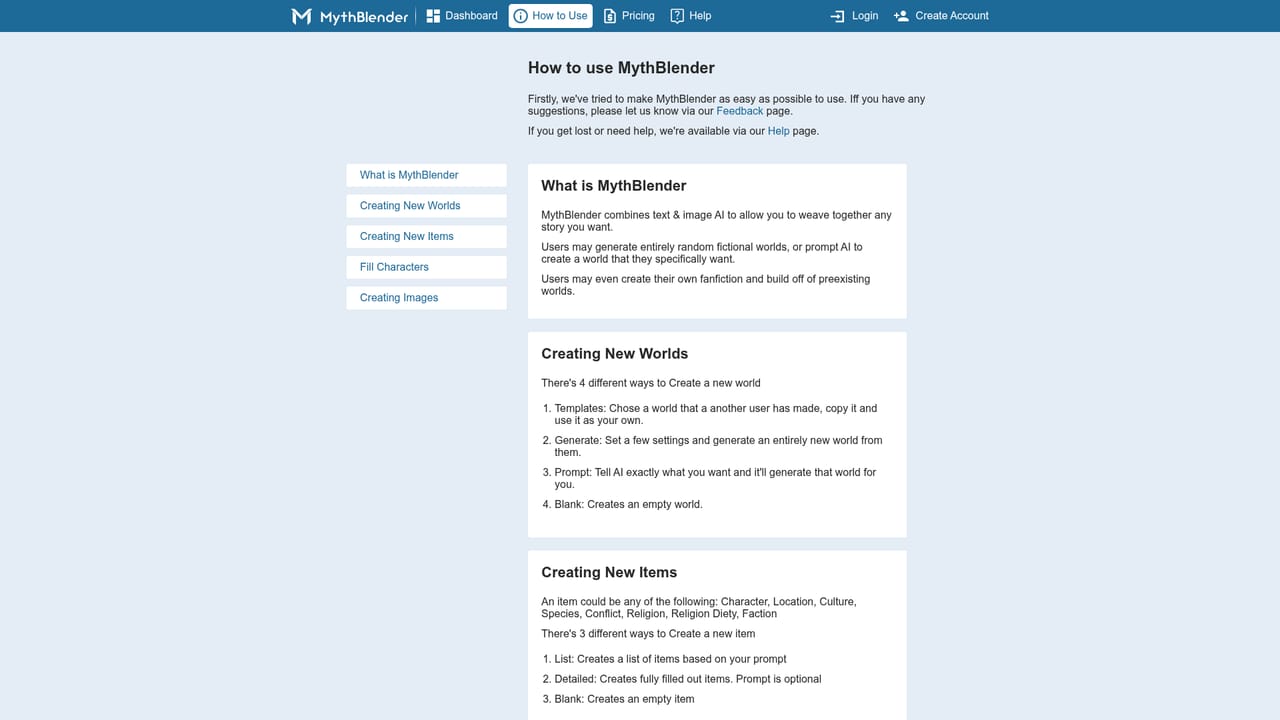
MythBlender is a free browser based story generator that splits its work into three modes: World Builder, Short Story, and Image Tale. The World Builder asks for a genre, time period, length, location, environment, theme, intended audience, tone and mood, then assembles a setting with characters and cultures attached. If the setting is not the hard part, the Short Story mode takes a genre and tone selection plus an optional extra instruction and produces a compact piece of fiction. Image Tale accepts a drawing or an uploaded picture and writes a narrative around what it shows. The fanfiction angle is what separates it from generic story generators. A fanfiction tab lists templates and existing worlds that can be reused as the foundation for a new spin, so writers can add chapters to a universe they already care about rather than starting from nothing. Generation typically takes around ten seconds according to the interface, and a creativity slider plus a Speed or Depth mode toggle give some control over how much the model improvises and how detailed the output runs. Generated characters and locations can also be illustrated with images, which the site says comes from partnerships with external AI image models. It suits hobbyist writers, fanfiction authors, students, and tabletop or roleplay people who want a starting setting fast. In practice the tool behaves like an idea machine rather than a drafting engine: the site itself frames its output as idea starters that the writer has to develop. There is no automatic saving, so anything worth keeping has to be copied out before leaving the page, and free accounts are limited to shorter stories. Sections for sharing work and community feedback are presented on the homepage but described in general terms only, so it is best evaluated as a generator first and a publishing platform second. Compared with paid novel writing suites, MythBlender trades depth of manuscript management for zero cost and quick world seeding.

How do you use MythBlender?

  1. 1Create a free account
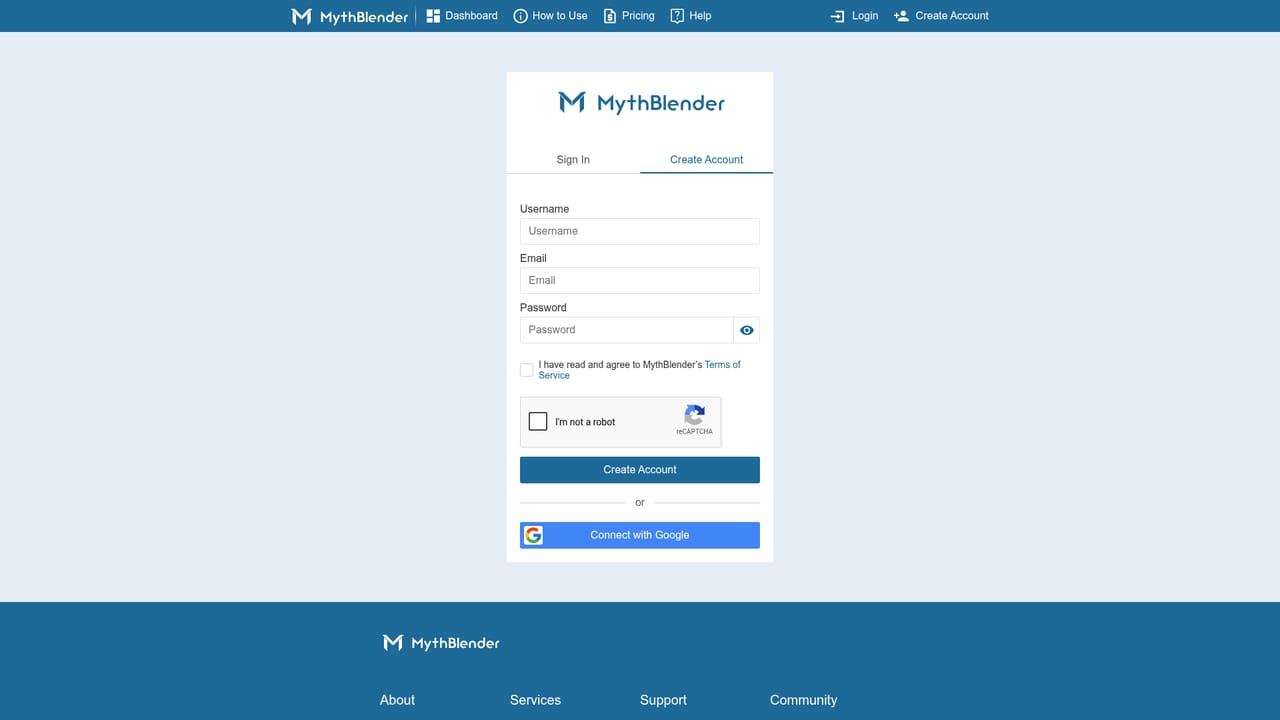
    Sign up with the create account page to unlock the generator panels. The site notes that drawing tools require an account first, so registering early avoids dead ends.
    MythBlender — Create a free account
  2. 2Pick a mode on the dashboard
    Open the dashboard and choose World Builder for settings, Short Story for a quick piece, or Image Tale to build a narrative around a picture.
    MythBlender — Pick a mode on the dashboard
  3. 3Configure the world or story
    Set genre, time period, length, location, environment, theme, audience, and tone, or type a free prompt. Adjust the creativity slider and choose Speed or Depth mode before generating.
    MythBlender — Configure the world or story
  4. 4Try a fanfiction template
    Switch to the fanfiction tab to browse templates and existing worlds, then select one as the base for your own spin or extra chapter.
  5. 5Copy your results before leaving
    The generator does not save stories automatically. Copy the text you want to keep into a document as soon as it appears.
  6. 6Ask for help or send feedback
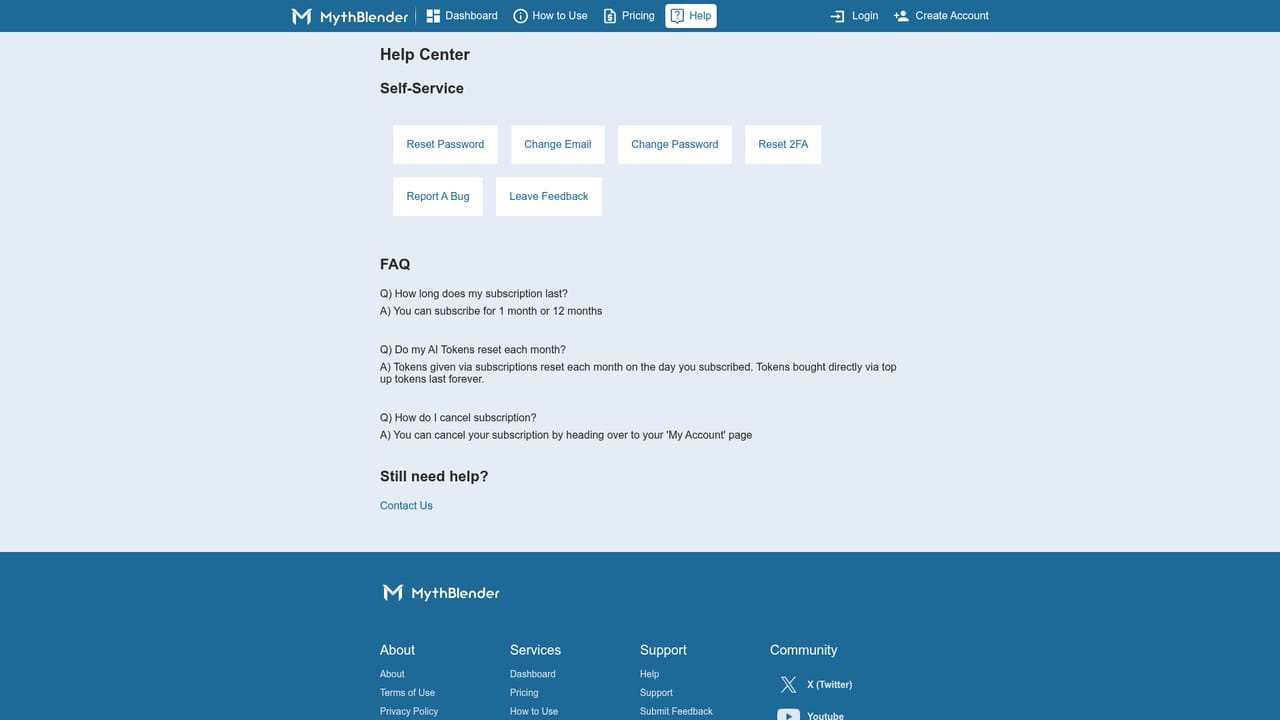
    Use the help area to open a ticket for troubleshooting, feature requests, or feedback on the generated output.
    MythBlender — Ask for help or send feedback

Pros and cons

Pros

  • Genuinely free to use, with no time limit stated on the homepageAI
  • World Builder exposes detailed controls for genre, era, environment, theme, audience, and moodAI
  • Fanfiction mode reuses existing worlds and templates instead of starting from a blank promptAI
  • Three distinct modes cover world creation, short fiction, and stories built from an imageAI
  • Creativity slider and Speed or Depth toggle give basic control over output length and detailAI

Cons

  • Stories are not saved automatically, so unsaved work is lost when you leave the pageAI
  • Free accounts are restricted to shorter stories, with longer output only hinted at for the futureAI
  • Publishing and community features are described in general terms with little detail on how they workAI
  • No stated export, manuscript management, or collaboration tools for novel length projectsAI
  • Output is positioned as idea starters, so substantial rewriting is still requiredAI

How much does MythBlender cost?

Pricing

The homepage states that MythBlender is free to use for as long as you want, with no hidden fees or time limits mentioned. Optional premium features such as extended word counts, advanced customization, or exclusive content are described only as possibilities for the future.

Learn more

Support

Support runs through a ticket system on the help page. The homepage invites feedback, feature requests, and troubleshooting reports through that channel, but lists no email address, live chat, or phone contact.

Learn more

Features

Three generation modes share one dashboard: World Builder for settings with characters, locations, and cultures; Short Story for quick genre and tone driven fiction; and Image Tale for narratives built from a drawing or uploaded image. A fanfiction tab offers templates and reusable worlds. Controls include a creativity slider, Speed and Depth modes, and roughly ten second generation times. Character and location illustrations come from partnered AI image models.

Learn more

Frequently asked questions about MythBlender

  • How much does MythBlender cost?
    The homepage states that MythBlender is free to use for as long as you want, with no hidden fees or time limits mentioned. Optional premium features such as extended word counts, advanced customization, or exclusive content are described only as possibilities for the future.
  • How do you use MythBlender?
    The walkthrough on this page covers 6 steps: 1. Create a free account 2. Pick a mode on the dashboard 3. Configure the world or story 4. Try a fanfiction template 5. Copy your results before leaving 6. Ask for help or send feedback.
  • What platforms does MythBlender support?
    MythBlender is available on Web App.
  • What are the limitations of MythBlender?
    Stories are not saved automatically, so unsaved work is lost when you leave the page. Free accounts are restricted to shorter stories, with longer output only hinted at for the future. Publishing and community features are described in general terms with little detail on how they work.

Status

StatusActive
Views0
Outbound clicks0
Added10/21/2026

Platforms

Web App

Pricing

FreeFreemium