Free trial
The site invites users to start for free through the Wonsulting app, and free tools are referenced in user stories, but the homepage does not state how long a trial lasts or what it includes.
Learn moreAI networking and cold email outreach built for job seekers

NetworkAI is an automatic job apply tool. NetworkAI, part of the WonsultingAI job search suite, finds recruiters and hiring managers, generates personalized LinkedIn connection messages and cold emails, and includes an email finder for verified company addresses.
NetworkAI is the networking and cold outreach component of WonsultingAI, a job search platform from career coaching company Wonsulting. It addresses a specific bottleneck in the job hunt: most candidates can apply to postings but freeze when it comes to contacting the people who actually influence hiring. The tool identifies recruiters, hiring managers and industry professionals, then drafts the message that opens the conversation. It is aimed at job seekers at any career stage, from students and early career candidates to professionals making a lateral move, and it sits inside a wider suite that also covers resumes, cover letters, interview prep and application tracking. The product has two working halves. LinkedIn Networking takes a target role, current role and target companies as inputs and produces a personalized connection request that reads like a human wrote it rather than a template. From there a LinkedIn button routes the user toward the relevant recruiters and hiring managers. Every generated message is saved to the account, where it can be favorited, compared against other versions and tracked for response rates. Cold Emailing combines an email finder with a resume-powered generator: enter a full name and company domain, pick the verified address most likely to reach the right person, upload a resume, add key points and receive a tailored email ready to copy and send. The workflow is deliberately manual on the sending side. NetworkAI writes the message and surfaces the contact, but the user still sends the LinkedIn request or email from their own account, which keeps outreach personal and avoids the account restrictions that automated LinkedIn activity can trigger. Resume-specific generation means the same recruiter pitch can be reshaped for different roles without rewriting from scratch. The main caveat is fit. Candidates who have no LinkedIn presence or who are targeting industries where email outreach is unusual will get less from it, and the cold email quality depends on how complete the uploaded resume is. NetworkAI is also one module of a subscription suite, so anyone who only wants outreach help is paying for adjacent tools (resume builder, cover letter, interview prep) whether or not they use them.
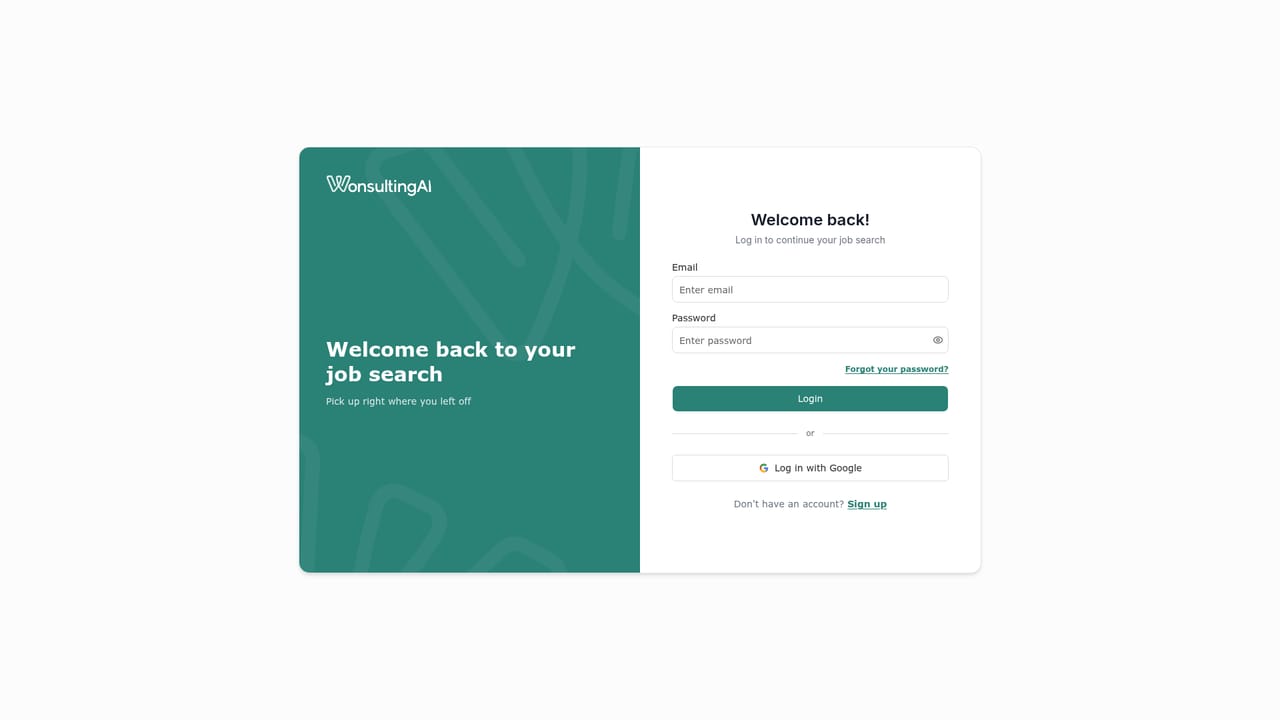
The site invites users to start for free through the Wonsulting app, and free tools are referenced in user stories, but the homepage does not state how long a trial lasts or what it includes.
Learn moreA Wonsulting help centre is linked from the site, and the platform is positioned as part of a broader suite with coaching services available through Wonsulting. No support channels specific to NetworkAI are listed on the homepage.
Learn moreLinkedIn Networking builds personalized connection requests from a target role, current role and target companies, with a saved message library for comparing drafts. Cold Emailing pairs an email finder that returns verified company addresses ranked by relevancy with a generator that uses an uploaded resume and user-supplied key points to write tailored outreach. A LinkedIn button links generated messages directly to recruiter and hiring manager profiles.
Learn more AI Angels400+ customizable AI girlfriends for NSFW chat, voice calls, and roleplay
 Candy AIExperience the future of companionship with AI friends who chat, role-play, and connect with you on a human level.
 ourdream.aiA vast AI roleplay platform with millions of characters for chat, images, video and voiceAI Angels400+ customizable AI girlfriends for NSFW chat, voice calls, and roleplayCandy AIExperience the future of companionship with AI friends who chat, role-play, and connect with you on a human level.ourdream.aiA vast AI roleplay platform with millions of characters for chat, images, video and voice


