NewsBookLM

Client specific AI news briefings for agencies

Beginner
Screenshot of NewsBookLM, Client specific AI news briefings for agencies

What is NewsBookLM?

NewsBookLM is a content tool. An AI news briefing tool for digital marketing agencies. It finds sector and local stories relevant to each client and helps agencies write their own take, so the account team can brief the client before competitors do.

NewsBookLM is an AI news briefing tool built for digital marketing agencies and the account managers who run client relationships. The product positions itself around a simple idea: the person who tells the client first owns the conversation. Instead of scanning general news feeds, the tool finds stories that are relevant to a specific client's market and sector, then helps the agency turn those stories into a short written take that can be sent out quickly. The homepage shows the raw material the system works with: dense streams of short local and regional headlines covering retail foot traffic, mortgage rates, streaming price changes, staffing cuts at podcast networks, city council votes, and similar business adjacent items. Because agency clients often care about exactly this kind of granular, local and sector level movement, the tool is designed to surface those items rather than generic national headlines. The brief is then paired with commentary, so the output reads as a point of view from the agency rather than a bare news digest. In practice the workflow is editorial rather than automatic. An agency signs in, defines the stories and topics that matter to a given client, reviews what the system has pulled together, and writes or refines a take in its own voice before it goes out. That makes the tool a research and briefing assistant for account, strategy and content teams, not a fully autonomous newsletter engine. It sits alongside options like general news aggregators and AI research assistants, and its differentiator is the client by client framing plus the emphasis on commentary over aggregation. The homepage does not disclose a feature list, pricing, exports, or third party integrations, so those details need to be confirmed directly with the vendor before committing to a plan. Teams that want a fast way to give clients a weekly or daily point of view on their own market are the clearest fit.

How do you use NewsBookLM?

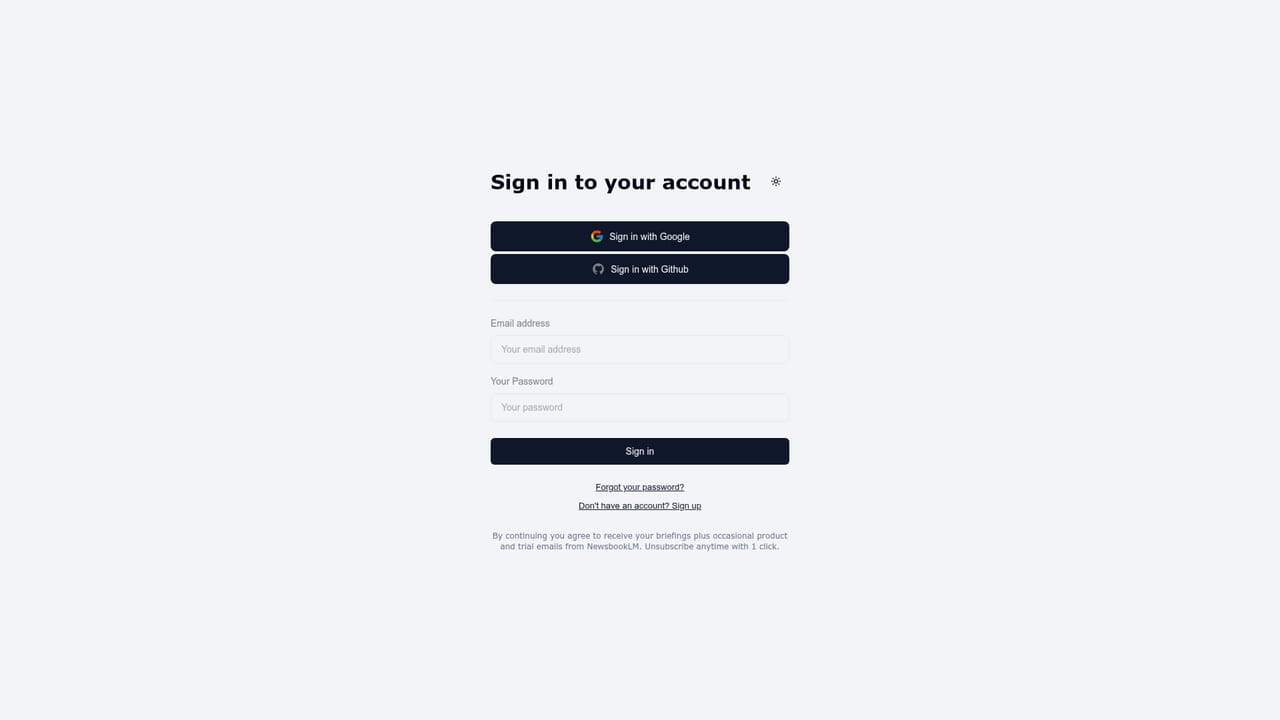
  1. 1Sign in to NewsBookLM
    Open the login page and sign in with your agency account credentials. Access to briefings and client settings starts from the signed in workspace.
    NewsBookLM — Sign in to NewsBookLM
  2. 2Set up a client profile
    Create or select a client inside the workspace and note the market, sector and topics that client actually cares about. Vague profiles produce vague briefings.
  3. 3Review the matched stories
    Look through the stories the system pulls for that client and keep the items with real relevance. Discard the general noise before it reaches the draft.
  4. 4Write the agency take
    Add your own commentary on each kept story so the brief carries a point of view from the account team rather than a summary anyone could have written.
  5. 5Send the briefing and repeat
    Push the finished brief to the client and reuse the same profile for the next cycle. Regular briefings tend to land better than one off sends.

Pros and cons

Pros

  • Frames news around individual clients rather than broad global feedsAI
  • Headline examples on the site show a useful mix of local, retail and sector level storiesAI
  • The commentary layer pushes output toward an agency point of view rather than a plain link roundupAI
  • Designed for agency account and strategy work, so the briefing maps to an existing client communication habitAI

Cons

  • The homepage gives no pricing, plan tiers or usage limitsAI
  • No visible feature list, export options or supported source coverage is publishedAI
  • Third party integrations and the ability to connect to agency stacks are not documentedAI
  • Support channels and onboarding help are not described on the siteAI
  • Useful output still depends on a human editing and adding a real point of viewAI

How much does NewsBookLM cost?

Features

The tool finds news stories tied to a specific client's market and sector, then supports writing an agency take on those stories. The homepage highlights local and business level headlines (retail traffic, mortgage rates, streaming prices, staffing cuts) as the type of material a briefing is built from. A published feature list is not available.

Frequently asked questions about NewsBookLM

  • How do you use NewsBookLM?
    The walkthrough on this page covers 5 steps: 1. Sign in to NewsBookLM 2. Set up a client profile 3. Review the matched stories 4. Write the agency take 5. Send the briefing and repeat.
  • What platforms does NewsBookLM support?
    NewsBookLM is available on Web App.
  • What are the limitations of NewsBookLM?
    The homepage gives no pricing, plan tiers or usage limits. No visible feature list, export options or supported source coverage is published. Third party integrations and the ability to connect to agency stacks are not documented.

Status

StatusActive
Views0
Outbound clicks0
Added10/22/2026

Platforms

Web App

Pricing

Subscription