Pricing
The homepage gives no self-serve price. It states that Notch is moving to enterprise, that Basic and Pro plans are being discontinued, and that enterprise usage is priced custom for each team through a demo conversation.
Learn moreAn autonomous AI growth marketer that builds and launches Meta ads

Notch is a content tool. Notch runs an autonomous AI growth marketer called Max that reads Meta ad performance, pitches creative angles, builds video and static ads, and launches approved campaigns through the Meta Ads API, with weekly plans and reports delivered in Slack.
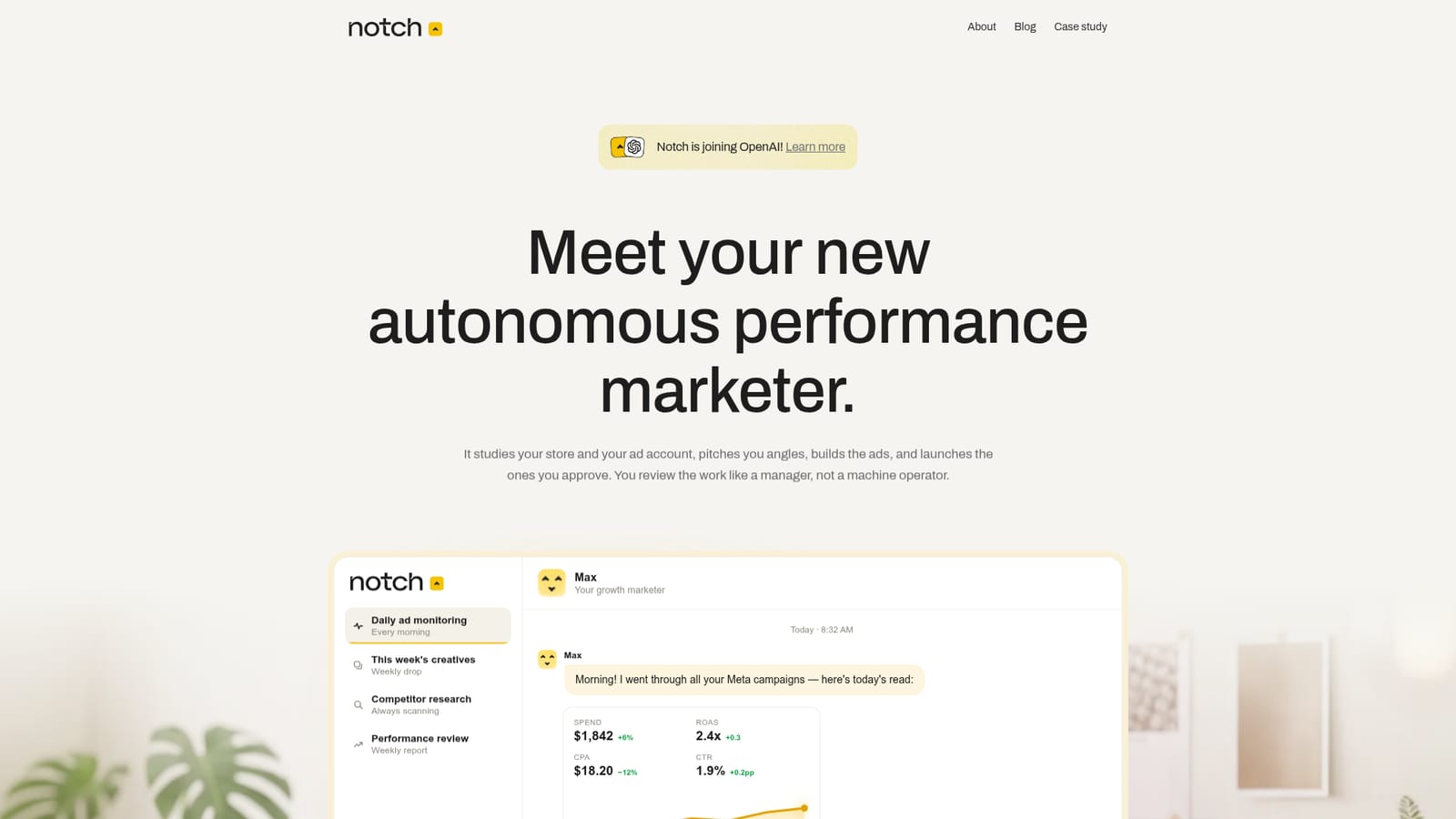
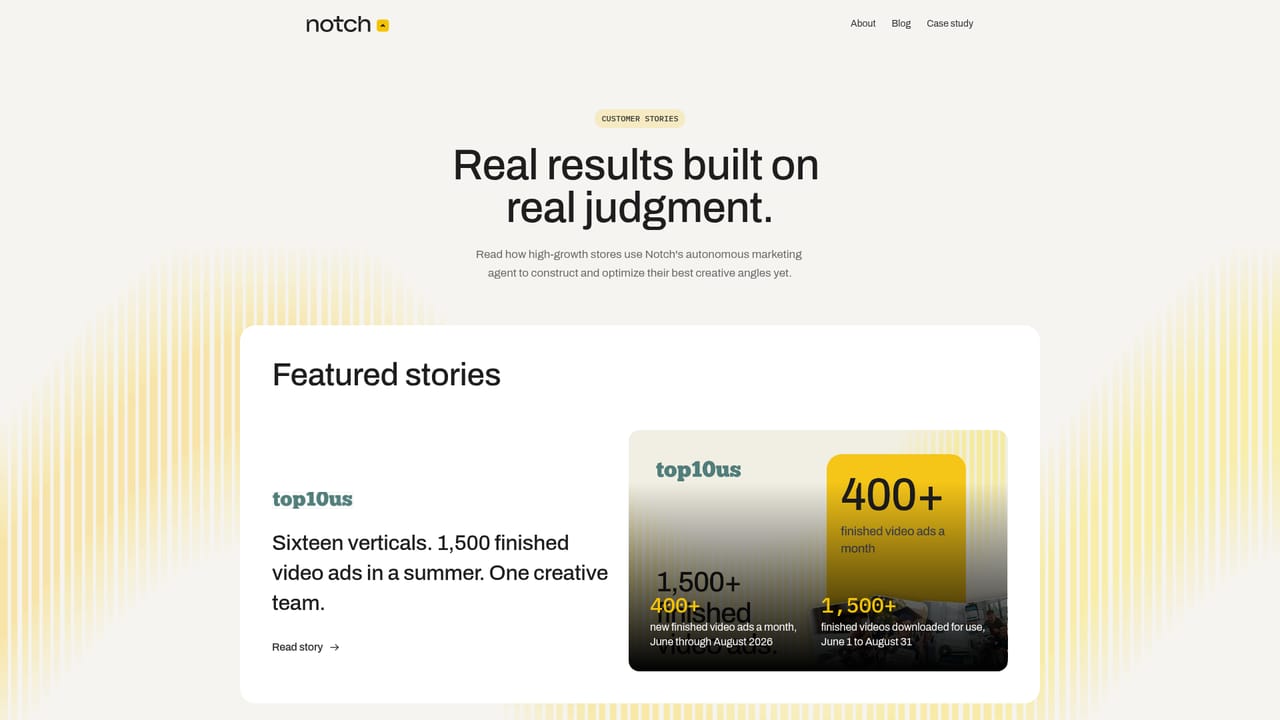
Notch is a web product built around an autonomous performance marketer named Max. Connect a store and a Meta ad account, and the agent studies both, proposes creative angles, produces finished video and static assets, and launches the campaigns a human approves. The work happens inside real ad accounts through the official Meta Ads API, where Notch is a verified Business Partner. The company reports 50,000+ ads shipped across 4,300+ brands and agencies, and it has announced that the team is joining OpenAI. The product is organized like a hire rather than a dashboard. Each agent gets a name, a brief, and a job description, and the working week is structured: Monday reading account data and posting a plan, Tuesday shipping a first batch of creative, Wednesday moving approved ads live and flagging fatigue, Thursday scanning competitor hooks, Friday reporting spend, winners, losers, and next week's testing plan. Updates land in Slack. Nothing goes live without approval or rules the operator sets, so the job is reviewing work rather than operating a machine. Underneath sits a Brand Brain, a working memory of voice, past winners, and customer language, which every generated asset is graded against before it reaches a reviewer. Operators can run one agent or add specialists per product, market, or angle, and those agents share the same memory. Two usage patterns are described: briefing Max in plain language with a raw clip and instructions, or handing over the whole job and approving a remix package it assembles from angles that previously worked. Notch is aimed at ecommerce brands and agencies already spending on Meta, particularly teams without room for another full-time creative and media buyer. It competes with ad automation suites and standalone creative generators, but positions itself closer to a managed marketer: strategy, production, and campaign management in one loop. The homepage now steers newcomers toward an enterprise demo rather than self-serve signup.
The homepage gives no self-serve price. It states that Notch is moving to enterprise, that Basic and Pro plans are being discontinued, and that enterprise usage is priced custom for each team through a demo conversation.
Learn moreSupport runs through the demo-led sales process and the shared Slack workspace where the agent posts its plans, escalations, and weekly reports.
A direct integration with the official Meta Ads API as a verified Business Partner, plus Slack for plans, escalations, and reporting. Further integrations are listed as coming soon, with no names or dates given.
An autonomous marketer that scans reviews, competitors, and trends for fresh angles, produces high-fidelity video and static ads, and manages budgets, ad sets, and campaign structure through the Meta Ads API. It escalates spend or performance problems in Slack, runs systematic A/B tests on hooks and copy, grades assets against a Brand Brain, and adds specialist agents per product or market.
 AI Angels400+ customizable AI girlfriends for NSFW chat, voice calls, and roleplay
 Candy AIExperience the future of companionship with AI friends who chat, role-play, and connect with you on a human level.
 ourdream.aiA vast AI roleplay platform with millions of characters for chat, images, video and voiceAI Angels400+ customizable AI girlfriends for NSFW chat, voice calls, and roleplayCandy AIExperience the future of companionship with AI friends who chat, role-play, and connect with you on a human level.ourdream.aiA vast AI roleplay platform with millions of characters for chat, images, video and voice


