Free trial
A Start Free Trial button links to the account login page, and a free tier appears to exist, but the homepage does not state trial length, credit allowance or whether a card is required.
Learn moreAI 3D model generator with texture, rigging and format tools in the browser

NovaGen3D turns text, single images or multi-view references into GLB models using several AI engines (Hunyuan 3D, Tripo, Rodin, Hitem3D, Trellis), then adds texturing, part separation, rigging, motion presets, a local 3D viewer and a format converter in one browser workspace.
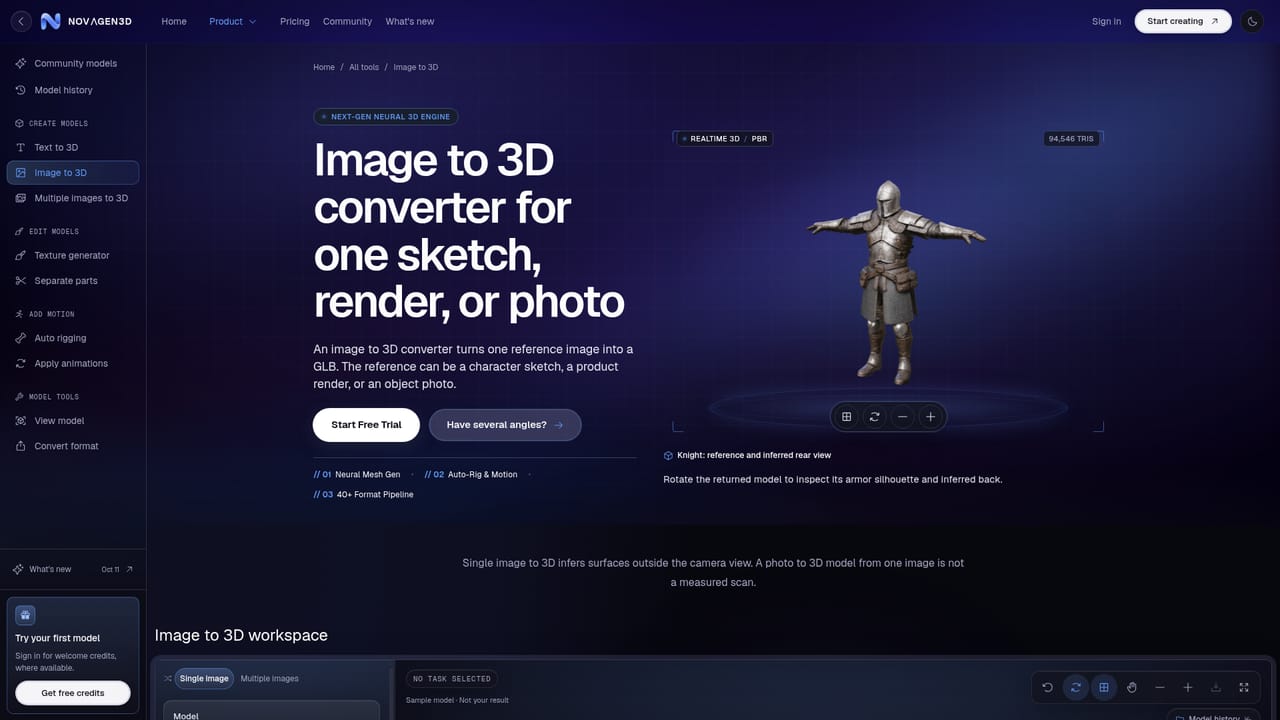
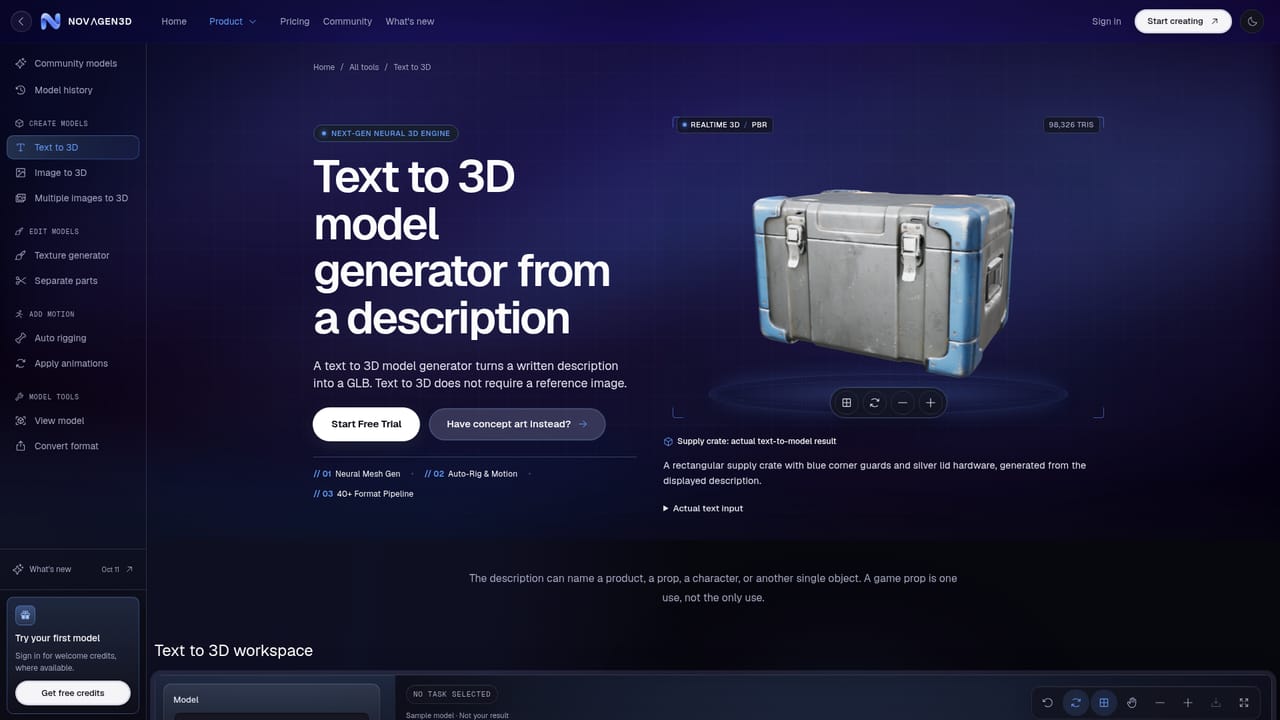
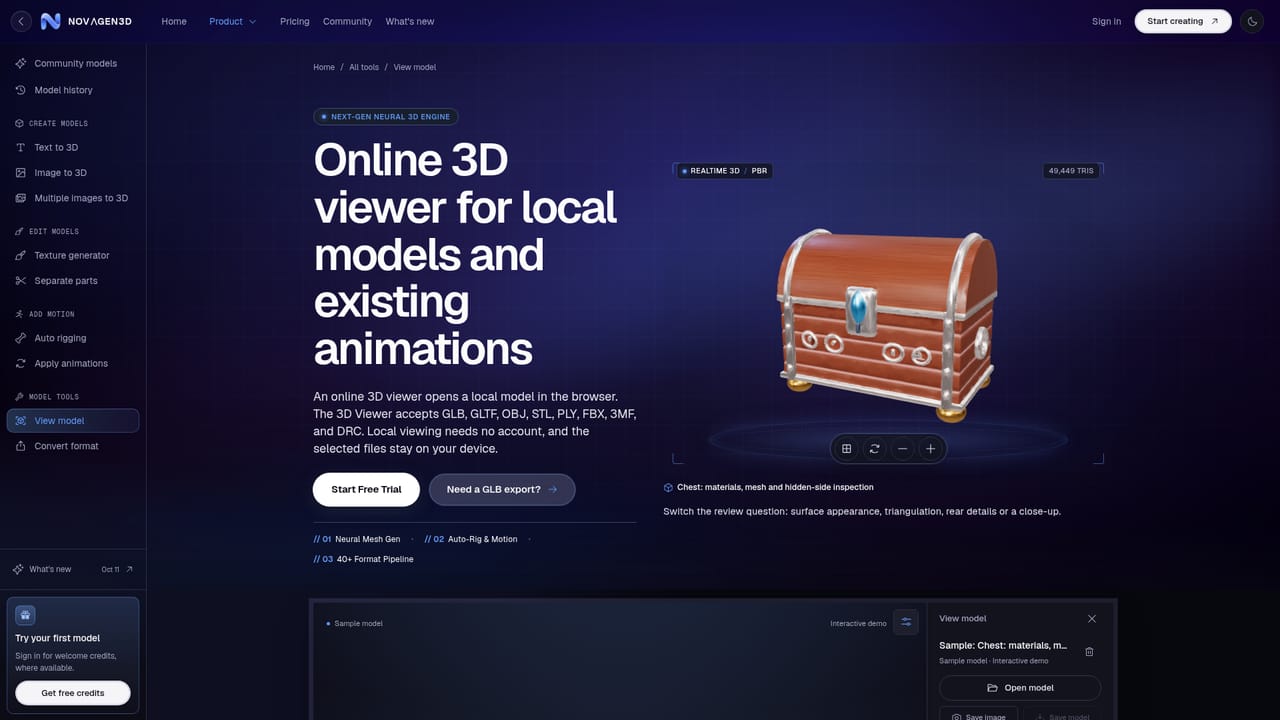
NovaGen3D is a browser workspace for producing 3D assets with AI. A written description, a single reference image or a set of labeled views can become a GLB file without installing a modeling application, since generation runs on cloud servers. The pitch is breadth: text to 3D, image to 3D, multi-view to 3D, texturing, part separation, auto rigging, animation retargeting, a viewer and a converter all sit behind one login, so a prop or character can move from first sketch to finished file without bouncing between services. Model choice is the part that separates it from single-engine competitors. Text to 3D offers Auto, Hunyuan 3D, Tripo and Rodin, while image-driven tasks add Hitem3D and Trellis. Each engine keeps its own controls: Hunyuan 3D can return geometry only or textured output with optional PBR; Tripo splits geometry quality from texture quality; Rodin offers Fast and Standard tiers running from Minimum up to Extreme-High; Hitem3D handles object or portrait references with Fast and Pro options. Auto picks an engine for you, though you still set base for a draft or Pro for more detail. Multi-view input has engine-specific view counts and label orders, which is worth reading before uploading. Refinement tasks are where the workspace earns its keep. An existing GLB up to 100 MB can enter the texture generator with a style reference, go through part separation to return selectable mesh groups, or receive a humanoid skeleton with skin weights from auto rigging. Apply animations builds a new skeleton and returns up to 10 motions from 38 presets as separate files. The viewer opens common formats locally and the converter exports GLTF, OBJ, STL, PLY or static USDZ on your device. The tool suits indie game developers, product visualization artists and 3D printing hobbyists who need a starting mesh fast. It is not a replacement for a full editor: the site itself advises checking small controls, mesh edges, scale, deformation and foot contact before a model enters a final scene, and part separation does not arrange pieces for printing.
A Start Free Trial button links to the account login page, and a free tier appears to exist, but the homepage does not state trial length, credit allowance or whether a card is required.
Learn moreThe homepage names credits as the pricing unit: a generation is listed at 10 credits with an estimated time of roughly 30 seconds, and Auto is described as the value choice among engines. Detailed plan tiers and prices are not stated on the homepage; the pricing page holds the current figures.
Learn moreText to 3D, image to 3D, multi-view to 3D, and a texture generator that applies a reference appearance to an existing GLB. Part separation returns selectable mesh components, auto rigging adds a humanoid skeleton and skin weights, and animation retargeting applies up to 10 motions from 38 presets. A local 3D viewer handles eight formats, and a converter exports GLTF, OBJ ZIP, STL, PLY or static USDZ.
Learn more AI Angels400+ customizable AI girlfriends for NSFW chat, voice calls, and roleplay
 Candy AIExperience the future of companionship with AI friends who chat, role-play, and connect with you on a human level.
 ourdream.aiA vast AI roleplay platform with millions of characters for chat, images, video and voiceAI Angels400+ customizable AI girlfriends for NSFW chat, voice calls, and roleplayCandy AIExperience the future of companionship with AI friends who chat, role-play, and connect with you on a human level.ourdream.aiA vast AI roleplay platform with millions of characters for chat, images, video and voice





