Support
Help lives on the Studio resources page and a GPU selection guide, alongside drivers and tutorials; there is no dedicated Canvas help centre linked from the homepage.
Learn moreTurn rough painted sketches into finished landscape images using RTX GPU acceleration
Own NVIDIA Canvas? Verify ownership to get a dofollow link

NVIDIA Canvas is a casual chatting tool that turns rough painted sketches into finished landscape images using RTX GPU acceleration. A sketch-to-landscape tool from NVIDIA Studio that converts painted blocks of colour and labelled brush strokes into finished scene images, using RTX GPU acceleration to keep iteration fast and local.
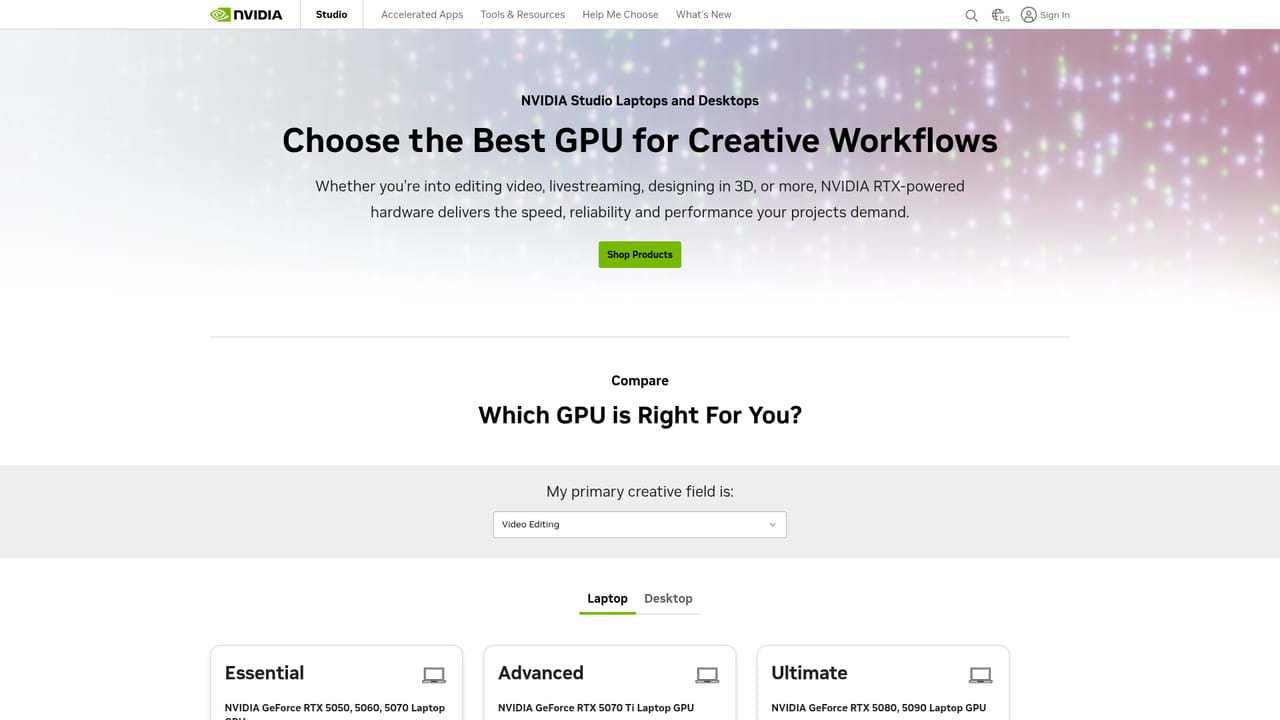
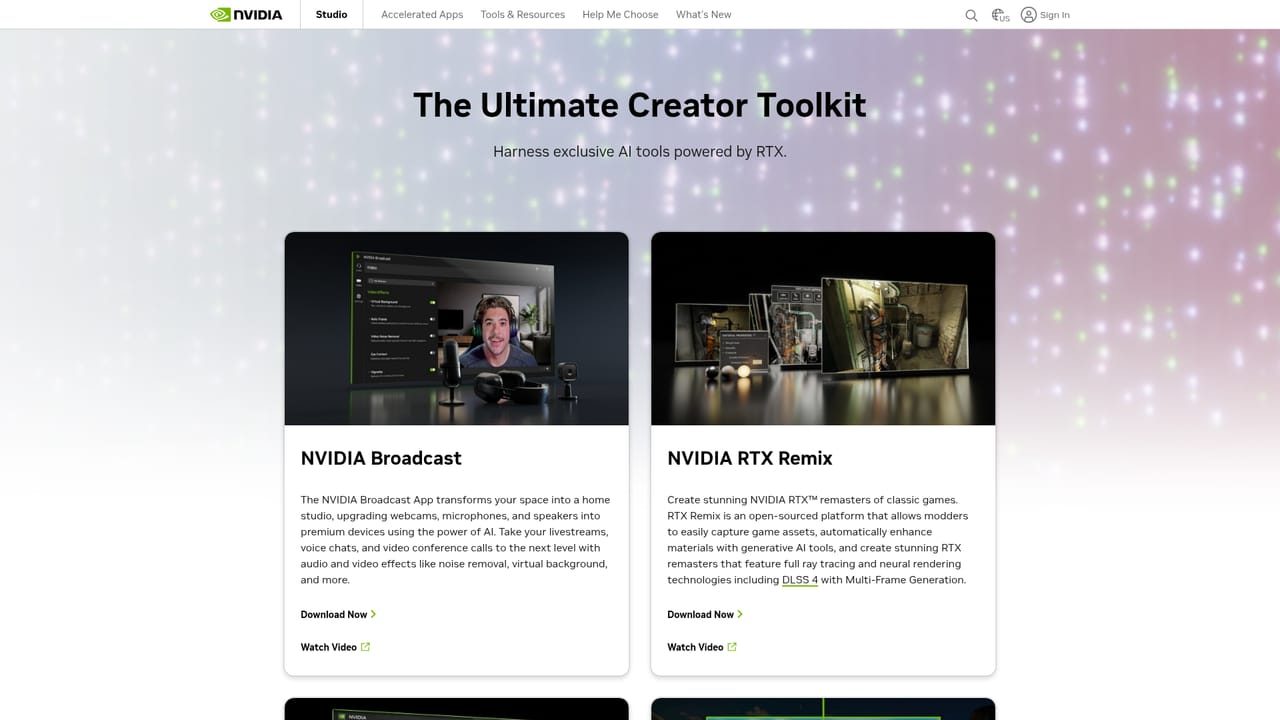
NVIDIA Canvas is the sketch to image tool inside the broader NVIDIA Studio ecosystem. The premise is simple: you paint broad blocks of colour and rough shapes with a small set of labelled brushes (sky, mountain, water, foliage and similar landscape elements) and the software interprets those strokes as a photograph-like scene. Rather than prompting with text, you describe the image spatially, which keeps you in direct control of composition while the AI handles texture, lighting and detail. In practice the workflow is iterative. A painter blocks in the horizon, marks where a lake sits and drags a sky brush across the top, and Canvas produces a matched landscape beside the sketch. Changing a brush or reshaping an area regenerates the result, so small adjustments become fast experiments. Multiple visual styles are available to shift the same layout from photoreal to stormy or painterly, and an export path lets you move the generated image into other editing software. A separate feature turns a photo into a segmentation map you can then modify, which is useful for repainting an existing scene. Studio itself is not a single app but a bundle of creative acceleration. It includes RTX Video enhancement, the NVIDIA Broadcast app, RTX Remix for modders and a long list of optimised creative applications across video editing, 3D, graphic design and photography. That positions Canvas less as a standalone competitor to browser based image generators and more as one piece of a hardware-backed pipeline. The tradeoff is clear: results and speed depend on owning a compatible GeForce RTX card, and the benefit is local processing with tuned drivers and no per-image credits. The tool suits concept artists, environment designers and hobbyists who think visually and want fast blocking of landscape ideas, not text prompt explorers. Anyone without recent RTX hardware, or working on non-landscape subjects, will find the ceiling arrives quickly.
Help lives on the Studio resources page and a GPU selection guide, alongside drivers and tutorials; there is no dedicated Canvas help centre linked from the homepage.
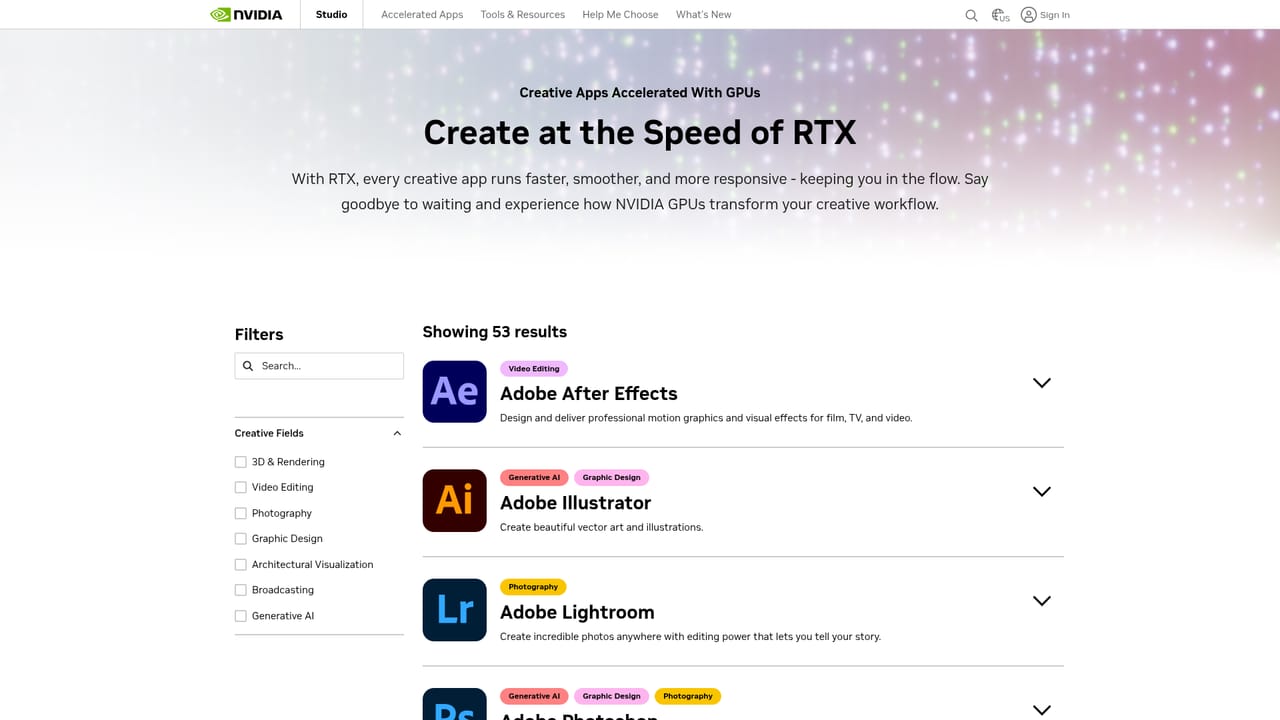
Learn moreThe Studio hub lists more than 130 enhanced creative apps across video editing, 3D design, graphic design and photography, including Adobe Creative Cloud tools and ComfyUI for generative workflows.
Learn moreCanvas converts labelled brush strokes into rendered landscape scenes with multiple visual styles and a photo-to-segmentation-map input. It sits within NVIDIA Studio alongside RTX Video enhancement, the Broadcast app for webcams and microphones, RTX Remix for modding, and over 130 optimised creative applications.
Learn more AI Angels400+ customizable AI girlfriends for NSFW chat, voice calls, and roleplay
 Candy AIExperience the future of companionship with AI friends who chat, role-play, and connect with you on a human level.
 ourdream.aiA vast AI roleplay platform with millions of characters for chat, images, video and voiceAI Angels400+ customizable AI girlfriends for NSFW chat, voice calls, and roleplayCandy AIExperience the future of companionship with AI friends who chat, role-play, and connect with you on a human level.ourdream.aiA vast AI roleplay platform with millions of characters for chat, images, video and voice


%201-svg%20(1).png)