Free trial
A free registration option is available through the system portal, and the site invites visitors to try the product for free.
Learn moreAutomated on-page SEO and AEO meta tag optimization for agencies

Nytro SEO is a website audit tool. Automated SEO and AEO tool that rewrites meta titles, descriptions, alt text and anchor text through a JavaScript tag, with keyword monitoring dashboards and optional manual overrides. Aimed at agencies and SMBs that want continuous meta tag optimization without CMS edits.
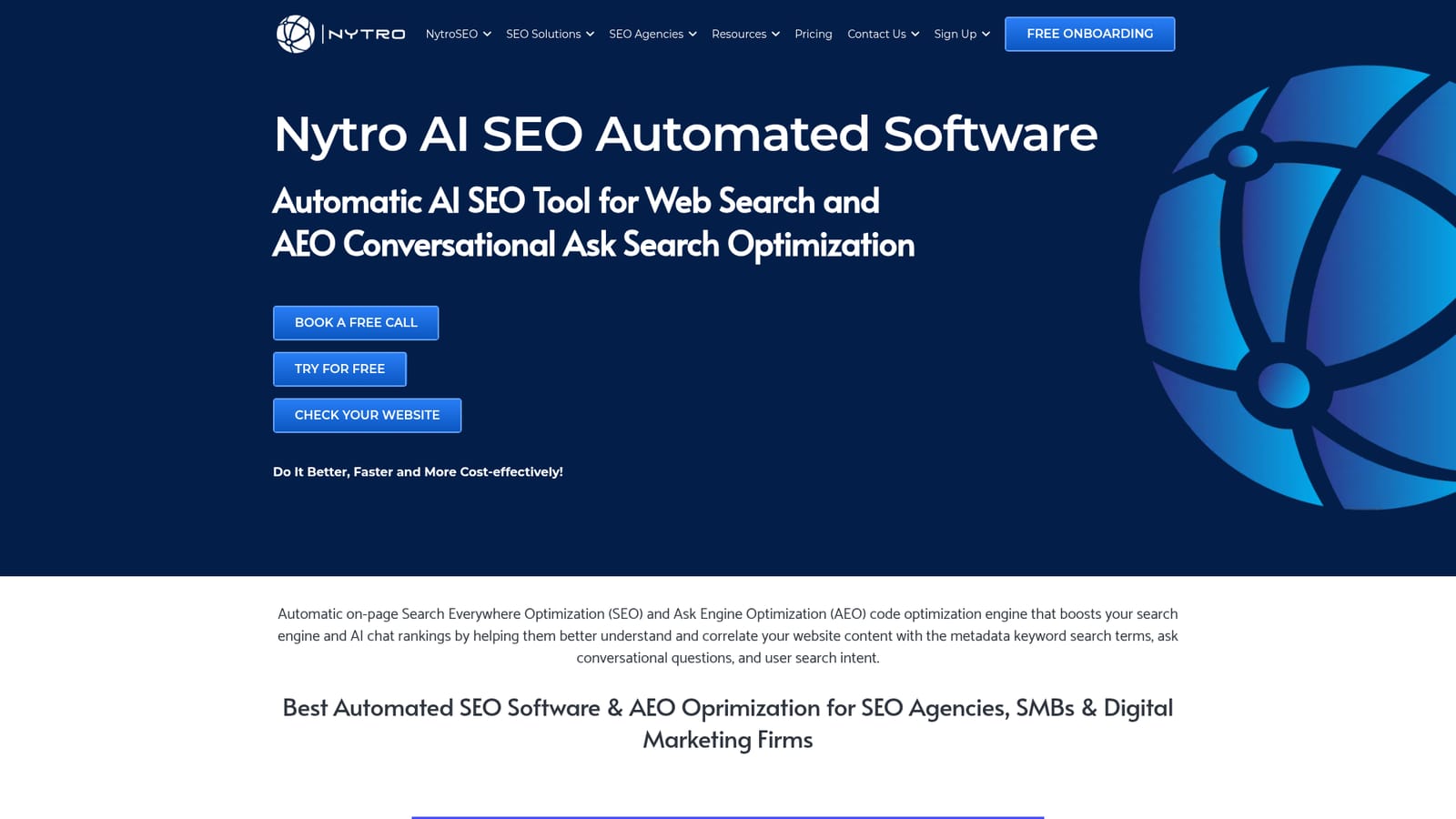
Nytro SEO is an automated on-page optimization engine that rewrites the metadata behind your web pages so search engines and AI chat assistants can read your content more accurately. The product centers on meta titles, meta descriptions, image alt text and link anchor text: the hidden code elements that determine how a snippet appears in results and which queries a page is eligible to rank for. The company frames the work as two jobs at once, classic SEO plus AEO (Ask Engine Optimization), aimed at conversational search surfaces as well as conventional result pages. Installation is lightweight by design. A JavaScript tag is placed on the site, either directly or through Google Tag Manager, and changes are applied without editing the underlying CMS. That makes it practical for agencies managing client sites where the person handling SEO is not the person with template access. The system reads page content, existing tags, H1 headings and, if configured, other header levels or XPaths, then proposes keyword targeting drawn from terms already present in the copy. Operators can accept the suggestions or override them page by page, and dashboards track which keywords each page is being promoted for. The tool suits SEO agencies, digital marketing firms and small businesses that want meta tag hygiene handled continuously rather than in periodic sprints. It is narrower than full-suite platforms: it does not try to redesign page layouts, and it complements crawl auditors such as Squirlly rather than replacing them. Pages are capped per plan tier, with extra capacity sold monthly, so very large sites need a cost check before rollout. A free account and a free website check are offered as entry points.
A free registration option is available through the system portal, and the site invites visitors to try the product for free.
Learn moreTiers are sold by page allowance; one user reports a 20k page tier and extra capacity at $11 per month per 1k pages. A free account and free onboarding call are offered. Full pricing is not stated on the homepage.
Learn moreSupport centers on live onboarding calls, often scheduled the same day and run well past the booked slot, with team members walking through setup and advising on general SEO issues.
Learn moreDeployment works via a JavaScript tag placed directly on the site or through Google Tag Manager. No other integrations are described on the homepage.
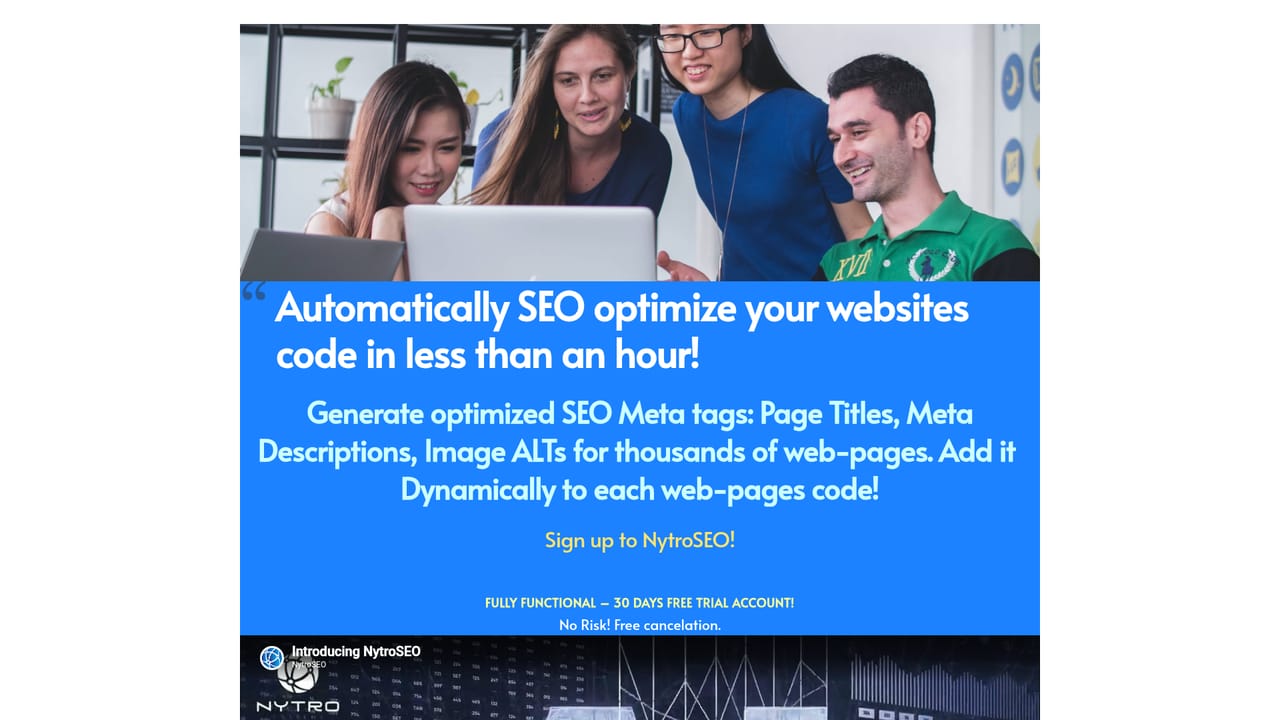
Learn moreAutomated meta title, description, image alt text and link anchor text optimization; AEO optimization for conversational ask search; JavaScript tag deployment with no CMS edits; configurable content sources including headers and XPaths; keyword promotion and monitoring dashboards; detection of missing, duplicate and non-unique tags.
Learn more AI Angels400+ customizable AI girlfriends for NSFW chat, voice calls, and roleplay
 Candy AIExperience the future of companionship with AI friends who chat, role-play, and connect with you on a human level.
 ourdream.aiA vast AI roleplay platform with millions of characters for chat, images, video and voiceAI Angels400+ customizable AI girlfriends for NSFW chat, voice calls, and roleplayCandy AIExperience the future of companionship with AI friends who chat, role-play, and connect with you on a human level.ourdream.aiA vast AI roleplay platform with millions of characters for chat, images, video and voice


