Free trial
The homepage invites visitors to try Ocoya free through the web app, though the length and limits of that free access are not described.
Learn moreAI social suite that writes, designs and schedules your posts

Ocoya is a content tool. Ocoya combines AI caption and visual generation, brand kits, scheduling, a social inbox and analytics in one social media suite, with an API and MCP access so AI assistants can create and publish posts directly.
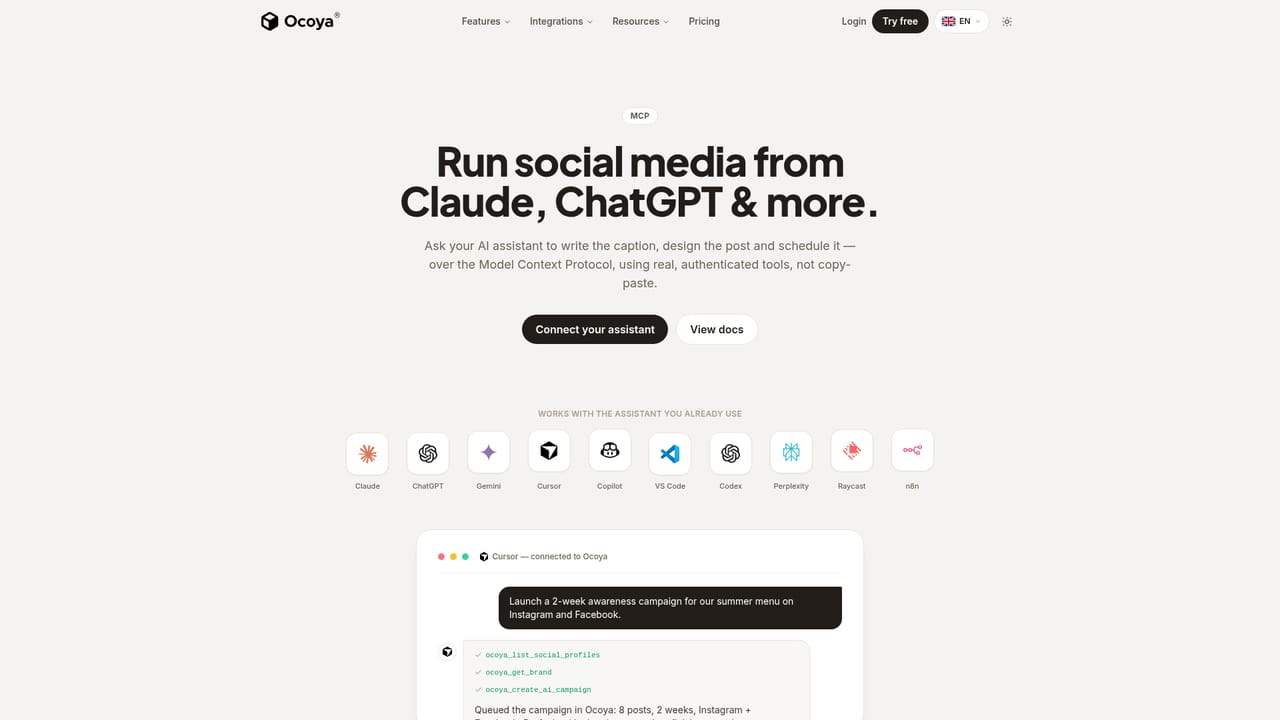
Ocoya is a social media management platform built around AI content creation rather than bolt-on automation. The core idea is simple: describe your brand once, and the system builds a brand kit covering voice, colours and audience. Every caption, visual and hashtag generated afterwards is written against that kit, so output stays consistent instead of drifting into generic marketing tone. From there a single prompt, a pasted link or a chosen goal (awareness, launch, educate) produces a complete post: copy, image or carousel, short video and hashtags, delivered with variants to choose between. The workflow is aimed at small businesses and lean marketing teams that would otherwise hire an agency or spend hours in a design tool. You review what the AI drafts, approve it, and Ocoya queues it across connected networks at times it picks based on when your audience is active. Calendars can be filled months ahead, and one idea can be expanded into a multi post campaign. A social inbox sits alongside publishing, and the homepage shows replies drafted by AI for incoming comments and messages. Analytics track impressions and performance so the next round of content can lean on what worked. The more distinctive angle is agent operation. Ocoya exposes the same engine through an API and the Model Context Protocol, which means assistants such as Claude, ChatGPT, Copilot, Gemini, Cursor, Perplexity, Raycast and n8n can call real authenticated tools to create, design and schedule posts rather than pasting text back and forth. Workflow triggers extend this: a new WooCommerce product can fire off a generated post to a chosen destination without manual input. Compared with mainstream schedulers, Ocoya leans harder on generation and brand consistency and less on manual calendar editing, which suits operators who want drafts produced for them. Teams that need granular approval chains or a large stock asset library may find the generation first model less exacting than hand crafting each post.
The homepage invites visitors to try Ocoya free through the web app, though the length and limits of that free access are not described.
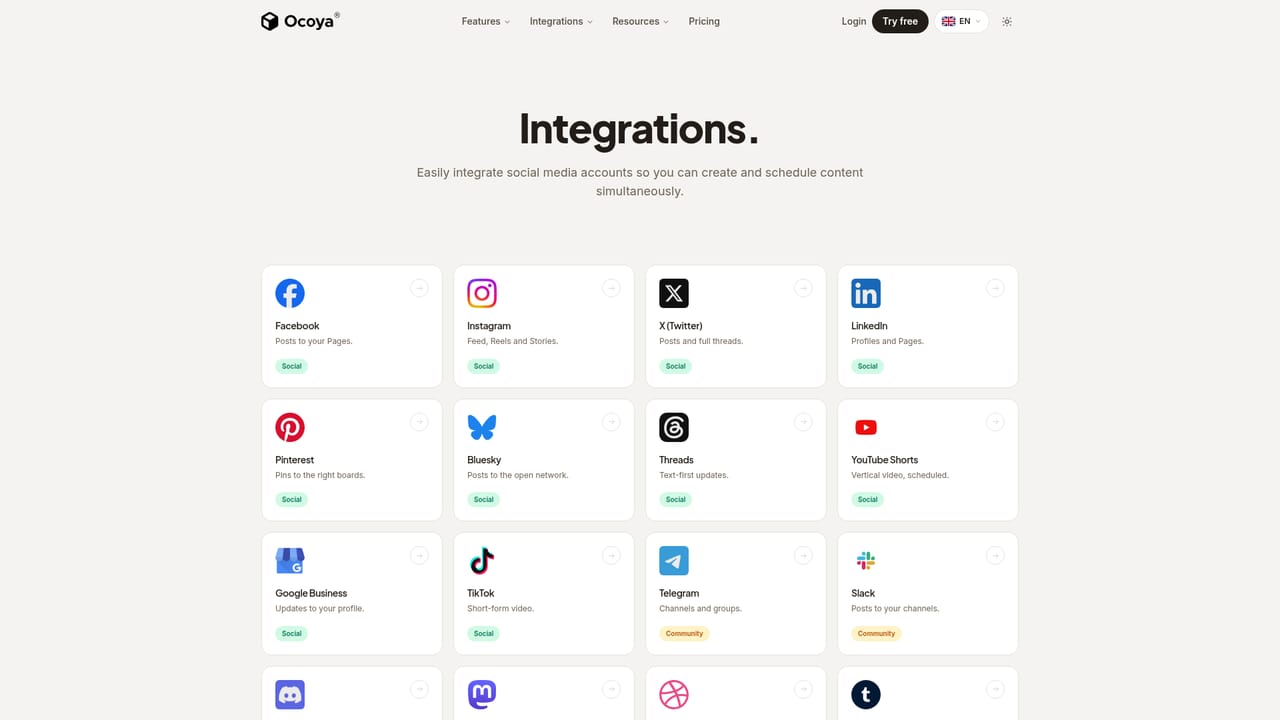
Learn morePublishes to Facebook, Instagram, X, LinkedIn, Pinterest, Bluesky, Threads, YouTube Shorts, Google Business, TikTok, Telegram, Slack, Discord, Mastodon, Dribbble, Tumblr, WordPress, DEV.to, Whop, Notion, Airtable, Webflow, Framer, Wix, Twitch, Kick, WooCommerce and custom endpoints.
Learn moreGeneration of complete posts (caption, image or carousel, short video, hashtags) from a single prompt, on brand brand kits, translation into 37 languages, smart scheduling with auto picked best times, a social inbox with AI drafted replies, performance analytics, workflow triggers, and API plus MCP access for AI assistants.
Learn more AI Angels400+ customizable AI girlfriends for NSFW chat, voice calls, and roleplay
 Candy AIExperience the future of companionship with AI friends who chat, role-play, and connect with you on a human level.
 ourdream.aiA vast AI roleplay platform with millions of characters for chat, images, video and voiceAI Angels400+ customizable AI girlfriends for NSFW chat, voice calls, and roleplayCandy AIExperience the future of companionship with AI friends who chat, role-play, and connect with you on a human level.ourdream.aiA vast AI roleplay platform with millions of characters for chat, images, video and voice


