Free trial
The homepage states that the hosted version is free to try and requires no card. The length of the trial and what it covers are not specified.
Learn moreDescribe an app or game, get a working build from your phone

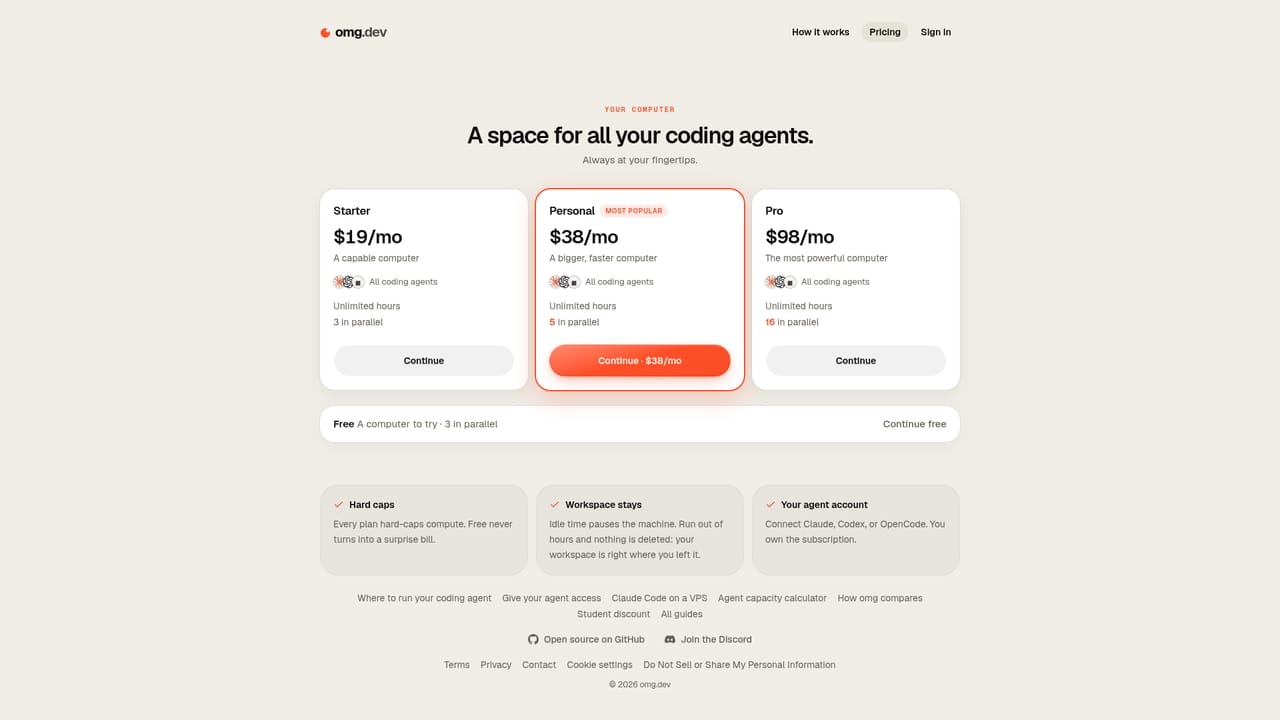
omg.dev is an AI project builder tool. An AI builder for small apps and browser games, usable from a phone. The code is open source and can be self-hosted for free, while the managed version starts at $19 per month with a free trial and no card required.
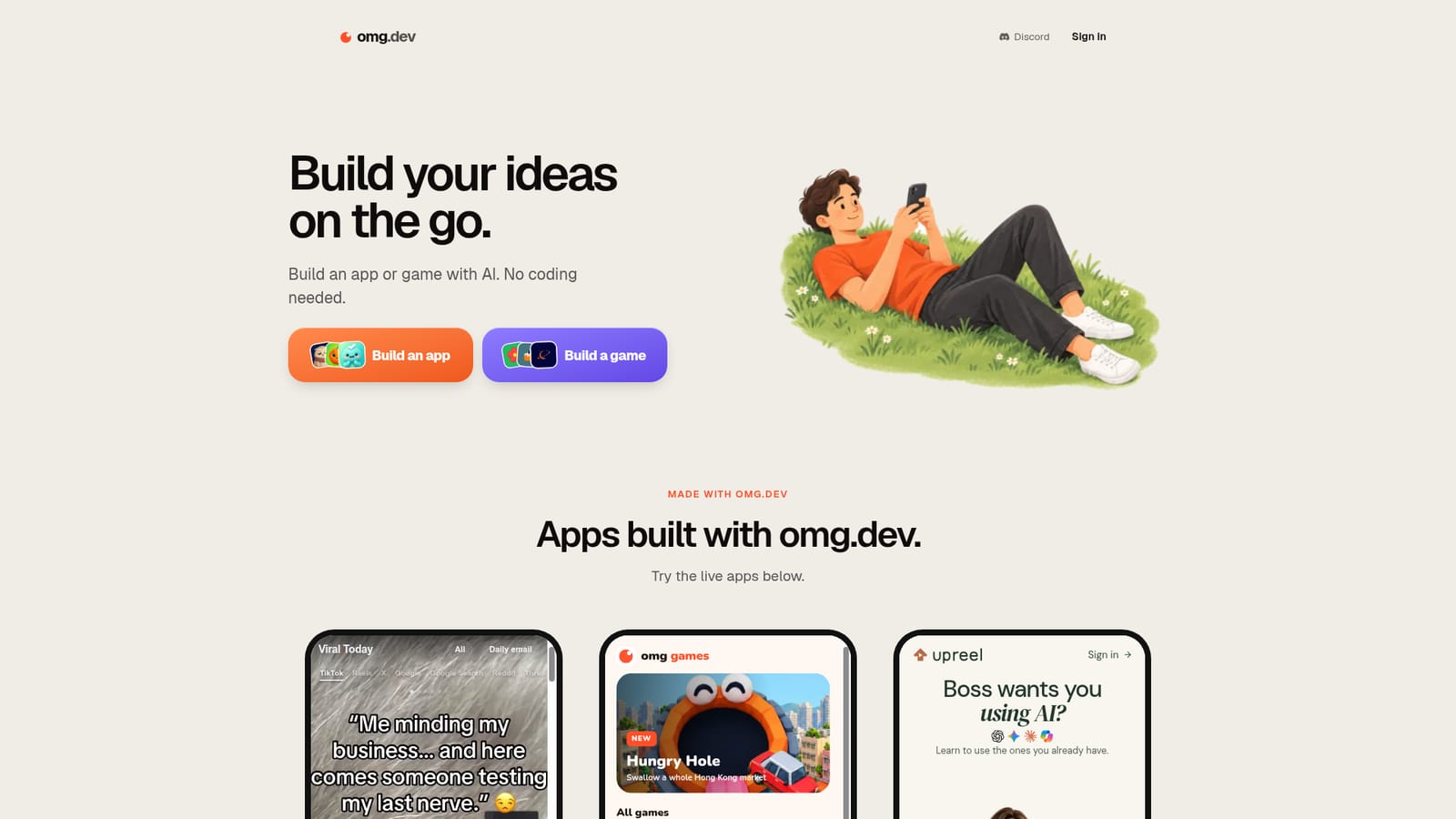
omg.dev is a build environment for people who have an idea and little or no coding experience. From a browser (the marketing leans heavily on the phone case) a user describes an app or a game and the AI assembles it, aiming at projects that can be published and shared rather than left as a mockup. The homepage frames the product around two starting points: build an app, or build a game. The showcase includes small browser games and a trending-video digest app, which gives a fair picture of the scale it targets: compact single-purpose products rather than sprawling platforms. For developers, the pitch takes an unusual turn. The source code is public on GitHub, so anyone can self-host it, run it on a Mac or their own server, and plug in an agent subscription they already pay for. That means the tool is two products in one: a managed service where omg.dev operates the infrastructure, and a do-it-yourself stack for people who prefer to own the runtime. The managed tier starts at $19 per month according to the site, with a free trial and no card required to get started. Exact limits on that tier are not spelled out on the homepage. In practice, the workflow is prompt-led: state what the thing should do, review the generated result, then iterate. The listing below walks through the hosted route. Self-hosting is a separate path that assumes comfort with a terminal and an existing agent subscription. Compared with general-purpose coding assistants that assume a local repo and a developer at the keyboard, omg.dev narrows the scope to shipping small web apps and games. Compared with no-code site builders, it produces running code you can inspect and host yourself. The right buyer is a solo maker, hobbyist or product tinkerer who wants a first version quickly and values the option to take the code elsewhere.
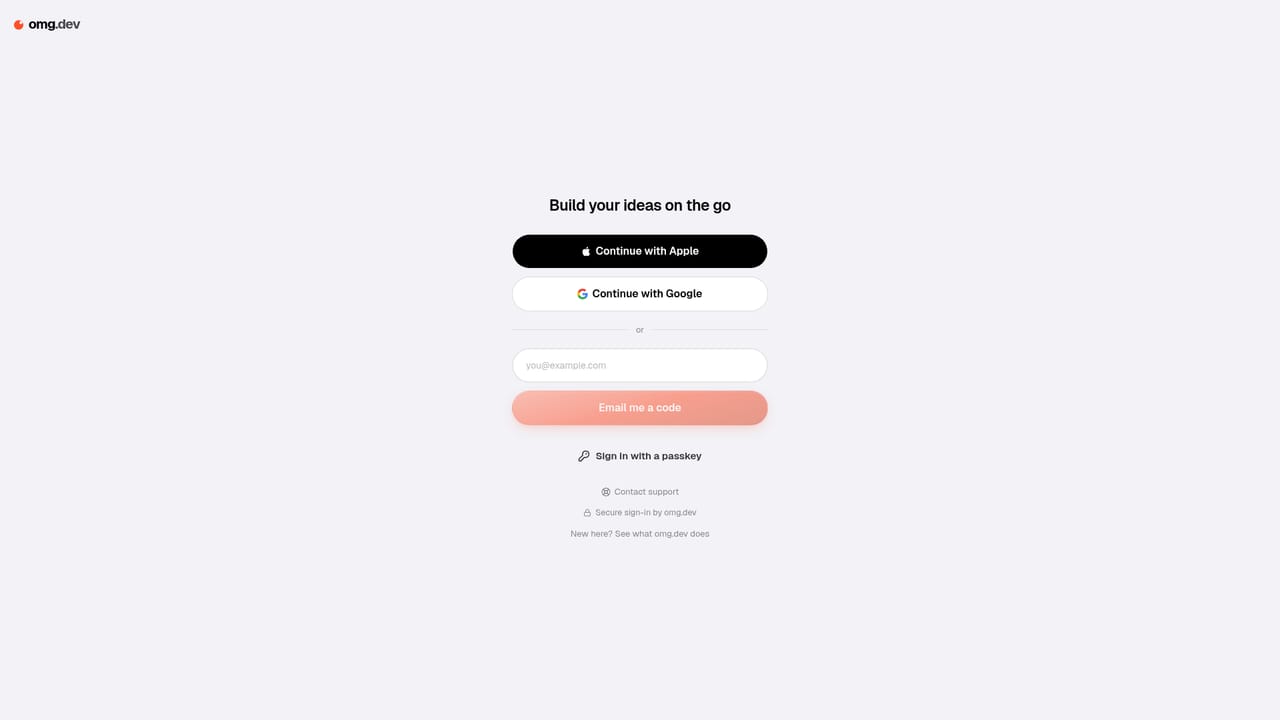
The homepage states that the hosted version is free to try and requires no card. The length of the trial and what it covers are not specified.
Learn moreTwo routes. Self-hosting the open source code on your own Mac or server is free, provided you connect an agent subscription you already pay for. The hosted version, where omg.dev runs the infrastructure, starts at $19 per month. The homepage does not break down what each hosted tier includes.
Learn moreThe homepage mentions connecting an agent subscription you already pay for when self-hosting. No named third-party integrations are listed.
Prompt-driven building of apps and browser games, aimed at output you can put online and share. The interface is emphasised as phone-friendly. The source code is public, so the same product can be self-hosted and pointed at an agent subscription. A showcase page links to live apps built with the tool, and a set of free browser games is published under the same brand.
 AI Angels400+ customizable AI girlfriends for NSFW chat, voice calls, and roleplay
 Candy AIExperience the future of companionship with AI friends who chat, role-play, and connect with you on a human level.
 ourdream.aiA vast AI roleplay platform with millions of characters for chat, images, video and voiceAI Angels400+ customizable AI girlfriends for NSFW chat, voice calls, and roleplayCandy AIExperience the future of companionship with AI friends who chat, role-play, and connect with you on a human level.ourdream.aiA vast AI roleplay platform with millions of characters for chat, images, video and voice


