Free trial
30 trial credits with no signup and no credit card required. You can upload, generate narration and preview at 720p for free; an MP4 download needs a subscription.
Learn moreNarrate an existing PowerPoint deck into a watchable MP4
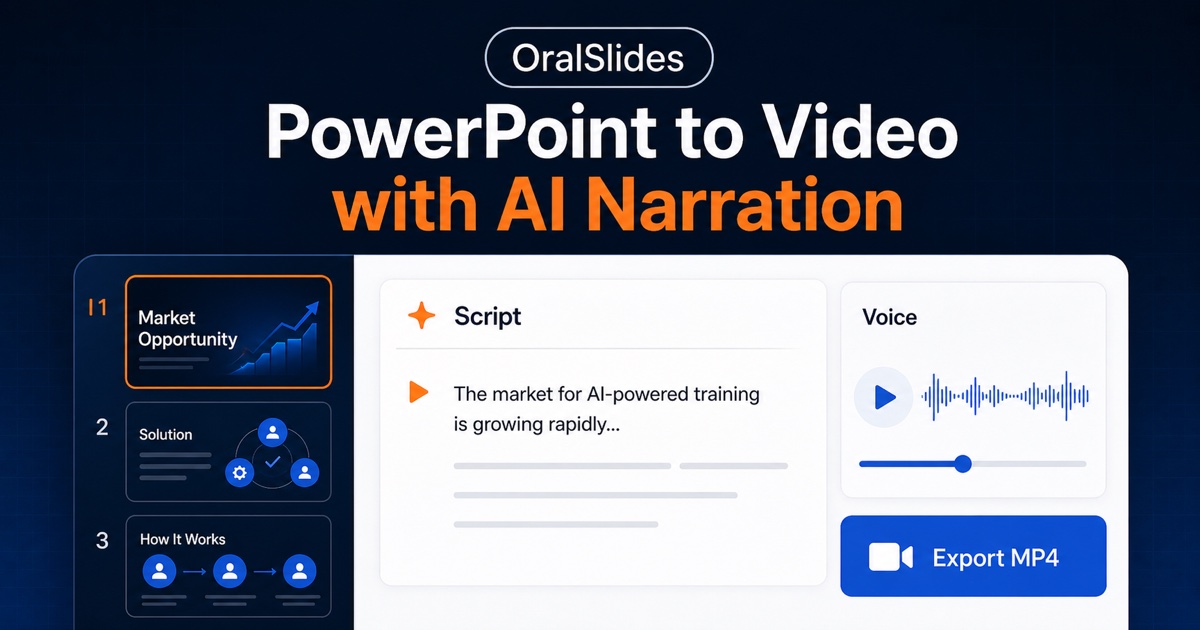
OralSlides is an AI narration tool that narrates an existing PowerPoint deck into a watchable MP4. OralSlides converts an uploaded PowerPoint or PDF into a narrated MP4 using slide-aware AI scripts and natural voiceover. Each slide gets its own editable narration, and exports land at 720p for preview or 1080p with subtitles on paid plans.
OralSlides is a PowerPoint narrator: it takes a deck you already have and produces a narrated MP4 without rebuilding the slides. You upload a PPTX or PDF, and the system reads every slide as a visual composition, including text, charts, diagrams, images, layout and visual hierarchy, then draws on context from the surrounding slides to write a script that tracks the story of the whole deck. Voiceover, timing and export follow from that script. The workflow is deliberately reviewable rather than one-click black box. Narration is generated per slide, so a script can be edited slide by slide and the video regenerated without re-recording the whole thing. The original slides stay recognizable and are not redesigned during processing, which matters to teams who treat their deck as the source of truth. That makes the product a fit for sales enablement teams turning polished pitch decks into follow-up videos, L&D managers converting training material and onboarding decks, product and operations staff issuing spoken internal updates, and founders sending a narrated investor deck in place of a PDF attachment. Positioning is the clearest thing about the site. OralSlides compares itself against avatar studios (Synthesia) by arguing the deck belongs on screen rather than a presenter, against deck builders (Tome) by assuming the PowerPoint already exists, and against text-to-stock-video tools (Pictory) by keeping the uploaded slides intact. It is a narrow tool with a single job, not a timeline editor or a studio setup. Trial use requires no account, but MP4 download sits behind a monthly subscription, with page credits consumed at one per slide for script and narration. Narration is offered in 10 languages with 15 built-in voices on paid tiers.
30 trial credits with no signup and no credit card required. You can upload, generate narration and preview at 720p for free; an MP4 download needs a subscription.
Learn moreFree tier: 30 trial credits, no signup, 720p preview, no download. Starter at $6/month (early bird, 50% off) with 100 page credits. Plus at $14.5/month with 400 page credits. One credit per slide covers script and narration; MP4 downloads, 1080p export, 15 voices and subtitles are included on paid plans.
Learn moreA contact link on the homepage routes questions to the OralSlides team; no help centre, documentation portal or chat support is described.
Multimodal slide understanding across text, charts, diagrams, images and layout, plus cross-slide context for script continuity. Per-slide script editing, natural voiceover, 10 narration languages, 15 built-in voices, 720p preview and 1080p MP4 export with optional subtitles. Original slide design is preserved.
Learn more AI Angels400+ customizable AI girlfriends for NSFW chat, voice calls, and roleplay
 Candy AIExperience the future of companionship with AI friends who chat, role-play, and connect with you on a human level.
 ourdream.aiA vast AI roleplay platform with millions of characters for chat, images, video and voiceAI Angels400+ customizable AI girlfriends for NSFW chat, voice calls, and roleplayCandy AIExperience the future of companionship with AI friends who chat, role-play, and connect with you on a human level.ourdream.aiA vast AI roleplay platform with millions of characters for chat, images, video and voice