Free trial
Pagefelt invites visitors to try it free directly from the homepage, with the sign-up flow handled in the web app. Duration and any limits on the free offering are not stated on the homepage.
Learn moreAn AI life coach that journals alongside you and learns as you go

Pagefelt is an AI life coach wrapped in a journaling app. You write entries and it responds with interactive feedback, learning your context over time so guidance becomes more personal. Free to try, and aimed at people who want reflection with a bit of pushback rather than a blank page.
Pagefelt is a journaling and life coaching tool built around what its makers call Emotional AI. The premise is simple to state and harder to execute: instead of a blank page and a blinking cursor, you get an AI companion that responds to what you write, asks follow-up questions, and builds a picture of who you are over time. The product describes itself as a continuously learning productivity platform, which signals that the journal is not just a private archive but a working record the system draws on to give feedback in later sessions. In practice, the loop is a familiar one for anyone who has tried guided journaling. You open the app, write an entry about your day, a decision, or a nagging worry, and Pagefelt replies with an interactive response rather than a canned affirmation. Because it is positioned as a coach rather than a diary, the emphasis lands on reflection and forward motion: naming what happened, noticing patterns, and turning that into something closer to a plan. The learning framing matters here. The more you write, the more context the AI has to work with, so early sessions will feel generic compared with later ones. The tool suits people who want structure from journaling but find habit trackers too cold and therapy apps too clinical. It is a reasonable fit for anyone who already writes regularly and wants a reader, and for those who have bounced off blank-page journals because nothing pushed back. It is not a replacement for a licensed professional, and the homepage makes no clinical claims, so treat it as a reflective companion rather than a mental health service. Among alternatives, Pagefelt sits closer to AI companion apps than to note-taking tools. Where a general chatbot can discuss your week, Pagefelt wraps that conversation in a journaling product with a persistent history and a coaching tone. The free entry point lowers the cost of testing whether the emotional feedback style clicks with you. The brand is still young, currently at version 1.0.0, so expect a lean feature set and a product that is actively changing.
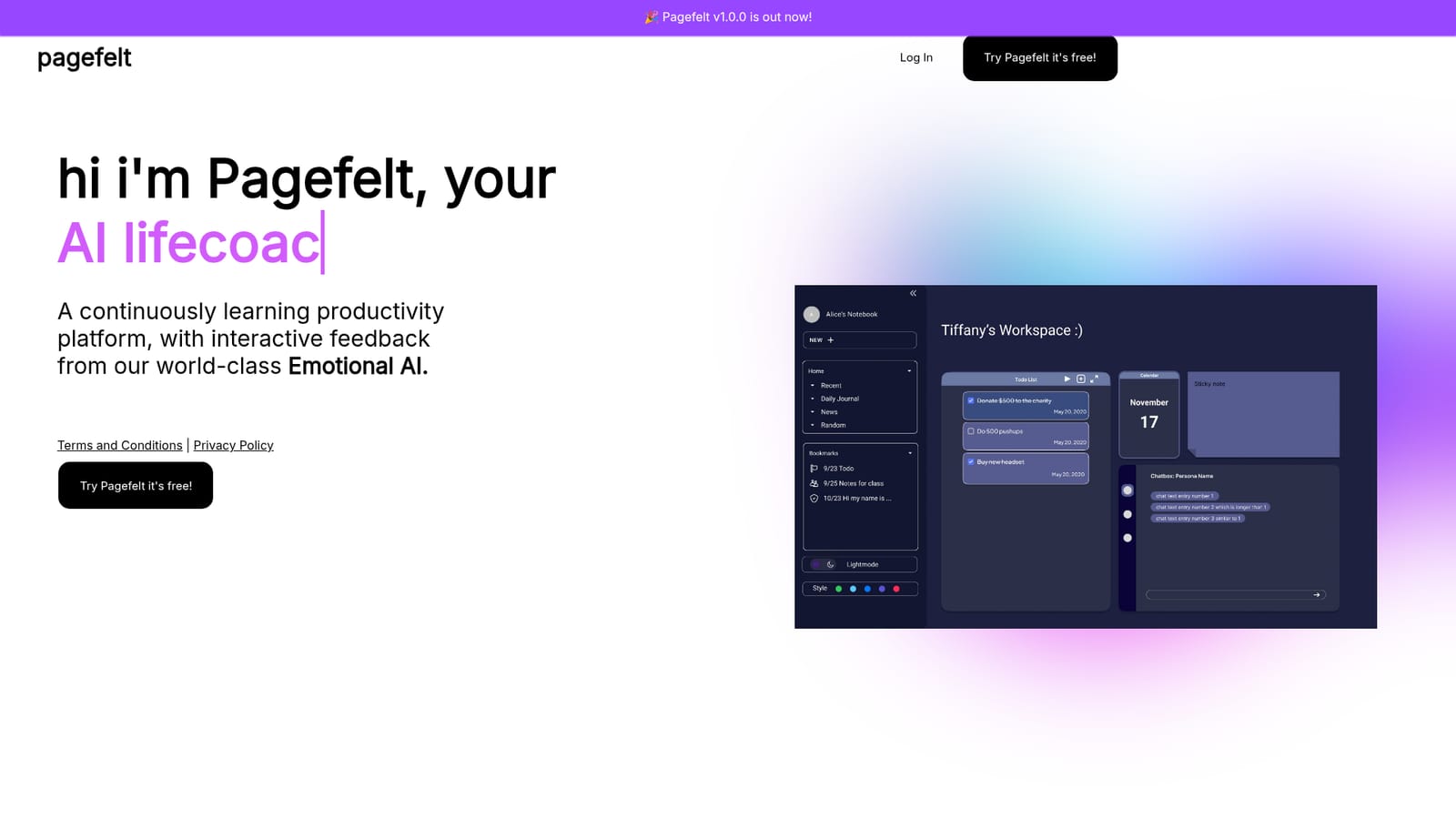

Pagefelt invites visitors to try it free directly from the homepage, with the sign-up flow handled in the web app. Duration and any limits on the free offering are not stated on the homepage.
Learn moreThe homepage advertises a free way to try Pagefelt and nothing more. No paid tiers, subscription rates or plan comparisons are published on the site, so anyone weighing cost should confirm pricing inside the app before committing to regular use.
Learn moreJournaling with interactive AI feedback, framed as emotional coaching from a continuously learning productivity platform. The core loop is writing an entry and receiving a response, with the system building context across sessions. Pagefelt is at version 1.0.0 and the homepage lists no further modules, templates or export options, so the journal plus coach conversation is the product as currently described.
 AI Angels400+ customizable AI girlfriends for NSFW chat, voice calls, and roleplay
 Candy AIExperience the future of companionship with AI friends who chat, role-play, and connect with you on a human level.
 ourdream.aiA vast AI roleplay platform with millions of characters for chat, images, video and voiceAI Angels400+ customizable AI girlfriends for NSFW chat, voice calls, and roleplayCandy AIExperience the future of companionship with AI friends who chat, role-play, and connect with you on a human level.ourdream.aiA vast AI roleplay platform with millions of characters for chat, images, video and voice


