Free trial
The free plan doubles as the trial: install the extension, get monthly credits that renew, and no credit card is required. Premium features are not included in the free tier.
Learn moreFree AI Chrome extension for Google Business Profile updates
Own Paige by Merchynt? Verify ownership to get a dofollow link

Paige by Merchynt is a content tool. A free Chrome extension from Merchynt that drafts Google Business Profile content (descriptions, categories, services, posts, review replies and question answers) inside the browser. It is a hands-on drafting assistant, not an automated profile manager, with a small monthly free credit allowance and a $9 premium tier for unlimited use.
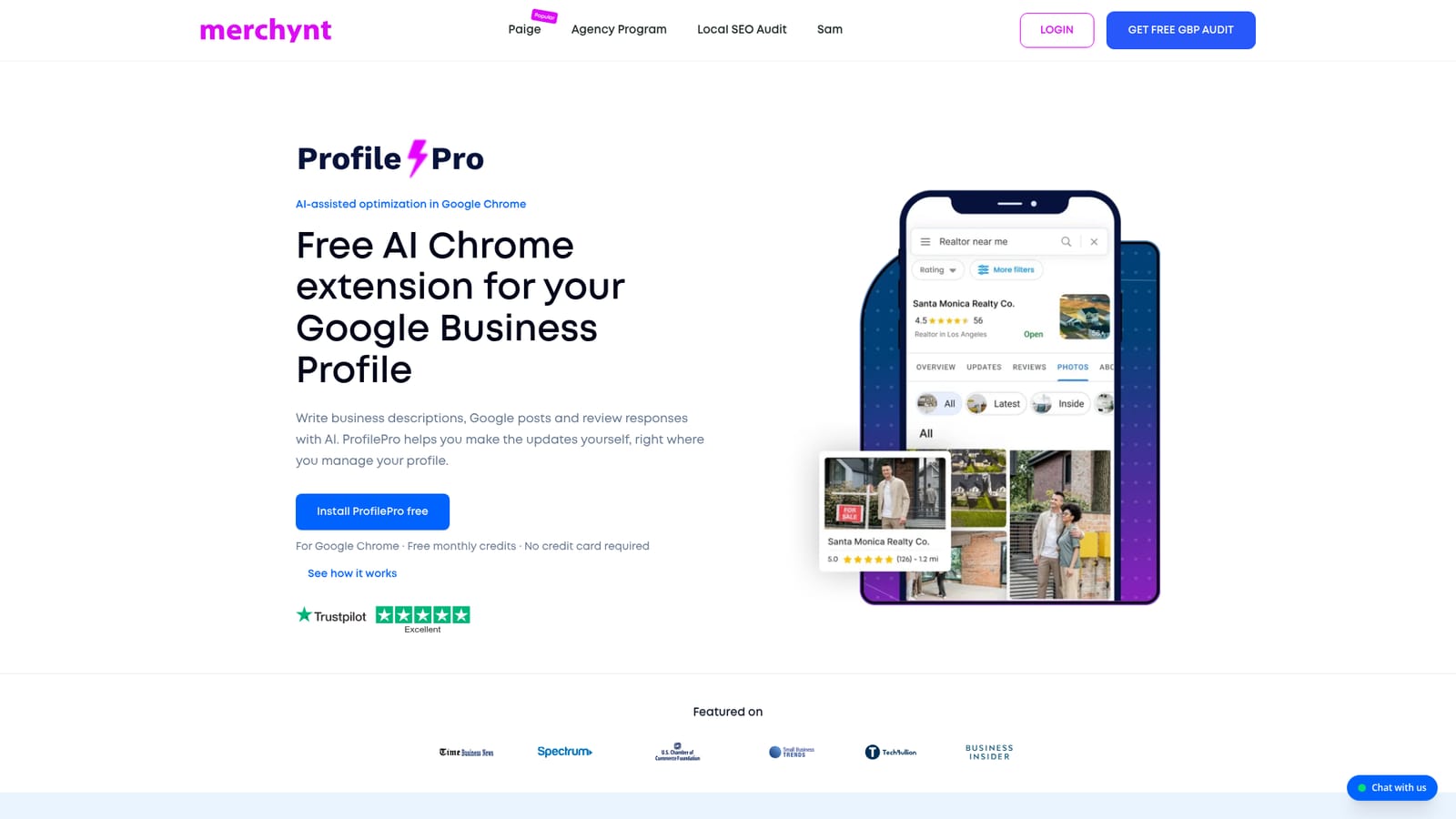
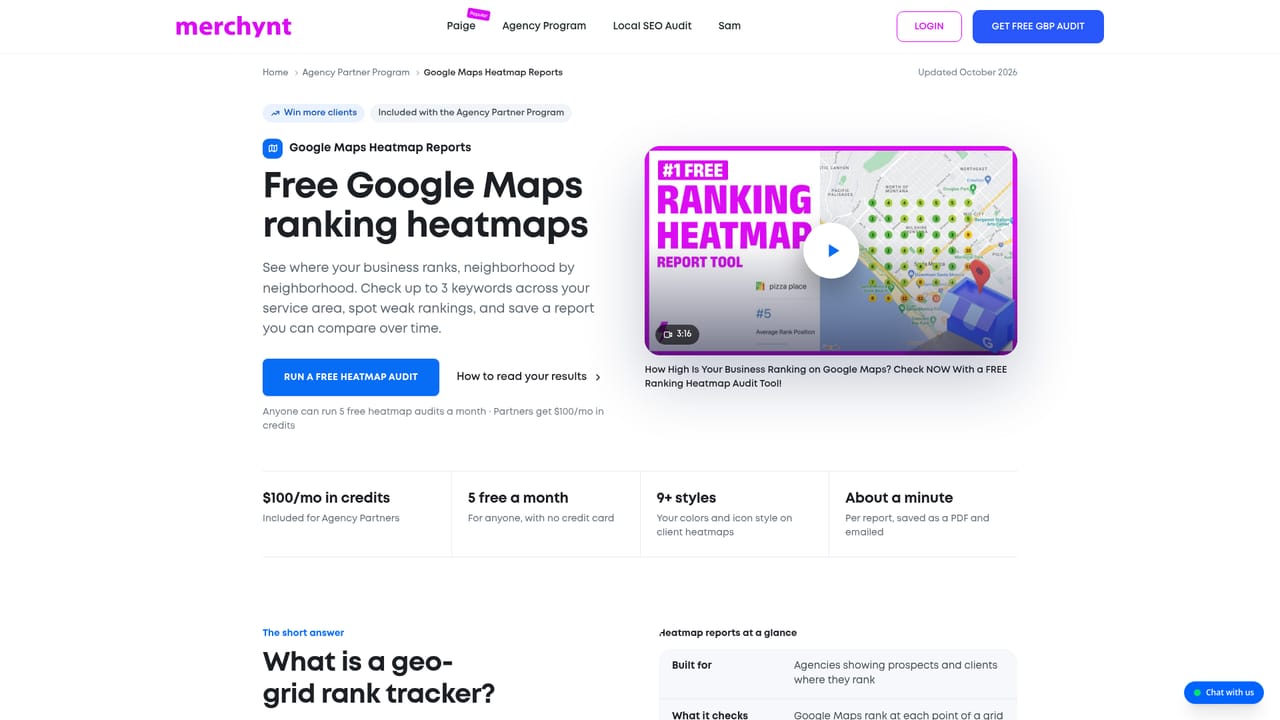
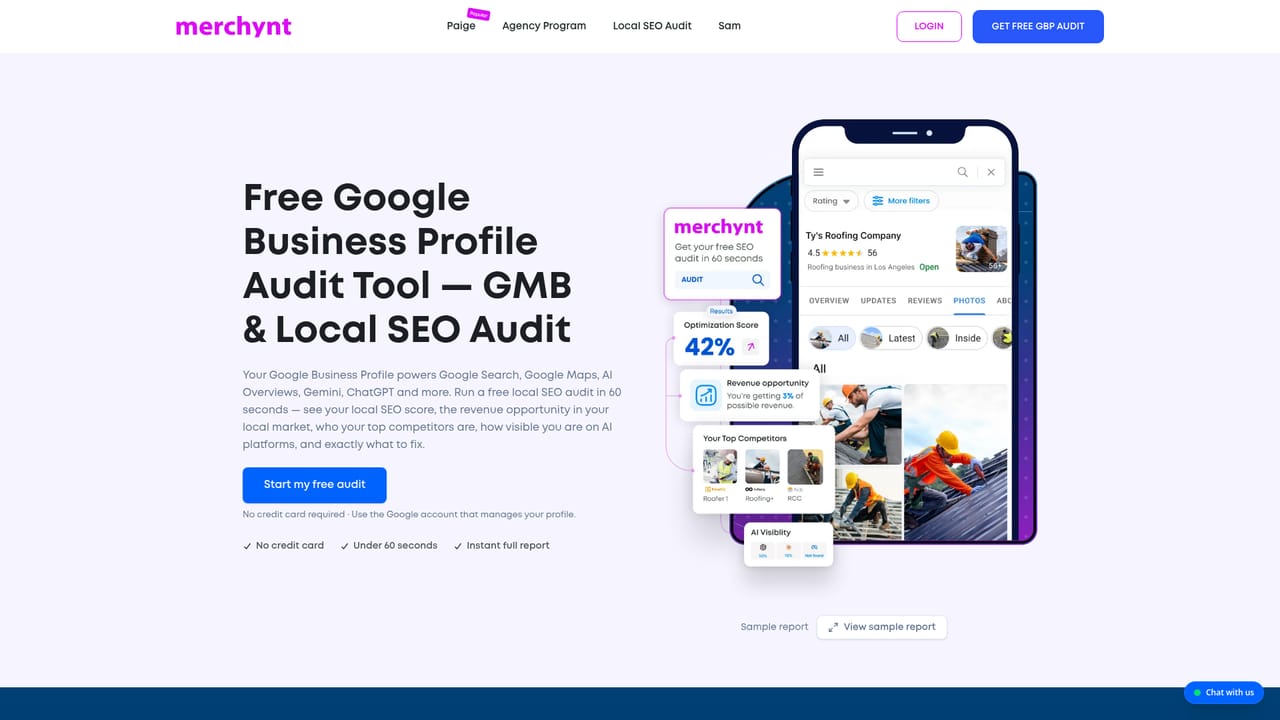
ProfilePro is a free Chrome extension built by Merchynt for owners and managers of Google Business Profiles. It sits in the browser and adds AI drafting to the tasks small businesses repeat most: writing a business description, picking categories, listing services and products, publishing Google posts, answering customer questions and replying to reviews. The tool generates a suggestion, the operator checks it against real business details, and the operator publishes. Nothing is pushed live automatically. The workflow matters more than the feature list. Once installed, the extension opens alongside the Google Business Profile you already manage, so drafting happens where the update will land rather than in a separate dashboard. Posts can be generated in a chosen brand voice (funny, salesy, professional and similar), and images for posts can be generated too. Review responses and question answers come out as drafts that the owner edits before sending. The interface and generated output support a long list of languages, including English, French, Spanish, Portuguese, German, Dutch, Hindi and Tagalog. The audience is the local business owner or the marketer running a handful of profiles, not the agency wanting bulk operations. ProfilePro is explicitly positioned as a hands-on assistant rather than an unattended manager, and Merchynt points heavy automation users toward Paige, its paid automated service. A monthly free credit allowance covers a small number of each task type, and a $9 premium tier removes the caps. Merchynt also offers separate free tools (a GBP audit and a Maps heatmap ranking report) that pair naturally with the extension. It is worth being clear about what the product is not. It does not promise or guarantee a Maps position, and its own page states that AI output needs verifying before use. The realistic value is speed: cutting the blank-page problem on descriptions, posts and replies so a profile stays active. Buyers who want set-and-forget optimization should look at Paige instead; buyers who want to stay in control of every word will find the extension a reasonable fit, especially at the free tier.
The free plan doubles as the trial: install the extension, get monthly credits that renew, and no credit card is required. Premium features are not included in the free tier.
Learn moreTwo tiers listed on the homepage. Free: $0 with monthly credits (1 business description, 5 review responses, 2 Google posts, 10 category suggestions, 2 each for services, service descriptions, product descriptions and AI images; tone customization and question answers excluded). Premium: $9, cancel anytime, unlimited use of every listed feature. No credit card required to start.
Learn moreReviews on the page credit named Merchynt staff with responsive help, and the site offers a chat widget. No formal support tiers, SLAs or hours are published.
Learn moreWorks inside Google Chrome and operates on Google Business Profiles. No other integrations or API are stated on the homepage.
Covers Google Business Profile descriptions, category suggestions, service and product descriptions, SEO-oriented Google posts with tone customization, AI images for posts, AI-drafted review responses and answers to customer questions. Supports many languages including English, French, Spanish, Portuguese, German, Dutch, Hindi, Urdu and Tagalog.
 AI Angels400+ customizable AI girlfriends for NSFW chat, voice calls, and roleplay
 Candy AIExperience the future of companionship with AI friends who chat, role-play, and connect with you on a human level.
 ourdream.aiA vast AI roleplay platform with millions of characters for chat, images, video and voiceAI Angels400+ customizable AI girlfriends for NSFW chat, voice calls, and roleplayCandy AIExperience the future of companionship with AI friends who chat, role-play, and connect with you on a human level.ourdream.aiA vast AI roleplay platform with millions of characters for chat, images, video and voice


