Free trial
The free tier is a real reading, not a timed trial: upload a palm photo and receive a basic personalized report at no cost before any payment.
Learn moreUpload a palm photo and get an AI palmistry reading in about two minutes.
Own Palm Reading.app? Verify ownership to get a dofollow link

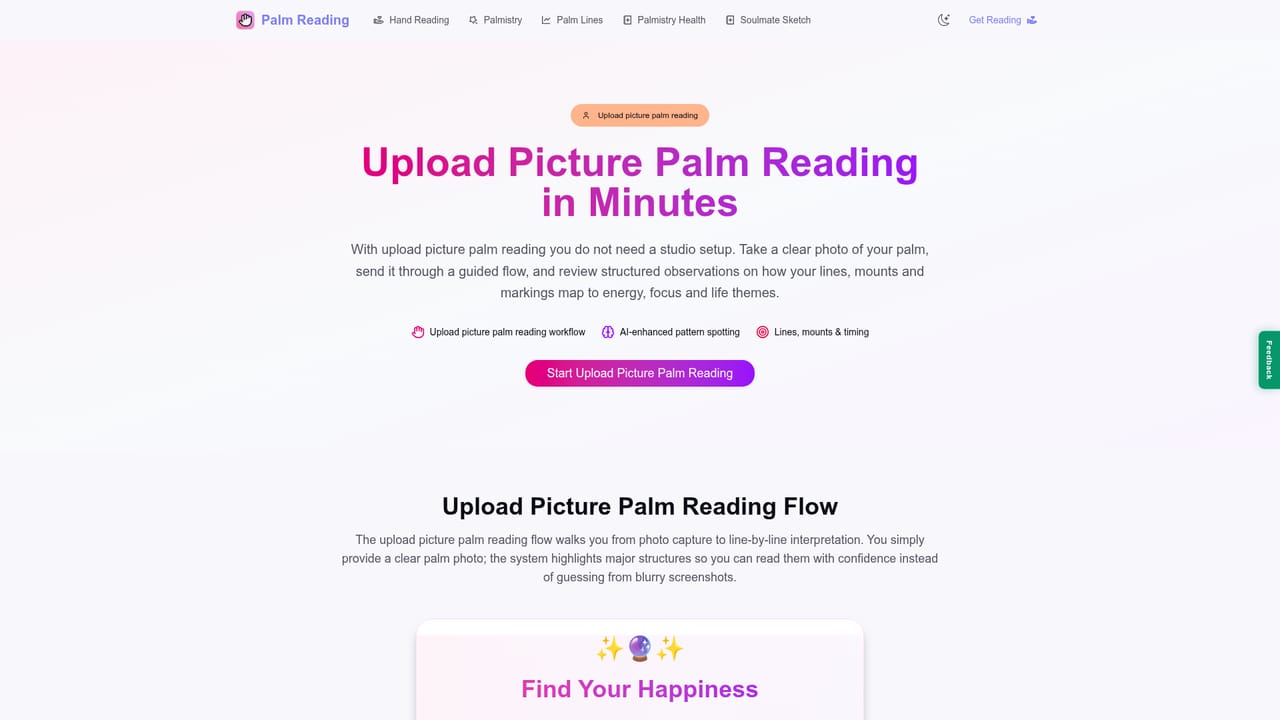
Palm Reading.app turns a photo of your hand into a personalized palmistry reading in about two minutes. It analyzes the life, heart, head, money and marriage lines with computer vision and offers a free basic scan plus a detailed premium report for $6.90, with no account required.
Palm Reading.app is a web based palmistry tool that reads the lines on a photograph of your hand instead of generating a generic horoscope. You take a picture of your palm, upload it, answer a short quiz, and the system returns a personalized reading covering love, career, money, vitality and personality. The site positions the scan as the core product and says the process takes roughly two minutes from upload to result. The reading is built around five traditional lines: the life line, heart line, head line, money (sun) line and marriage line. Each one is mapped on your actual hand and interpreted in plain language, so the output is specific to the photo you provided rather than pulled from a birth date. According to the homepage, more than 37,000 sessions have been completed across 90 plus countries, with a stated 95 percent user satisfaction rate. The tool suits people who are curious about palmistry but do not want to book an in person reader, and it also works as a light self reflection exercise. Because there is no account requirement and the free scan is available immediately, the barrier to trying it is low. A detailed premium report of more than 1,500 words is offered for $6.90, which places the product between free novelty apps and paid human readings. Photos are described as processed securely and deleted after analysis. Palm Reading.app competes less with astrology generators than with the wider category of AI personality and fortune tools. Its differentiator is the image based analysis, which makes the result feel tied to a physical object rather than a form. The trade off is that the reading is only as good as the photo, and the site does not publish a technical explanation of how the computer vision model maps lines. For a quick, private and inexpensive reading, it covers the basics well.
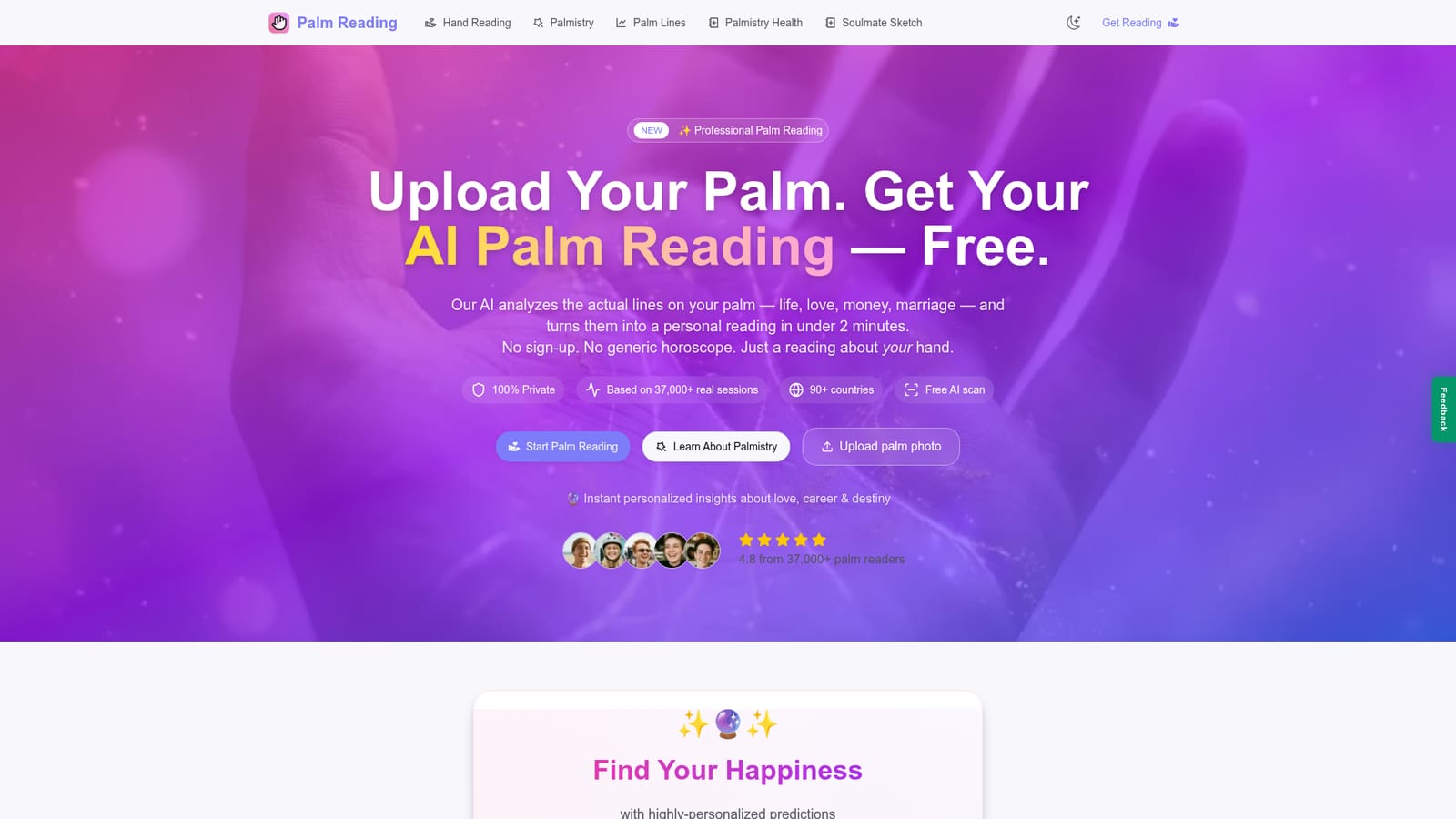
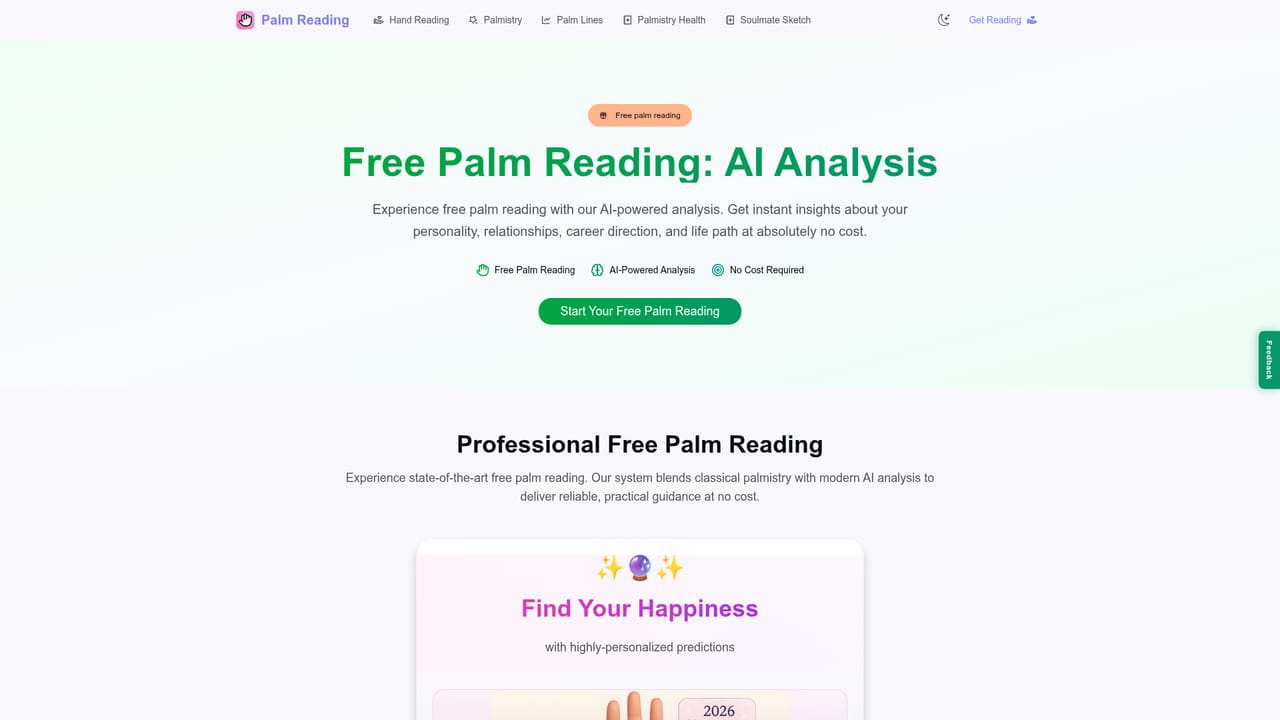
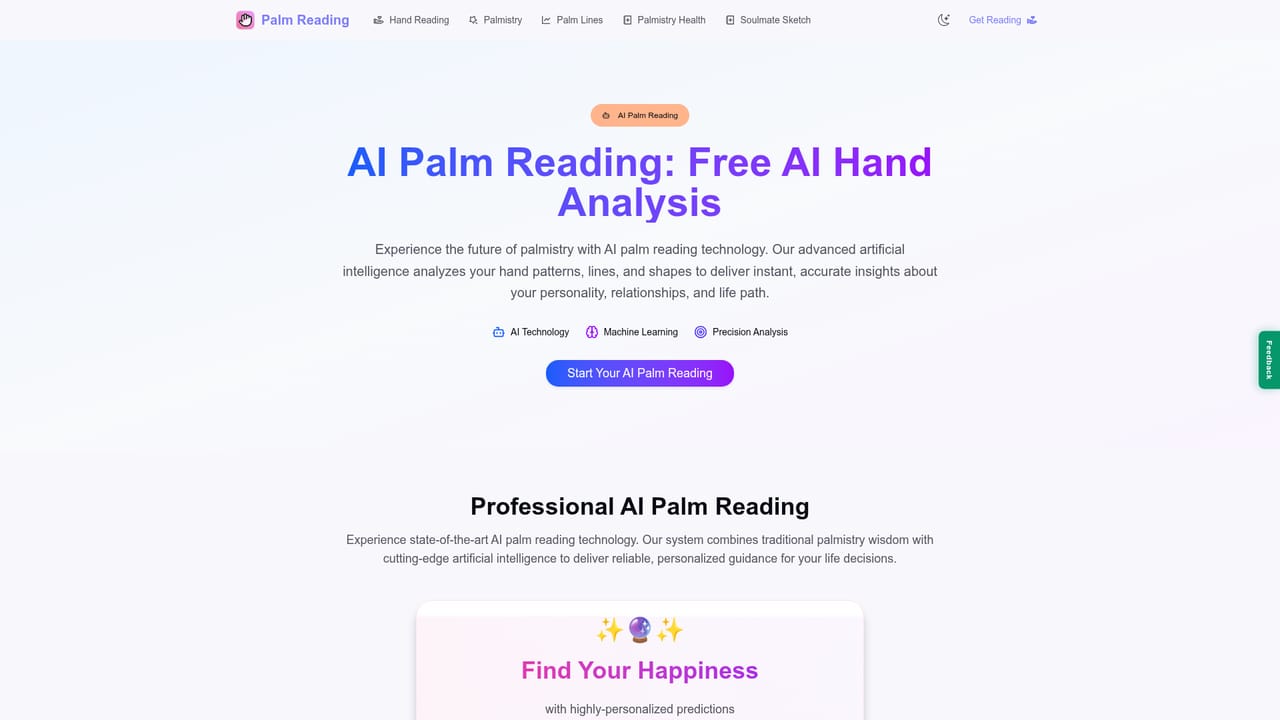
The free tier is a real reading, not a timed trial: upload a palm photo and receive a basic personalized report at no cost before any payment.
Learn moreA free basic reading is available with no account. The detailed premium analysis costs $6.90 as a one time purchase and includes a report of more than 1,500 words with in depth interpretations.
Learn moreQuestions are handled through an on site FAQ covering accuracy, photo upload, report contents, timing, pricing and privacy. No live chat, email address or help centre is listed.
Computer vision maps the life, heart, head, money and marriage lines from your palm photo, then returns a personalized report on love, career, wealth, vitality and personality. The flow includes a short focus quiz, instant results, mobile ready pages and a premium long form report option.
Learn more AI Angels400+ customizable AI girlfriends for NSFW chat, voice calls, and roleplay
 Candy AIExperience the future of companionship with AI friends who chat, role-play, and connect with you on a human level.
 ourdream.aiA vast AI roleplay platform with millions of characters for chat, images, video and voiceAI Angels400+ customizable AI girlfriends for NSFW chat, voice calls, and roleplayCandy AIExperience the future of companionship with AI friends who chat, role-play, and connect with you on a human level.ourdream.aiA vast AI roleplay platform with millions of characters for chat, images, video and voice