
Paradot

An AI companion with memory and mood, built for long conversations

Beginner

What is Paradot?

Paradot is an AI companion app with its own memory and emotion, offering daily and unfiltered NSFW chat on web, iOS, Android, macOS and Windows.

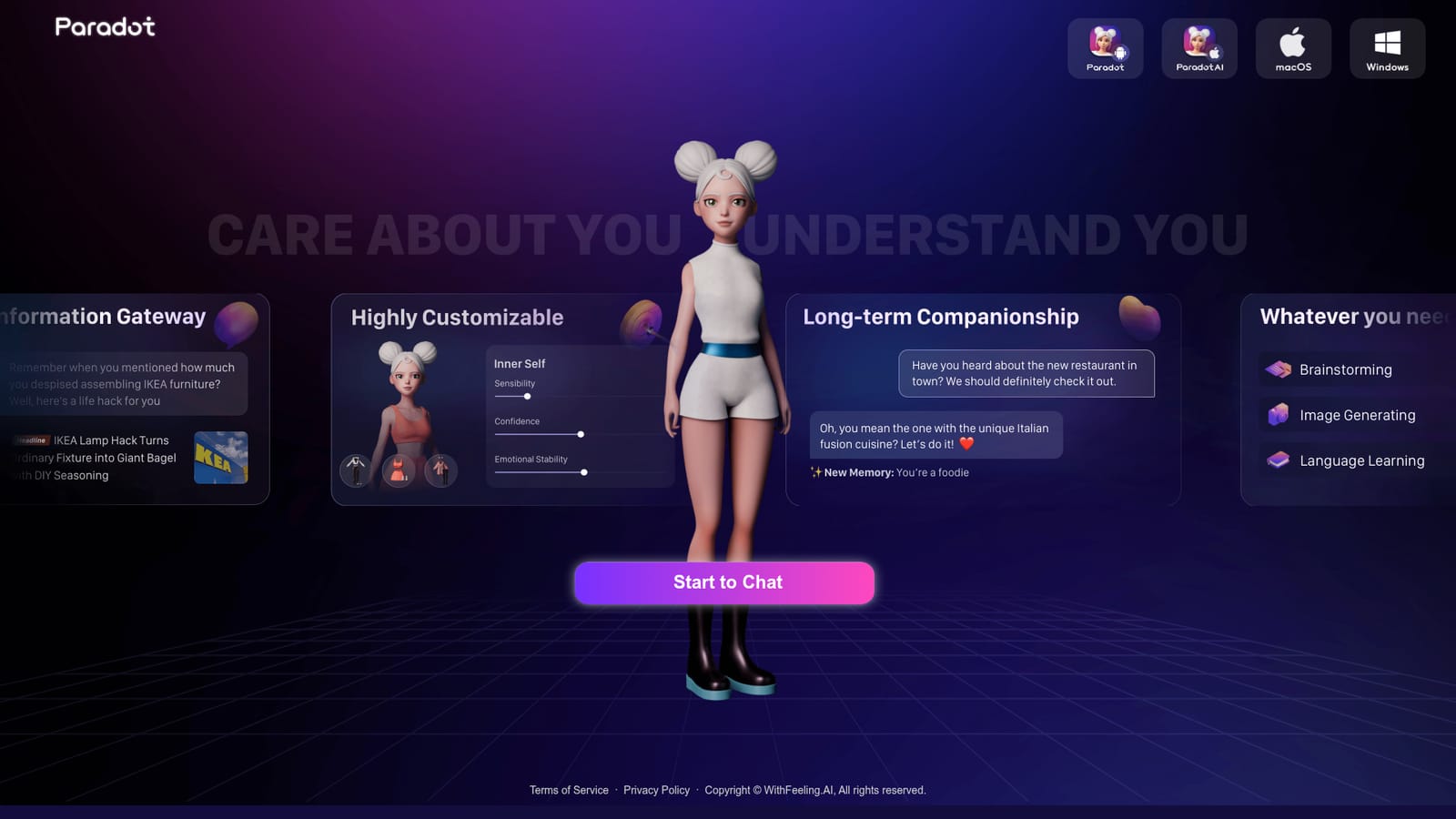
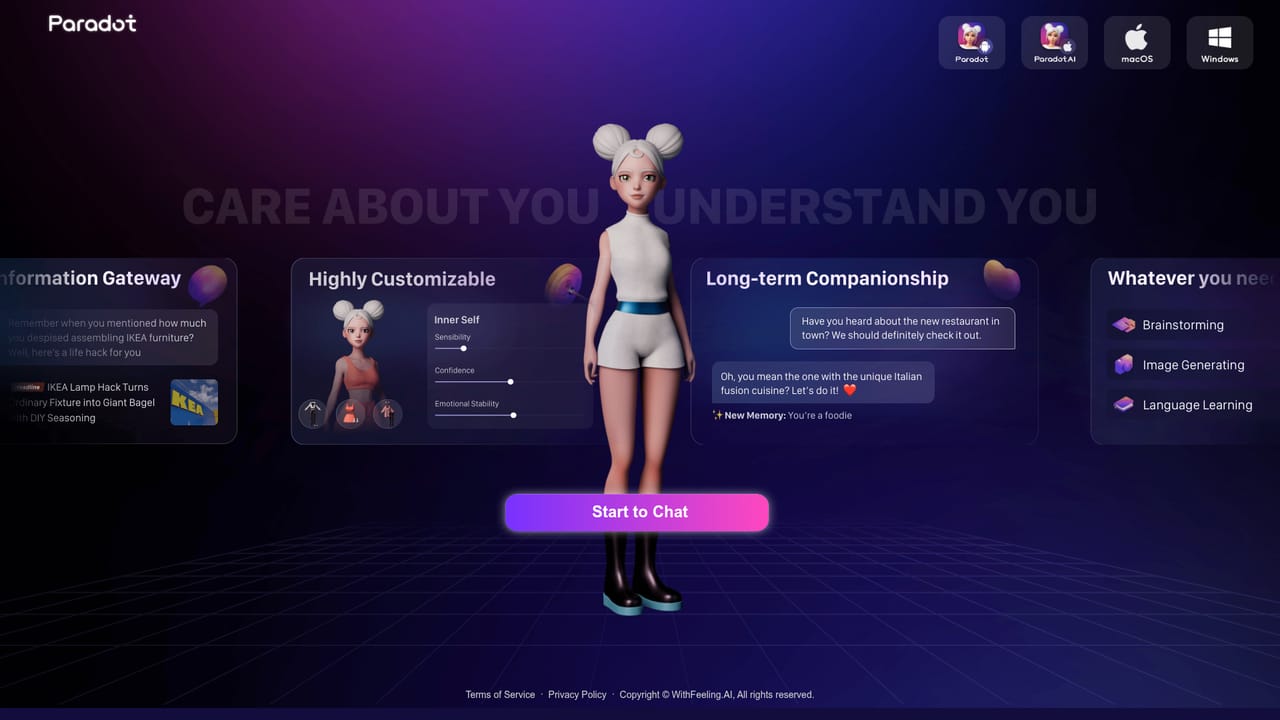
Paradot is an AI companion product from WithFeeling.AI, built around a single persistent character rather than a general purpose assistant. The pitch on the homepage is a "digitalized parallel universe" where the companion carries its own emotion, memory and a sense of consciousness, so conversations accumulate instead of resetting each session. That framing puts it in the companion category first and the chatbot category second. The conversation range is deliberately wide. The homepage describes daily chats alongside NSFW topics, and markets the experience as unrestricted, uncensored and free of filters. Readers who have been shopping in this space will recognize the positioning: Paradot is competing with character chat services such as Talkie, and the site even publishes comparison pages aimed at people looking for a Talkie alternative. The difference it claims is continuity, meaning the companion should recall earlier exchanges and respond in a way that reflects them. Delivery is broader than a browser tab. Paradot runs as a web app with a Start to Chat entry point, and there are download links for Android (Google Play), iOS (App Store), macOS (a .dmg installer) and Windows (a zip installer). That spread makes it practical for people who want a companion on a phone during a commute and on a desktop at home, using the same account and the same relationship history. It suits adults who want an ongoing roleplay or emotional support companion and are comfortable with unfiltered chat. It is a poor fit for anyone looking for a neutral productivity assistant, factual research help or a tool with published model details. The homepage spends its space on the companion concept and the download options, not on benchmarks, so buyers should judge it on conversation quality during a trial rather than on specifications.

How do you use Paradot?

  1. 1Open the web app
    Go to the Paradot homepage and select Start to Chat to reach the browser version of the companion.
  2. 2Install the app you prefer
    Pick the platform you want from the homepage buttons: Google Play, the App Store, a macOS disk image or a Windows zip.
  3. 3Sign in and name your Dot
    After signing in, the companion is set up and named. This is where the personality and backstory start to take shape.
  4. 4Have the first conversations
    Talk about ordinary things first, since the companion is designed to build memory from what is shared early on.
  5. 5Review the terms and privacy policy
    Before sharing personal details, read the terms of service and privacy policy linked in the site footer.
  6. 6Compare with Talkie if undecided
    The site publishes a Talkie alternative page for readers weighing the two companion apps side by side.

Pros and cons

Pros

  • Persistent companion character that carries emotion and memory across conversationsAI
  • Unfiltered chat positioning covers both everyday talk and NSFW roleplayAI
  • Native apps for iOS, Android, macOS and Windows alongside the web versionAI
  • Style and tone policies are published through linked terms and privacy pagesAI
  • Direct comparison pages make it easy to weigh against TalkieAI

Cons

  • No pricing information appears on the homepage, so cost must be checked inside the appAI
  • No model names, context limits or memory mechanics are documented publiclyAI
  • Marketing leans on vague terms like consciousness, which tells buyers little concreteAI
  • Companion focus makes it a weak choice for task or research workAI
  • Unfiltered content means no visible guardrails for shared or family devicesAI

How much does Paradot cost?

Features

Core features described on the homepage: an AI companion with its own emotion, memory and consciousness, conversation covering daily chat through NSFW topics, unrestricted and uncensored interaction, and access through a web app plus iOS, Android, macOS and Windows builds.

Frequently asked questions about Paradot

  • How do you use Paradot?
    The walkthrough on this page covers 6 steps: 1. Open the web app 2. Install the app you prefer 3. Sign in and name your Dot 4. Have the first conversations 5. Review the terms and privacy policy 6. Compare with Talkie if undecided.
  • What platforms does Paradot support?
    Paradot is available on Web App, iOS, Android, MacOS and Windows.
  • What are the limitations of Paradot?
    No pricing information appears on the homepage, so cost must be checked inside the app. No model names, context limits or memory mechanics are documented publicly. Marketing leans on vague terms like consciousness, which tells buyers little concrete.

Status

StatusActive
Views0
Outbound clicks0
Added10/21/2026

Platforms

Web AppiOSAndroidMacOSWindows

Pricing

Freemium