Free trial
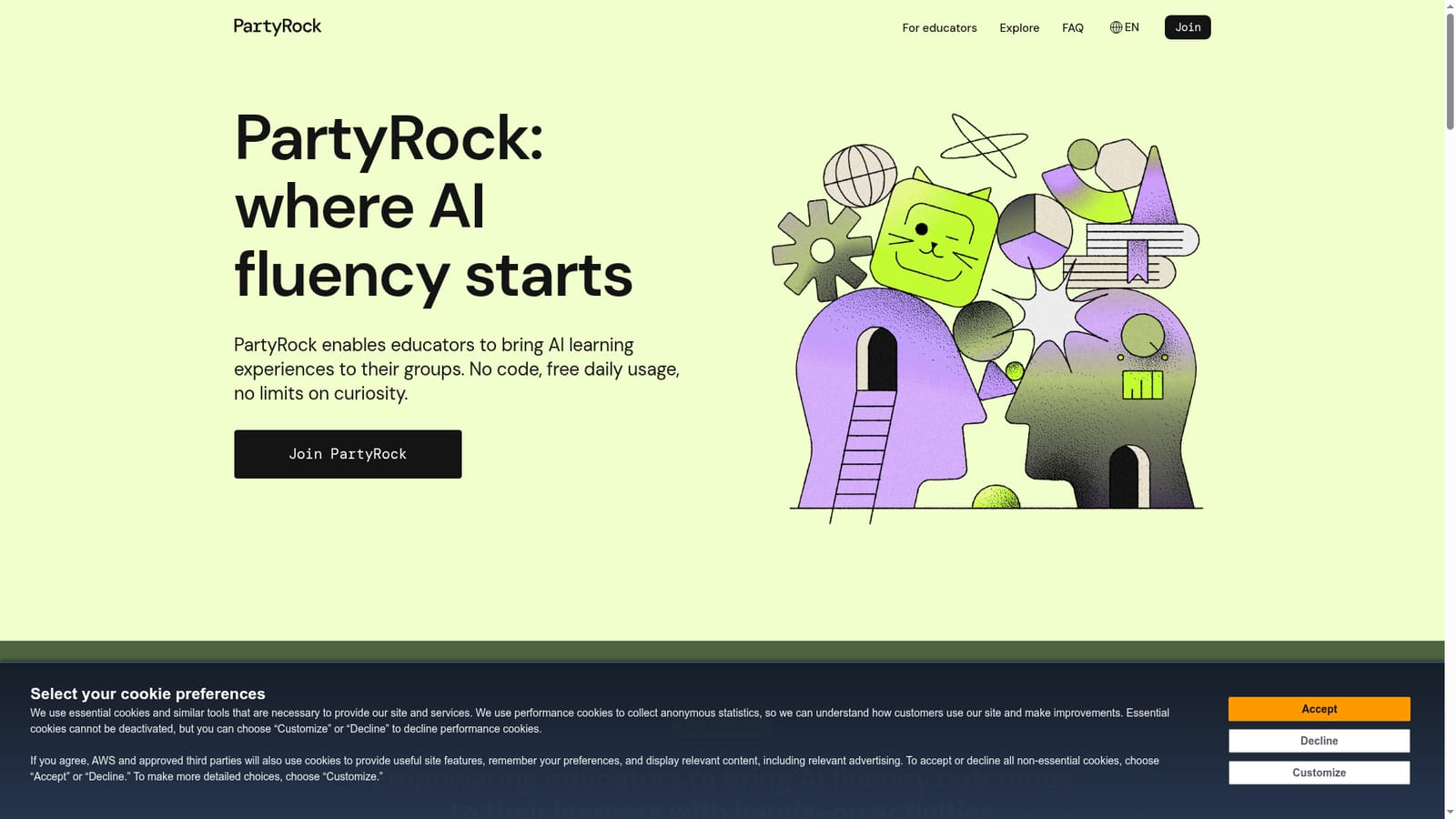
A free tier is the default rather than a timed trial: the homepage promises free daily usage and no limits on curiosity.
Learn moreAmazon's no-code AI playground for building apps and learning by making

PartyRock is an AI project builder tool. Amazon's no-code AI sandbox where learners and educators build small AI apps (flows), generate images, and analyze datasets. Free daily usage, browser only, with structured challenges and curriculum modules for running hands-on workshops.
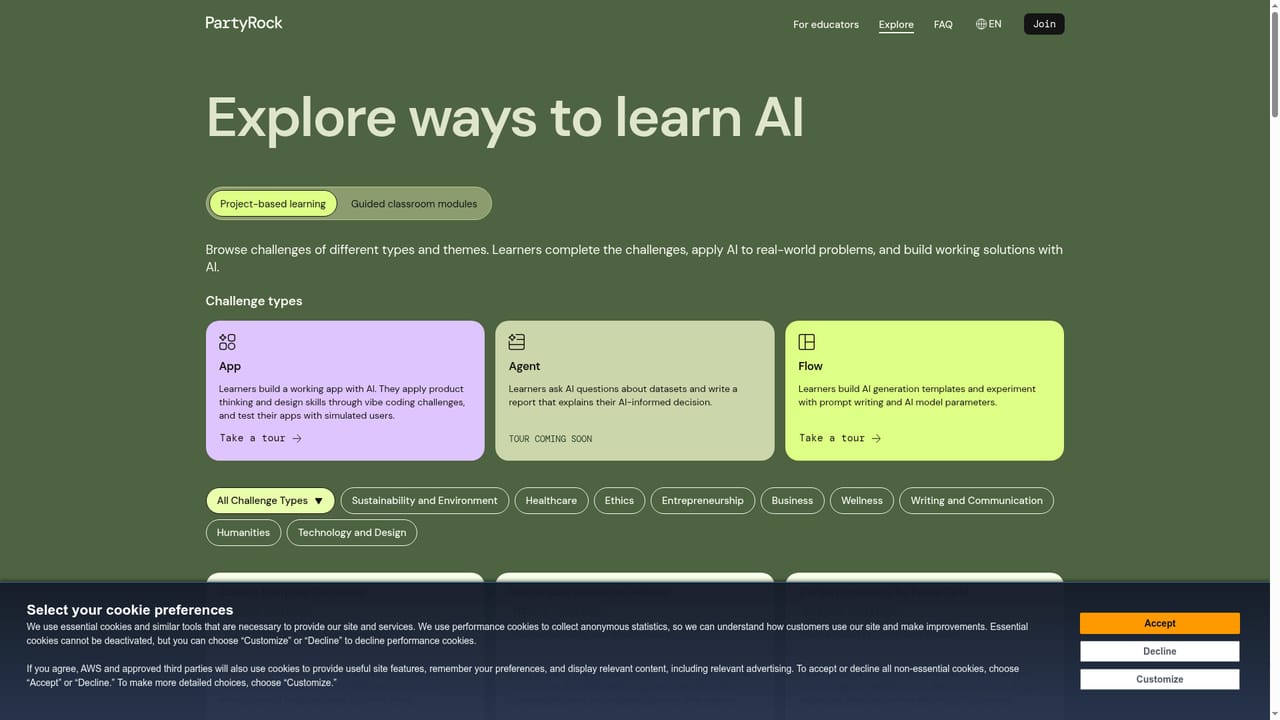
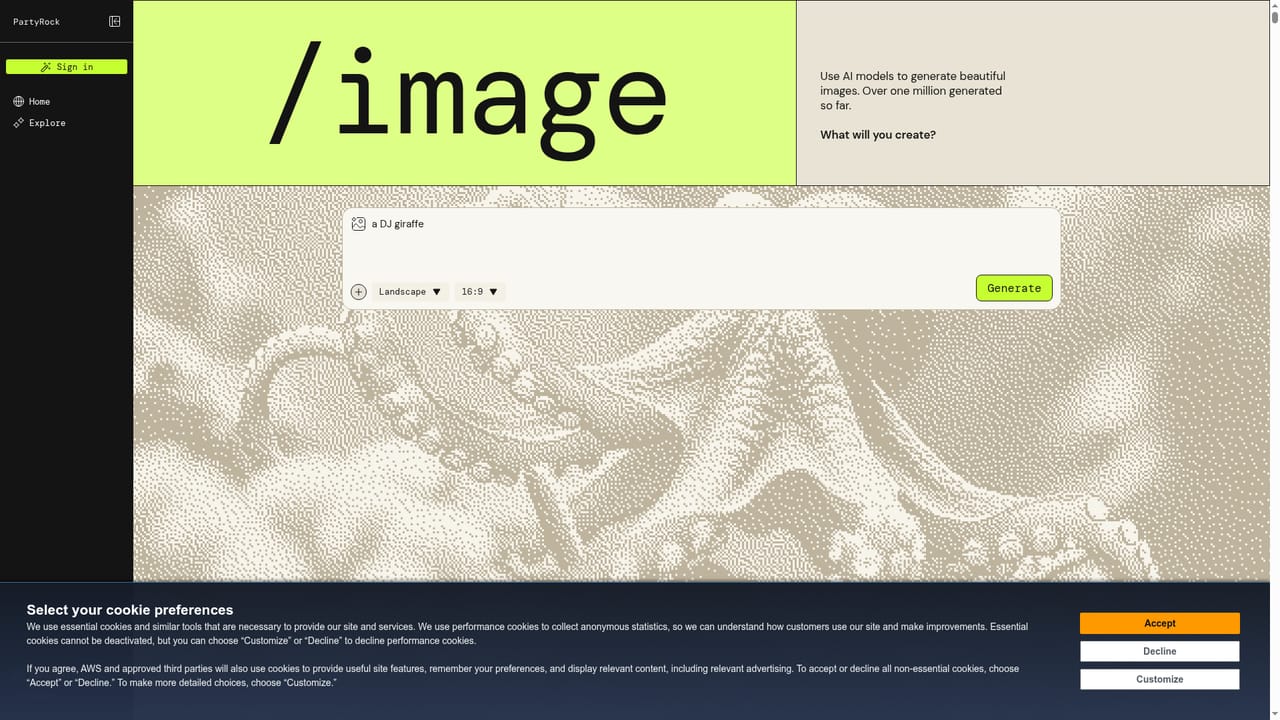
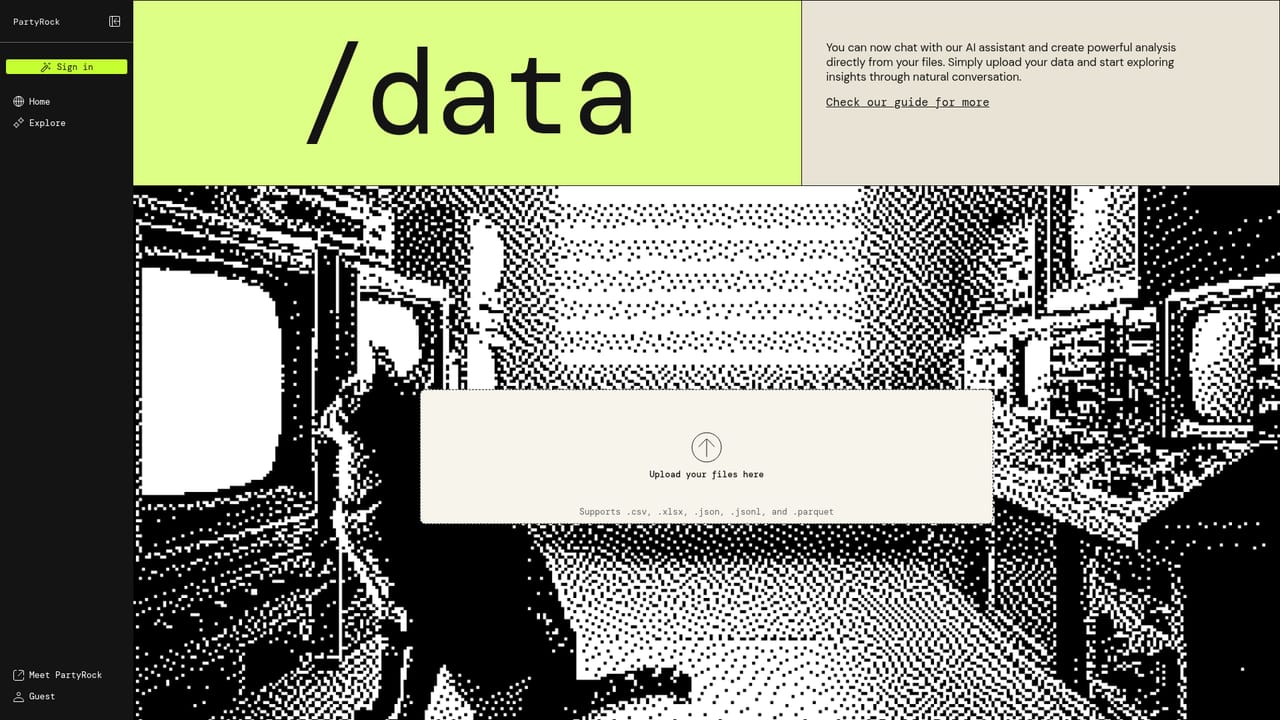
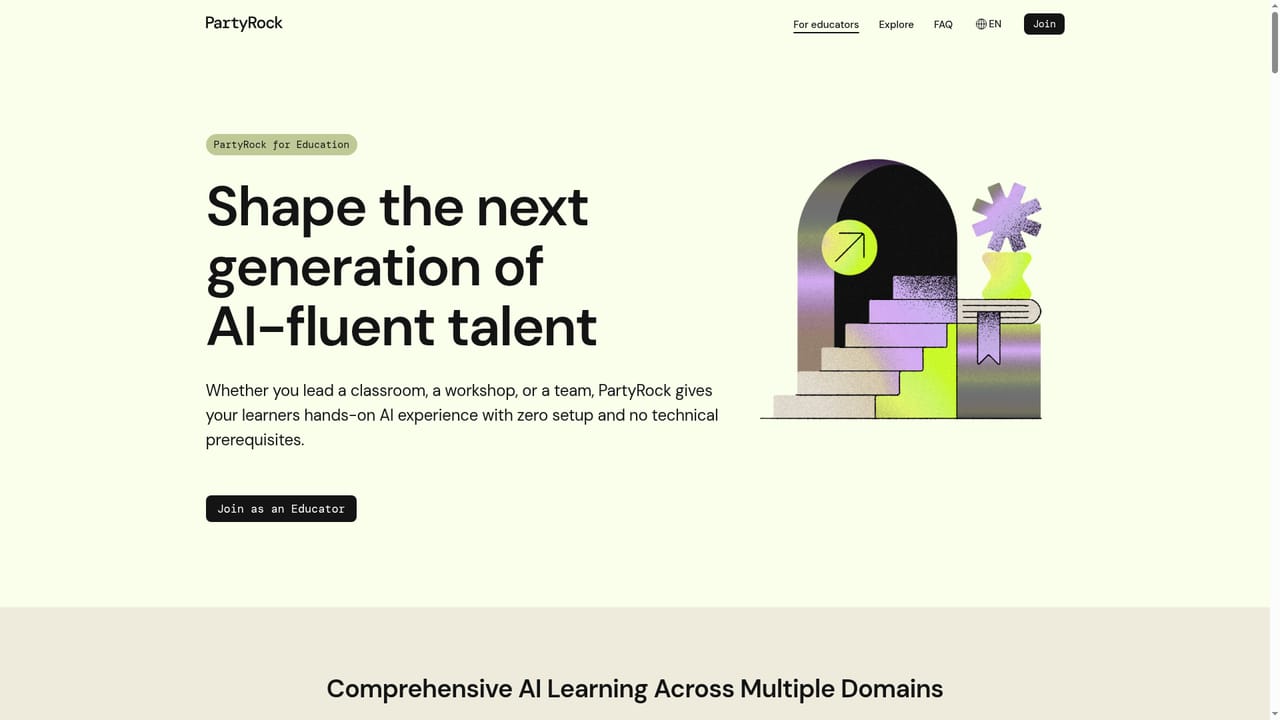
PartyRock is Amazon's browser-based sandbox for building with generative AI without writing code. The core object is a Flow: a small user interface where you define inputs, attach prompts, and let a model return generated content. Learners and tinkerers assemble these apps from widgets, adjust models and parameters, and treat the result as a working prototype rather than a one-off chat reply. Images and data sit alongside flows, so image generation and chart building are available from the same workspace. The product is positioned squarely at education. A host, usually an instructor, runs a session and hands learners a structured space to build. Three challenge formats organize that work. App challenges ask participants to design a product through vibe coding and end with a spec that can be scaled up later. Agent challenges have learners load a dataset, work through it in natural language, and present a report defending their reasoning. Flow challenges cover generation templates, where prompts are chained and context and tools are tuned until output is worth sharing. Each format deliberately pushes people past the chatbot habit of asking and accepting. Day to day, the tool works like a light prototyping environment. You create a flow, pick a model, write prompts, and chain steps so one widget feeds the next. Image work starts from a short written prompt. Data work starts from an uploaded file and produces visualizations with no setup. Educators can browse industry-aligned challenges and curriculum modules, then curate a selection matched to their learners and mission, running workshops in person or online. The closest alternatives are prompt playgrounds and no-code app builders. PartyRock leans harder on teaching than either: the challenges, curriculum and host-led format are the point, not an add-on. Teams wanting production deployment, version control or team governance will find it thin. Individuals who want a free, low-ceremony place to experiment with models, prompts and small AI apps will find the barriers low and the daily allowance generous.
A free tier is the default rather than a timed trial: the homepage promises free daily usage and no limits on curiosity.
Learn morePartyRock offers free daily usage with no setup cost mentioned on the homepage. No paid tiers, per-seat pricing or usage caps are published on the landing page, so exact allowances are best confirmed inside the product.
Learn moreFlows act as generation templates with inputs, prompts and widget chaining. Image generation turns short written prompts into visuals. Data analysis accepts uploads and returns charts and visualizations without setup. Educators get a catalogue of industry-aligned challenges and modules covering app design, agent reasoning over datasets, and prompt chaining with context and tools.
Learn more AI Angels400+ customizable AI girlfriends for NSFW chat, voice calls, and roleplay
 Candy AIExperience the future of companionship with AI friends who chat, role-play, and connect with you on a human level.
 ourdream.aiA vast AI roleplay platform with millions of characters for chat, images, video and voiceAI Angels400+ customizable AI girlfriends for NSFW chat, voice calls, and roleplayCandy AIExperience the future of companionship with AI friends who chat, role-play, and connect with you on a human level.ourdream.aiA vast AI roleplay platform with millions of characters for chat, images, video and voice