Free trial
A 30-day Pro trial is available with no credit card required. Proofreading is free during the trial and limited to 50 checks per month on Pro.
Learn moreAI patent drafting and prosecution workspaces built on USPTO open data

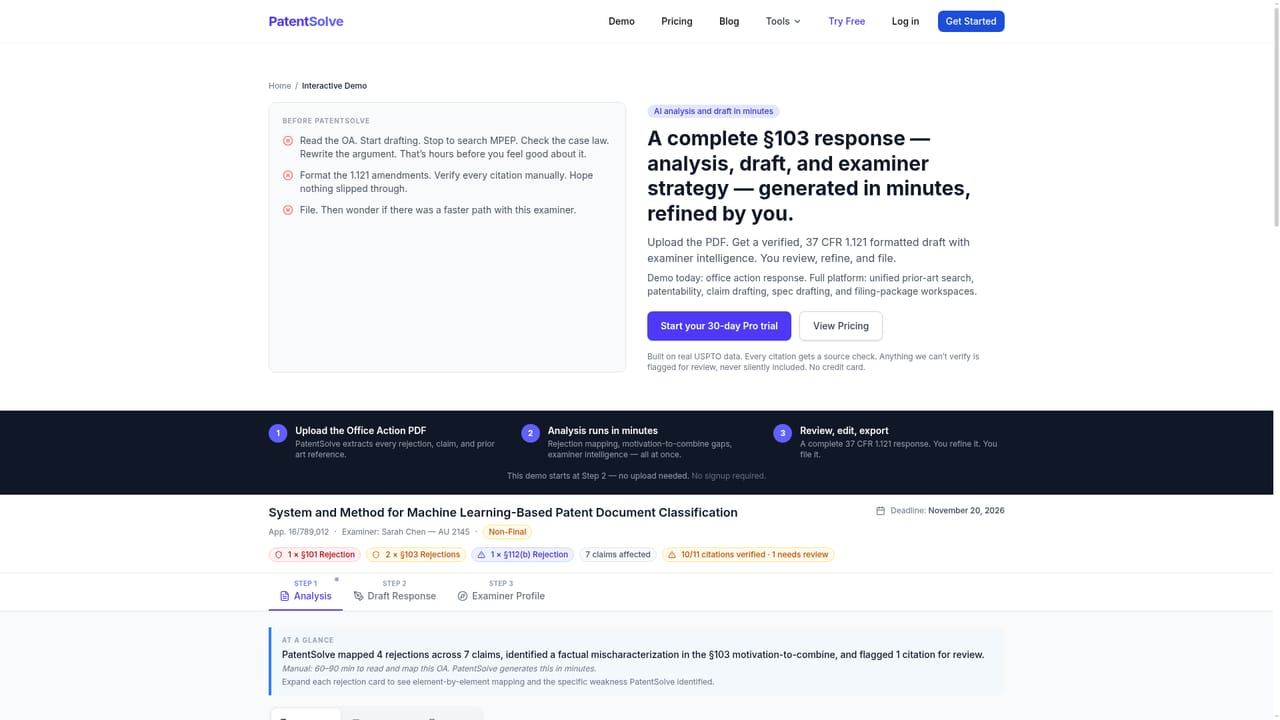
PatentSolve is an AI search tool. A prosecution workspace for USPTO attorneys covering eight stages from disclosure intake to office action response, built on USPTO Open Data with examiner analytics, a seven-check claim proofreader and 37 CFR 1.121 Word export.
PatentSolve is a cloud-based prosecution platform for patent attorneys and agents working before the USPTO. Rather than a single drafting assistant, it organizes the matter into eight stages (disclosure intake, prior-art search, patentability, claims, specification, filing prep, office action response and proofreading), each with its own set of deterministic tools. The marketing claim is deliberate: these are rule-anchored screens tied to the MPEP, statute and Federal Circuit case law, not open-ended text generation. The data foundation is the USPTO Open Data Portal. PatentSolve reports 12,847 examiner profiles and more than 199,000 prosecution histories covering office actions, responses, interviews and outcomes. That corpus powers the Examiner Prosecution Playbook, which surfaces allowance rates, interview patterns and prior-art tendencies for the specific examiner on a case. The office action workflow accepts a PDF (including scanned documents via OCR), classifies each rejection under 101, 102, 103, 112 or double patenting, fetches the cited references, and drafts arguments with citations checked against the source documents before export as a 37 CFR 1.121 formatted Word file. A separate proofreading engine runs seven rule-based checks on claims, including antecedent basis, dependencies, numbering, transition phrases and specification consistency. It flags issues with exact text plus a suggested fix and MPEP citations. The platform also provides draft starters for independent claims and a three-section specification skeleton, with §112(a) enablement placeholders left for the practitioner to complete. This is a tool for working patent professionals, not inventors filing pro se. It assumes fluency in USPTO practice and produces material that a licensed practitioner must review and sign before filing. Compared with generic AI writing assistants, the value is the prosecution-specific structure and source verification. The tradeoff is narrow scope: it is built for US practice, and every output still rests on attorney judgment.
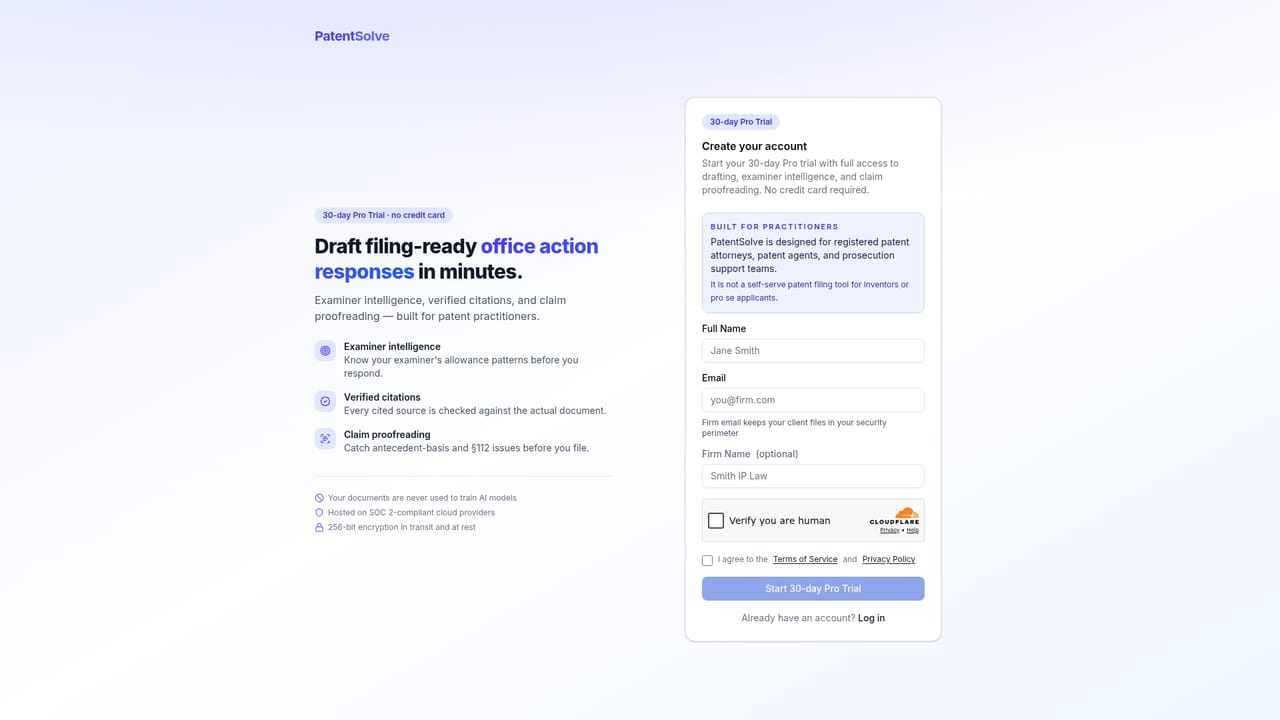
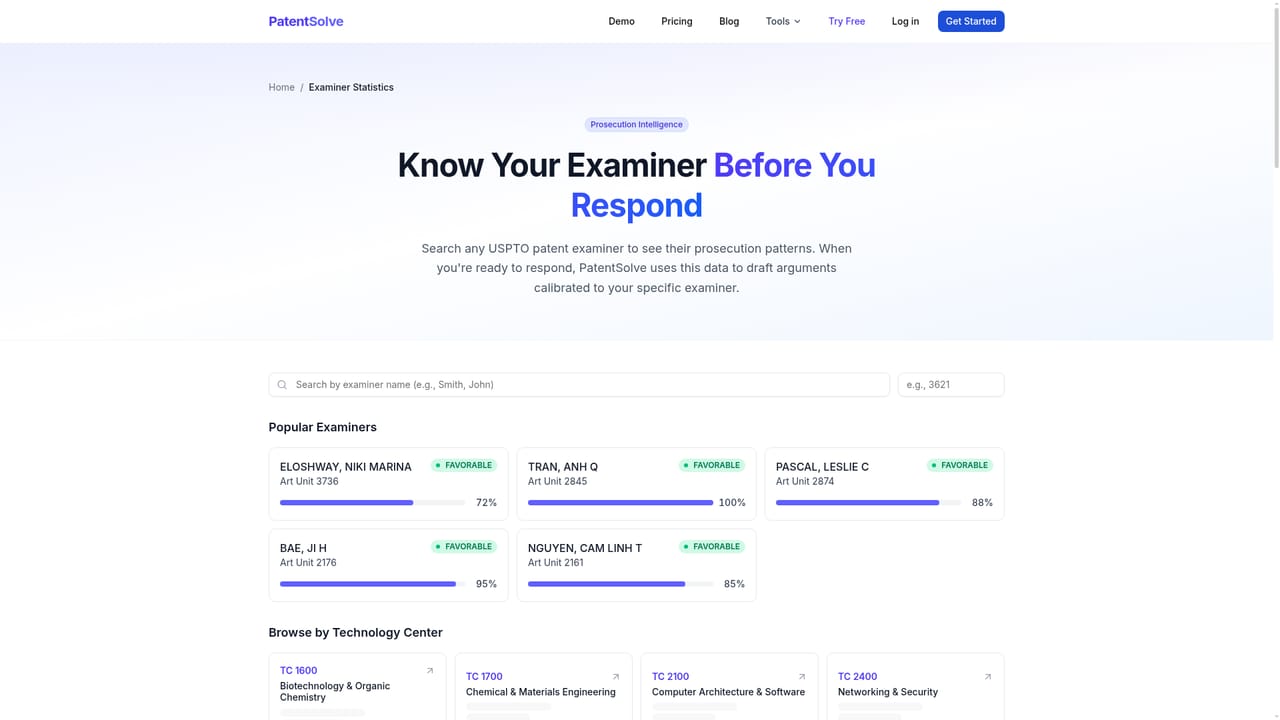
A 30-day Pro trial is available with no credit card required. Proofreading is free during the trial and limited to 50 checks per month on Pro.
Learn moreThe homepage offers a free 30-day Pro trial with no credit card required and states there is no per-seat license. Specific subscription tiers and prices are not listed on the homepage, so check the pricing page for current plan details.
Learn moreThe homepage mentions no third-party integrations. Output is a Word document formatted for 37 CFR 1.121, ready for upload to USPTO Patent Center after attorney review.
Forty-five or more deterministic tools across eight stages: disclosure intake, prior-art search with IP5 plus WIPO query starters, patentability screening, claim and specification drafting starters, filing prep with IDS and ADS items, office action response with verified citations, and a seven-check claim proofreader. All supported by USPTO Open Data and a pre-filing readiness rollup.
Learn more AI Angels400+ customizable AI girlfriends for NSFW chat, voice calls, and roleplay
 Candy AIExperience the future of companionship with AI friends who chat, role-play, and connect with you on a human level.
 ourdream.aiA vast AI roleplay platform with millions of characters for chat, images, video and voiceAI Angels400+ customizable AI girlfriends for NSFW chat, voice calls, and roleplayCandy AIExperience the future of companionship with AI friends who chat, role-play, and connect with you on a human level.ourdream.aiA vast AI roleplay platform with millions of characters for chat, images, video and voice