Free trial
Early access is described as free for teachers whose school or district leaders request it. No standalone trial for individual teachers is mentioned on the homepage.
Learn moreAI lesson planning that produces classroom-ready packages, not just drafts

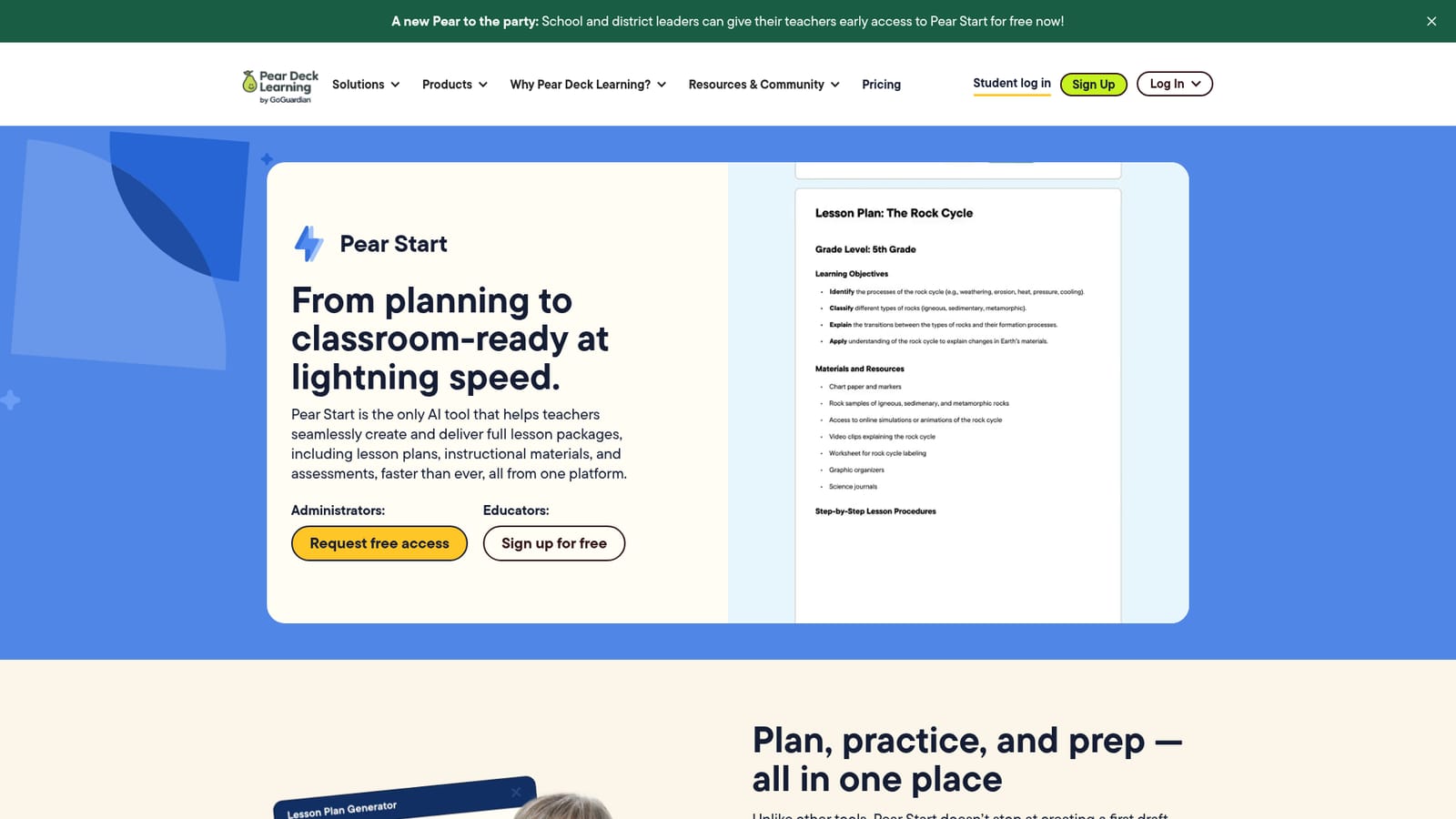
Pear Start is Pear Deck Learning's AI lesson planning tool that turns standards and existing materials into full lesson packages, including plans, instructional materials, practice sets, and assessments, with over 40 AI utilities for classroom tasks.
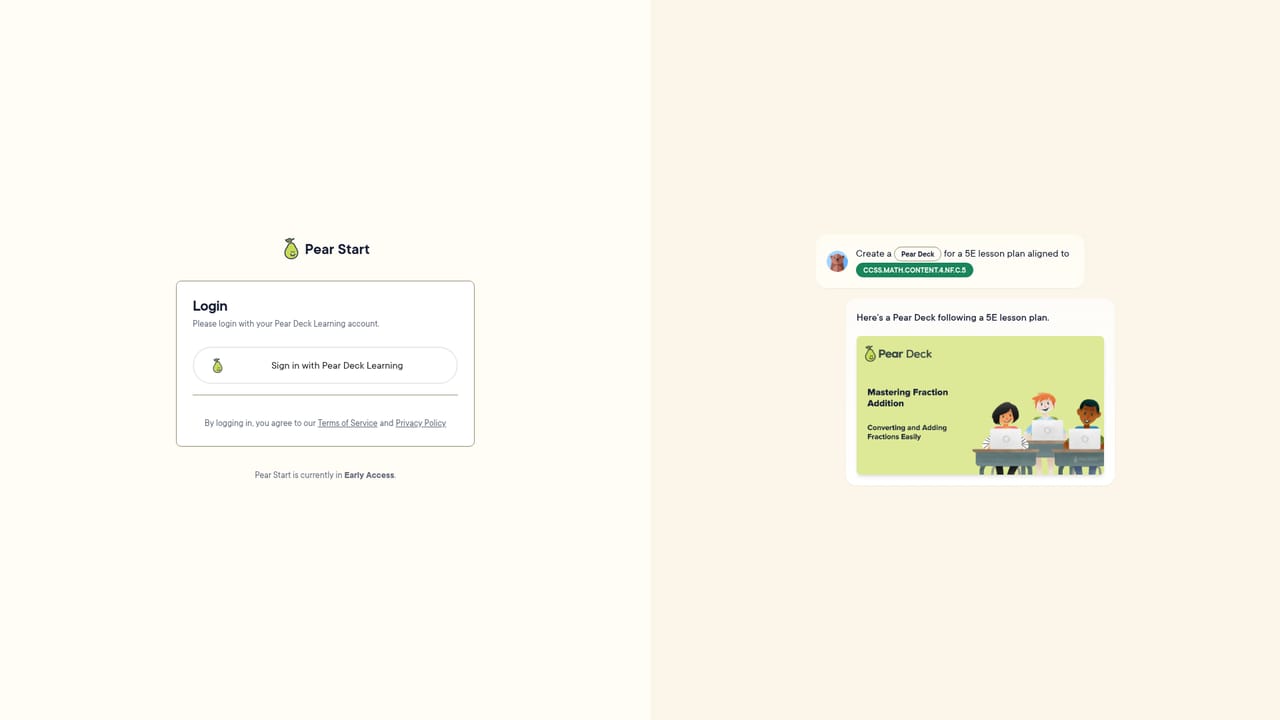
Pear Start is an AI-powered lesson planning tool from Pear Deck Learning that helps teachers build complete instructional packages rather than isolated drafts. It generates lesson plans, instructional materials, practice sets, and assessments from a starting point like a standard or an existing document, then lets teachers customize and deliver the result. The emphasis is on the full arc of teaching preparation: planning, creating, and delivering, not just the first suggestion. The tool is built for classroom teachers, special education instructors, and curriculum teams who already have content and need to turn it into something students can use. A teacher can upload a Google Doc or PDF, and Pear Start transforms the existing material into a full lesson package. Teachers describe using it as a hub for lesson materials and preparation, then adding accommodations and supports for different learners. The platform also includes more than 40 AI-powered tools for administrative and communication tasks, which positions it as a broad time-saver rather than a single-purpose generator. In practice, Pear Start fits inside the wider Pear Deck Learning suite, so generated lessons, practice sets, and tests can flow into the other products for delivery and assessment. School and district leaders can request early access for their teachers, and the homepage states that this early access is free. The company grounds its AI work in a responsible AI framework, including a zero-day retention policy under which LLM partners delete user request data within 24 hours. Among AI lesson planning tools, Pear Start differentiates itself by covering the delivery side and by tying into an established classroom platform. The trade-off is that the experience is oriented toward schools already in the Pear Deck ecosystem, and pricing for general rollout is not published on the homepage. Teachers who want a quick standalone draft generator may find the scope larger than needed; those who want a full package from existing materials are the intended audience.
Early access is described as free for teachers whose school or district leaders request it. No standalone trial for individual teachers is mentioned on the homepage.
Learn moreThe homepage does not publish a price for Pear Start. It states that school and district leaders can give teachers early access for free now, and routes interested schools through a request form rather than a checkout.
Learn morePear Start works with the Pear Deck Learning platform, which includes Pear Deck, Pear Assessment, and Pear Practice. The homepage mentions uploading Google Docs and PDF files as source materials.
Learn morePear Start generates full lesson packages: lesson plans, instructional materials, practice sets, and assessments. A Transform capability converts existing standards and uploaded documents into classroom-ready content. More than 40 AI-powered tools handle administrative and communication tasks, and the product works with the wider Pear Deck Learning platform for delivery and assessment.
 AI Angels400+ customizable AI girlfriends for NSFW chat, voice calls, and roleplay
 Candy AIExperience the future of companionship with AI friends who chat, role-play, and connect with you on a human level.
 ourdream.aiA vast AI roleplay platform with millions of characters for chat, images, video and voiceAI Angels400+ customizable AI girlfriends for NSFW chat, voice calls, and roleplayCandy AIExperience the future of companionship with AI friends who chat, role-play, and connect with you on a human level.ourdream.aiA vast AI roleplay platform with millions of characters for chat, images, video and voice


