Support
Documentation is split into getting started (authentication, AI integration) and developer guides (CLI, pen format), with a downloads page for the desktop application.
Learn moreAgentic design canvas that turns prompts into shippable code

Pencil is a generate concepts tool. An AI-agent design canvas from the team formerly known as Pencil. Agents generate website, mobile and marketing boards that you refine by hand, import real screens from the browser, then export as HTML, Tailwind or React code.
pen.dev (formerly Pencil) is a design canvas built around AI agents rather than around a toolbar. You describe what you want in plain language, and one or more agents lay out boards on an infinite canvas: landing pages, mobile screens, social and marketing compositions. From there you refine by hand with standard frame, fill, stroke, effect, alignment and layout controls, or you send another instruction to an agent and let it iterate. The stated aim is to move from an idea to code you can ship without the usual design to development handoff. The workflow is deliberately parallel. Agents can run side by side on the same task or split work across different tasks, and an iteration mode keeps reworking layout or style variants automatically until you stop it. Model choice is open: Claude, OpenAI, Gemini, Grok, Qwen, Kimi, Deepseek and Minimax appear in the model picker, and you can bring access through a ChatGPT or Claude subscription, your own API keys, or connections made over MCP, WebMCP or the CLI. Because boards are files rather than pixels, exports land as real code: HTML with Tailwind, HTML with CSS, or React with Tailwind. Raster and PDF exports exist too, and a present mode covers reviews. A few supporting pieces matter in day to day use. The browser import pulls any part of an existing app or site onto the canvas, so a redesign does not begin with an empty artboard. Reusable component libraries (Shadcn UI, Lunaris, Halo, Nitro) can be imported, and any file can be converted into a library. The pen format and CLI let developers treat designs as versionable artifacts, which is where this product separates itself from prompt-only UI generators. It suits product designers and front end teams who are comfortable working in a structured canvas and want AI to produce editable output rather than dead screenshots. Beginners will find the agent chat approachable, but the real value appears once you understand frames, components and code export. Teams that only need quick mockups may find the model configuration and file format concepts heavier than the job requires.
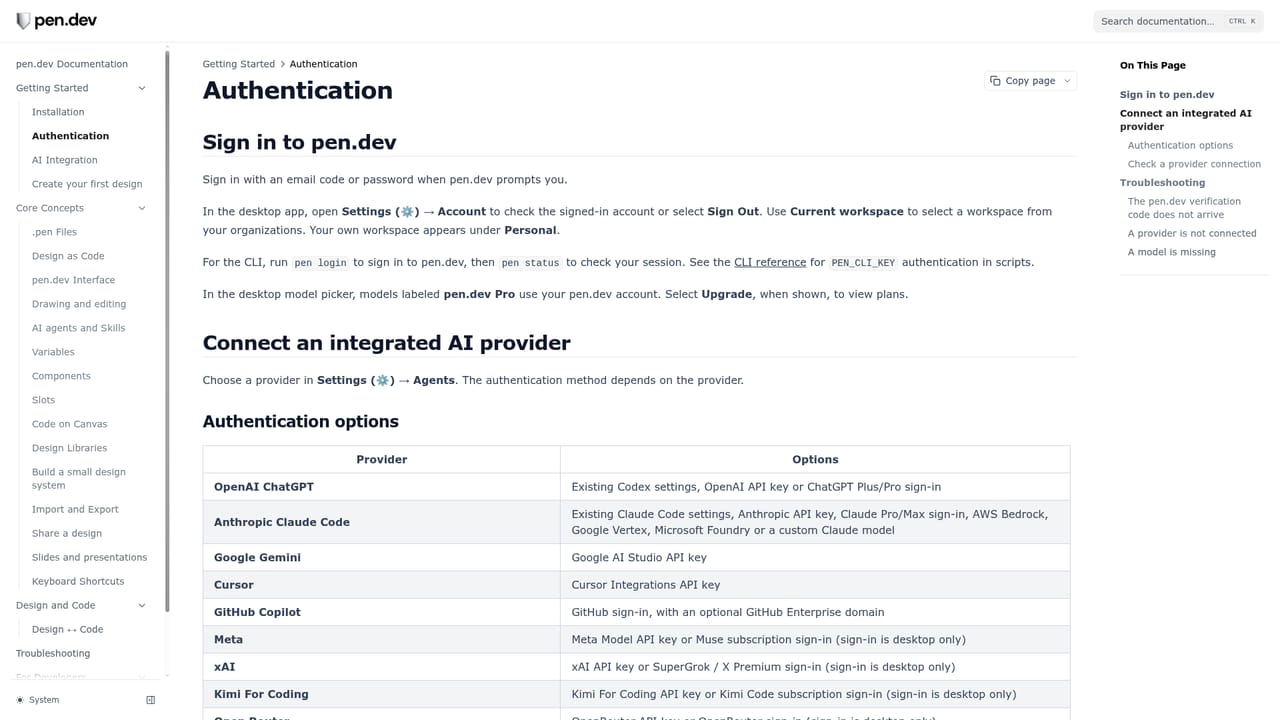
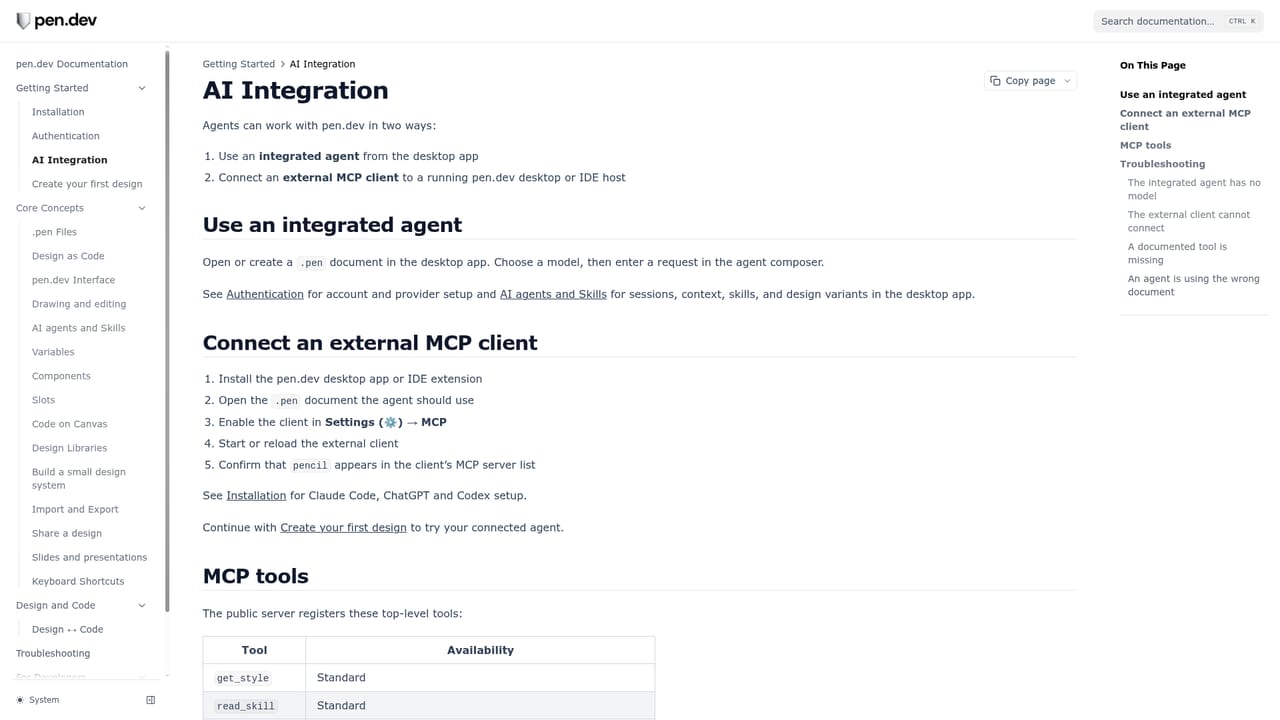
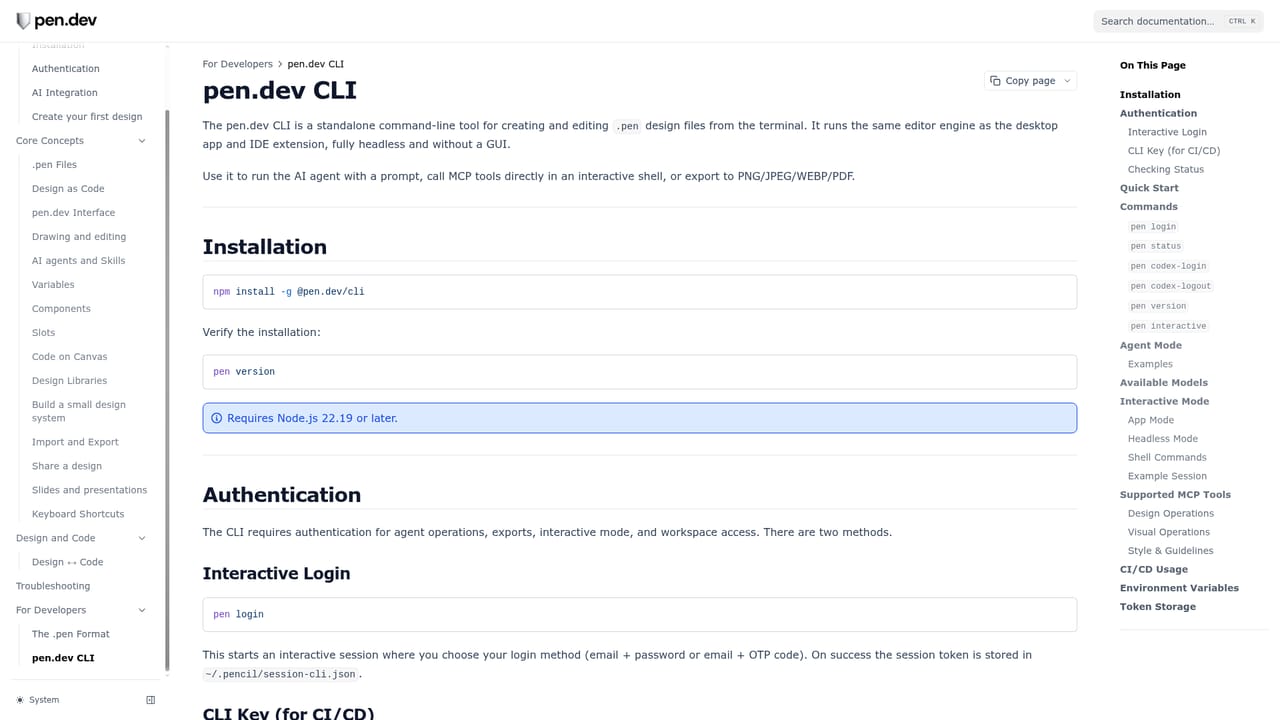
Documentation is split into getting started (authentication, AI integration) and developer guides (CLI, pen format), with a downloads page for the desktop application.
Learn moreModel providers listed include Claude, OpenAI, Gemini, Grok, Qwen, Kimi, Deepseek and Minimax, reachable through a ChatGPT or Claude subscription, personal API keys, or connections over MCP, WebMCP and the pen CLI.
Learn moreAgent driven canvas with parallel agents (split work or side by side), automatic layout and style iteration, component libraries including Shadcn UI, Lunaris, Halo and Nitro, browser import of existing apps, present and PDF export, code export to HTML with Tailwind, HTML with CSS or React with Tailwind, and support for many model providers via subscription, API key, MCP, WebMCP or CLI.
 AI Angels400+ customizable AI girlfriends for NSFW chat, voice calls, and roleplay
 Candy AIExperience the future of companionship with AI friends who chat, role-play, and connect with you on a human level.
 ourdream.aiA vast AI roleplay platform with millions of characters for chat, images, video and voiceAI Angels400+ customizable AI girlfriends for NSFW chat, voice calls, and roleplayCandy AIExperience the future of companionship with AI friends who chat, role-play, and connect with you on a human level.ourdream.aiA vast AI roleplay platform with millions of characters for chat, images, video and voice





