Free trial
A free sign up is advertised on the homepage. The length and scope of any paid plan trial are not stated.
Learn moreAn AI-assisted social media suite for small businesses

Picmaker is an instagram comment finder tool. Picmaker combines AI-assisted social design, a shared content calendar, post scheduling with smart time suggestions, multi-channel analytics, competitor benchmarking and a social inbox in one suite built for small businesses.
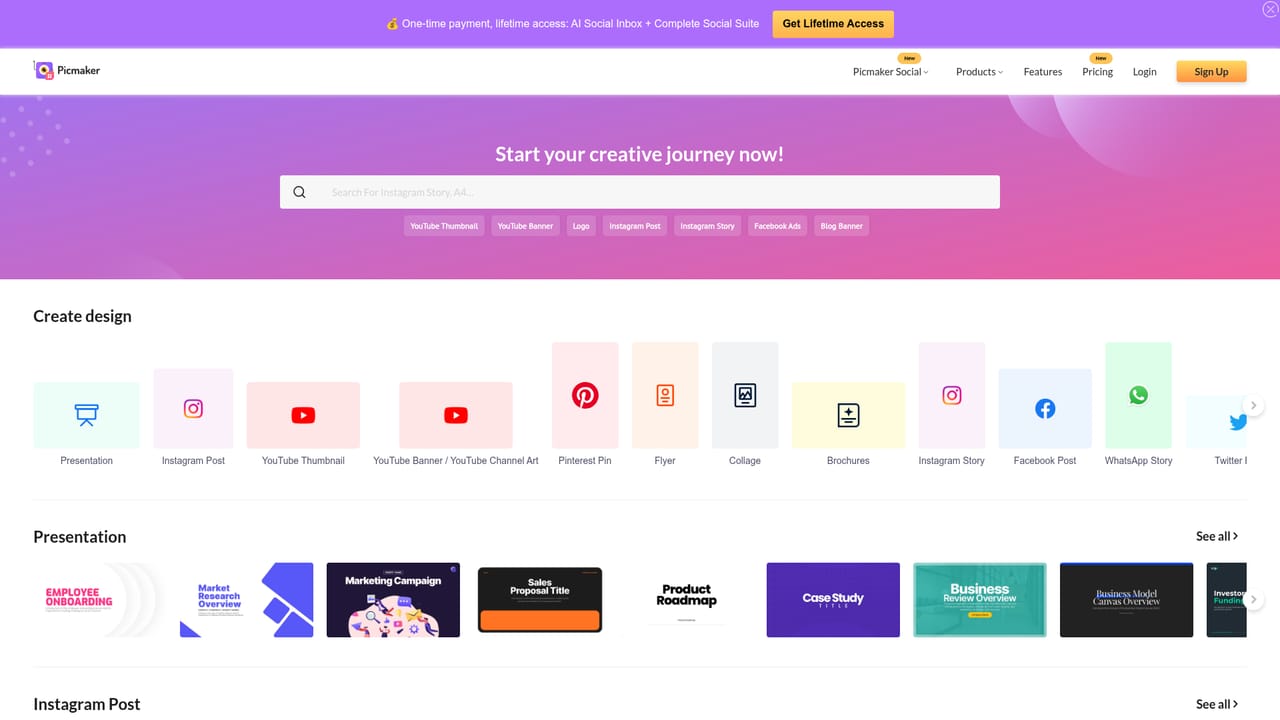
Picmaker bundles social media design, publishing, analytics and engagement into a single suite aimed at small businesses. The five pillars advertised on the homepage are create, publish, analyse, engage and discover, so the product is positioned less as a pure design tool and more as an all-in-one workspace for teams that run their own social channels without a dedicated agency. The creation side covers AI-powered graphic design with millions of free photos and thousands of customizable templates. A background remover strips image backgrounds in seconds, smart resizing reformats one design for Instagram stories, Facebook posts, banners and flyers, and unlimited brand kits apply logos, fonts and colors consistently. Publishing adds a shared content calendar, a client approval flow, post scheduling with smart time suggestions, and extras such as a link shortener, first comment automation, recycling, geotagging, location and user tagging, and hashtags. The discover layer includes Buzz for trending ideas by topic or hashtag, a caption writer called Mad Text, and posting time recommendations, while engagement and reporting round out the loop. In practice a typical workflow runs from idea to design to scheduled post without leaving the platform: pick a template or generate graphics, write captions with the AI assistant, queue everything on the calendar, then check multi-channel analytics, competitor benchmarks and pre-scheduled reports. A social inbox consolidates messages and comments, brand mention monitoring tracks keywords and rivals, and social tagging supports customer support handled over social channels. Picmaker targets small businesses, solo marketers and agencies managing client accounts. Compared with standalone design editors or single-purpose schedulers, its value is consolidation: one subscription covers creation, planning, approvals, publishing, reporting and an inbox. The tradeoff is that depth in any one area may trail a dedicated specialist, so teams with heavy creative or analytics demands should compare carefully before switching.
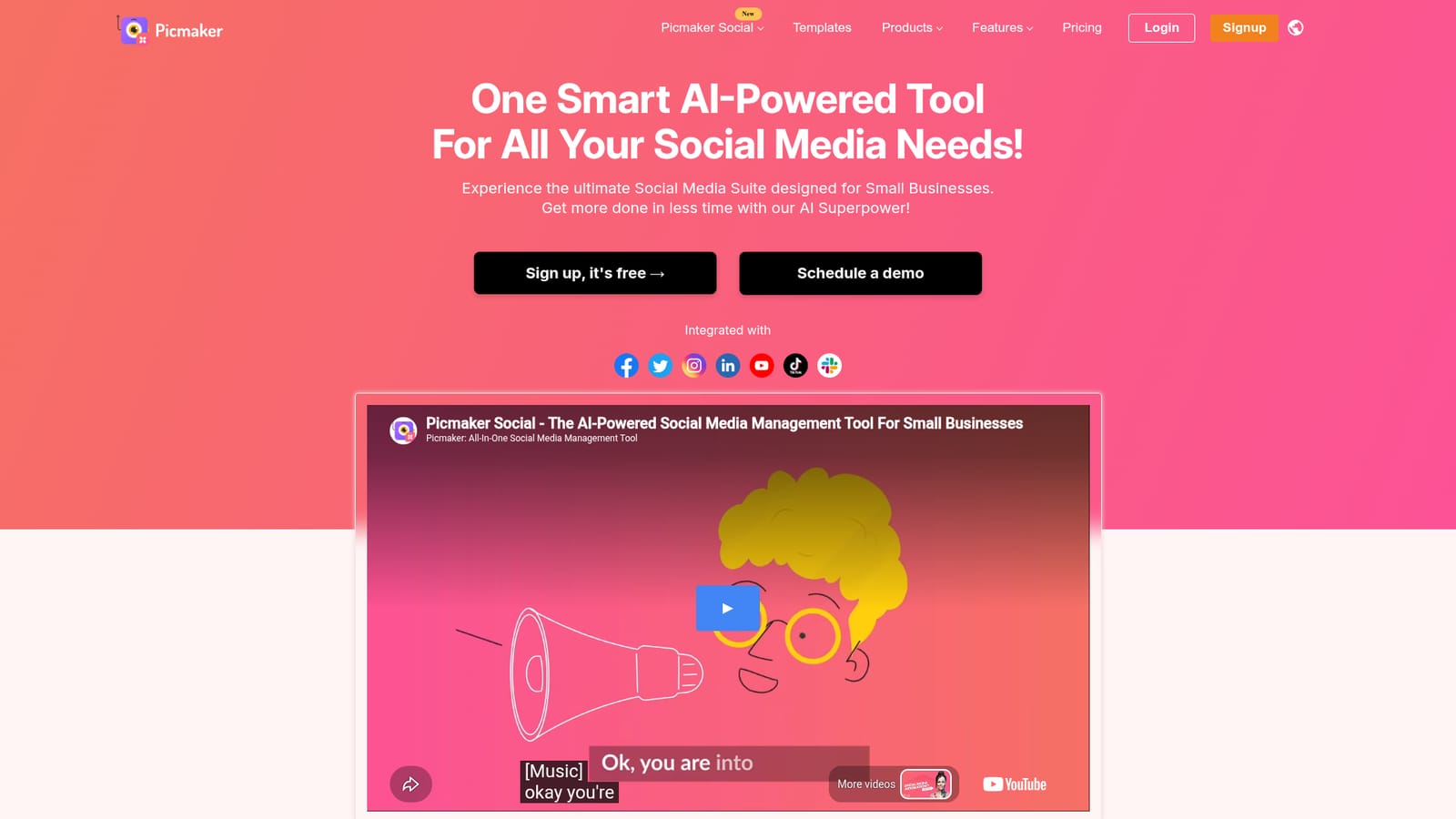

A free sign up is advertised on the homepage. The length and scope of any paid plan trial are not stated.
Learn moreThe homepage invites users to sign up for free but does not publish plan names or prices; paid tier details live inside the app's pricing page.
Learn moreThe homepage states integration with social platforms and displays a strip of social network logos, but names no third party tools or API access.
AI-powered design with templates, free photos, background remover, smart resizing and unlimited brand kits; shared content calendar, content approvals, scheduled posts, smart time suggestions and smart publish extras; analytics with competitor benchmarking and pre-scheduled reports; a unified social inbox, brand mention monitoring and social tagging; idea discovery through trending topic search and AI caption writing.
Learn more AI Angels400+ customizable AI girlfriends for NSFW chat, voice calls, and roleplay
 Candy AIExperience the future of companionship with AI friends who chat, role-play, and connect with you on a human level.
 ourdream.aiA vast AI roleplay platform with millions of characters for chat, images, video and voiceAI Angels400+ customizable AI girlfriends for NSFW chat, voice calls, and roleplayCandy AIExperience the future of companionship with AI friends who chat, role-play, and connect with you on a human level.ourdream.aiA vast AI roleplay platform with millions of characters for chat, images, video and voice