Free trial
Starting is free and no credit card is required, and a live demo is available. A refund of the subscription is offered if net growth is not positive after the first seven days.
Learn moreAI-targeted Instagram growth built on real followers, not bots

UpGrow is an instagram comment finder tool. A paid Instagram growth service that uses AI audience targeting plus human activity to attract real, niche-relevant followers. Users connect an account, pick filters such as location and interests, and track growth in a live dashboard.
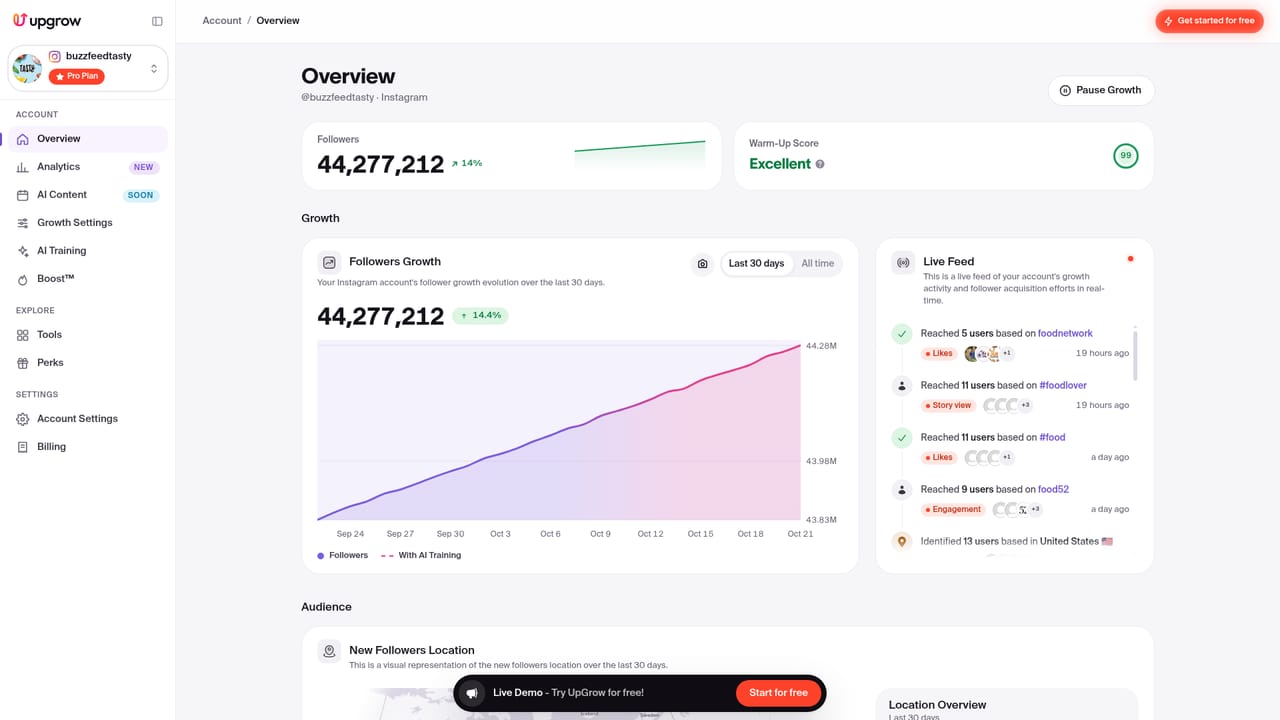
UpGrow is an Instagram growth service that pairs automated targeting with human review to attract followers. Rather than selling fake accounts or engagement pods, the platform positions itself as a way to reach real users who already care about a given topic. Signup is capped on the marketing pages (the site shows limited spots and a steep seasonal discount), but the mechanics described are straightforward: connect an account, define an audience, then let the system work in the background. The workflow has three parts. First, the user selects a niche, from fashion and food to fitness, travel and gaming. Second, the platform aims at active followers who are likely to interact with posts and stories, not just inflate a number. Third, an AI targeting layer filters by location, age, gender, language, interests and hashtags, or runs on autopilot if the user prefers to hand over the decisions. UpGrow says it recognizes and labels accounts across multiple data points, combining paid advertising, micro-interactions and human activity to push profiles in front of relevant audiences. The tool suits creators, small brands marketed around a founder, agencies handling several profiles, and businesses that want a steadier follower curve without hiring a social media team. A live dashboard tracks growth as it happens, and no Instagram password is required to start. Because it handles audience discovery rather than content creation, it complements schedulers, analytics tools and editing apps instead of replacing them. Results vary by niche, content quality and current engagement, and UpGrow states that Pro members gain more than 4,000 targeted followers per month on average. Guarantees include a money-back promise if net growth is not positive after the first seven days. Users should treat follower counts as a signal, not a strategy: the accounts that stick around still need a posting rhythm and a clear niche. A free live demo and a no-card signup make it easy to test before committing to a paid plan.
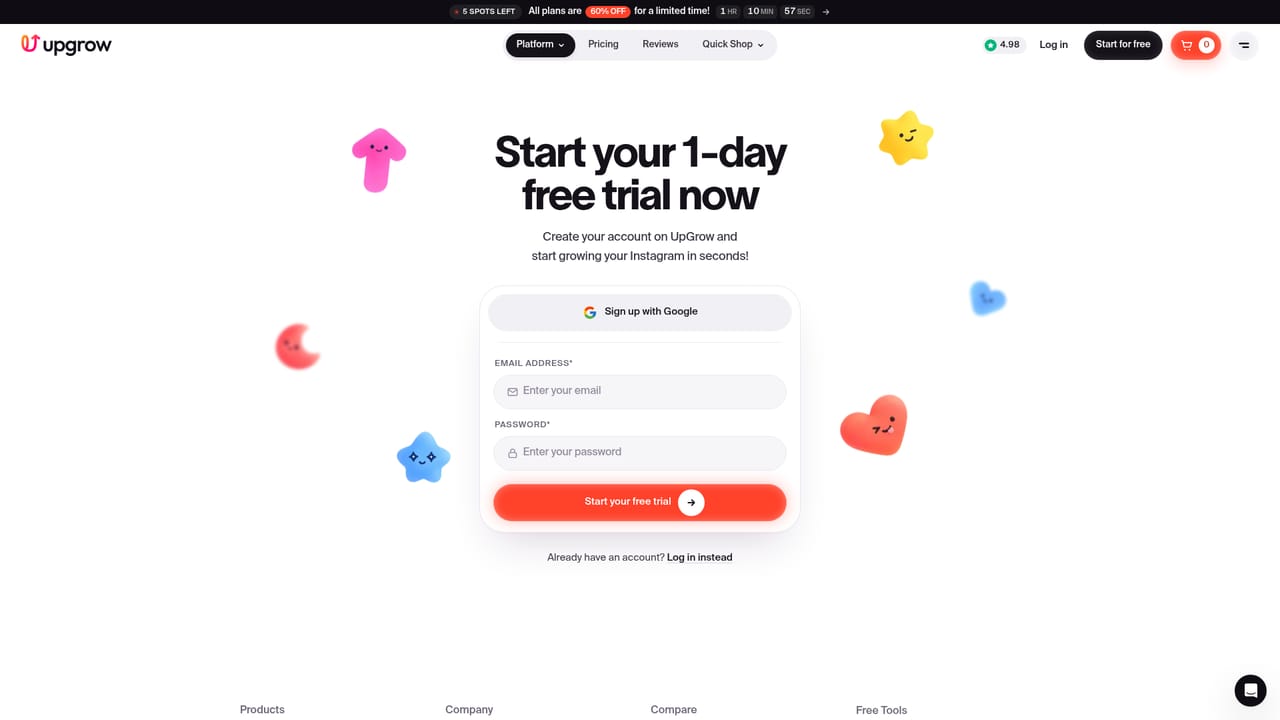
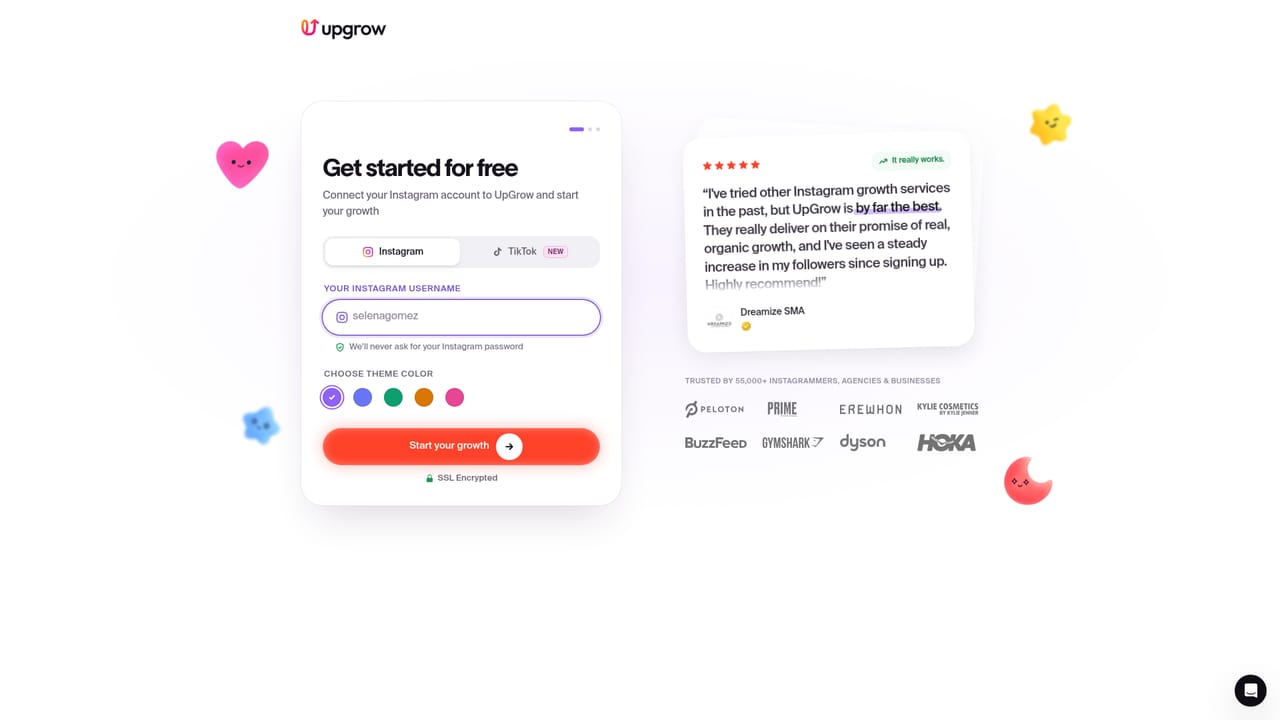

Starting is free and no credit card is required, and a live demo is available. A refund of the subscription is offered if net growth is not positive after the first seven days.
Learn morePaid subscription plans with a free signup that requires no credit card. The site shows a limited-time discount on all plans and mentions a Pro tier with an average of over 4,000 targeted followers per month. Specific prices and tier details sit on the pricing page rather than the homepage.
Learn moreSupport runs through 24/7 live chat, a contact form and a public help center with articles on how the growth engine works and what results to expect.
Learn moreCore features include AI targeting by location, age, gender, language, interests and hashtags, a niche selection step, a live analytics dashboard, 24/7 automated growth, and a stated commitment to real rather than bot followers. UpGrow says accounts are labeled across multiple data points and that growth combines paid advertising, micro-interactions and human activity.
 AI Angels400+ customizable AI girlfriends for NSFW chat, voice calls, and roleplay
 Candy AIExperience the future of companionship with AI friends who chat, role-play, and connect with you on a human level.
 ourdream.aiA vast AI roleplay platform with millions of characters for chat, images, video and voiceAI Angels400+ customizable AI girlfriends for NSFW chat, voice calls, and roleplayCandy AIExperience the future of companionship with AI friends who chat, role-play, and connect with you on a human level.ourdream.aiA vast AI roleplay platform with millions of characters for chat, images, video and voice