Zencoder

One subscription, every frontier model, orchestrated across plan, build and review

Advanced API
Screenshot of Zencoder, One subscription, every frontier model, orchestrated across plan, build and review

What is Zencoder?

Zencoder is an AI coding agent platform that routes planning, building and reviewing to different frontier models under one subscription, with a desktop app, IDE agents for VS Code and JetBrains, CI/CD automation and enterprise governance controls.

Zencoder is an AI coding agent platform built around a single idea: no one model is best at everything, so route each phase of engineering work to the model that handles it well. Planning runs on a reasoning model such as Claude Opus, which turns a task into a spec covering architecture decisions, edge cases and verification criteria. Execution runs on a faster model such as Google Gemini, which builds against that spec. Review runs on a different model again, typically OpenAI Codex, so tests, linting and code review are performed by something that did not write the code. One subscription covers access to the frontier models rather than a separate contract per vendor. The product ships in three shapes. Zenflow Code is a desktop app for spec-first workflows: pick a workflow for features, bugs or refactors, and agents implement in isolated environments with verification at each step. Dozens of agents can run in parallel across files, modules and repositories, and scheduled automation handles recurring chores like daily bug triage, pull request reviews and dependency updates. An IDE agent covers VS Code and JetBrains, indexing multiple repositories and exposing team standards as reusable skills. Zenflow Work pushes the same machinery at non-code tasks across Jira, Slack, Notion, Gmail, Calendar and more than 100 tools. The audience is professional engineering teams rather than solo hobbyists. The homepage leans on enterprise concerns: SOC 2 Type II, ISO 27001 and ISO 42001 compliance, zero code storage, no model training on customer data, approval gates, role-based permissions and cloud, on-premise or hybrid deployment. Bring-your-own-key support for existing OpenAI and Anthropic agreements is aimed squarely at organisations that already have procurement in place. Against alternatives, Zencoder's differentiator is cross-model orchestration and a workflow that forces a spec before code exists. Teams that prefer a single assistant inside one editor, or who want transparent self-serve pricing published up front, will find the positioning less immediately legible.

How do you use Zencoder?

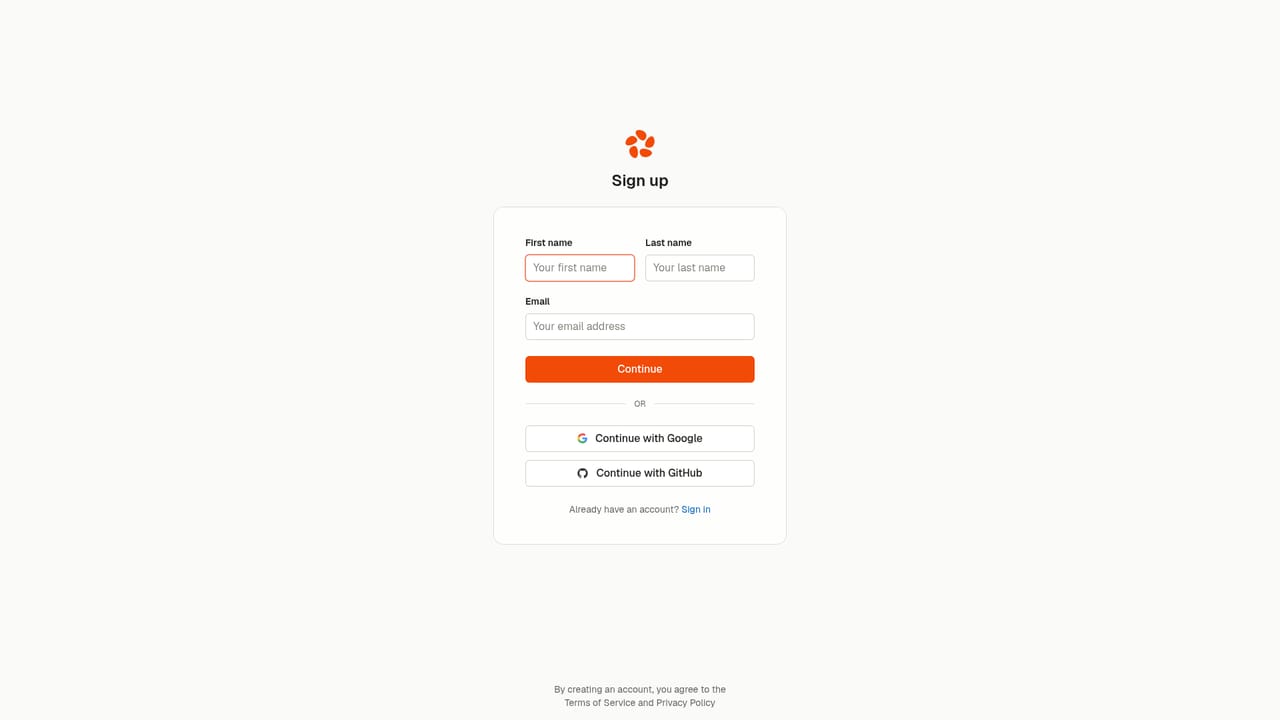
  1. 1Create your Zencoder account
    Sign up with your work email to reach the platform. This is the entry point for the desktop apps, the IDE agents and the orchestration tools under one subscription.
    Zencoder — Create your Zencoder account
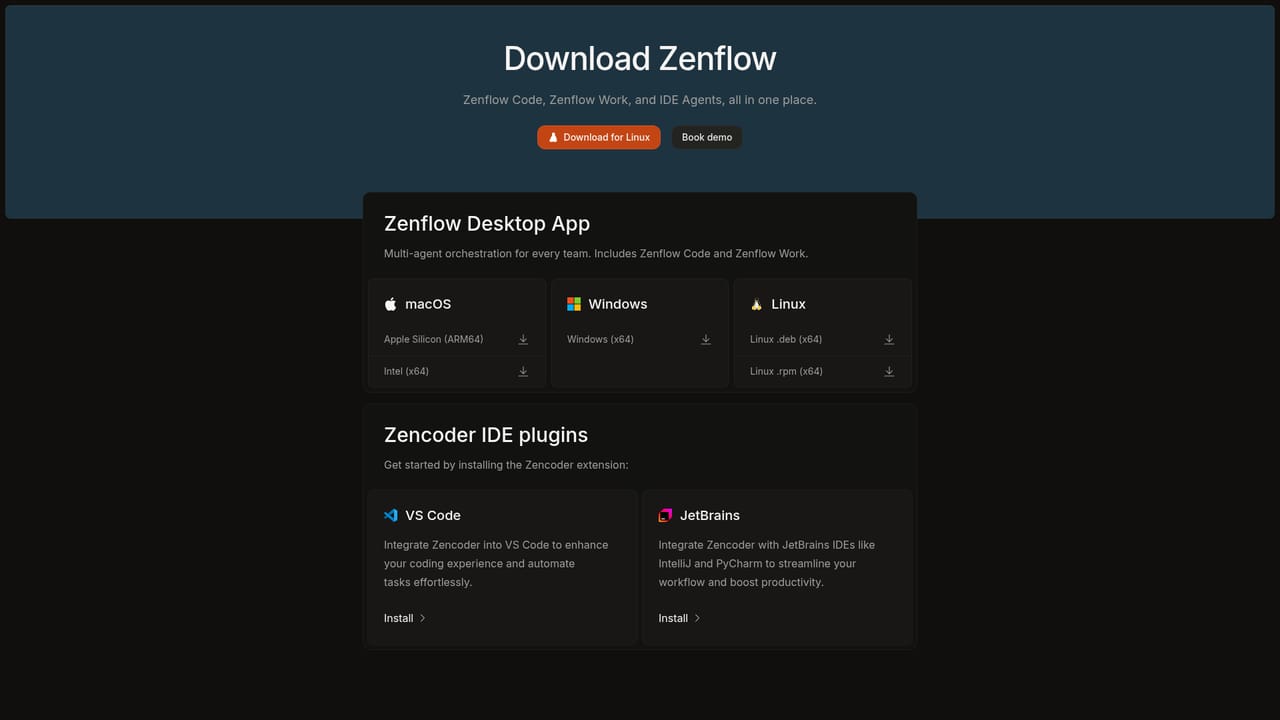
  2. 2Download Zenflow
    Download the Zenflow desktop app for Linux (a .deb package for x64 is offered on the homepage) or browse the full download list for your operating system, then install and sign in.
    Zencoder — Download Zenflow
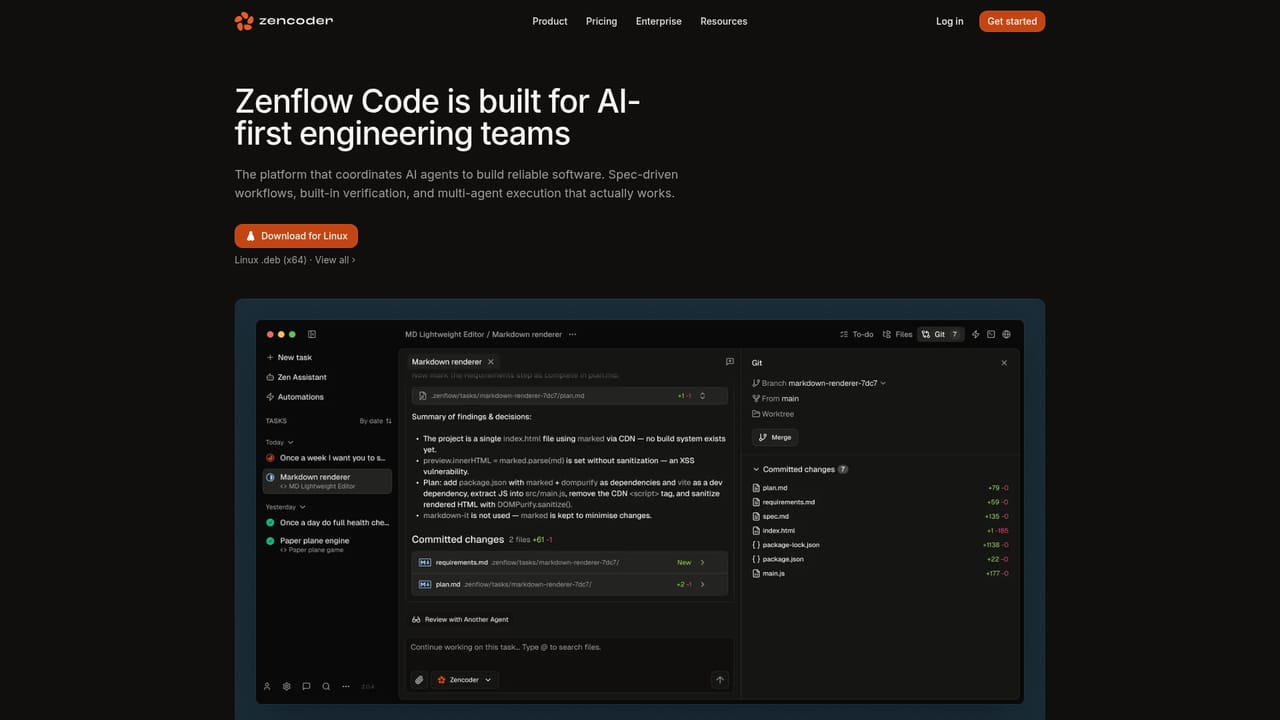
  3. 3Read up on Zenflow Code workflows
    Understand the spec, plan, build and verify pattern before starting. Pre-built workflows cover features, bugs and refactors, and you can define your own.
    Zencoder — Read up on Zenflow Code workflows
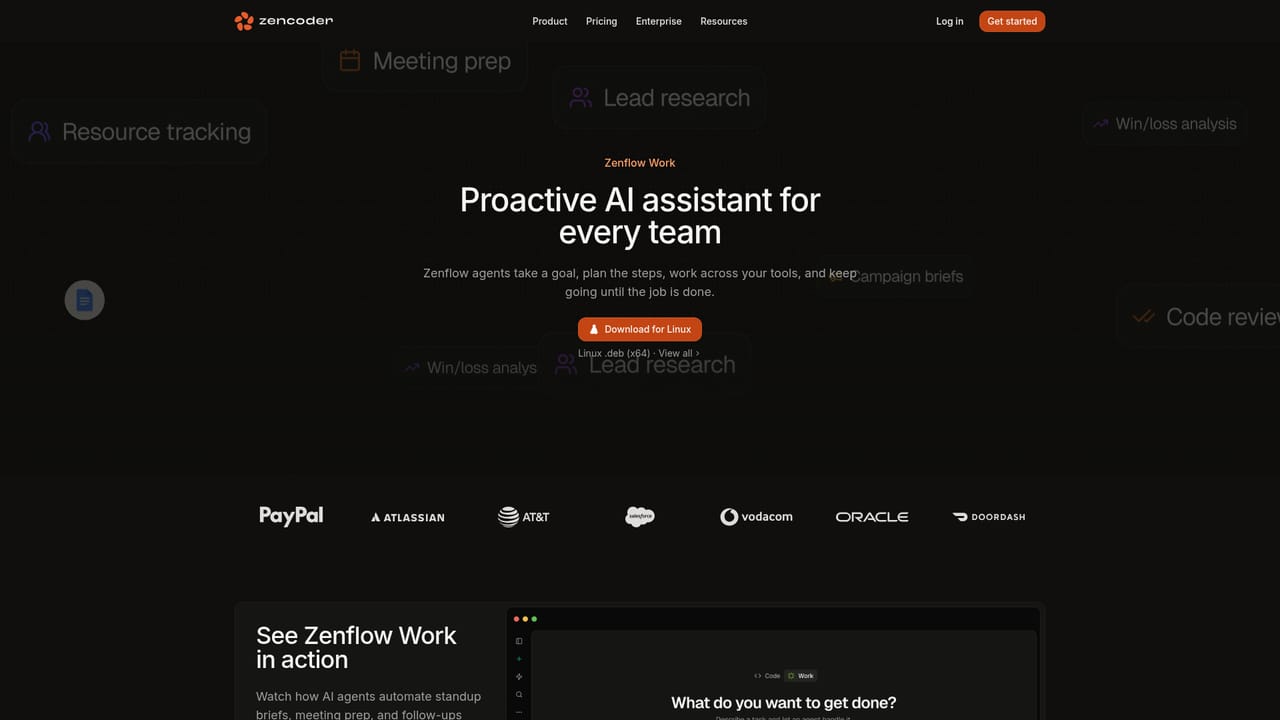
  4. 4Set the goal in Zenflow Work
    For non-code tasks, pick a deliverable such as a standup brief, release notes or meeting prep. Agents pull context from connected tools and draft the output for review.
    Zencoder — Set the goal in Zenflow Work
  5. 5Connect agents to your repositories and tracker
    Link GitHub, GitLab, Jira and Slack so agents can pick up tickets, read context and report back. Multi-repo indexing gives them visibility of dependencies across your stack.
  6. 6Install the IDE agent
    Add the Zencoder agent to VS Code or JetBrains, then review diffs, accept changes and steer direction inside your editor. Encode team standards as skills for reuse.

Pros and cons

Pros

  • Cross-model review means code is checked by a model that did not write it, which catches errors a single-model loop tends to missAI
  • Spec-first workflows force architecture and verification criteria to be written before any code is generatedAI
  • Parallel agents run in isolated environments across files, modules and multiple repositoriesAI
  • Scheduled automation covers recurring maintenance work such as bug triage, PR reviews and dependency updatesAI
  • Enterprise posture is explicit: SOC 2 Type II, ISO 27001 and ISO 42001, zero code storage, BYOK and on-premise optionsAI

Cons

  • No pricing figures appear on the homepage, so cost has to be established through sales rather than self-serve evaluationAI
  • The three-part product split (Zenflow Code, Zenflow Work, IDE agent) takes time to understand before you know which surface you needAI
  • Frontier model quality depends on third-party providers, so behaviour and availability shift with vendors you do not controlAI
  • The governance and workflow standardisation features are aimed at larger orgs and add setup overhead for small teamsAI
  • Most evidence on the homepage is enterprise logo placement and testimonials, with little independent benchmarking shownAI

How much does Zencoder cost?

Pricing

The homepage describes a single subscription covering every frontier model, positioned as better quality at lower cost with no vendor lock-in. No prices, tiers or plan limits are published on the page. Deployment can be cloud, on-premise or hybrid, with bring-your-own-key support for existing OpenAI and Anthropic agreements. Contact sales for commercial terms.

Learn more

Support

The homepage lists no help centre or support channel details beyond a sales contact route. No public documentation page was provided in the available site pages.

Learn more

Integrations

Agents connect to Jira, GitHub, GitLab, Slack, Linear, Notion, Gmail, Calendar and more than 100 tools, plus custom MCP endpoints. CI/CD pipelines are supported, and identity providers include Okta and Google Workspace for SSO.

Features

Planning, building and reviewing are assigned to different frontier models, with cross-agent review so a second model checks the first one's output. Agents support multi-repo indexing, dependency mapping, parallel execution in isolated environments, scheduled automation and reusable skills that encode team standards. Quality gates run tests, linting and code review on every change. Zenflow Work adds goal-driven automations with file handling for PPTX, PDF, XLSX and DOCX.

Learn more

Frequently asked questions about Zencoder

  • How much does Zencoder cost?
    The homepage describes a single subscription covering every frontier model, positioned as better quality at lower cost with no vendor lock-in. No prices, tiers or plan limits are published on the page. Deployment can be cloud, on-premise or hybrid, with bring-your-own-key support for existing OpenAI and Anthropic agreements. Contact sales for commercial terms.
  • Does Zencoder have an API?
    Yes, Zencoder offers an API.
  • How do you use Zencoder?
    The walkthrough on this page covers 6 steps: 1. Create your Zencoder account 2. Download Zenflow 3. Read up on Zenflow Code workflows 4. Set the goal in Zenflow Work 5. Connect agents to your repositories and tracker 6. Install the IDE agent.
  • What platforms does Zencoder support?
    Zencoder is available on Windows, MacOS, Linux and Web App.
  • What does Zencoder integrate with?
    Agents connect to Jira, GitHub, GitLab, Slack, Linear, Notion, Gmail, Calendar and more than 100 tools, plus custom MCP endpoints. CI/CD pipelines are supported, and identity providers include Okta and Google Workspace for SSO.
  • What are the limitations of Zencoder?
    No pricing figures appear on the homepage, so cost has to be established through sales rather than self-serve evaluation. The three-part product split (Zenflow Code, Zenflow Work, IDE agent) takes time to understand before you know which surface you need. Frontier model quality depends on third-party providers, so behaviour and availability shift with vendors you do not control.

Status

StatusActive
Views0
Outbound clicks0
Added10/22/2026

Platforms

WindowsMacOSLinuxWeb App

Pricing

SubscriptionPaid