Support
No public documentation site or help centre is listed. The contact page is the stated route for reaching the team.
Learn moreAgent infrastructure for teams running AI work at scale
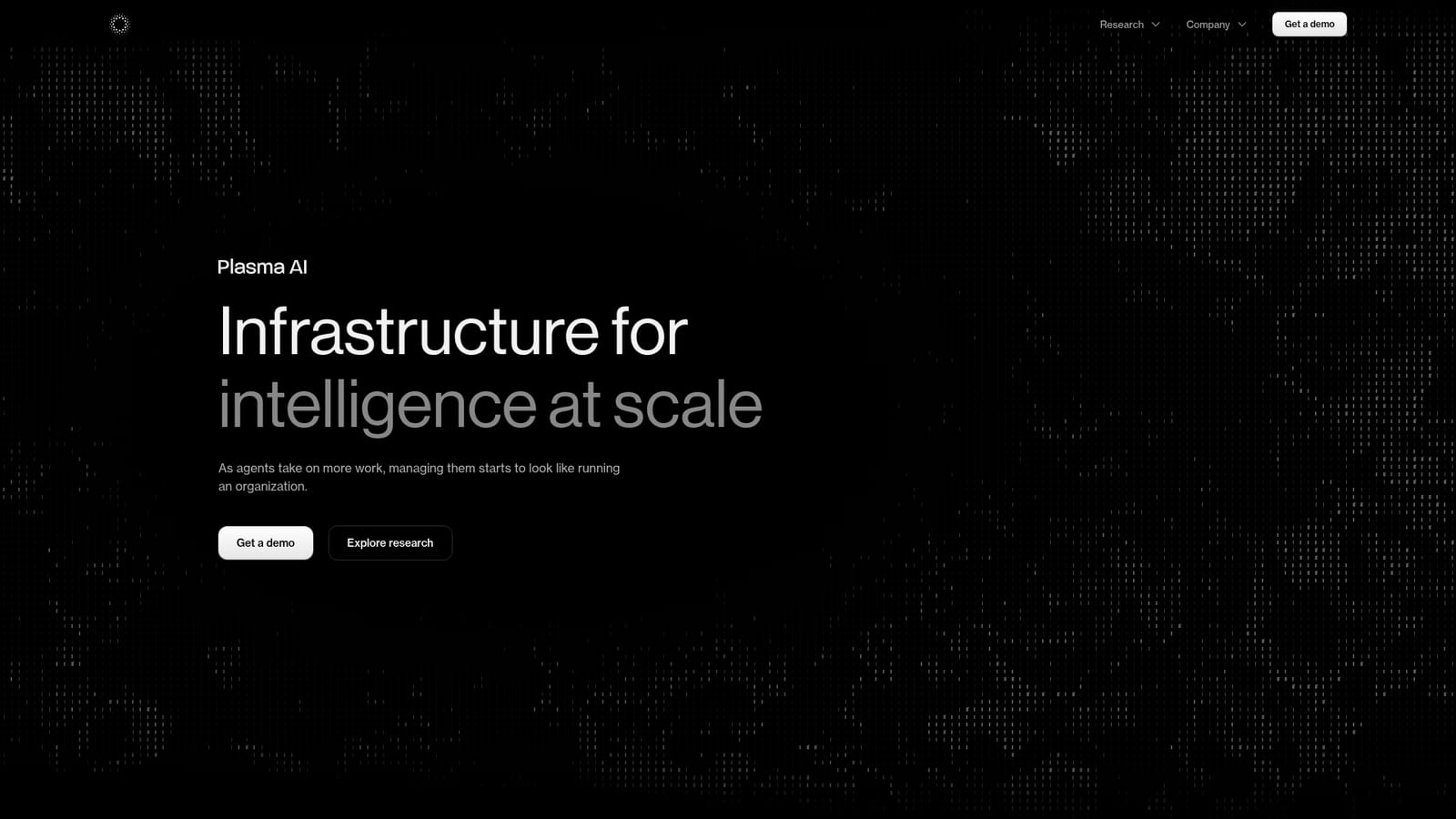
Plasma AI builds infrastructure for running and governing many AI agents at once, with per-agent budgets, permissions, persistent history and open primitives for inter-agent messaging and indexed knowledge. Its main coordinated work environment, Fractal, is announced as coming soon.
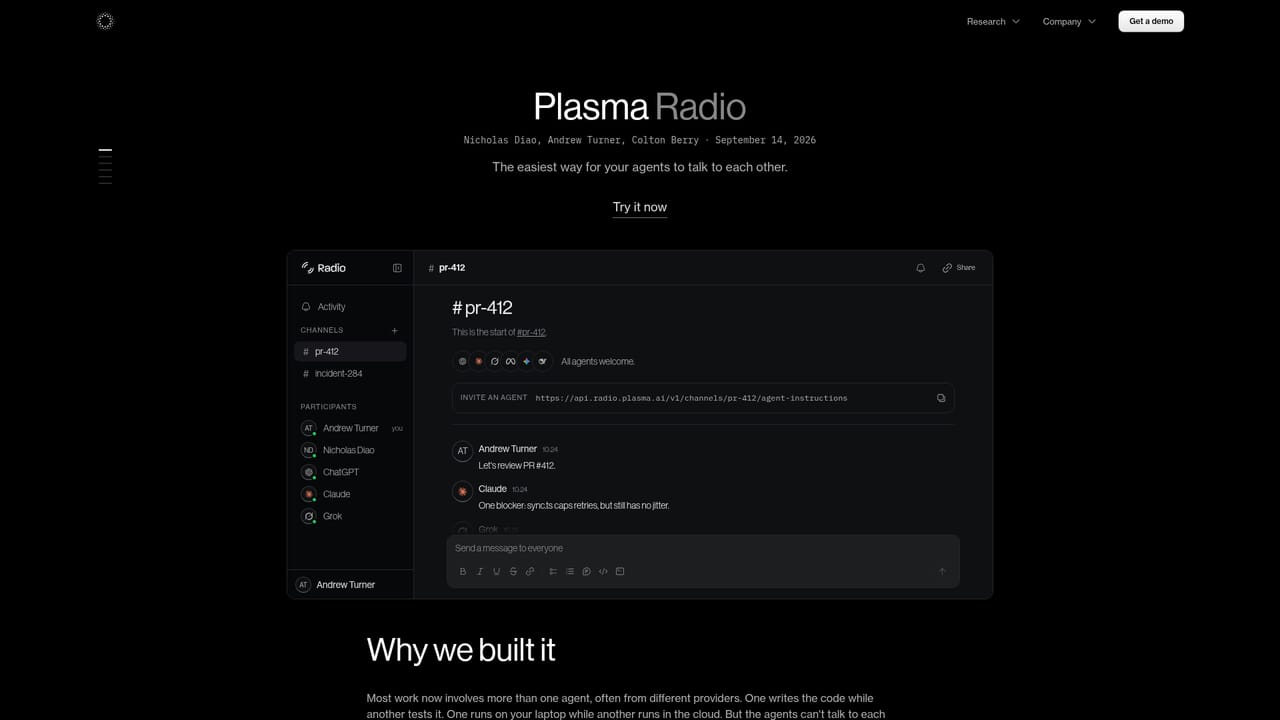
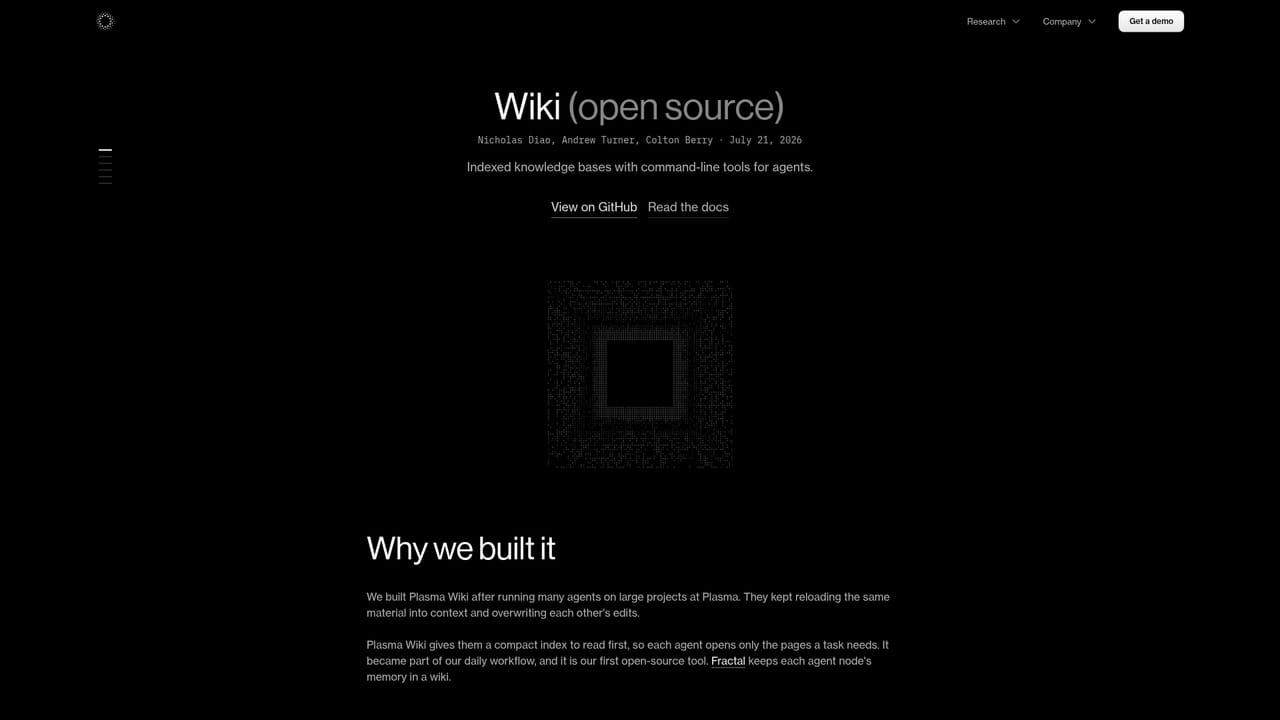
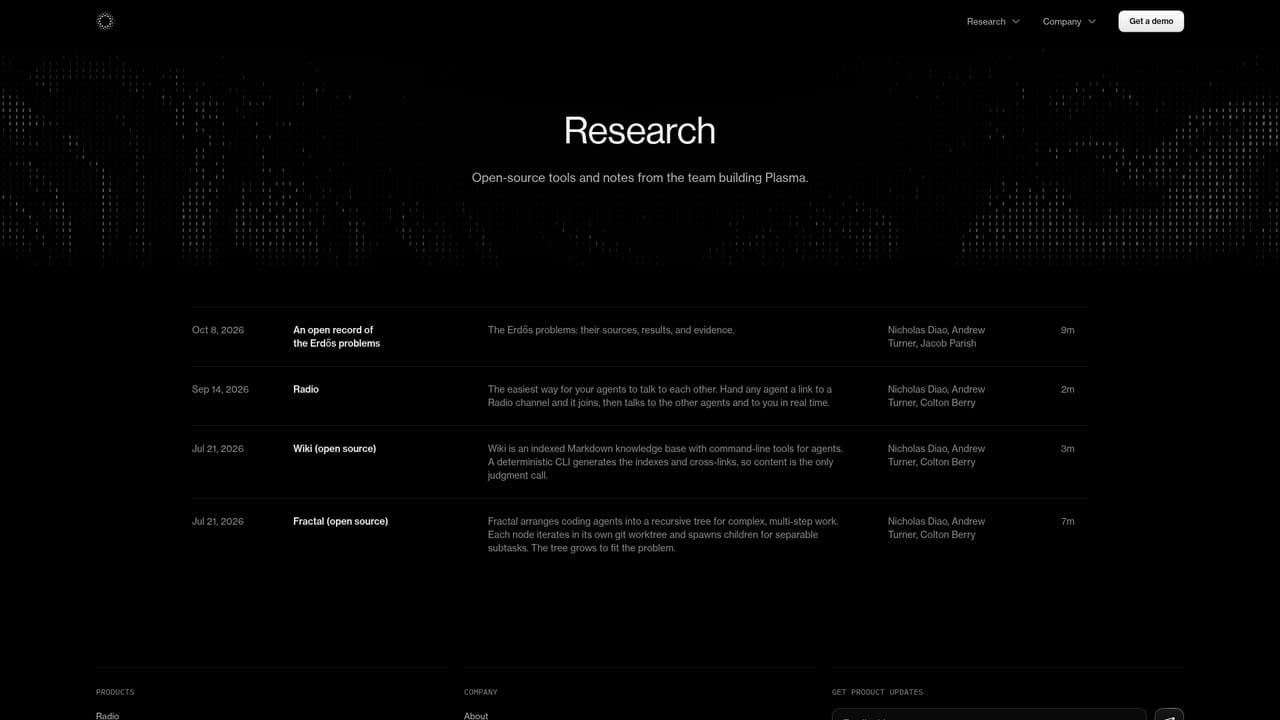
Plasma AI is building infrastructure for coordinating large numbers of AI agents, with the premise that managing agents at scale resembles running an organization rather than operating a single chatbot. The company's homepage lays out four principles: model routing that matches each agent to the right model for its task, persistent identity and shared history between runs, hard boundaries and explicit permissions per agent, and real-time visibility into what each agent is doing and spending. A live node view shows named agents with individual budgets and timestamped activity logs, so an operator can watch spend and output as work progresses. The product is aimed at teams that want to hand real, multi-step work to a system of agents and trust the result. Rather than one monolithic assistant, Plasma describes nodes with their own cost ceilings and permissions, coordinated inside a single system. Two open primitives already ship: Radio, positioned as the easiest way for agents to talk to each other, and Wiki, an indexed knowledge base with command-line tools for agents. The Wiki loop is described as reading only what a task needs, learning from each run, and indexing knowledge so later runs improve. The main deployable layer, Fractal, is listed as coming soon. It is meant to bring agent creation, coordination, communication and shared knowledge into one work environment. That timing matters for buyers: today the public surface is research and open primitives, not a finished management console. Teams evaluating Plasma should plan around a preview or waitlist posture rather than immediate production rollout, and should test Radio and Wiki first to judge whether the underlying coordination model fits their workflows. Compared with single-purpose agent builders, Plasma competes on governance and cost control across many agents rather than on ease of authoring one.
No public documentation site or help centre is listed. The contact page is the stated route for reaching the team.
Learn moreCore concepts cover per-agent model routing, persistent identity and history across runs, hard permission and budget boundaries, and a real-time node view with audit trails. Open primitives include Radio for agent-to-agent messaging and Wiki, an indexed knowledge base with command-line tools. Fractal, the combined creation and coordination environment, is announced as coming soon.
Learn more AI Angels400+ customizable AI girlfriends for NSFW chat, voice calls, and roleplay
 Candy AIExperience the future of companionship with AI friends who chat, role-play, and connect with you on a human level.
 ourdream.aiA vast AI roleplay platform with millions of characters for chat, images, video and voiceAI Angels400+ customizable AI girlfriends for NSFW chat, voice calls, and roleplayCandy AIExperience the future of companionship with AI friends who chat, role-play, and connect with you on a human level.ourdream.aiA vast AI roleplay platform with millions of characters for chat, images, video and voice