Free trial
A 7 day free trial is offered with no payment due upfront. The homepage states that you can cancel at any time.
Learn moreSocial scheduling built for AI agents and humans alike
Own PostEverywhere? Verify ownership to get a dofollow link

PostEverywhere is a content tool. A cross-posting scheduler with 14 networks that can be operated by hand or driven entirely by an AI agent through MCP, API, SDK and CLI. Includes a visual calendar, AI caption and media generation, bulk CSV scheduling and team approval tools.
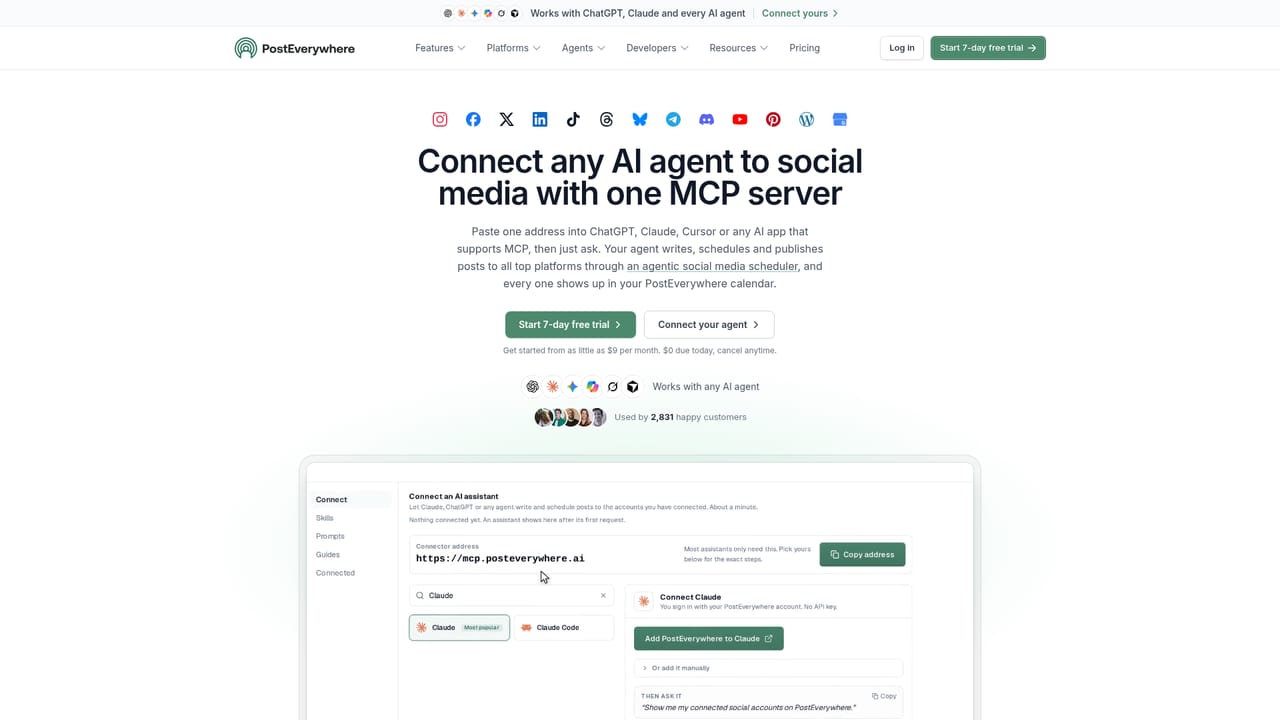
PostEverywhere is a social media scheduling platform built around a simple idea: the scheduling layer should be reachable from wherever content gets written, including inside an AI assistant. It covers 14 publishing destinations (Instagram, Facebook, X, LinkedIn, TikTok, Threads, Bluesky, Telegram, Discord, YouTube, Pinterest, WordPress and Google Business Profile), and every account can be driven either from its own dashboard or from an external AI agent. The agent angle is the differentiator. A user connects ChatGPT, Claude, Grok, Gemini, Perplexity, Cursor, Copilot Studio, n8n or another MCP capable client with one address, then asks in plain language for a week of posts. The agent drafts the copy, optionally generates images or short videos in AI Studio, and either publishes immediately, schedules for later or saves a draft for human review. The vendor advertises 44 tools and 15 packaged skills covering tasks like calendar planning, repurposing a blog post, cross-posting one video to several networks, repairing failed posts and writing a weekly report. Builders get the same surface through a REST API with 50 endpoints, 15 webhook event types, a Node SDK, a CLI and a local MCP server, with no enterprise tier gating the access. Human workflows are not an afterthought. There is a drag and drop calendar, CSV bulk scheduling, platform specific previews in a single composer, post approval steps, team roles and permissions, and analytics. Publishing runs through each network's official API. It fits solo creators, small marketing teams and developers who already work inside an AI chat window and want their scheduled output to land in one calendar rather than several native tools. Pricing starts at $9 per month, entry friction is low, and the trial is seven days. Buyers who need deep enterprise governance or heavy approval chains should confirm the team features cover their process before committing.
A 7 day free trial is offered with no payment due upfront. The homepage states that you can cancel at any time.
Learn moreStarts at $9 per month with $0 due today on the free trial and cancellation at any time. Published tiers and limits per plan are not detailed on the homepage, so check the pricing page before choosing.
Learn moreA contact page and a FAQ section are linked from the site, alongside demo videos and a blog. No live chat or response time commitments are stated on the homepage.
Learn morePublishes to Instagram, Facebook, X, LinkedIn, TikTok, Threads, Bluesky, Telegram, Discord, YouTube, Pinterest, WordPress and Google Business Profile. Agent support covers ChatGPT, Claude, Gemini, Copilot, Grok, Cursor, Perplexity, Codex, n8n and others via MCP, plus a REST API, Node SDK and CLI.
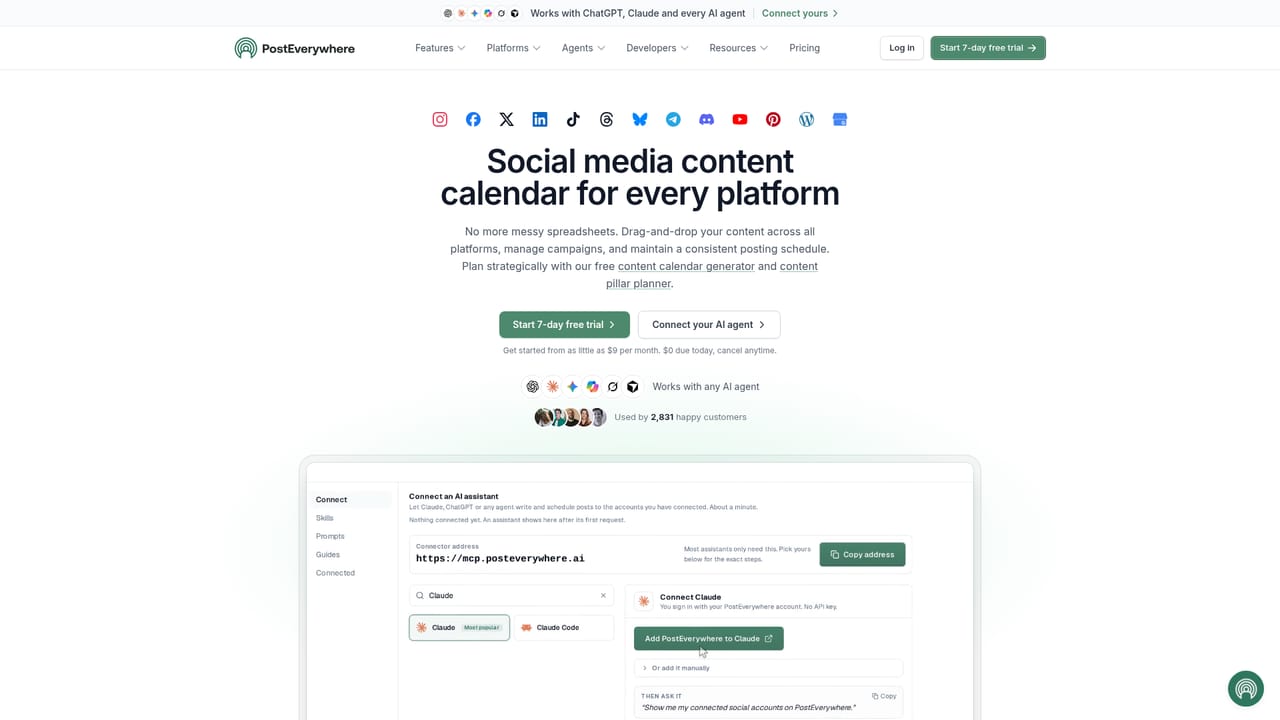
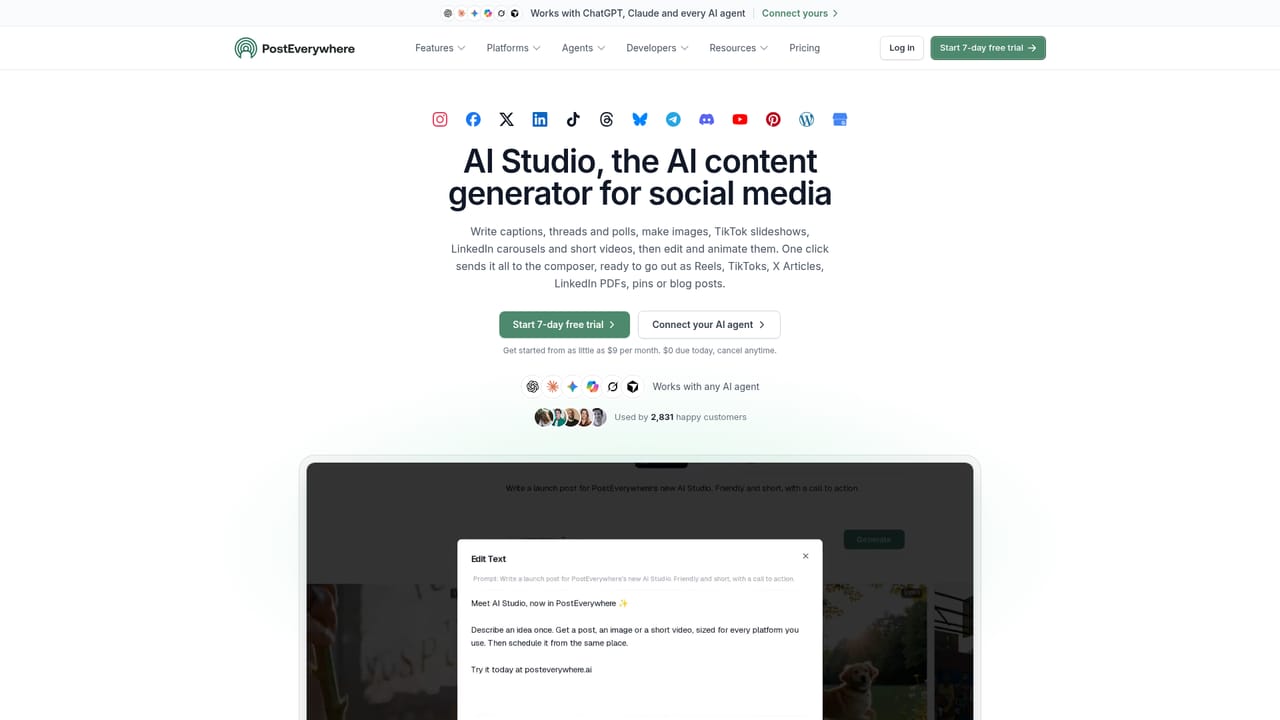
Learn moreVisual drag and drop calendar, bulk CSV scheduling and a posting queue. AI Studio for captions, images and short 5 or 10 second videos. One composer with per platform captions, crops and previews across feed posts, Reels, Stories, carousels, threads, polls and Shorts. Approval workflow, team roles and permissions, best time to post guidance and analytics.
Learn more AI Angels400+ customizable AI girlfriends for NSFW chat, voice calls, and roleplay
 Candy AIExperience the future of companionship with AI friends who chat, role-play, and connect with you on a human level.
 ourdream.aiA vast AI roleplay platform with millions of characters for chat, images, video and voiceAI Angels400+ customizable AI girlfriends for NSFW chat, voice calls, and roleplayCandy AIExperience the future of companionship with AI friends who chat, role-play, and connect with you on a human level.ourdream.aiA vast AI roleplay platform with millions of characters for chat, images, video and voice


