Free trial
A 7-day trial at $0 is offered so new users can test scheduling and the agent workflow before choosing a paid plan.
Learn moreAI agents plan and schedule posts across 30+ social networks

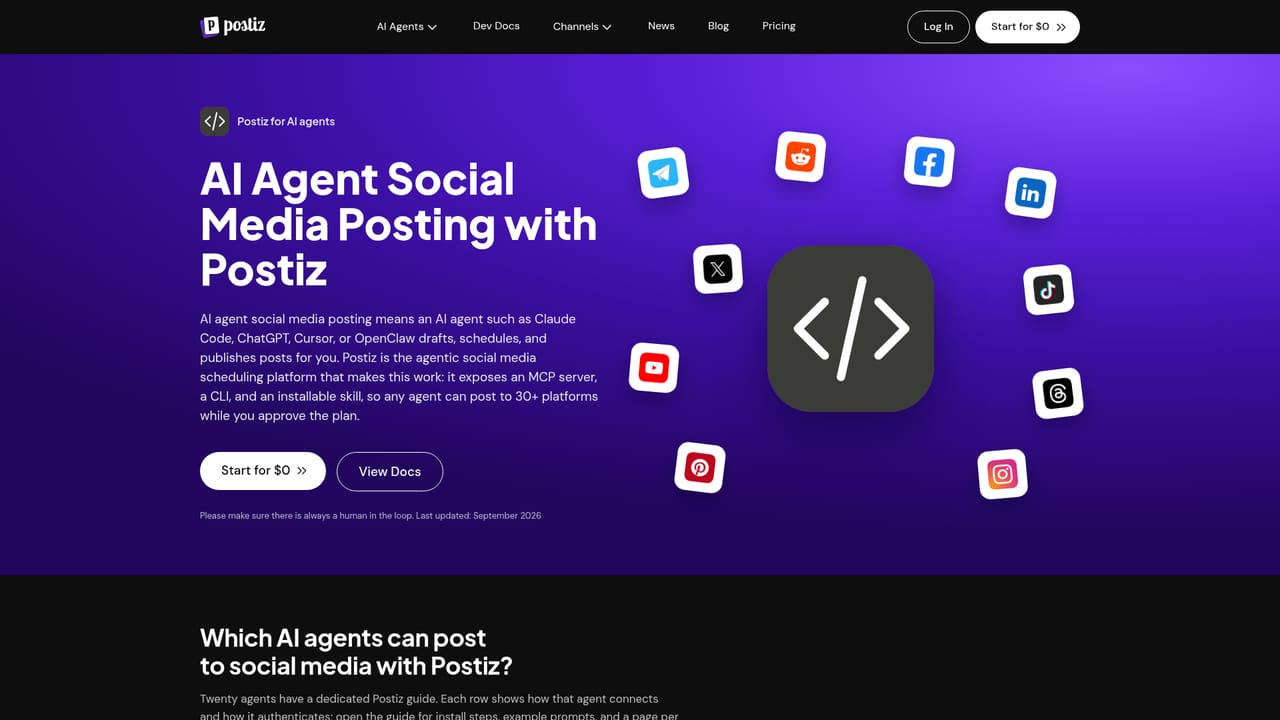
Postiz is a content tool. Agentic social media scheduler where AI assistants such as Claude, ChatGPT and OpenClaw plan, generate and queue posts to more than 30 networks, all reviewed in one visual calendar with classic manual scheduling as a fallback.
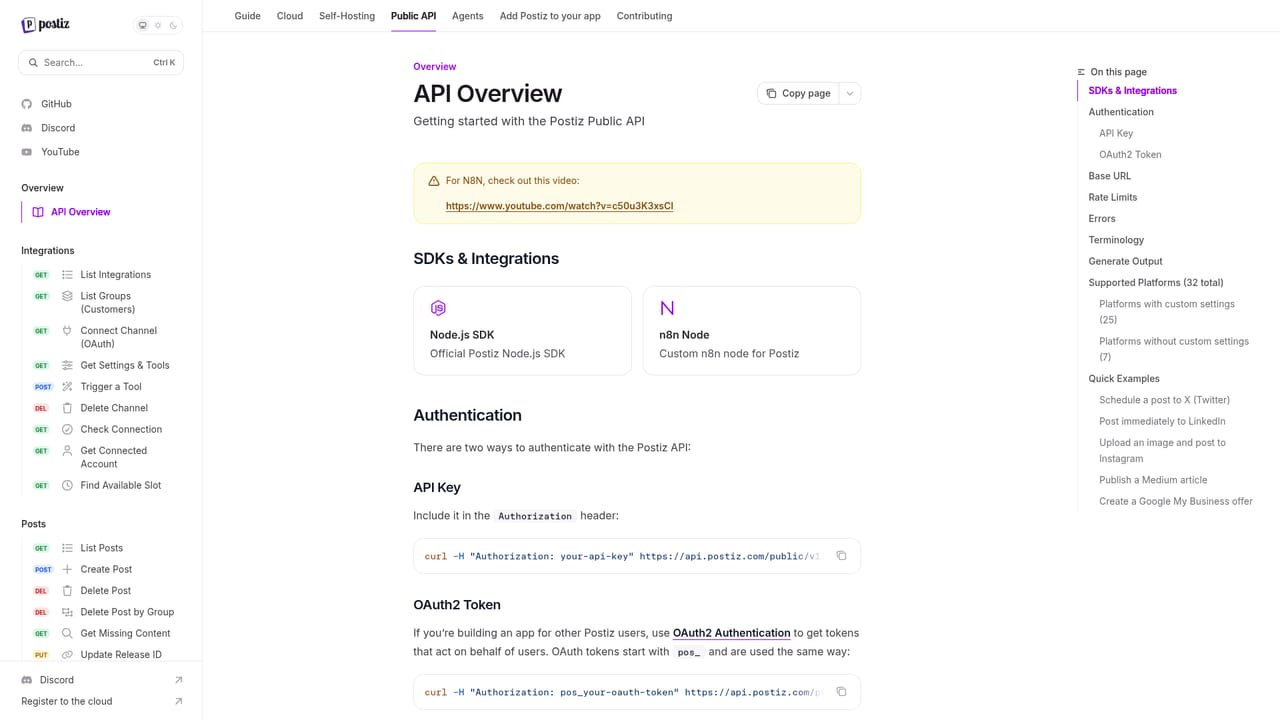
Postiz is a social media scheduling platform built around the idea that AI agents, not humans clicking through forms, should handle the routine work of publishing. Content can be planned, written and queued by an agent such as ChatGPT, Claude, Claude Code, OpenClaw or Grok Bot, while the person in charge keeps a single visual calendar for reviewing and approving what goes out. The tool positions itself alongside traditional scheduling software, but its distinguishing feature is the agentic layer: posting becomes something an assistant drives, with the calendar as the place where a human signs off. The reach of the platform is unusually wide. The listing on the homepage covers thirty one destinations, from the obvious networks (Instagram, YouTube, TikTok, Facebook, LinkedIn, X, Threads, Pinterest, Reddit) to community and developer channels (Discord, Slack, Mastodon, Bluesky, Lemmy, Warpcast, Telegram, Nostr, VK, Twitch, Kick) and publishing surfaces (Medium, Dev.to, Hashnode, WordPress). That mix suits teams that treat social as more than Instagram and X, such as developer relations groups, crypto communities and creators running multi platform presences. In practice, the workflow starts with an agent request: the assistant drafts variations, places them on the calendar and schedules, and the operator checks the queue before each post goes live. Classic manual scheduling remains available for people who prefer to write and place posts themselves, so the product does not force an agent only approach. A public API and self installation documentation exist for teams that want to wire Postiz into their own tooling or host it themselves. Where it fits: compared with mainstream schedulers, Postiz trades polished brand familiarity for breadth of channels and agent compatibility. The trade off is that the agentic workflow assumes some comfort with AI assistants and API concepts, and the long tail networks vary in how much they support. Teams that live on the established platforms and want a conventional dashboard may find the feature set larger than they need, while multi channel publishers who want automation will find the reverse.

A 7-day trial at $0 is offered so new users can test scheduling and the agent workflow before choosing a paid plan.
Learn moreSupport is handled through the project Discord server, which is linked from the homepage. A public API and installation documentation are also available.
Learn morePublishing destinations include 31 networks and sites such as Instagram, YouTube, TikTok, LinkedIn, X, Threads, Bluesky, Mastodon, Discord, Slack, Telegram and WordPress. A public API is documented for custom integrations.
AI agents (ChatGPT, Claude, Claude Code, OpenClaw, Grok Bot and others) plan, generate and schedule posts, with everything reviewed in a single visual calendar. More than 30 channels are supported, spanning Instagram, YouTube, TikTok, Facebook, LinkedIn, X, Threads, Reddit, Pinterest, Mastodon, Bluesky, Telegram and Discord, plus publishing sites such as Medium, Dev.to, Hashnode and WordPress. Classic manual scheduling is available for teams that prefer it.
Learn more AI Angels400+ customizable AI girlfriends for NSFW chat, voice calls, and roleplay
 Candy AIExperience the future of companionship with AI friends who chat, role-play, and connect with you on a human level.
 ourdream.aiA vast AI roleplay platform with millions of characters for chat, images, video and voiceAI Angels400+ customizable AI girlfriends for NSFW chat, voice calls, and roleplayCandy AIExperience the future of companionship with AI friends who chat, role-play, and connect with you on a human level.ourdream.aiA vast AI roleplay platform with millions of characters for chat, images, video and voice


