Free trial
Free to start with no credit card required, and the editor opens without signup so a template can be tested before creating an account. Nothing is saved in the unauthenticated editor.
Learn moreAI carousel maker that designs on-brand slides and publishes them for you

PostNitro is a content tool. A carousel-first design tool that turns a topic, article or pasted text into on-brand slides, image posts or short video, then schedules native publishing to LinkedIn, Instagram, TikTok, Threads, Facebook and Pinterest. Nitro Chat, a freeform canvas, brand kits and API/CLI access cover both manual and automated workflows.
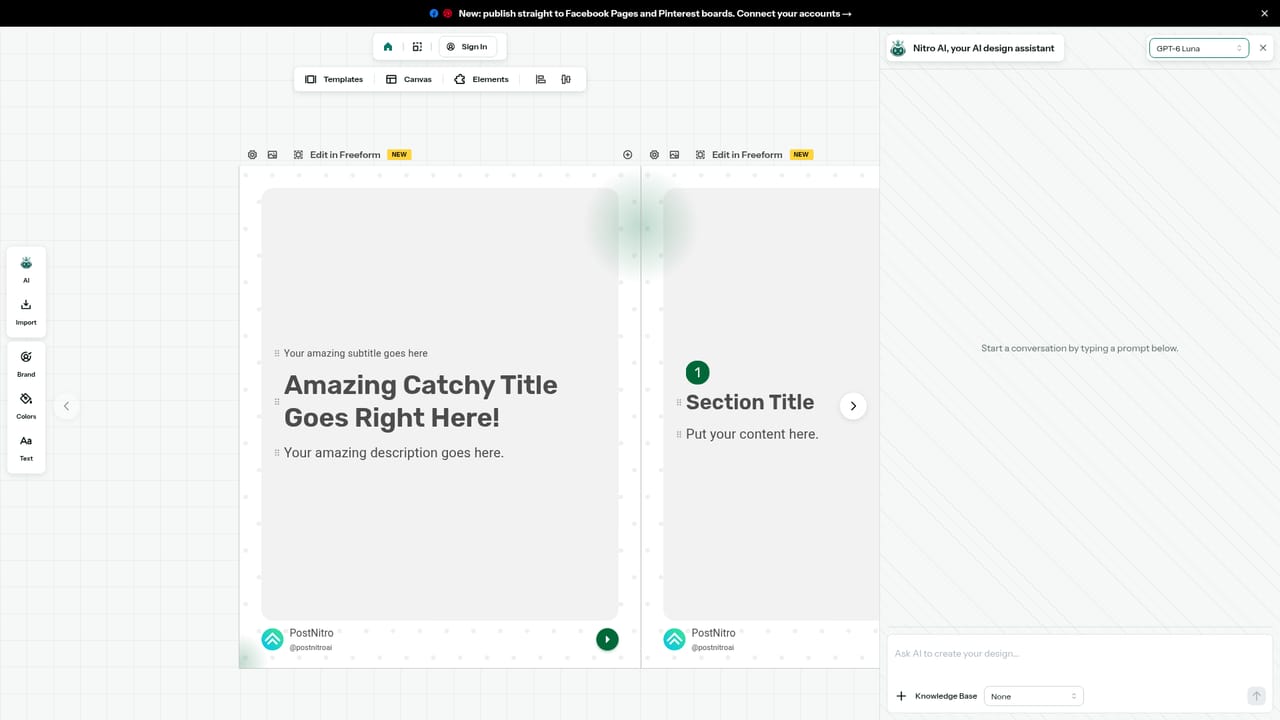
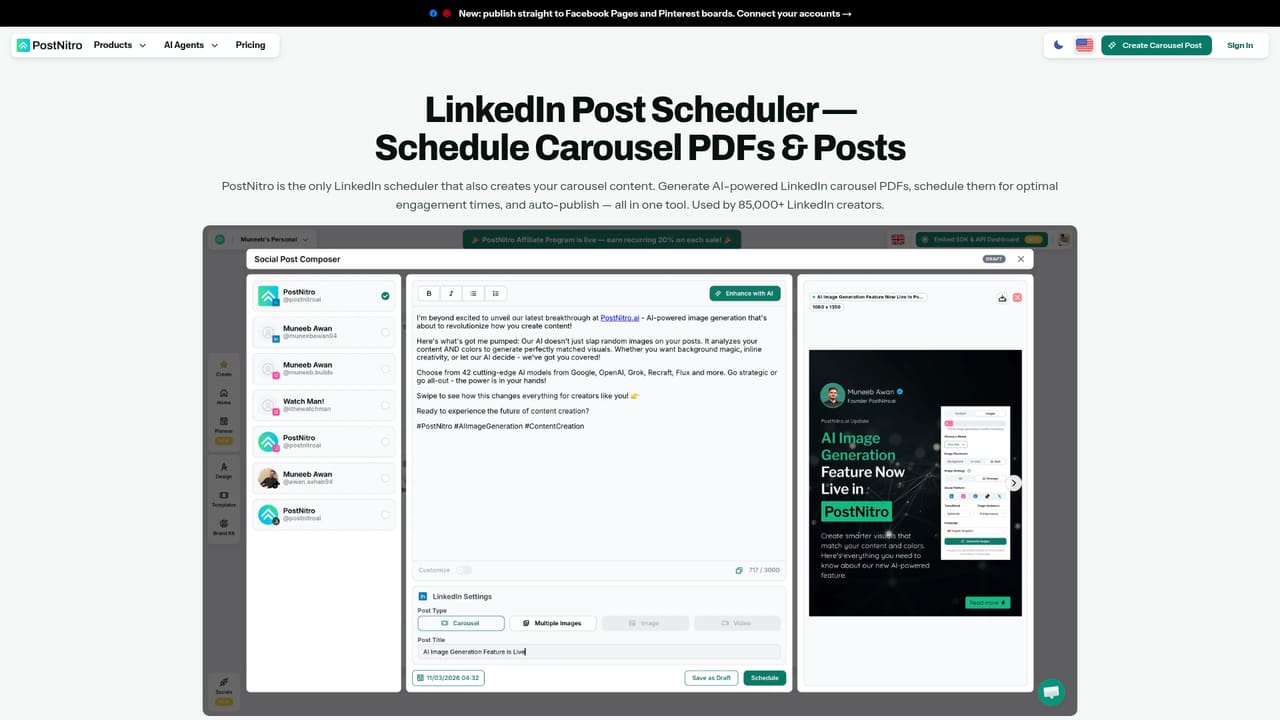
PostNitro is a design and publishing engine for social posts, built around the carousel format that performs well on LinkedIn and Instagram. A topic, an article URL, a post from X, or text you already wrote goes in, and the tool writes the copy and lays it out across a multi-slide deck. A brand kit holding fonts, colours, logo, name, handle and team headshots is applied to every template, so decks come out in your identity rather than a generic theme. The output is not limited to carousels: the same engine produces single-image posts and animated video posts of five to sixty seconds, exported as PNG, PDF or MP4. In practice the workflow starts with Nitro Chat, an agent that sits beside the canvas. It drafts an outline and waits for approval before writing the deck, then accepts follow-up requests to rewrite a slide, change colours or restyle a section. Users who prefer direct control can open the freeform canvas and drag, resize and layer elements by hand, including running one image across two slides. Layouts cover columns, counters and cycles for infographic-style slides. AI images can be generated per slide from that slide's content, and the model can be switched between a fast option and a frontier option. Publishing is native rather than a reminder system. Connected accounts on LinkedIn, Instagram, TikTok, Threads, Facebook and Pinterest receive posts on schedule, with a separate caption per network, character limits shown as you type, hashtags pulled out automatically, LinkedIn document carousels, and TikTok settings such as privacy, duets and AI disclosure handled before publishing. A month-view planner holds drafts and scheduled items together and allows edits without leaving the screen. For technical users, the same engine is reachable through a Claude connector, a ChatGPT plugin, an MCP server with 35 tools, and a CLI installed via npm. Automation platforms including n8n, Zapier and Make are supported, and a verified n8n node exists. The homepage reports 85,000+ creators and notes that 200+ platforms embed the editor. The tool suits solo creators, agencies managing client workspaces, and teams that want automation without losing design control.
Free to start with no credit card required, and the editor opens without signup so a template can be tested before creating an account. Nothing is saved in the unauthenticated editor.
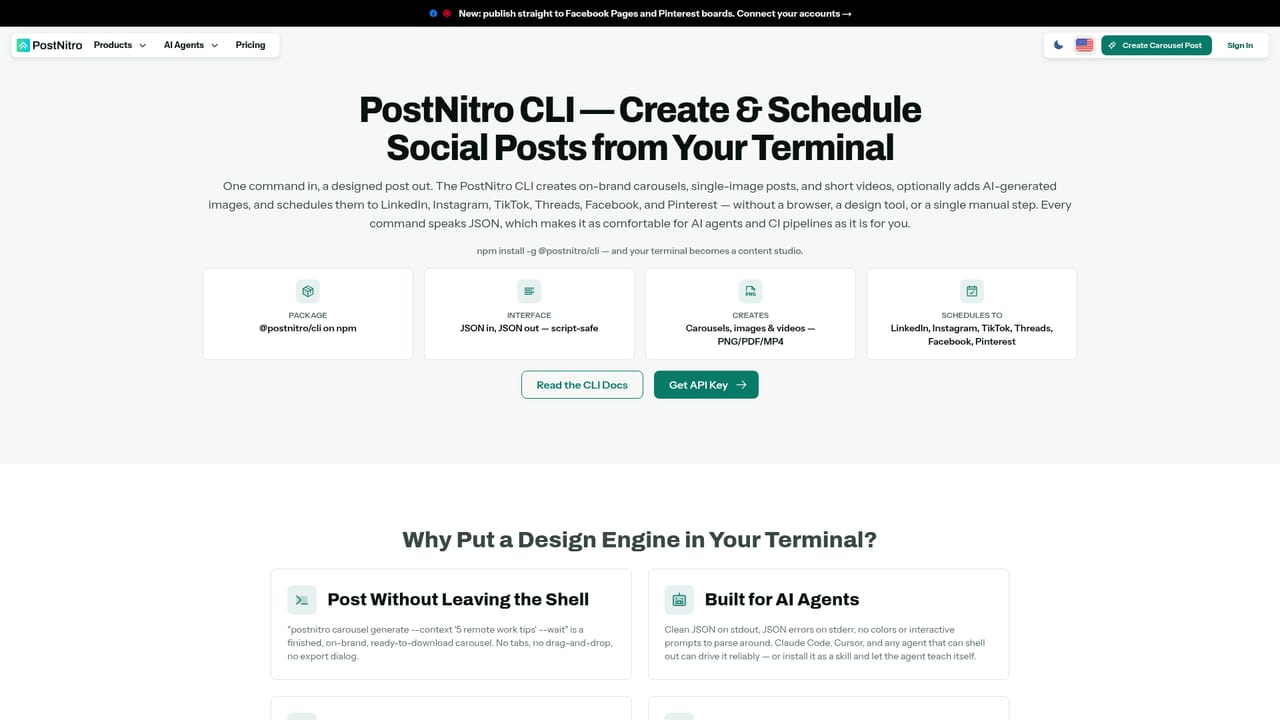
Learn moreNative scheduling to LinkedIn, Instagram, TikTok, Threads, Facebook and Pinterest, plus a Claude connector, a ChatGPT plugin, an MCP server with 35 tools, an npm CLI, and n8n, Zapier and Make automation.
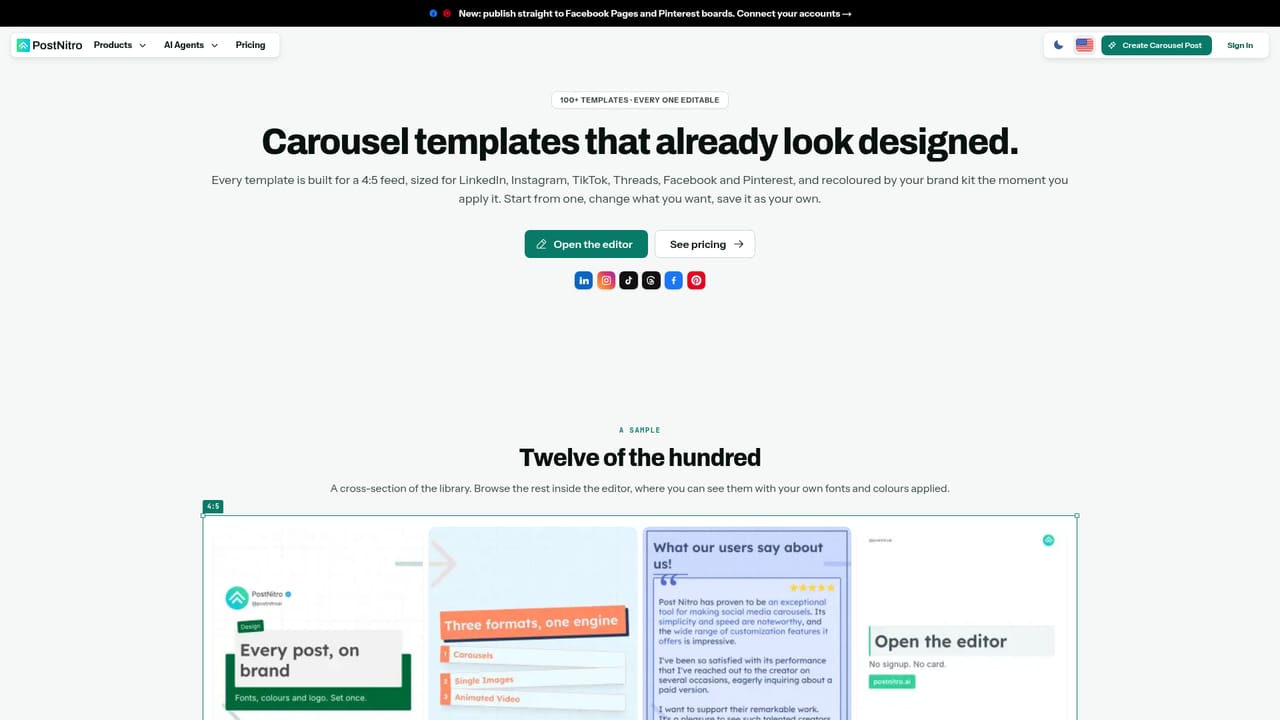
Learn moreCarousels, single-image posts and animated MP4 video from one engine, with 100+ editable templates and custom template saving. Nitro Chat drafts and edits slides on request, while a freeform canvas handles manual layout across 4:5, 1:1, 9:16 and 16:9. Brand kits cover colours, fonts, logo and headshots, AI images generate per slide, and content can be pasted as text or imported from CSV.
 AI Angels400+ customizable AI girlfriends for NSFW chat, voice calls, and roleplay
 Candy AIExperience the future of companionship with AI friends who chat, role-play, and connect with you on a human level.
 ourdream.aiA vast AI roleplay platform with millions of characters for chat, images, video and voiceAI Angels400+ customizable AI girlfriends for NSFW chat, voice calls, and roleplayCandy AIExperience the future of companionship with AI friends who chat, role-play, and connect with you on a human level.ourdream.aiA vast AI roleplay platform with millions of characters for chat, images, video and voice


