Free trial
The homepage states that PPTDetector offers a free trial, but does not say how many checks it includes or which features it unlocks.
Learn moreAI detector built for PowerPoint decks, not essays

PPTDetector is an AI checker tool. A PowerPoint specific AI detector that reviews .ppt and .pptx files for machine generated text, images and slide structure, then returns a report in seconds. Aimed at educators and business reviewers who need to vet presentations rather than essays.
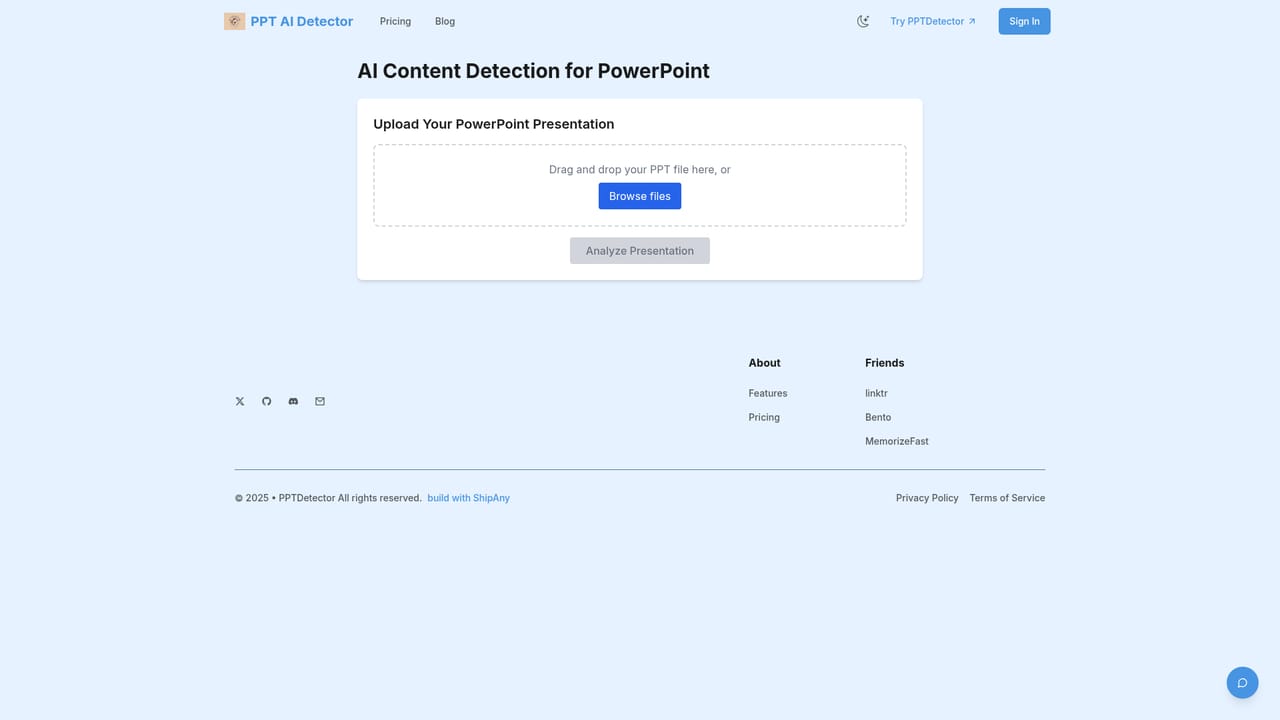
PPTDetector is a web tool that checks PowerPoint files for signs of AI generation. Instead of scanning plain text, it takes a .ppt or .pptx upload and reviews the deck as a whole, looking at slide text, embedded images and the way the presentation is structured. The stated aim is to flag decks produced with ChatGPT, GPT, Gemini, Grok, Claude, DeepSeek and similar systems, which puts it in a narrow niche next to general purpose AI text checkers. The tool is aimed at two audiences that share a common worry: educators and admissions staff who need to confirm that student presentations were not machine written, and managers, recruiters or conference reviewers who want a quick integrity check before a deck goes out or gets accepted. Because the workflow is upload and read a report, it suits people who review presentations in volume rather than writers who want inline feedback while drafting. In practice, a check starts on the upload page. Files are accepted in PPT and PPTX form, processed on the provider's servers with an encrypted connection, and returned as a report within seconds according to the site. The paid tiers differ mainly in depth: the entry plan covers general information checking and structure analysis, while higher plans add advanced text analysis, advanced image analysis and a visualised result view. Sign in is handled through Google OAuth or one tap login, and billing runs through Stripe. Credits are time boxed, so a monthly allowance expires after one month and the annual allowance after a year. The obvious comparison is with text based detectors such as essay checkers. Those work on pasted prose and cannot see images or layout, which is exactly what a deck adds. PPTDetector is also narrower than a plagiarism suite or an all format content scanner, so teams that police many document types will likely still need something else, and anyone who only checks written work gains little from a PowerPoint specific tool.
The homepage states that PPTDetector offers a free trial, but does not say how many checks it includes or which features it unlocks.
Learn moreThree paid tiers. Starter is listed at $39.9 reduced to $20 for 20 credits valid one month. Monthly is $39.9 reduced to $19.9 for 40 credits valid one month, adding advanced text and image analysis plus result visualisation. Annual is $499 reduced to $199 for 500 credits valid one year, adding priority support. Payment via Stripe.
Learn morePriority technical support is included with the annual subscription. Other plans have no stated support channel, and the site offers only a general FAQ rather than documentation.
Google OAuth and one tap login for sign in, and Stripe for payments. No other third party integrations or API access are described on the homepage.
Checks PPT and PPTX files for AI generated content across slide text, embedded images and overall structure. Paid tiers add deeper text and image analysis plus a visualised report. Sign in via Google OAuth, secure data transfer, credits valid for one month or one year, and priority technical support on the annual plan.
 AI Angels400+ customizable AI girlfriends for NSFW chat, voice calls, and roleplay
 Candy AIExperience the future of companionship with AI friends who chat, role-play, and connect with you on a human level.
 ourdream.aiA vast AI roleplay platform with millions of characters for chat, images, video and voiceAI Angels400+ customizable AI girlfriends for NSFW chat, voice calls, and roleplayCandy AIExperience the future of companionship with AI friends who chat, role-play, and connect with you on a human level.ourdream.aiA vast AI roleplay platform with millions of characters for chat, images, video and voice