PR.co

One PR platform for newsrooms, outreach, coverage and reporting

Beginner
Screenshot of PR.co, One PR platform for newsrooms, outreach, coverage and reporting

What is PR.co?

PR.co is PR software that combines a PR CMS, branded online newsrooms, outreach, media monitoring and campaign reporting in one platform, aimed at large, international and multi-brand communications teams as well as agencies, public sector bodies and NGOs.

PR.co is PR software built around a single idea: communications teams should not be stitching their work together from email threads, shared drives, spreadsheets and a separate web team. The platform pulls news, contacts, pitches, coverage, reports and team workflows into one place, then adds a hosted online newsroom so published announcements live on a proper page rather than inside a PDF attachment. The creation layer is a PR CMS. Teams draft press releases, press kits, live events and custom pages, and collaborate editorially before anything goes public. An AI agent and editorial collaboration features sit alongside that content work. Publishing produces a branded newsroom site, which the vendor positions as an SEO and LLM citation asset compared with static press pages. Distribution and media relations tools cover outreach, and a newer media monitoring module tracks coverage. Reporting closes the loop with real time insights at each stage of a campaign. The product is aimed squarely at organizations where PR is a team sport: large corporate communications departments, international teams working across markets, multi brand groups that need separate newsrooms under one roof, PR agencies managing client portfolios, and public sector or NGO comms units. Solution pages also address internal communications, investor relations, crisis communications, employer branding, influencer relations and inbound PR, so the scope is broader than media relations alone. Against alternatives, PR.co competes on consolidation and usability rather than on sprawling enterprise suites. The pitch is fewer tools, not more, with one system replacing self built newsroom setups and disconnected workflows. Ratings of 4.7 on G2 and 4.6 on Capterra, plus a stated 98.9% CSAT score, are the vendor's own proof points. Buyers should weigh it against dedicated media database tools if outreach contacts are the priority, and against general website builders if a newsroom is the only requirement.

How do you use PR.co?

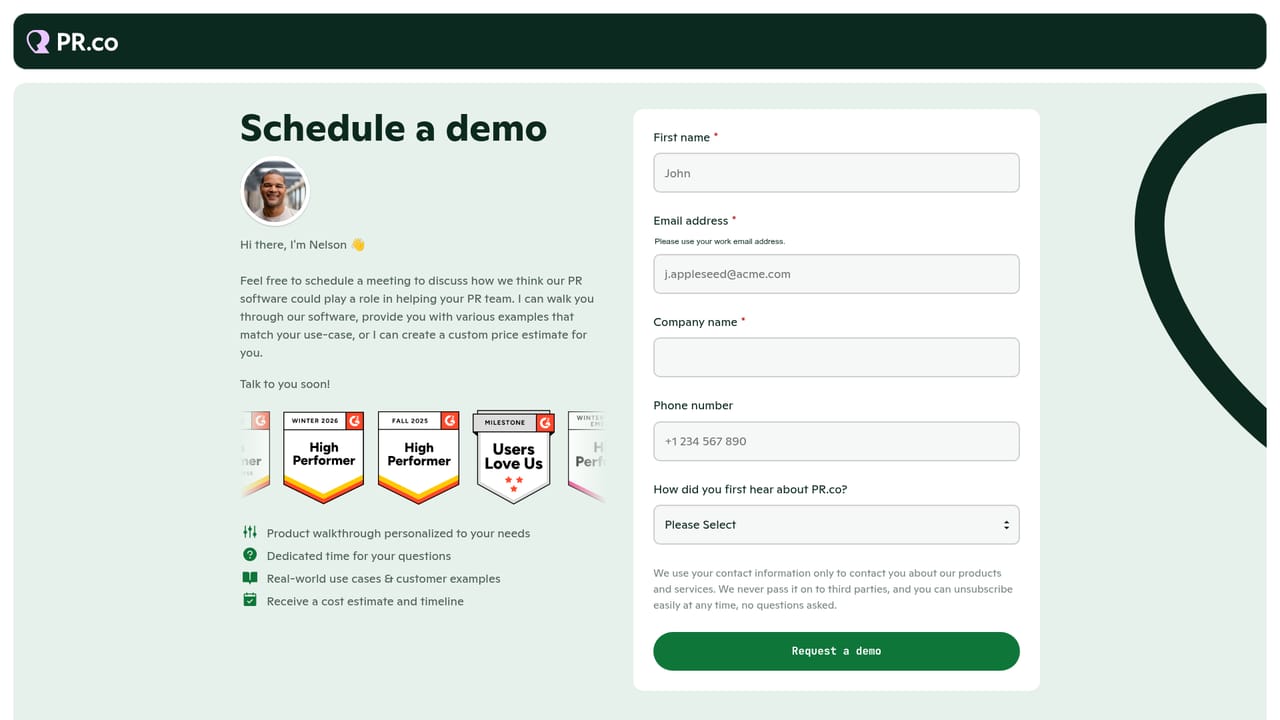
  1. 1Book a walkthrough of the platform
    Start with the demo request page to see the newsroom, CMS and reporting layers in context. Come with your current tool stack so the team can map what would be replaced.
    PR.co — Book a walkthrough of the platform
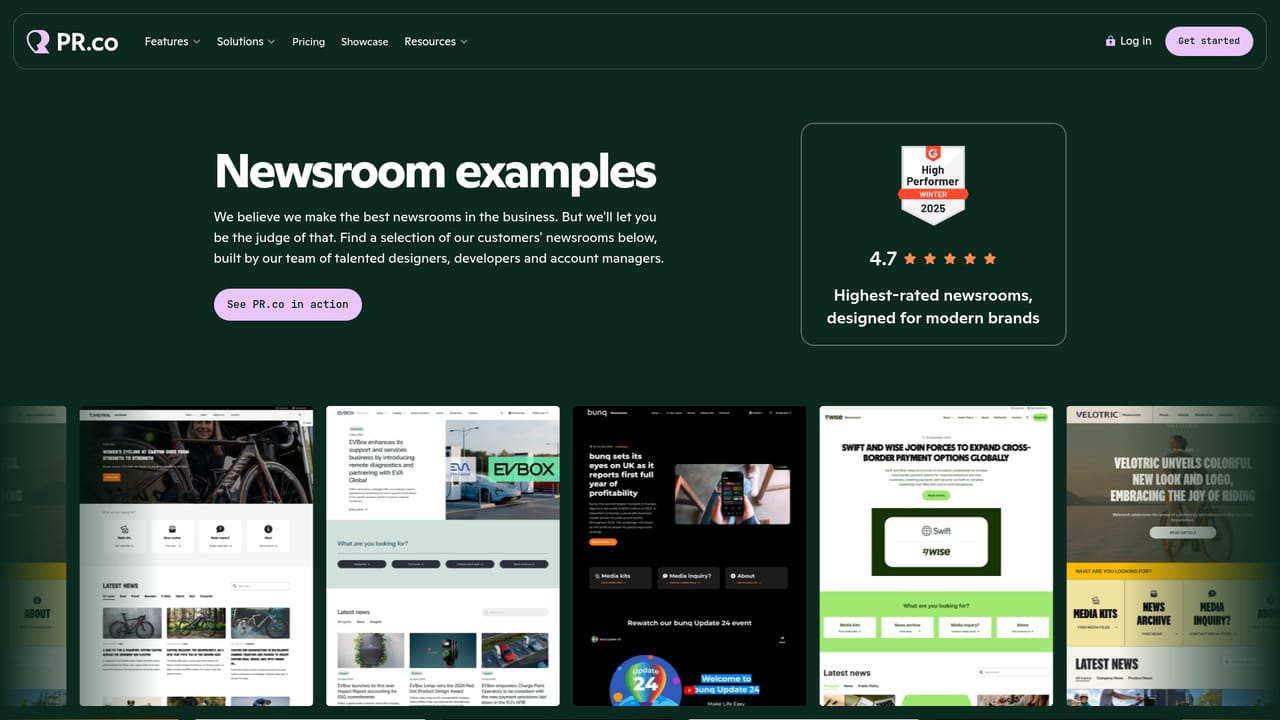
  2. 2Review newsroom examples before designing yours
    The example gallery shows real customer newsrooms across retail, consumer brands and entertainment. Use it to settle on structure, sections and visual treatment early.
    PR.co — Review newsroom examples before designing yours
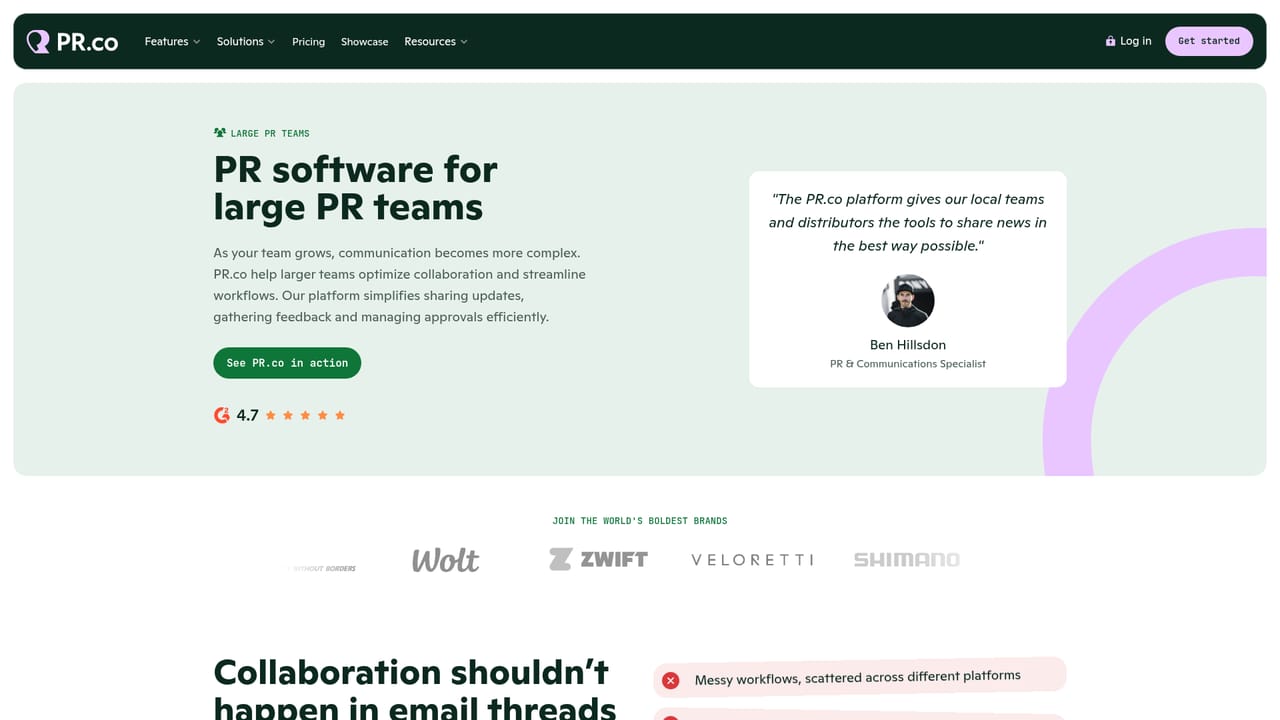
  3. 3Choose the solution path that matches your team
    Large, international and multi-brand teams each have a dedicated solution page outlining the relevant setup. Agencies, public sector and NGO teams have their own pages as well.
    PR.co — Choose the solution path that matches your team
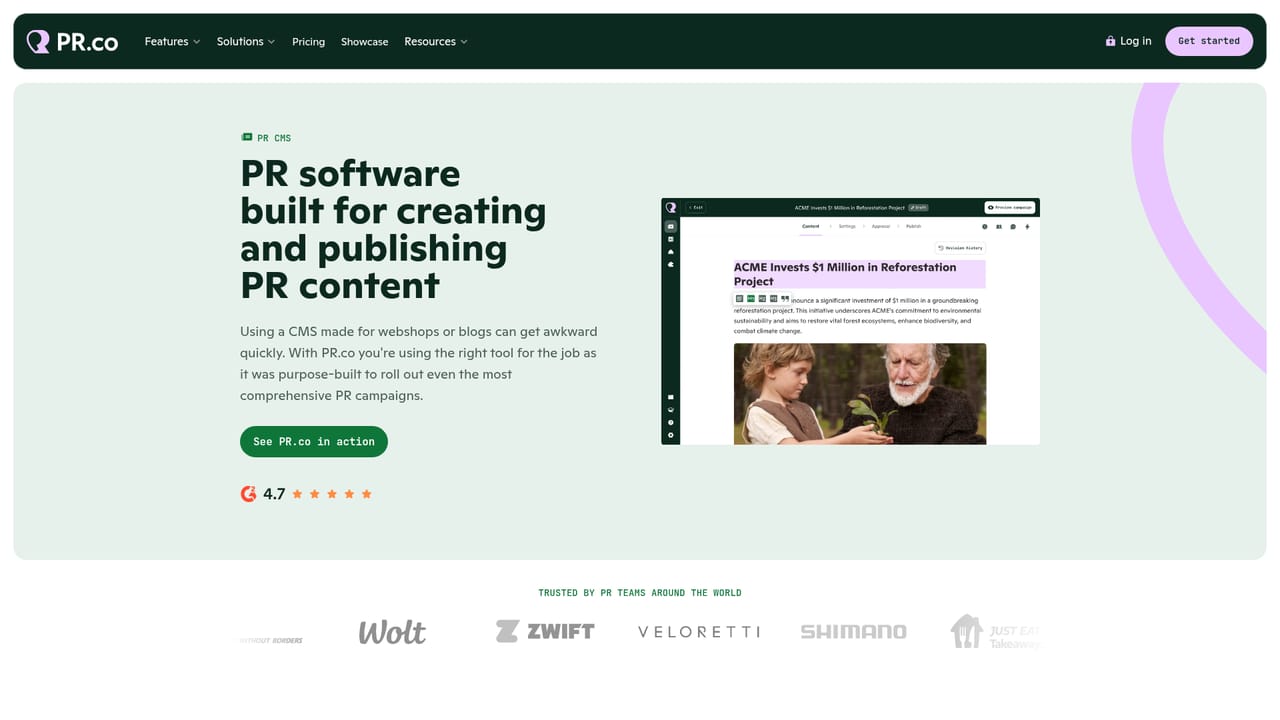
  4. 4Build and publish content in the PR CMS
    Draft press releases, press kits, custom pages and virtual events, collaborate editorially, then publish straight to your hosted newsroom. Most of this work happens after sign in.
    PR.co — Build and publish content in the PR CMS
  5. 5Add media monitoring to the campaign loop
    Switch on media monitoring to see coverage alongside the content you published. Pair it with reporting so results feed the next campaign rather than sitting in a separate deck.
  6. 6Confirm the commercial terms
    Check the pricing page for the current plan structure before committing. If the published detail is thin, ask for a written quote covering seats and newsroom count.

Pros and cons

Pros

  • Consolidates newsroom publishing, editorial collaboration, outreach and reporting in a single platform instead of scattered toolsAI
  • Hosted online newsrooms give press releases a permanent, indexable home rather than living in PDFs or email attachmentsAI
  • Public solution pages map onto many communications functions, from crisis comms and investor relations to employer branding and influencer relationsAI
  • Strong public review scores (4.7 on G2, 4.6 on Capterra) and a stated 98.9% CSAT suggest solid satisfaction among existing customersAI
  • Media monitoring is available as a newer module, so coverage tracking sits alongside the publishing workflowAI

Cons

  • No pricing figures appear on the homepage, so budget fit has to be established through a demo before any comparison is possibleAI
  • The product is openly positioned for large teams; smaller communications outfits may find the scope and setup heavier than they needAI
  • Depth of media database and outreach contacts is not documented on the homepage, so teams that live in their contact list should verify it in a demoAI
  • Adding a second platform alongside an existing enterprise suite partly undercuts the fewer tools argument, which matters for locked in stacksAI
  • No public API or integration catalogue is described, leaving the technical fit with existing systems unclear without a sales conversationAI

How much does PR.co cost?

Features

Core features include a PR CMS for press releases, press kits, custom pages and virtual events, editorial collaboration, an AI agent, branded online newsrooms, outreach and media relations workflows, a media monitoring module, and real time reporting across campaigns.

Learn more

Frequently asked questions about PR.co

  • How do you use PR.co?
    The walkthrough on this page covers 6 steps: 1. Book a walkthrough of the platform 2. Review newsroom examples before designing yours 3. Choose the solution path that matches your team 4. Build and publish content in the PR CMS 5. Add media monitoring to the campaign loop 6. Confirm the commercial terms.
  • What platforms does PR.co support?
    PR.co is available on Web App.
  • What are the limitations of PR.co?
    No pricing figures appear on the homepage, so budget fit has to be established through a demo before any comparison is possible. The product is openly positioned for large teams; smaller communications outfits may find the scope and setup heavier than they need. Depth of media database and outreach contacts is not documented on the homepage, so teams that live in their contact list should verify it in a demo.

Status

StatusActive
Views0
Outbound clicks0
Added10/21/2026

Platforms

Web App

Pricing

PaidSubscription