Free trial
Five free imports are included with no card needed, so a store owner can test the import flow before paying.
Learn morePaste a supplier link, get a finished store listing as a draft
Own Product Upload? Verify ownership to get a dofollow link
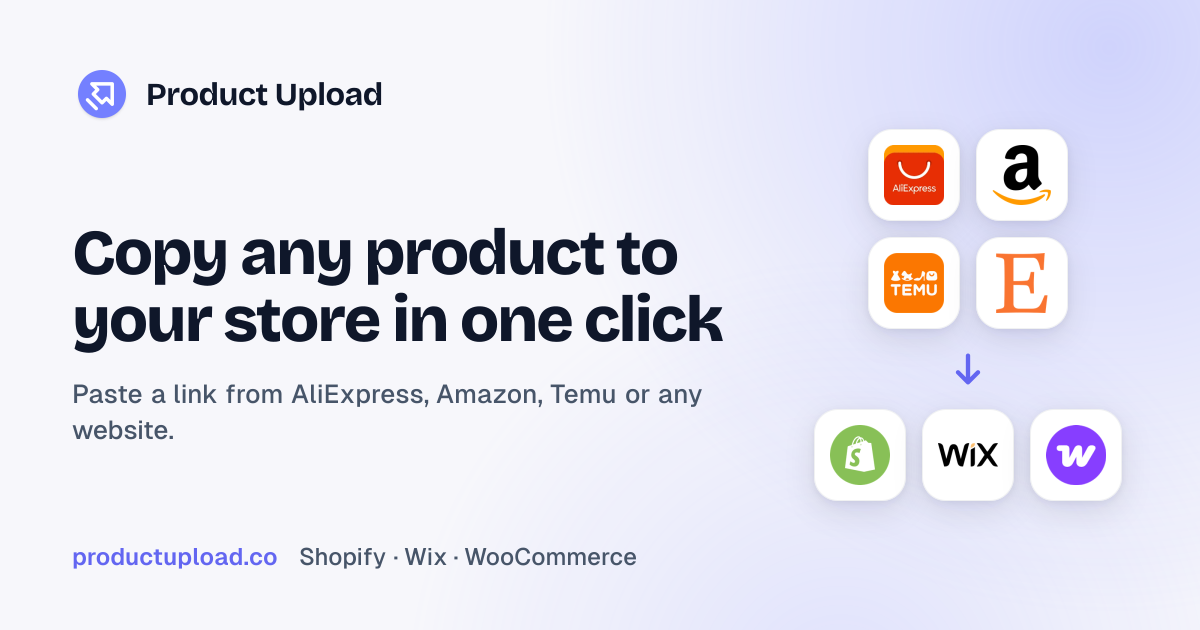
Product Upload is a content generation tool. Product Upload copies products from supplier websites into Shopify, Wix, WooCommerce, Squarespace or BigCommerce as draft listings, with converted prices, mapped variants, uploaded photos, rewritten copy and optional supplier monitoring.
Product Upload is an import tool for merchants who stock their stores with products found on other websites. A seller pastes the link to a supplier's product page, and the tool builds a complete listing in Shopify, Wix, WooCommerce, Squarespace or BigCommerce. Currency is converted, variants are given readable names, photos are uploaded to the store and the copy is rewritten, so the result reads like it belongs to the shop rather than to a marketplace. In practice the workflow has three stages: paste, review, publish. Input can be a single link, several links in one batch, a category page or a supplier's whole store, and large jobs run in the background. Every import arrives as a draft, which means titles, prices and images can be edited before anything goes live. Pricing rules are set once and applied to every import: multiply the supplier price, add a fixed amount or target a margin, then round to endings such as .90 or .95. The supplier cost can also be written into Shopify's Cost per item field. Descriptions can follow custom writing instructions, be translated into the selling language and come with SEO titles, meta descriptions and alt text. Photos are deduplicated, and stock quantities are spread across warehouse locations. An optional monitoring feature flags supplier price and stock changes and waits for approval before touching the store. The audience is broad: dropshippers testing products quickly, wholesale and private label sellers turning bulk supplier listings into retail-ready ones, teams moving a catalog between platforms (Magento included), and agencies building client catalogs, who can pool credits across stores on a Franchise plan. Compared with general dropshipping suites, the focus here is narrower and sits on getting listings built correctly and kept in sync, not on running the whole business. The homepage cites a number one ranking in Dropshipping on the Shopify App Store and support for more than 38,000 supplier websites.
Five free imports are included with no card needed, so a store owner can test the import flow before paying.
Learn moreThe homepage offers a start with 5 free imports and no card needed. A Franchise plan covers agencies with 5,000 products a month and credits pooled across stores. Other plan prices are not listed there.
Learn morePublishes to Shopify, Wix, WooCommerce, Squarespace and BigCommerce. Imports from AliExpress, Amazon, Alibaba, 1688, SHEIN, Taobao, CJ Dropshipping, eBay, Etsy, Walmart, Target, Temu, Faire, Shopify and Magento stores, and 38,000+ other sites.
Learn moreBulk import of links, categories and whole stores; price conversion with markup, margin and rounding rules; variant mapping; photo upload with duplicate removal and alt text; AI rewritten and translated copy with SEO fields; stock spread across locations; draft review; supplier price and stock monitoring.
 AI Angels400+ customizable AI girlfriends for NSFW chat, voice calls, and roleplay
 Candy AIExperience the future of companionship with AI friends who chat, role-play, and connect with you on a human level.
 ourdream.aiA vast AI roleplay platform with millions of characters for chat, images, video and voiceAI Angels400+ customizable AI girlfriends for NSFW chat, voice calls, and roleplayCandy AIExperience the future of companionship with AI friends who chat, role-play, and connect with you on a human level.ourdream.aiA vast AI roleplay platform with millions of characters for chat, images, video and voice