Free trial
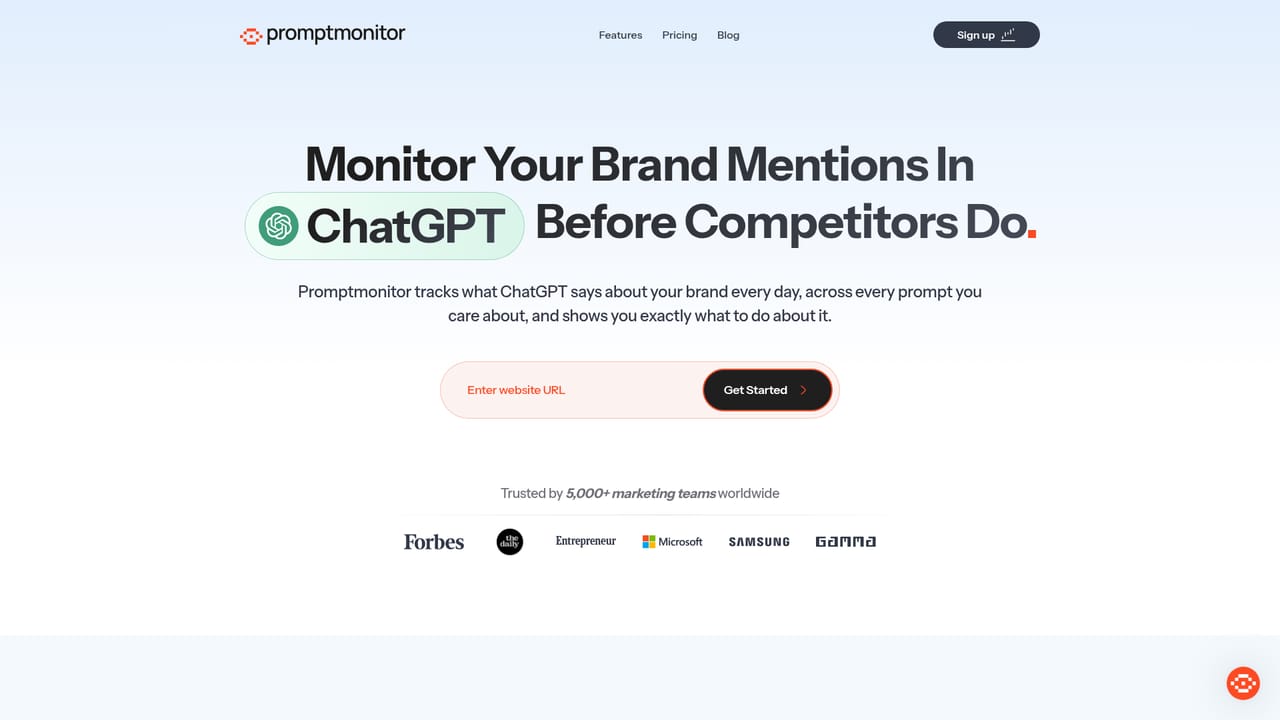
A 7 day free trial is offered, with cancel anytime terms. The homepage also invites visitors to track for free, without clarifying how the free tier differs from the trial.
Learn moreTrack how ChatGPT, Claude, Gemini and Perplexity talk about your brand
Own Promptmonitor? Verify ownership to get a dofollow link

Promptmonitor is an AI search tool that tracks how ChatGPT, Claude, Gemini and Perplexity talk about your brand. An AI search monitoring dashboard that measures brand visibility inside ChatGPT, Claude, Gemini, Perplexity, DeepSeek and Grok, tracks the queries and citations behind those answers, and supports outreach to the sources the models reference.
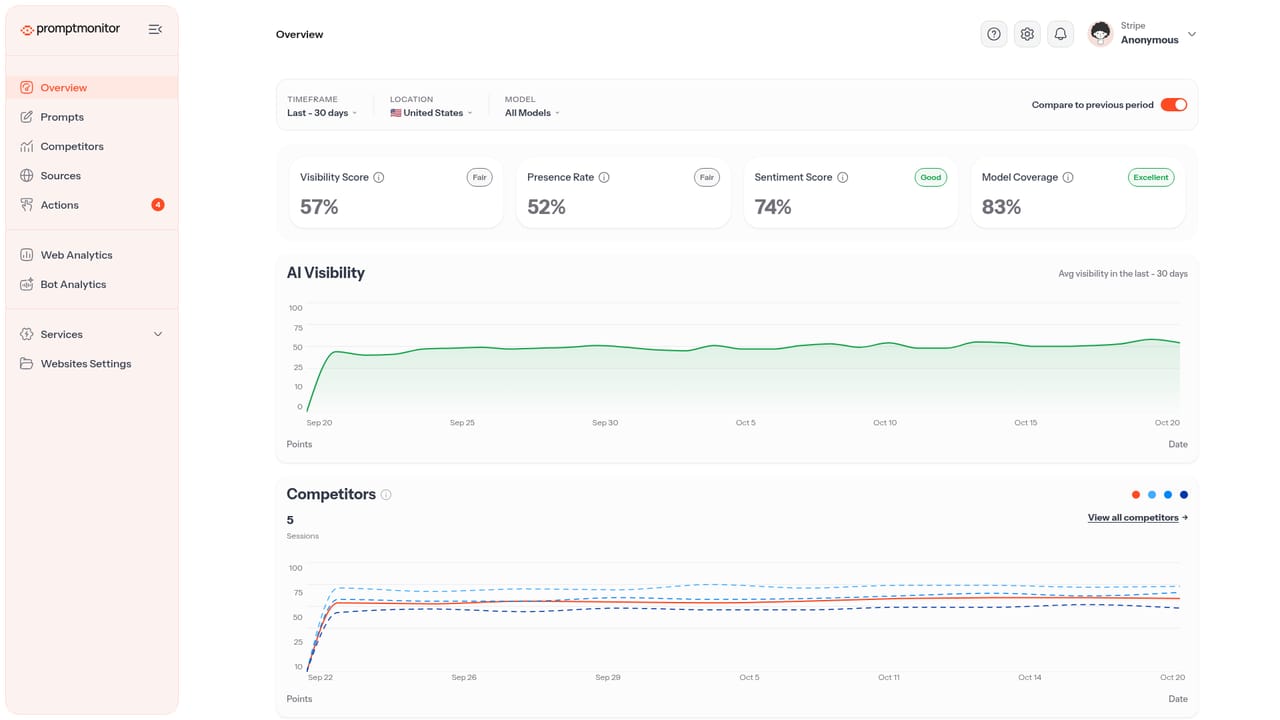
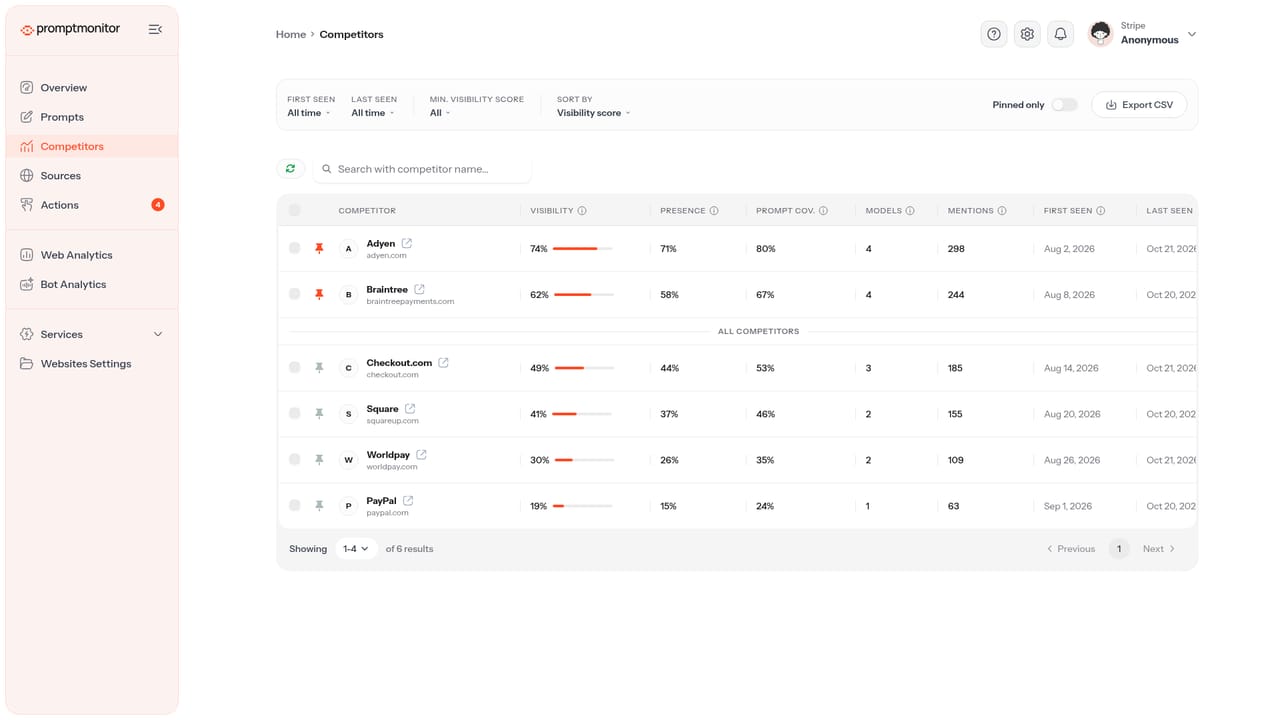
Promptmonitor is an AI visibility monitoring platform for brands that need to know how they appear inside AI assistants and answer engines. The dashboard samples responses across ChatGPT, Claude, Gemini, Perplexity, DeepSeek and Grok, then reports a visibility percentage for your brand, the queries that trigger mentions, and the sentiment attached to those mentions. Users can filter by timeframe, location and model, and compare the current period against a previous one to see whether an optimization push actually moved the needle. The product goes beyond a scoreboard. It surfaces the internal queries AI systems use to find answers, shows impression, click, CTR and position data for those queries, and ranks your position against named competitors on the same prompts. A citation tracker identifies which third party sources the models lean on when they answer, and a source outreach workflow helps teams pitch the publishers that should be mentioning them. Content optimization features target answer engine formats, and an AI search bot analytics view shows how crawlers from these platforms treat the site. The natural audience is marketing and SEO teams, plus agencies handling several client accounts, that already compete on organic search and see AI answers as the next surface to defend. The reporting structure (one team, many tracked brands, competitors side by side) suits client work where evidence of improvement is billable. Against classic rank trackers, Promptmonitor trades keyword position grids for a probabilistic view: AI answers vary between runs, so visibility is measured as a rate over time rather than a fixed slot. Alternatives tend to focus on either tracking or content advice. Promptmonitor bundles tracking, citation discovery, outreach and crawl analysis in one workflow, which is convenient for teams that want a single record of AI search performance.
A 7 day free trial is offered, with cancel anytime terms. The homepage also invites visitors to track for free, without clarifying how the free tier differs from the trial.
Learn moreThe homepage does not publish plan names or prices. It advertises a 7 day free trial with the option to cancel anytime, and a free tracking entry point, but the actual cost of paid plans is not stated.
Learn moreCore features include AI visibility tracking across ChatGPT, Claude, Gemini, Perplexity, DeepSeek and Grok, competitor comparison, AI keyword and internal query insights, an AI citation tracker, source outreach, AEO content optimization and AI search bot analytics, with timeframe and location filters throughout.
Learn more AI Angels400+ customizable AI girlfriends for NSFW chat, voice calls, and roleplay
 Candy AIExperience the future of companionship with AI friends who chat, role-play, and connect with you on a human level.
 ourdream.aiA vast AI roleplay platform with millions of characters for chat, images, video and voiceAI Angels400+ customizable AI girlfriends for NSFW chat, voice calls, and roleplayCandy AIExperience the future of companionship with AI friends who chat, role-play, and connect with you on a human level.ourdream.aiA vast AI roleplay platform with millions of characters for chat, images, video and voice


