Free trial
The homepage offers a free start through ProtoPie Cloud, but does not state a trial length, credit allowance, or what limits apply. Check the plans page for current terms.
Learn moreAdvanced prototyping with AI-generated interactions you refine by hand

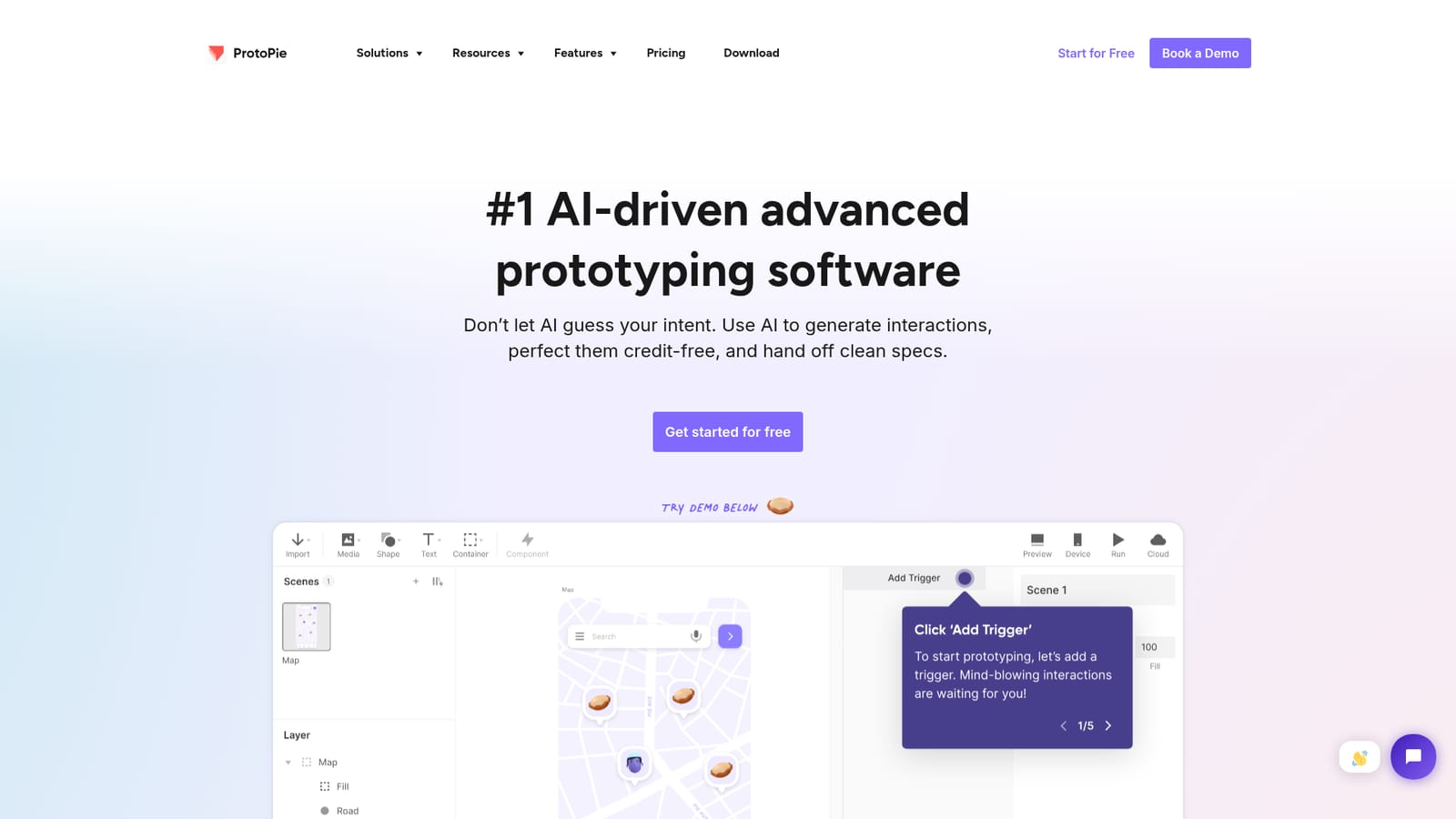
ProtoPie is an advanced prototyping tool for mobile, desktop, web, and IoT design. AI generates interactions, designers refine them without credit cost, and ProtoPie Cloud handles sharing, review, and approval so teams hand off interactive specs instead of static screenshots.
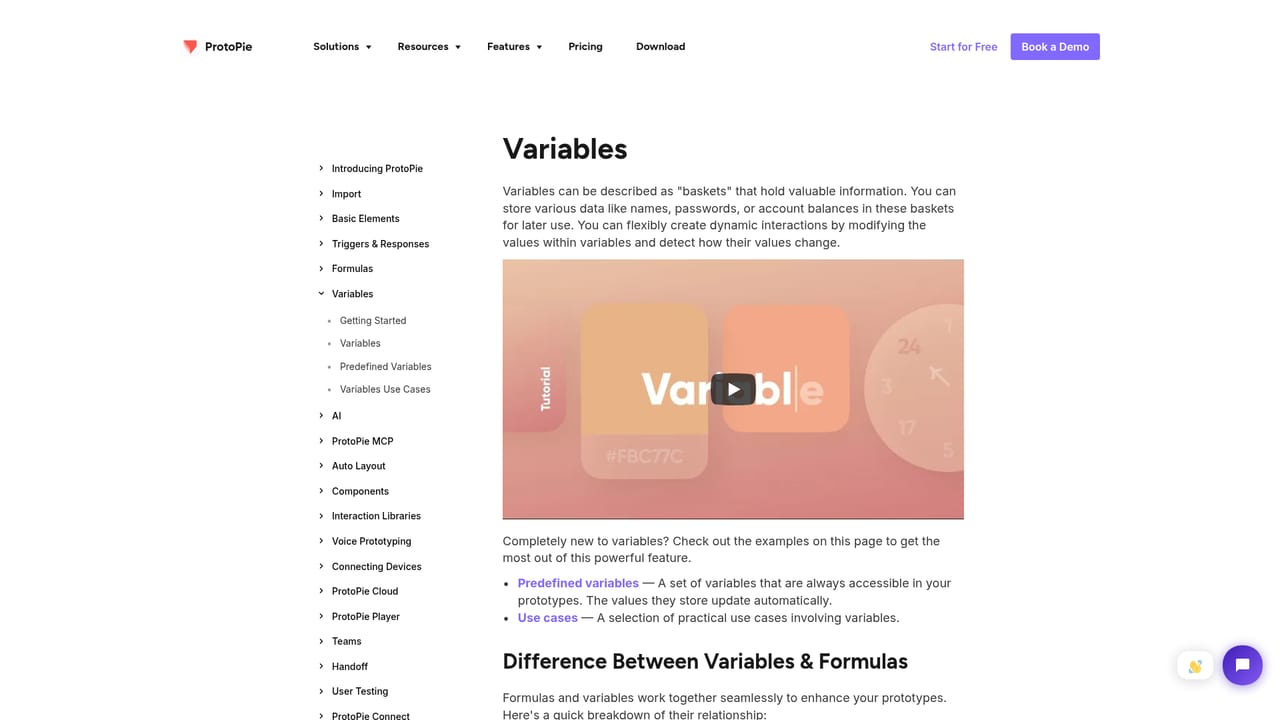
ProtoPie is an advanced prototyping platform built for teams that need their designs to behave like real products, not just look like them. It targets mobile, desktop, web, and even IoT contexts. The core pitch is that AI should assist the interaction work rather than guess at design intent: prompts produce interaction suggestions that a designer then edits, and those edits can be iterated without credit charges before anything is handed off as a clean specification. The workflow starts with the part designers already control. Layouts come in from tools such as Figma, Sketch, and Adobe XD, and the interactive logic is layered on top: triggers, responses, conditions, and variables. That variables system is central, since realistic behavior usually means state that changes as the user moves through a flow. ProtoPie Cloud carries the result to reviewers, who can open a shared prototype, comment, and approve it instead of reading static screenshots and written spec descriptions, which is the handoff pattern the product explicitly positions itself against. The audience is professional product and interaction design teams, especially those shipping multi-surface experiences where fidelity matters: apps, websites, connected hardware, and automotive interfaces. It suits designers who already understand interaction patterns and are willing to invest in tooling depth, since the value only appears once someone builds beyond linked screens. Teams trading in quick click-throughs may find the setup heavier than the task requires. Against general design tools, ProtoPie competes on interaction fidelity and on review-based handoff rather than on layout production. Against code, it competes on speed for stakeholder review before engineering is involved. Public resources include documentation, a learning site, a community forum, a prototype gallery, and a tips and tricks blog, plus an affiliate program. Pricing tiers and trial length are not stated on the homepage.
The homepage offers a free start through ProtoPie Cloud, but does not state a trial length, credit allowance, or what limits apply. Check the plans page for current terms.
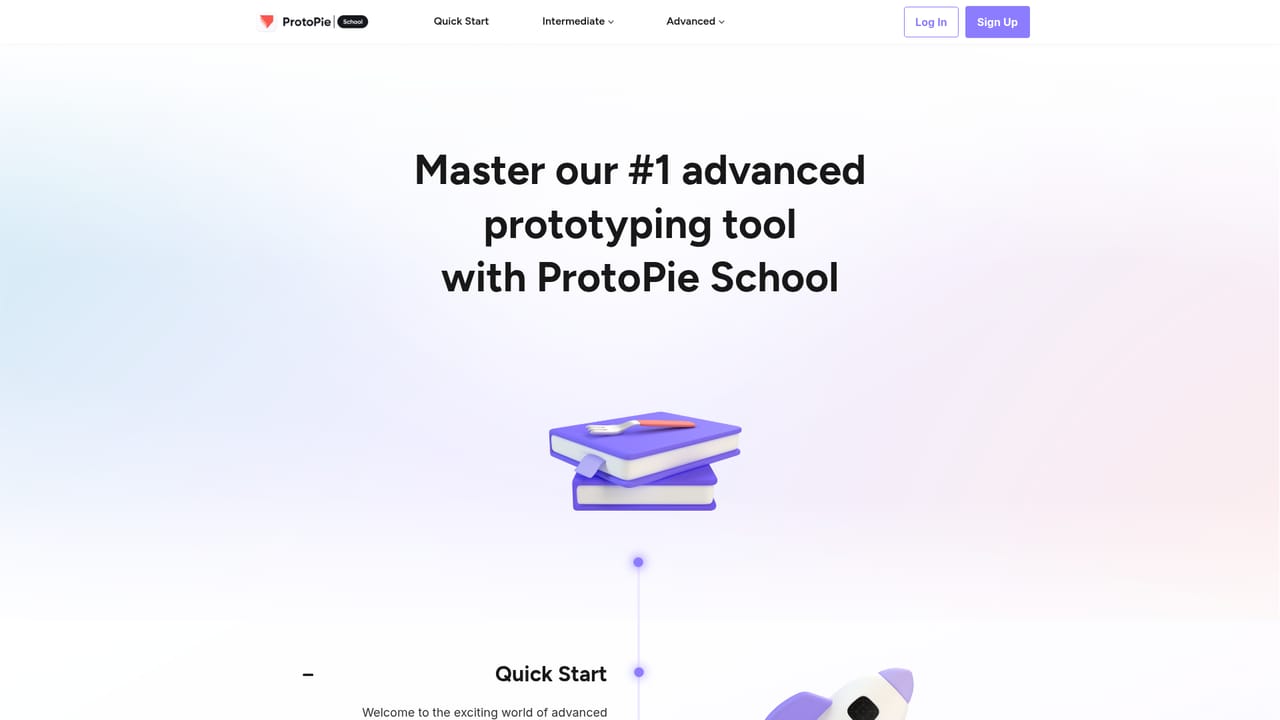
Learn moreSupport material includes product documentation, a separate learning site with lessons, a community forum with a start-here section, a tips and tricks blog, and a prototype gallery for reference examples.
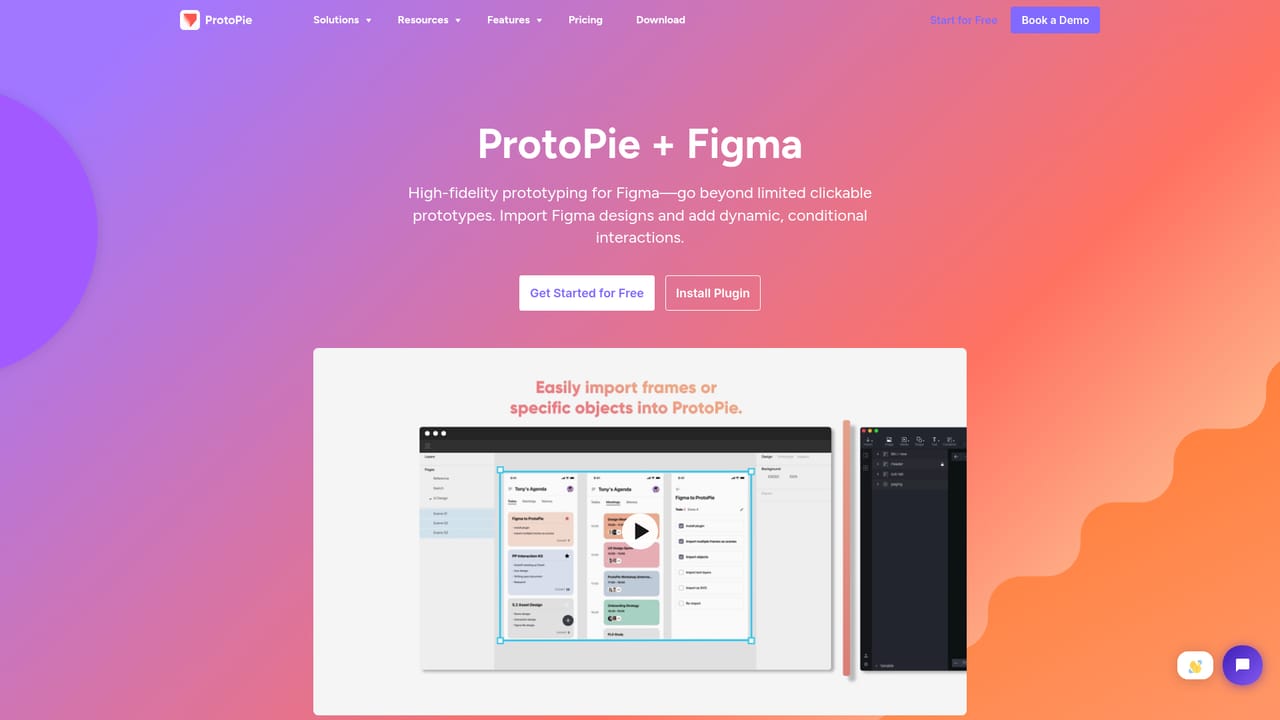
Learn moreDesign tool connections are documented for Figma, Sketch, and Adobe XD. Each has a dedicated page covering the import path. Other integrations are not described on the homepage.
Learn moreAI-generated interactions that can be edited and refined without credit cost, interactive prototyping for mobile, desktop, web, and IoT, variables and conditional logic, ProtoPie Cloud for sharing, commenting, review, and approval, clean specification handoff, and imports from Figma, Sketch, and Adobe XD.
Learn more AI Angels400+ customizable AI girlfriends for NSFW chat, voice calls, and roleplay
 Candy AIExperience the future of companionship with AI friends who chat, role-play, and connect with you on a human level.
 ourdream.aiA vast AI roleplay platform with millions of characters for chat, images, video and voiceAI Angels400+ customizable AI girlfriends for NSFW chat, voice calls, and roleplayCandy AIExperience the future of companionship with AI friends who chat, role-play, and connect with you on a human level.ourdream.aiA vast AI roleplay platform with millions of characters for chat, images, video and voice





