Free trial
A 14 day free trial is offered, started from the signup page, giving access to modeling, exports and code generation. A personalized demo can also be booked.
Learn moreModel business processes and turn them into domain-driven code

Qlerify is an AI-assisted modeling tool for business applications that blends Event Storming, Domain Driven Design, Event Modeling, process mapping and user story mapping into one canvas, then turns the resulting domain model into specifications and generated code. It fits teams that want workshops and architecture to feed directly into development.
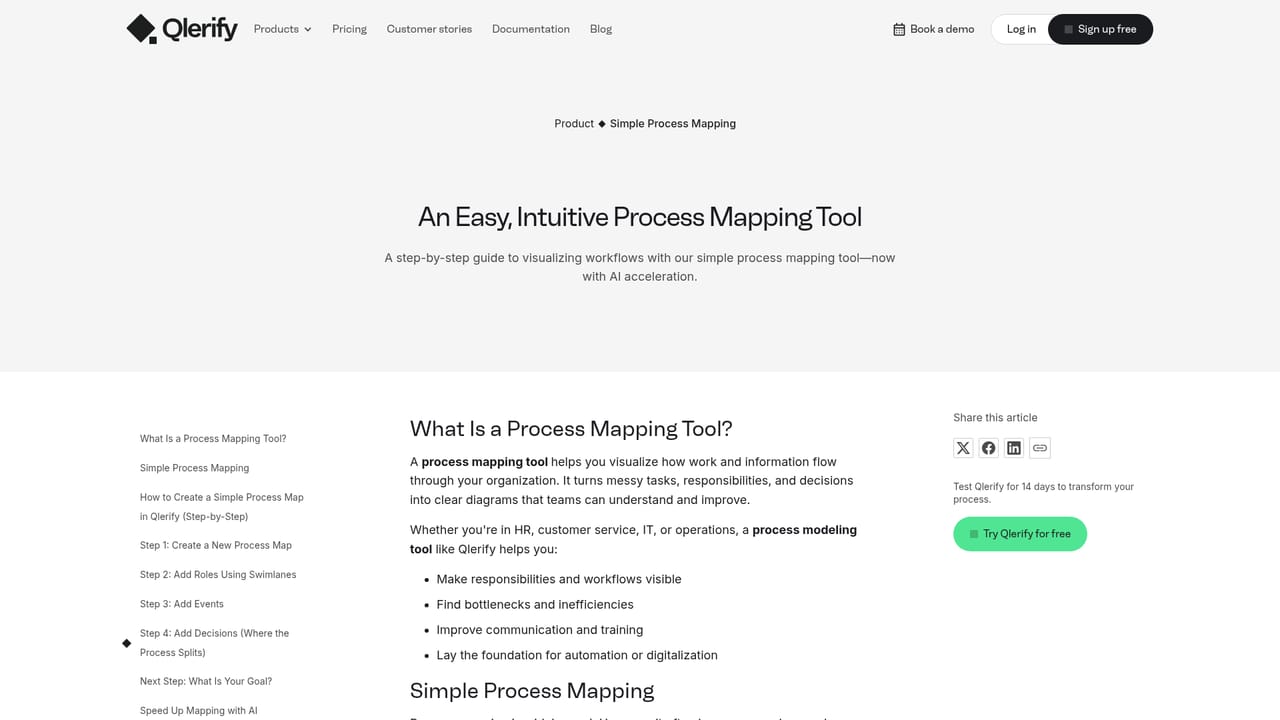
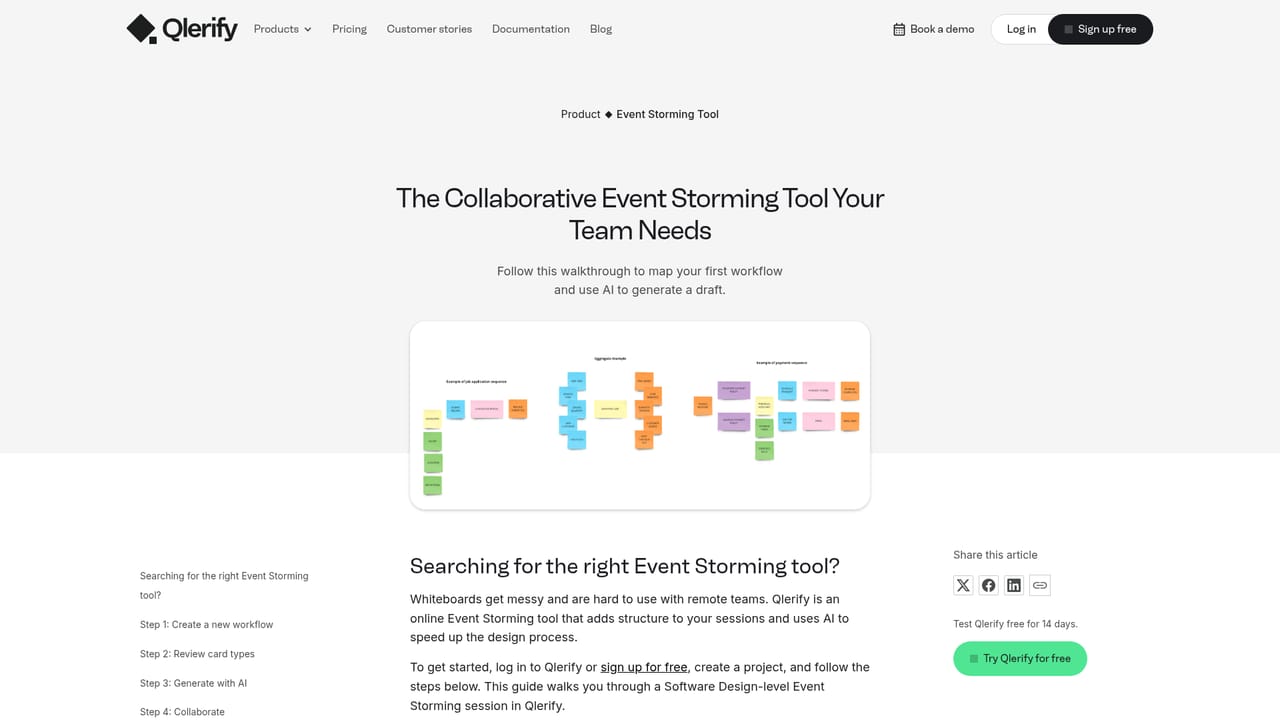
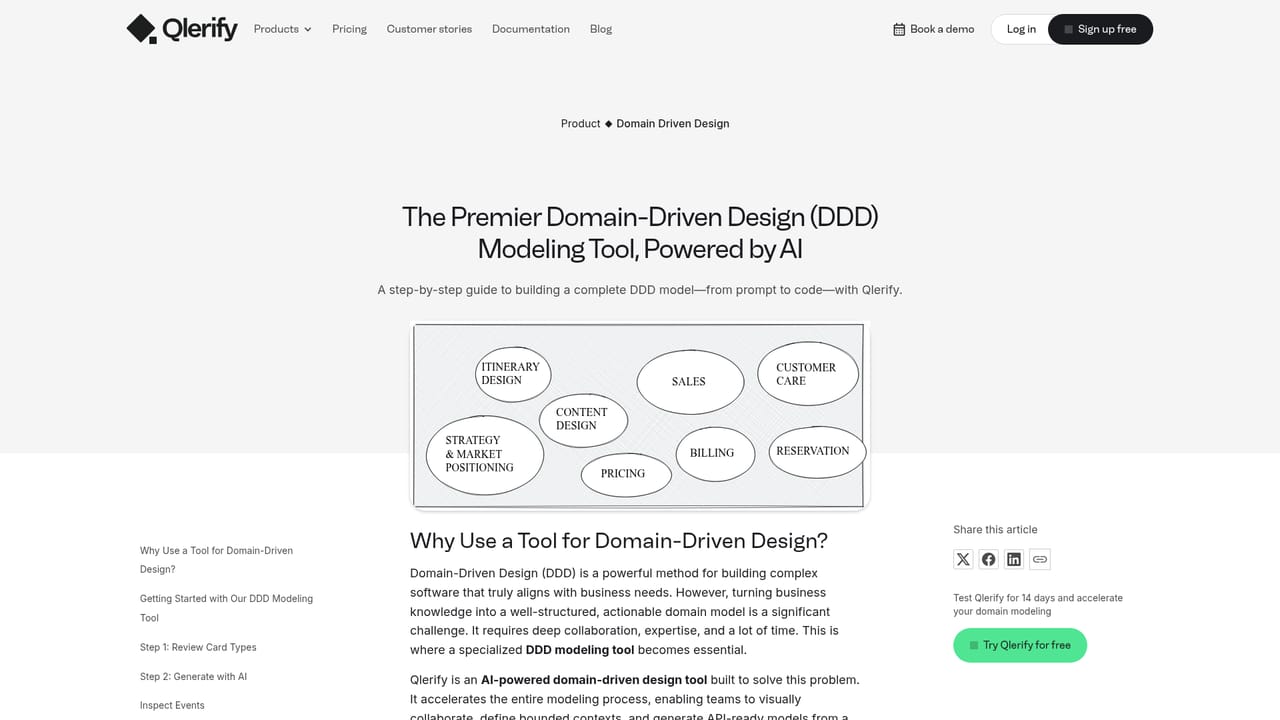
Qlerify is a collaborative modeling workspace for teams that need to move from a vague business problem to a working software blueprint. The tool combines several established methods in one place: Event Storming for mapping domain events, Domain Driven Design for shaping bounded contexts and entities, Event Modeling for describing state changes over time, Simple Process Mapping with four symbols (swimlanes, events, decisions and connections), and User Story Mapping for release planning. AI sits on top of those methods rather than replacing them, helping teams draft and refine models faster. In practice a workshop starts with people, not prompts. Colleagues join a shared canvas, sketch the current and target workflow, and let the AI assist with structuring the result. From there Qlerify derives a domain model automatically, defining read and write models, entities and bounded contexts. That model then becomes the basis for spec-driven development: the platform generates OpenAPI specifications and code aligned with the architecture, and the vendor claims this typically saves more than 30 percent of coding time. Cards and requirements can be pushed into Jira or Azure DevOps, or exported as CSV and JSON. The product is aimed at mixed audiences. Entrepreneurs and product owners use it to visualize flows and gather requirements; developers and IT architects use it to design microservices and event-driven systems; consultants use it to run client workshops and reach agreement on as-is and to-be processes in a small number of sessions. Typical domains include e-commerce, CRM, supply chain, HR onboarding and hotel reservations. Compared with a generic diagramming canvas, Qlerify is opinionated: it pushes teams toward DDD and event-centric thinking and connects the diagram to downstream artifacts like specs and tickets. Competing options tend to be either lighter whiteboards without code generation or heavier enterprise modeling suites without collaborative workshops. Security is handled on AWS infrastructure with alignment to NIST 800-53, CIS and AWS security practices, and Microsoft Entra ID is supported for sign-in.
A 14 day free trial is offered, started from the signup page, giving access to modeling, exports and code generation. A personalized demo can also be booked.
Learn moreCards and requirements can be exported to Jira and Azure DevOps, or pulled out as CSV and JSON. OpenAPI specifications can be generated, and Microsoft Entra ID is supported for identity.
Event Storming, Event Modeling, Simple Process Mapping with four symbols, Domain Driven Design modeling (bounded contexts, entities, read/write models), User Story Mapping, AI-assisted model and code generation from the domain model, OpenAPI specification output, and exports to Jira, Azure DevOps, CSV and JSON.
Learn more AI Angels400+ customizable AI girlfriends for NSFW chat, voice calls, and roleplay
 Candy AIExperience the future of companionship with AI friends who chat, role-play, and connect with you on a human level.
 ourdream.aiA vast AI roleplay platform with millions of characters for chat, images, video and voiceAI Angels400+ customizable AI girlfriends for NSFW chat, voice calls, and roleplayCandy AIExperience the future of companionship with AI friends who chat, role-play, and connect with you on a human level.ourdream.aiA vast AI roleplay platform with millions of characters for chat, images, video and voice


