Integrations
The homepage mentions external data integration from public datasets and APIs, plus CSV file imports. No named third-party integrations or connectors are listed.
Spin up a database sandbox and query it in plain English.
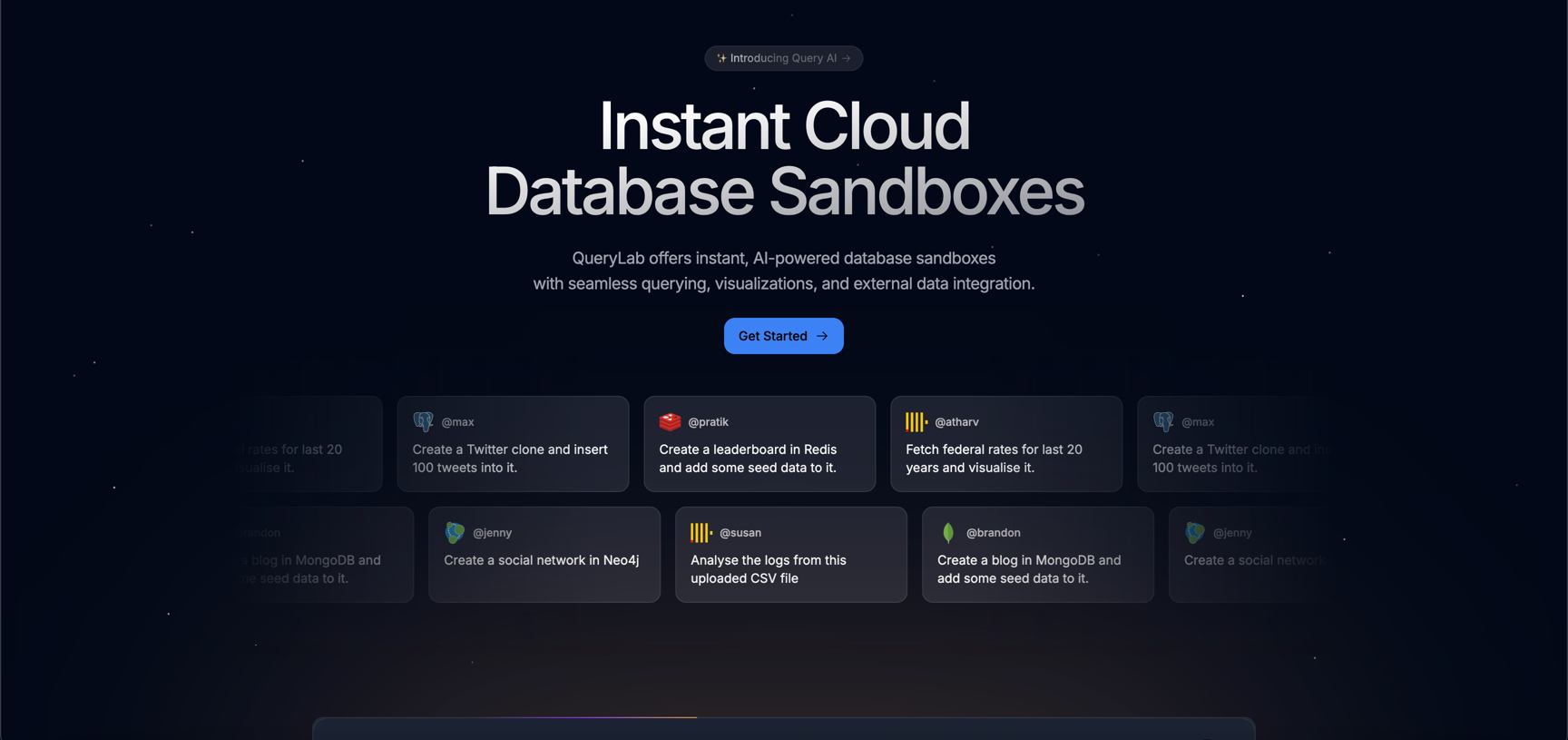
QueryLab is an AI spreadsheet generator tool. QueryLab provisions PostgreSQL, MongoDB, ClickHouse, Redis and Neo4j sandboxes in one click and lets users query them in plain language. Query AI writes the queries, imports CSV files and external datasets, and turns results into charts.
QueryLab is a browser-based environment for spinning up database instances on demand and working with them through natural language. The homepage lists PostgreSQL, MongoDB, ClickHouse, Redis and Neo4j as available engines, each deployed fully configured in a single click so there is no local install or manual setup before the first query runs. The product positions itself as an agentic cloud sandbox, meaning the database exists to be experimented on rather than to serve production traffic. The core feature is Query AI, which the site describes as understanding both the data and the schema. A user types a request in ordinary language and the system translates it into a query against the active database. The homepage examples span a Redis leaderboard with seed data, a MongoDB blog, a Neo4j social network, and a CSV log analysis, which suggests the tool is meant to cover document, graph, key-value and relational workloads rather than one engine. External data fetching pulls from public datasets or APIs directly into the database, and drag-and-drop CSV files are turned into tables with the AI handling schema creation and structuring. Visualization is the third pillar. Query results can be rendered as charts and graphs generated automatically, so a prompt like fetching twenty years of federal rates and plotting them becomes a single request. This makes the tool useful for analysts who want a quick answer without writing SQL, and for developers who need a working schema to prototype against before committing to a real backend. QueryLab fits alongside hosted database consoles and notebook tools. It trades depth of administrative control for speed of setup and a low learning curve, which suits learners, prototypers and anyone exploring unfamiliar datasets. Teams needing backups, access policies or production monitoring will not find those advertised here.
The homepage mentions external data integration from public datasets and APIs, plus CSV file imports. No named third-party integrations or connectors are listed.
QueryLab combines three capabilities in one workspace: instant provisioning of PostgreSQL, MongoDB, ClickHouse, Redis and Neo4j instances; Query AI for natural language query generation, CSV import with automatic table creation, and external data fetching from public datasets and APIs; and automatic chart generation from query results.
 AI Angels400+ customizable AI girlfriends for NSFW chat, voice calls, and roleplay
 Candy AIExperience the future of companionship with AI friends who chat, role-play, and connect with you on a human level.
 ourdream.aiA vast AI roleplay platform with millions of characters for chat, images, video and voiceAI Angels400+ customizable AI girlfriends for NSFW chat, voice calls, and roleplayCandy AIExperience the future of companionship with AI friends who chat, role-play, and connect with you on a human level.ourdream.aiA vast AI roleplay platform with millions of characters for chat, images, video and voice