Spreadsheet Daddy

Excel and Google Sheets tutorials, templates and productivity picks in one library

Beginner
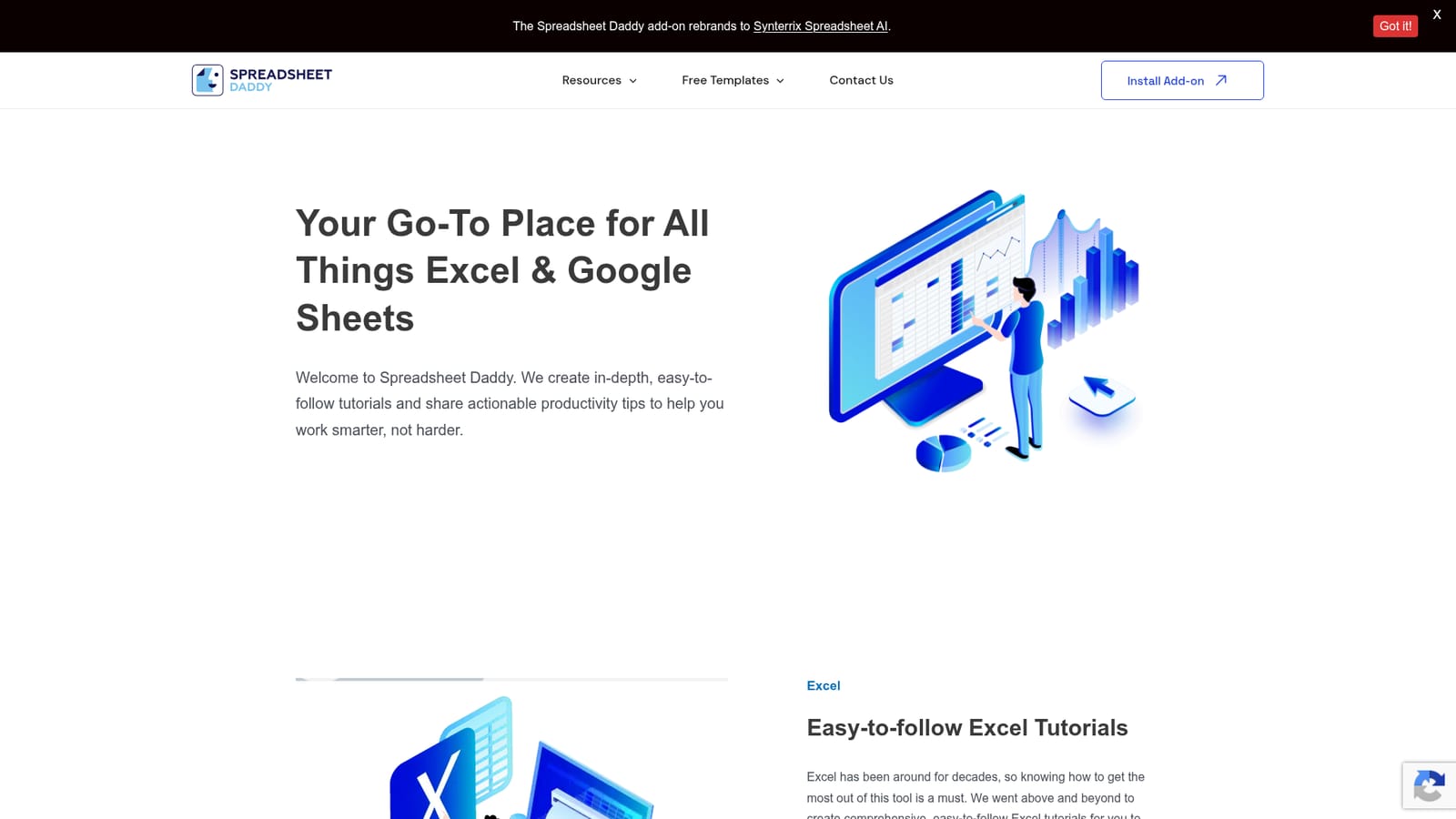
Screenshot of Spreadsheet Daddy, Excel and Google Sheets tutorials, templates and productivity picks in one library

What is Spreadsheet Daddy?

Spreadsheet Daddy is an AI spreadsheet generator tool. A tutorial and template hub for Excel and Google Sheets, with step by step guides on formulas, charts, VBA and collaboration, plus free downloadable templates in Sheets, Excel and PDF formats and buying guides for spreadsheet software.

Spreadsheet Daddy is a learning library for people who work in Excel and Google Sheets and want to get more done without hunting through scattered forum threads. Its core is a set of written tutorials that walk through the fundamentals of each application, then move into charts, data analysis, formulas, functions and VBA in Excel. The Google Sheets track covers the same ground with an emphasis on collaboration, charts and graphs, and the formula work that turns a shared sheet into a working tool. Each guide is framed as a step by step walkthrough rather than a reference page, so the intended reader can follow along in their own file. The site also publishes a steady stream of free templates that ship in Google Sheets, Excel and PDF formats. Current examples include a prop list, a study time tracker, a rolling action item list, a punch list, a headcount planning sheet and a requirements gathering workbook. These are aimed at project managers, coordinators, teachers and small teams who need a structured starting point rather than a blank grid. Alongside the tutorials and templates, Spreadsheet Daddy runs buying guides, including a ranked review of AI tools for Google Sheets and a roundup of B2B intent data providers, which positions the site as part tutorial hub and part software recommendation desk. A practical session usually starts with the Excel or Google Sheets hub, where tutorials are grouped by topic, and continues into a template download when the goal is a ready made layout. The site is best suited to beginners and intermediate users who prefer written instructions they can revisit, and to teams standardizing on simple shared spreadsheets. It is not a formula reference engine or an in product assistant; users who want AI formula generation are pointed toward a separate product, Synterrix, which the Spreadsheet Daddy add-on has been rebranded into. Compared with vendor documentation, the content is more task oriented, and compared with generalist spreadsheet blogs it stays focused on two platforms.

How do you use Spreadsheet Daddy?

  1. 1Pick your platform track
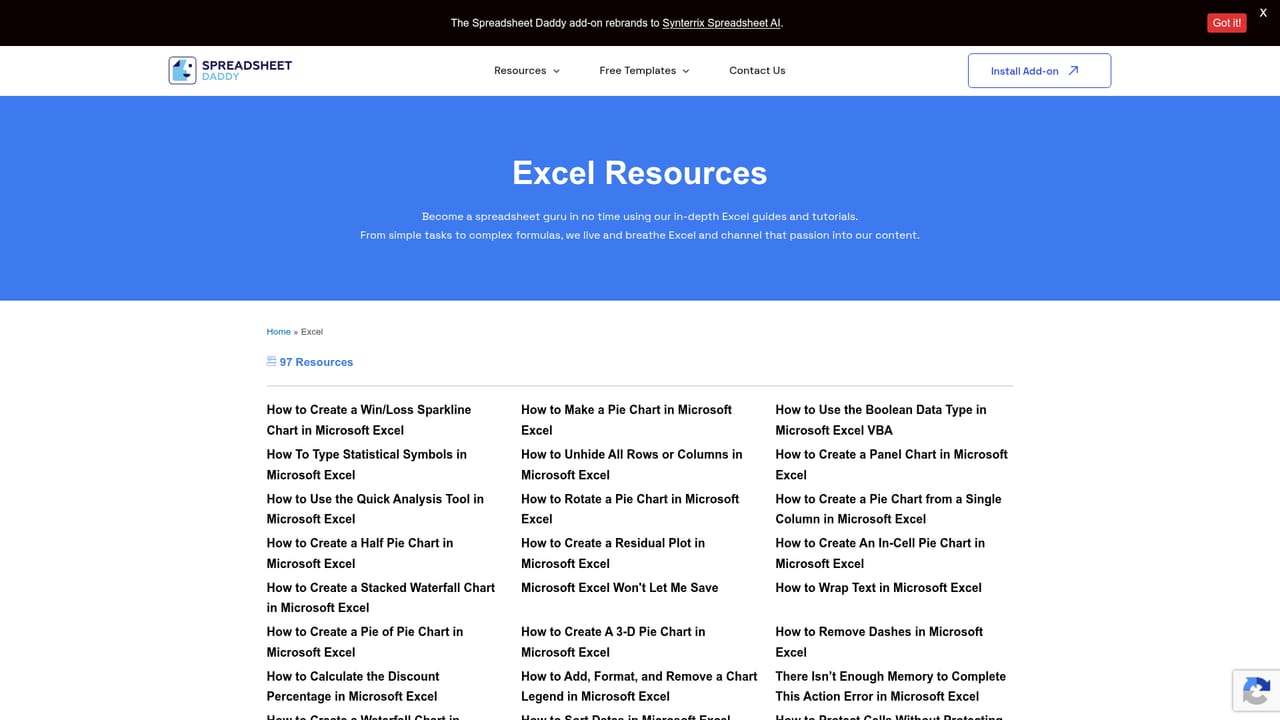
    Start at the Excel or Google Sheets hub and scan the topic groupings to find the area you need, such as charting, functions or VBA.
    Spreadsheet Daddy — Pick your platform track
  2. 2Work through the Google Sheets guides
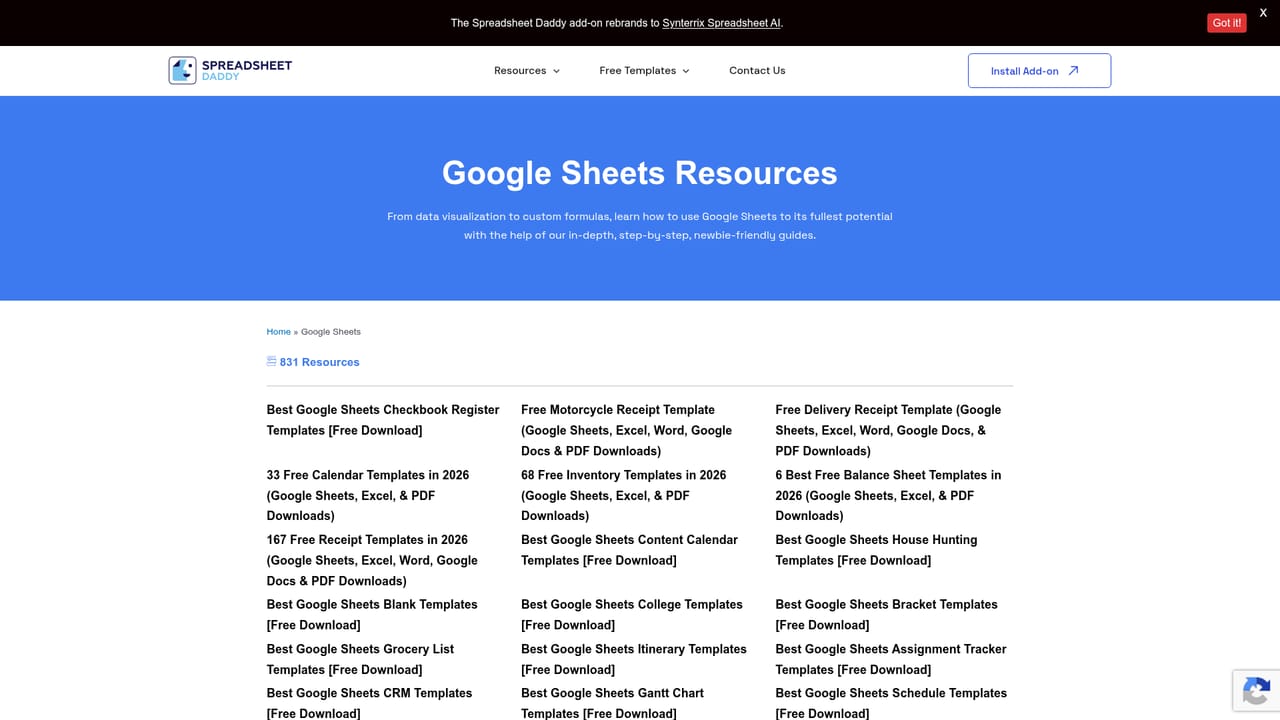
    If collaboration is the priority, follow the Google Sheets track, which covers the 101 material and then moves into charts, graphs and formula work.
    Spreadsheet Daddy — Work through the Google Sheets guides
  3. 3Download a template that matches your task
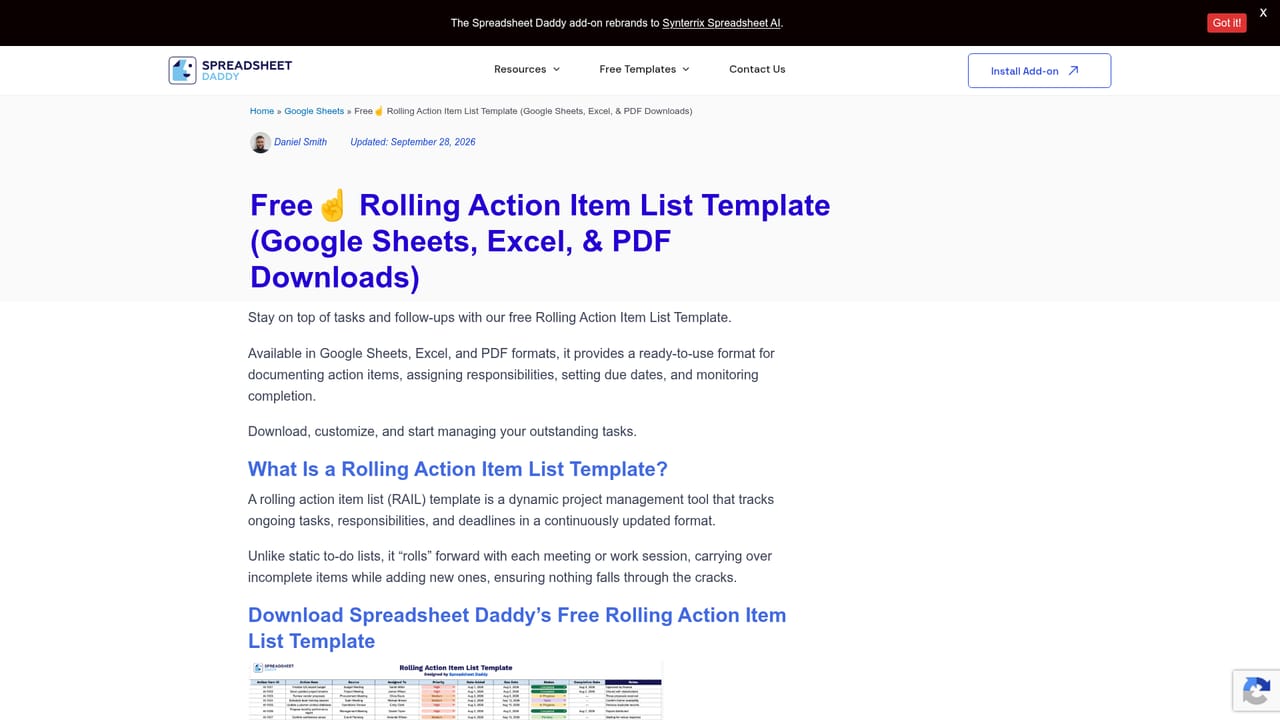
    Open a template post, for example the rolling action item list, and grab the Google Sheets, Excel or PDF version depending on your tools.
    Spreadsheet Daddy — Download a template that matches your task
  4. 4Adapt the template to your own data
    Copy the sheet into your own drive or workbook once signed in, then replace the sample rows with your project or team details.
  5. 5Read the tool roundups before buying software
    Use the buying guides on the homepage to compare AI add-ons and other productivity software before committing to a paid product.
    Spreadsheet Daddy — Read the tool roundups before buying software

Pros and cons

Pros

  • Tutorials are organized into clear tracks for Excel and Google Sheets, covering basics, charting, formulas and VBAAI
  • Free templates arrive in three formats (Google Sheets, Excel and PDF), which suits mixed office setupsAI
  • Written walkthroughs can be followed at your own pace and revisited later, unlike video only trainingAI
  • Buying guides add context on adjacent tools, including AI add-ons for Google SheetsAI
  • Coverage spans both major spreadsheet platforms rather than locking readers into one vendorAI

Cons

  • No interactive practice files or sandbox, so learners must build their own example sheetsAI
  • Content is static documentation rather than an AI assistant that answers questions about your own workbookAI
  • The AI add-on once associated with the site now lives under a different brand, so users hunting that feature face a redirectAI
  • Templates are template posts rather than a searchable, filterable library, which makes browsing slower as the catalog growsAI
  • Pricing or plan details for any companion software are not stated on the homepage, so costs must be checked elsewhereAI

How much does Spreadsheet Daddy cost?

Features

Written Excel tutorials spanning Excel 101, charting and data analysis, and VBA; Google Sheets guides on the basics, charts and graphs, and functions and formulas; free templates available in Google Sheets, Excel and PDF (prop list, study time, rolling action item list, punch list, headcount planning, requirements gathering); and software roundups including AI tools for Google Sheets.

Learn more

Frequently asked questions about Spreadsheet Daddy

  • How do you use Spreadsheet Daddy?
    The walkthrough on this page covers 5 steps: 1. Pick your platform track 2. Work through the Google Sheets guides 3. Download a template that matches your task 4. Adapt the template to your own data 5. Read the tool roundups before buying software.
  • What platforms does Spreadsheet Daddy support?
    Spreadsheet Daddy is available on Web App.
  • What are the limitations of Spreadsheet Daddy?
    No interactive practice files or sandbox, so learners must build their own example sheets. Content is static documentation rather than an AI assistant that answers questions about your own workbook. The AI add-on once associated with the site now lives under a different brand, so users hunting that feature face a redirect.

Status

StatusActive
Views0
Outbound clicks0
Added10/21/2026

Platforms

Web App

Pricing

Free