Pricing
The site separates a free experience from a Prime tier, and several features (Ask R Discovery, Chat PDF, Audio Papers, translation, content feeds) carry a Prime badge. No prices or plan details appear on the homepage.
Learn moreAI reading and literature search across 300M+ research papers

R Discovery is an academic research tool. R Discovery combines a very large scholarly index with an AI assistant, PDF chat, literature review generation, audio playback of papers and translation into 30+ languages. It suits researchers and students who want discovery, reading and listening in a single app, with some features reserved for the Prime tier.
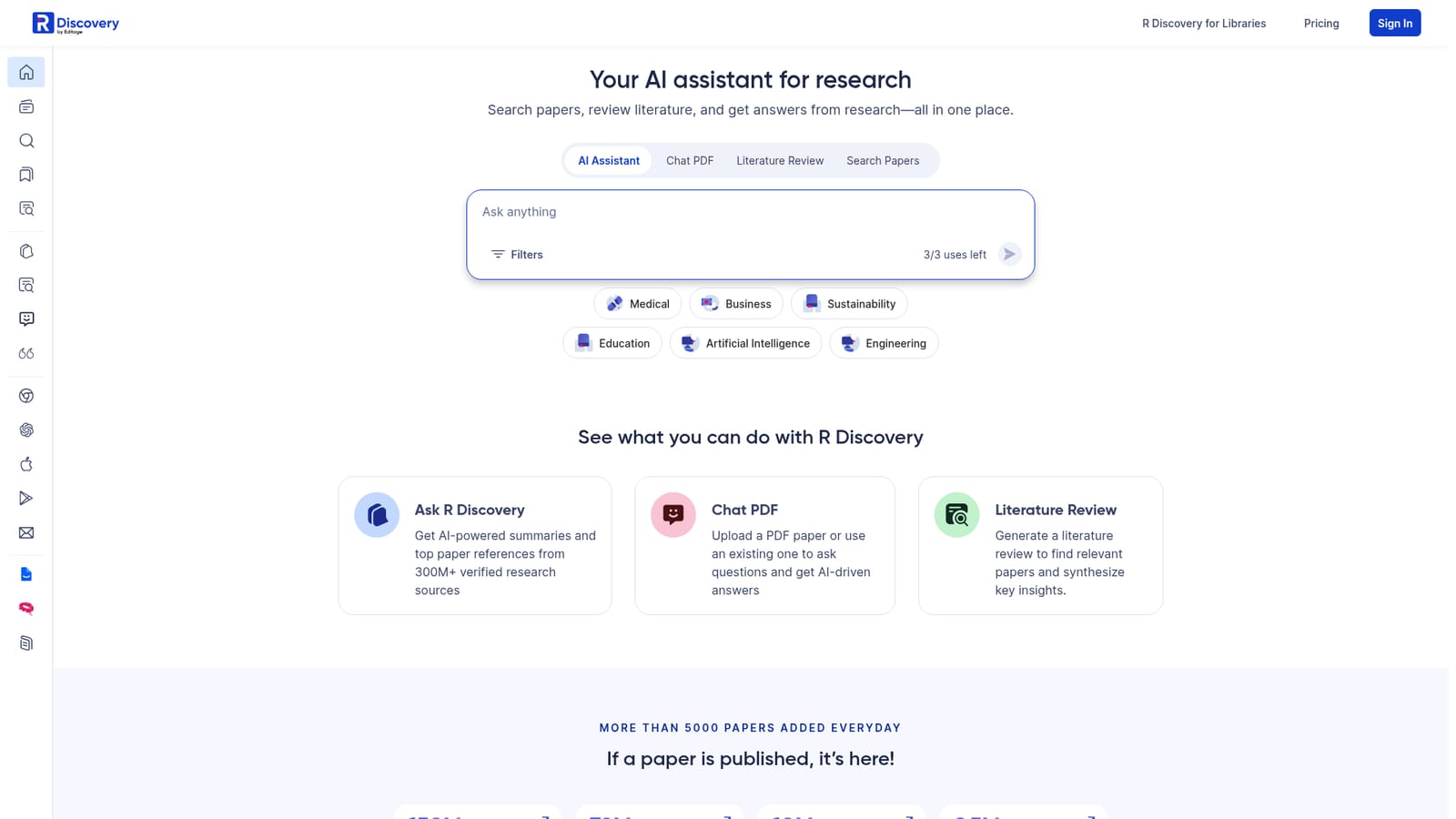
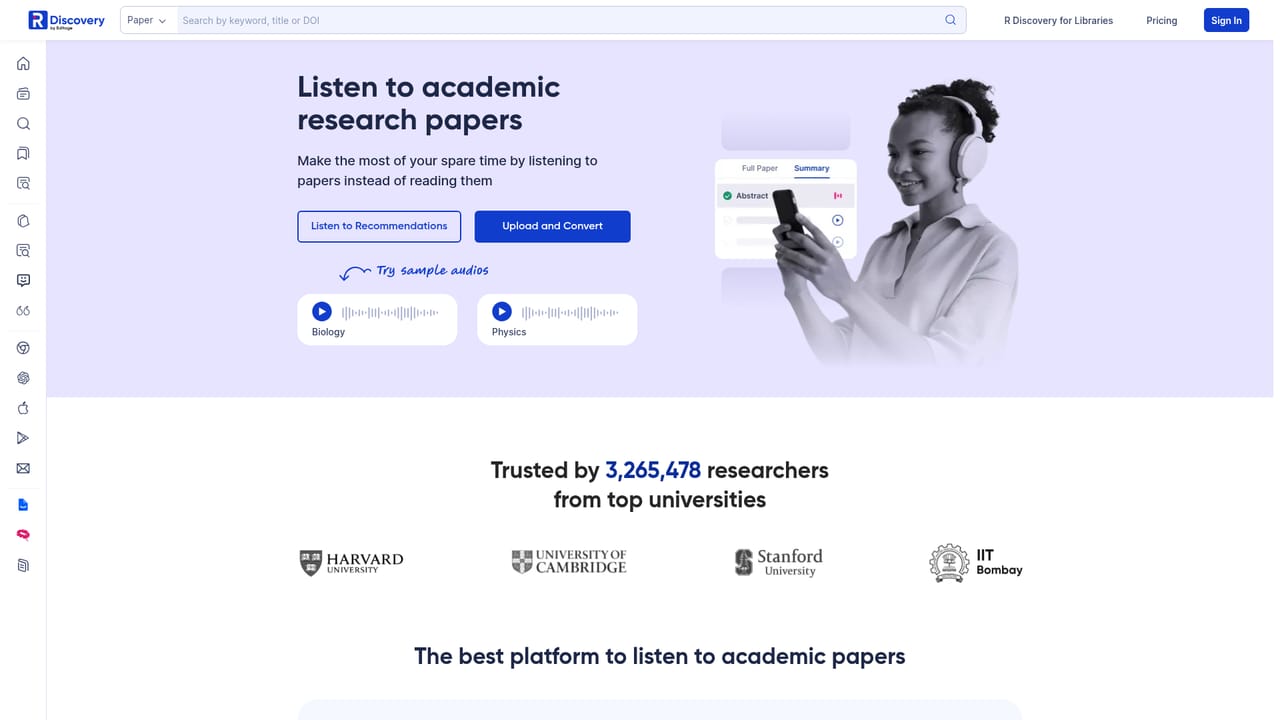
R Discovery is an academic reading app built around a large scholarly index and an AI layer that sits on top of it. The library covers journal articles, conference papers, preprints, patents and open access material, with counts in the hundreds of millions and new papers arriving daily. Rather than replacing a bibliographic database, it positions itself as the place where a researcher searches, saves, reads and listens, with an assistant available at each of those stages. The practical workflow starts with a personalized feed of new papers matched to stated interests, so the first pass over a topic does not require repeated manual queries. From there, the Ask R Discovery feature answers free-form research questions and attaches citations drawn from the indexed corpus, Chat PDF lets a user upload a paper (or open one already in the library) and interrogate it directly, and the literature review tool assembles relevant papers with synthesized takeaways. Audio Papers reads full texts, summaries and highly cited papers aloud in natural sounding voices, while paper translation opens the same content in more than 30 languages. A Chrome extension brings the lookup tools into the browser, and seminars from Cassyni are listed alongside written material. It is aimed at working researchers, graduate students, clinicians and librarians who need to keep up with a field without losing hours to search and triage. Institutional buyers get a separate library offering, and the breadth of partners (PubMed, arXiv, Crossref, OpenAlex, Springer Nature, SAGE and others) makes the index credible for serious literature work. The closest alternatives are reference managers with added AI chat and standalone paper summarizers, but those tend to be narrower: R Discovery leans on the size of its corpus and on the combination of feed, chat, audio and translation in one app. Some capabilities sit behind the Prime tier, marked with a badge on the homepage, and free usage of the assistant is metered (an on-screen counter shows a small number of uses). Researchers who want full control over their own PDF library or deep citation formatting may still pair it with a dedicated reference manager.

The site separates a free experience from a Prime tier, and several features (Ask R Discovery, Chat PDF, Audio Papers, translation, content feeds) carry a Prime badge. No prices or plan details appear on the homepage.
Learn moreContent is sourced through roughly 25 publishing and technology partners, among them PubMed, arXiv, Crossref, OpenAlex, Springer Nature, SAGE, BMJ, JAMA, Taylor & Francis and Unpaywall. A Chrome extension extends the tool into the browser.
Learn moreCore features include a personalized paper feed, an AI assistant that answers research questions with citations from 300M+ sources, Chat PDF for questioning uploaded or existing papers, literature review generation, Audio Papers with natural voices, translation into 30+ languages, Prime-only content feeds, a Chrome extension and Cassyni seminars. The index spans journal articles, conference papers, preprints and patents.
Learn more AI Angels400+ customizable AI girlfriends for NSFW chat, voice calls, and roleplay
 Candy AIExperience the future of companionship with AI friends who chat, role-play, and connect with you on a human level.
 ourdream.aiA vast AI roleplay platform with millions of characters for chat, images, video and voiceAI Angels400+ customizable AI girlfriends for NSFW chat, voice calls, and roleplayCandy AIExperience the future of companionship with AI friends who chat, role-play, and connect with you on a human level.ourdream.aiA vast AI roleplay platform with millions of characters for chat, images, video and voice