Free trial
A free 7 day Pro Trial unlocks Pro features, including custom program tools, before any purchase.
Learn moreBuild your own AI radio station, segment by segment
Own Radio Starlight? Verify ownership to get a dofollow link

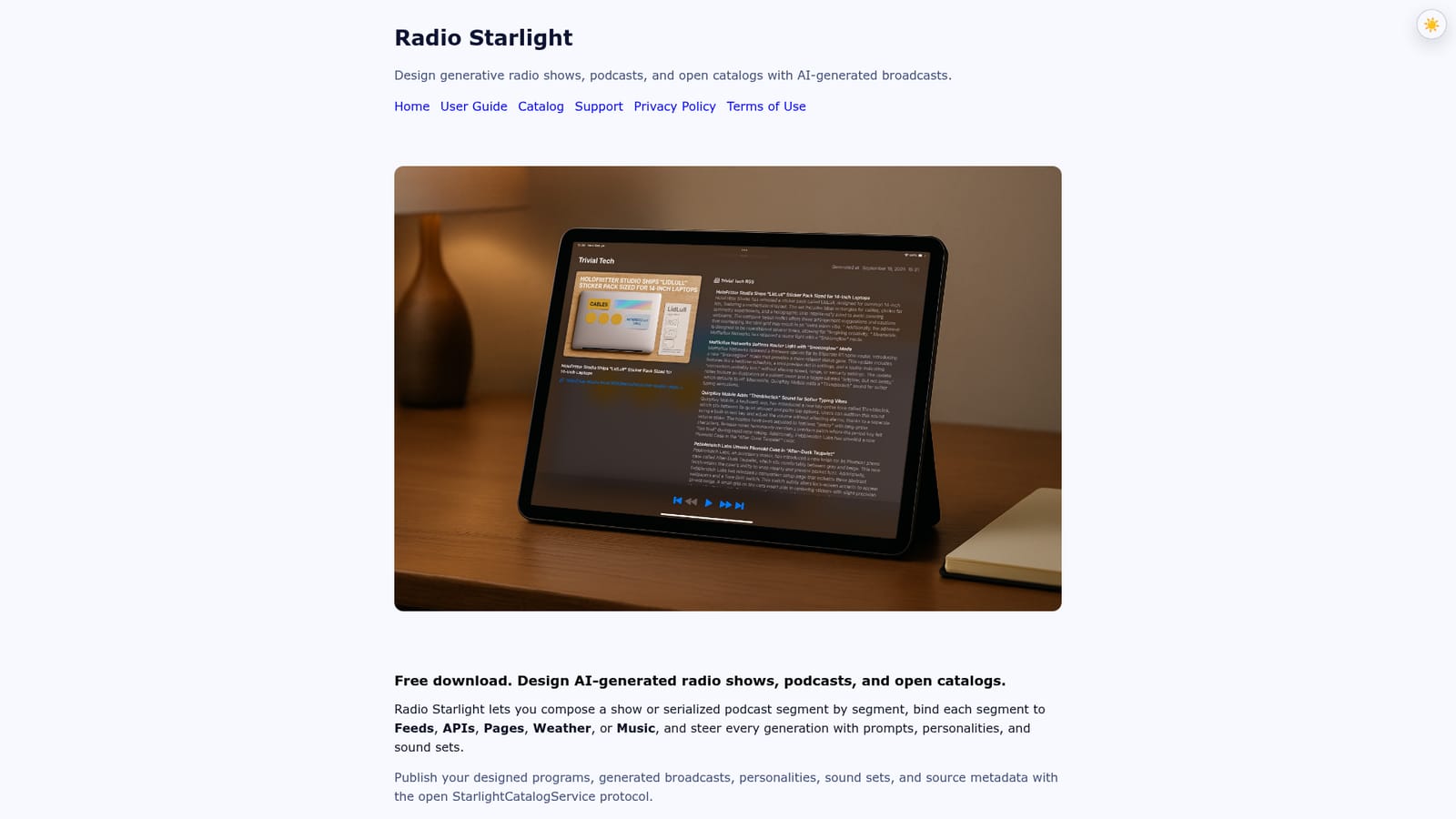
Radio Starlight is an autoblogger tool that builds your own AI radio station, segment by segment. A generative radio and podcast studio for iOS. Compose shows segment by segment, bind each block to feeds, APIs, pages, weather or music, and publish programs as open, portable catalogs.
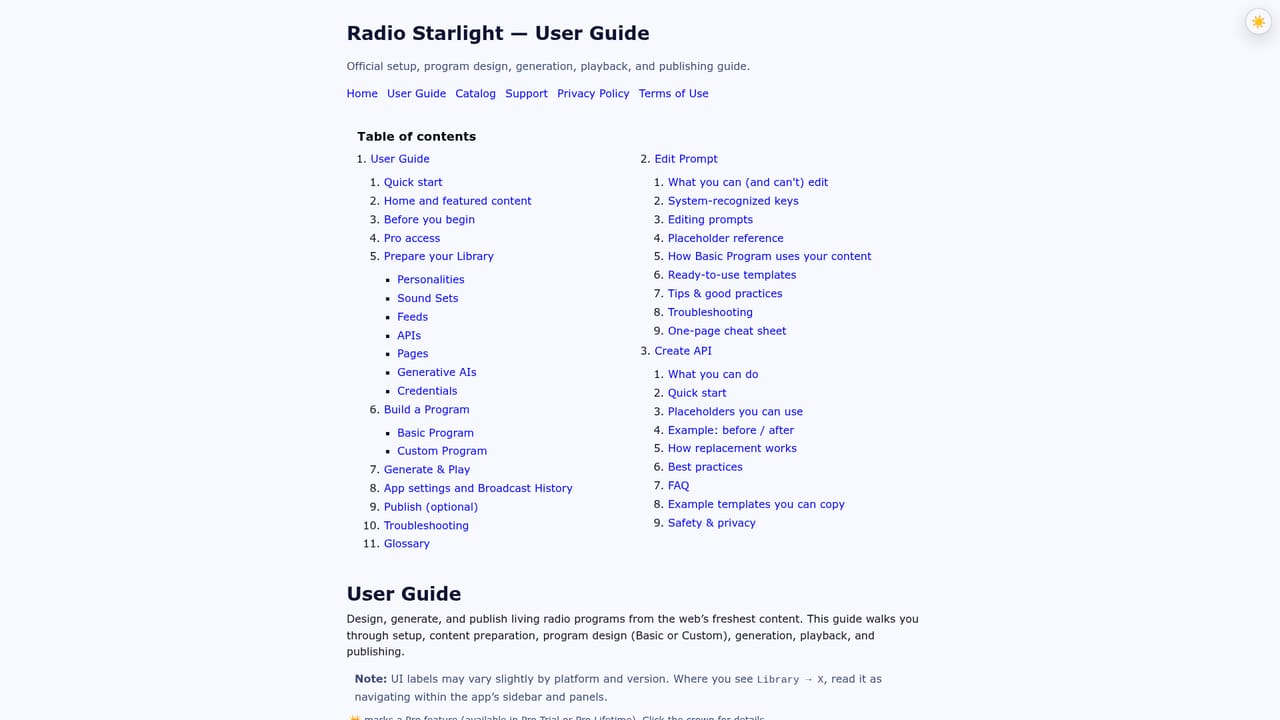
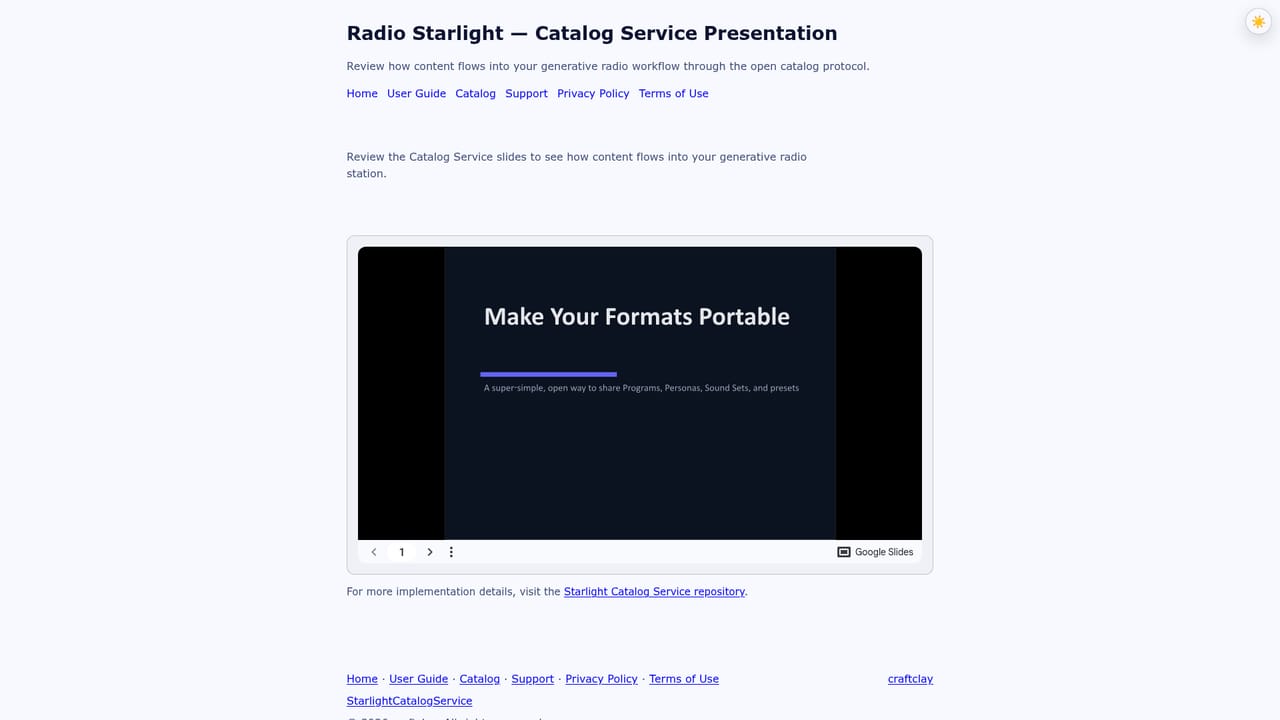
Radio Starlight is a generative studio for building radio shows and podcasts from a structured skeleton rather than a single prompt. Each program is assembled segment by segment, and every segment can be bound to a distinct content source: RSS or Atom feeds, JSON APIs, web pages, weather data, or a music library. Prompts, personalities and background music sets are attached per segment, so a show can open with a weather read, move into a news block pulled from feeds, then close with curated music, all generated in one pass. The app is pitched at broadcasters, independent podcasters and small studios that want recurring, time sensitive output without writing scripts by hand. Reusable templates carry a format forward week to week, while a manual program designer gives full control over running order and source assignment. Generation can run on cloud language models or on Apple Foundation Models and Image Playground where the device supports them, and the same workspace also produces covers, avatars and episodes. In practice the workflow is design first, generate second. You lay out segments, pick sources and write prompts, then commit a broadcast that can continue generating after you leave the app when iOS grants continued processing. Finished shows are published wherever you already distribute radio and podcast episodes, and the optional StarlightCatalogService protocol exports the whole package (program structure, generated episodes, personalities, sound sets, and the exact feeds, APIs, pages, weather and music behind them) as a portable catalog or archive file. Against conventional podcast editors, Radio Starlight trades timeline precision for repeatable formats and automated sourcing. It suits producers who care more about timely, continuously refreshed content than about frame level audio editing. The current release is iOS first, with macOS planned, and Pro tools are the path to segment level prompting and custom program design.
A free 7 day Pro Trial unlocks Pro features, including custom program tools, before any purchase.
Learn morePro Lifetime costs $7.99 as a one-time purchase and includes a free 7 day Pro Trial plus the custom program tools. The download itself is free, and cloud model usage depends on the API access you bring.
Learn moreSupport is available through the support page and a Discord community where listeners and creators share ideas and get product help from the team.
Learn moreContent sources include RSS and Atom feeds, JSON APIs, web pages, weather data and music libraries, alongside cloud LLM and image APIs and Apple on-device models.
Per segment binding to feeds, JSON APIs, web pages, weather and music libraries; a manual program designer with per segment prompts and reusable templates; personalities and BGM sound sets that switch between segments; generation of programs, covers, avatars and episodes; cloud models plus Apple Foundation Models and Image Playground where supported; open publishing through StarlightCatalogService; broadcast history retention from 1 to 60 days.
 AI Angels400+ customizable AI girlfriends for NSFW chat, voice calls, and roleplay
 Candy AIExperience the future of companionship with AI friends who chat, role-play, and connect with you on a human level.
 ourdream.aiA vast AI roleplay platform with millions of characters for chat, images, video and voiceAI Angels400+ customizable AI girlfriends for NSFW chat, voice calls, and roleplayCandy AIExperience the future of companionship with AI friends who chat, role-play, and connect with you on a human level.ourdream.aiA vast AI roleplay platform with millions of characters for chat, images, video and voice