Free trial
The preview of a report is free in most countries and requires no credit card. The full explanation, follow-up chat and doctor-facing materials are paid.
Learn moreTurn a radiology report into plain English, with questions for your doctor
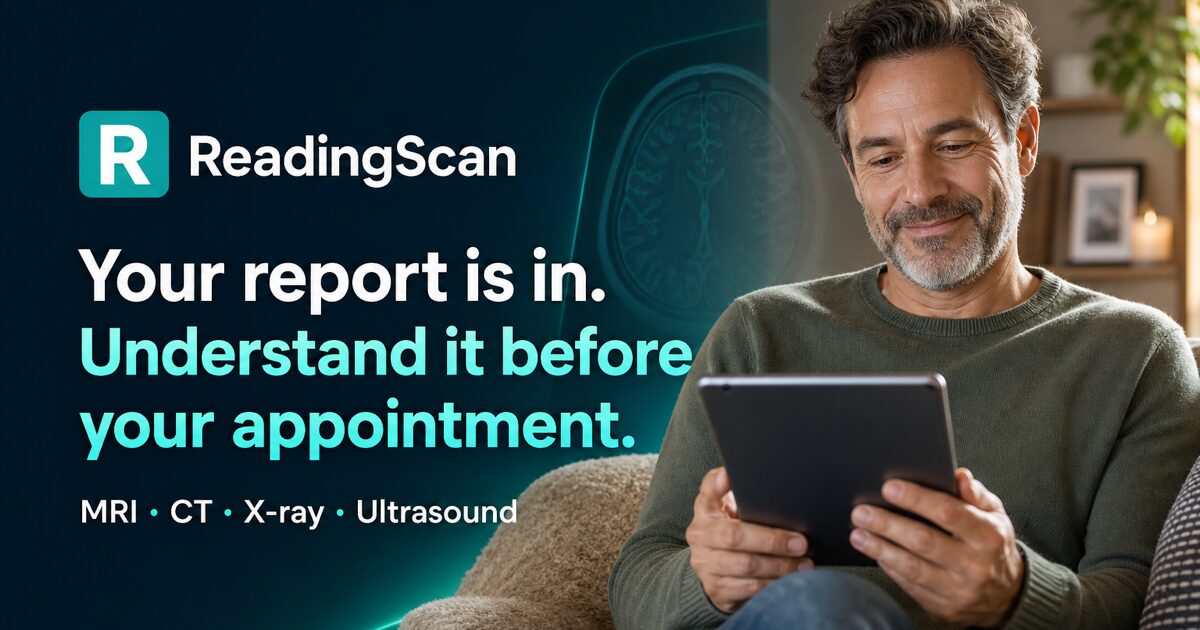
ReadingScan is an image analysis tool that turns a radiology report into plain English, with questions for your doctor. ReadingScan converts MRI, CT, X-ray, ultrasound and PET reports or scan photos into a plain English explanation with urgency tags, ruled-out findings, doctor questions and a follow-up chat.
ReadingScan is a web tool that translates radiology reports and scan images into plain language for patients. A user uploads the written report from a patient portal, photographs or screenshots of the images, or both, and receives a structured explanation within minutes. The site reports a median time of 2.5 minutes to a finished report and says the service has explained more than 820 reports for users in 109 countries since April 2026. It covers MRI, CT, X-ray, ultrasound and PET exams, and each modality has its own page listing the terms that appear most often in those reports. The output follows a fixed four-part structure, which is the most deliberate design choice here. Every finding gets a plain sentence and an urgency tag such as no concern or worth monitoring. The report then addresses the specific worry the user typed in before uploading, and lists what the radiologist checked for and ruled out. A set of questions tailored to the findings closes the document, and a chat with the report already loaded handles follow-ups. On the Doctor Visit Pack tier, the explanation arrives as a PDF plus a printable question list. The tool is aimed at patients holding a report they cannot parse, particularly people between appointments who want to arrive prepared rather than reassured. It is not a diagnostic product: the site states plainly that it explains reports and does not diagnose, is not a substitute for medical care, and is not for emergencies. It also does not claim FDA clearance or CE marking. Where it differs from generic chatbots is the intake discipline: unreadable files are rejected before any AI runs and do not consume a report, the model must describe an image before naming a finding, and that description is stored so the reasoning can be checked. Pricing is one-time rather than subscription. A full report costs $14, a Doctor Visit Pack $19, and a three-report Care Journey bundle $39, with unused reports kept in the account indefinitely and a 7 day refund window. The preview is free in most countries, and support answers email within that period.
The preview of a report is free in most countries and requires no credit card. The full explanation, follow-up chat and doctor-facing materials are paid.
Learn moreOne-time payments, no subscription: Full Report $14, Doctor Visit Pack $19 (adds a PDF and printable question list plus unlimited follow-ups), Care Journey $39 for three complete reports. Unused reports do not expire, and a full refund is available by emailing support within 7 days.
Learn moreSupport runs by email at support@readingscan.com, including for refund requests made within 7 days of purchase. No live chat or phone channel is listed.
Plain English explanations of every finding with urgency tags, an answer to the concern typed in before upload, a list of what the exam ruled out, tailored questions for the doctor, and a follow-up chat preloaded with the report. Covers MRI, CT, X-ray, ultrasound and PET, accepts report PDFs plus JPG, PNG and WebP images up to 20 MB, and rejects unreadable files without using a report.
Learn more AI Angels400+ customizable AI girlfriends for NSFW chat, voice calls, and roleplay
 Candy AIExperience the future of companionship with AI friends who chat, role-play, and connect with you on a human level.
 ourdream.aiA vast AI roleplay platform with millions of characters for chat, images, video and voiceAI Angels400+ customizable AI girlfriends for NSFW chat, voice calls, and roleplayCandy AIExperience the future of companionship with AI friends who chat, role-play, and connect with you on a human level.ourdream.aiA vast AI roleplay platform with millions of characters for chat, images, video and voice