ReadPartner

News and social monitoring with AI briefings in one dashboard

Beginner API
Screenshot of ReadPartner, News and social monitoring with AI briefings in one dashboard

What is ReadPartner?

ReadPartner is a news aggregator tool. ReadPartner consolidates news monitoring, social listening, sentiment and trend analysis into one dashboard, with AI report generation, internal newsletters and an API for PR, marketing and enterprise teams.

ReadPartner is a media intelligence platform that pulls traditional news outlets and social media conversations into a single monitoring dashboard. It monitors thousands of news outlets worldwide and follows social platforms in real time, tagging each story with signals for sentiment and virality so teams can see not just what was published but how it is landing with audiences. The stated goal is faster decisions: the company reports a three times quicker reaction time for decision makers among its clients. The product is aimed at teams rather than individual readers. PR and communications groups use it to catch new stories as they emerge, marketing and digital teams use it to watch what moves their market, and executives get automated report generation. There are dedicated use cases for brand monitoring, competitor monitoring, market research, crisis and reputation management, OSINT and threat intelligence, public sector sentiment tracking and large enterprise deployments. ReadPartner also offers keyword monitoring, media outreach, bias detection, disposable inboxes and collaborative features as individual modules, and an API is available for teams that want monitoring data in their own systems. In practice, the workflow runs from monitoring to briefing. Users define the outlets, keywords and social conversations that matter, then review incoming stories with sentiment and popularity signals attached. From there, internal newsletters push daily breaking news updates to selected team members by email, and a context-aware AI assistant helps with analysis and repetitive tasks. Executive reports can be generated from the same data, so the monitoring layer and the briefing layer share one source. ReadPartner positions itself against established media monitoring suites by combining news tracking, social listening and trend analysis in one dashboard, with the AI assistant and newsletter tooling bundled rather than sold separately. Pricing is organised around small teams, growing businesses and large enterprises, though the homepage does not publish figures, and a demo request is the documented route to an evaluation. Buyers comparing heavier enterprise platforms should weigh it on depth of source coverage and setup effort rather than on the feature list alone.

How do you use ReadPartner?

  1. 1Book a demo and scope your monitoring needs
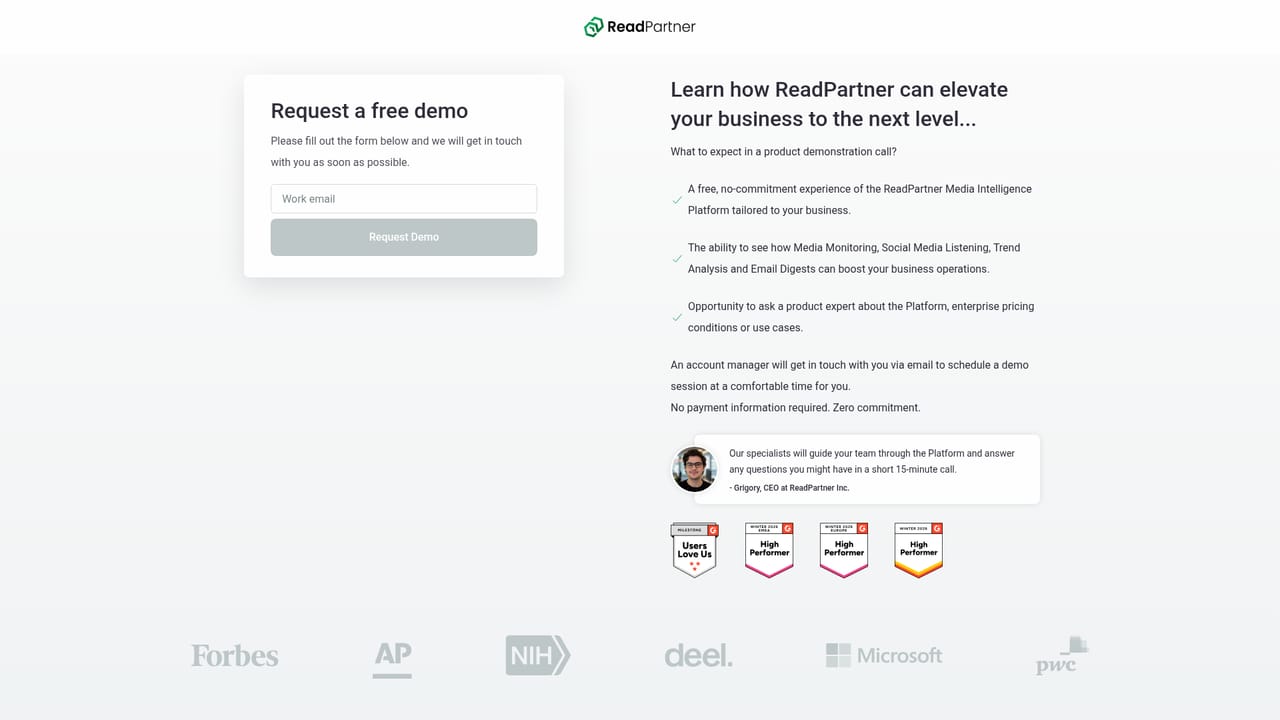
    Start with the demo request form and describe the brands, competitors or topics you need to track. The sales team uses this to map your coverage requirements before account setup.
    ReadPartner — Book a demo and scope your monitoring needs
  2. 2Set up keyword, news and social monitoring
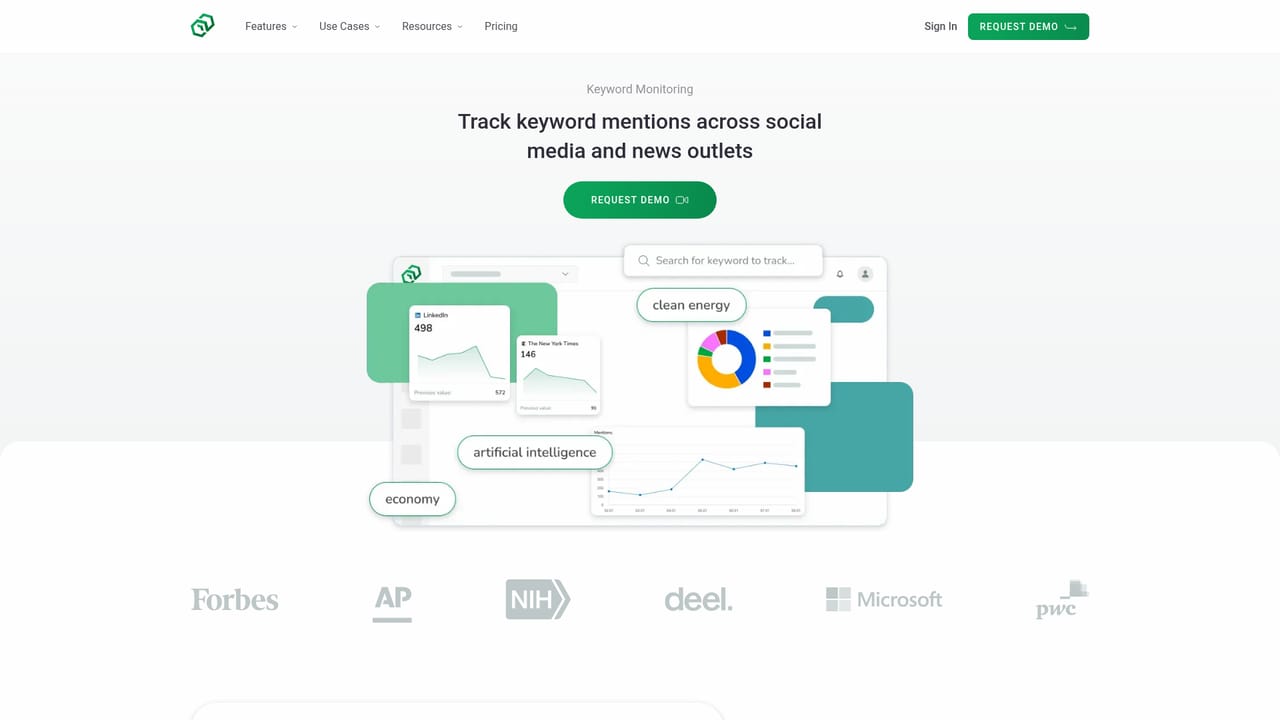
    Once you have access, configure the keywords, outlets and social conversations that should feed your dashboard. This is where the initial scope from the demo turns into live monitoring.
    ReadPartner — Set up keyword, news and social monitoring
  3. 3Review incoming stories with sentiment signals
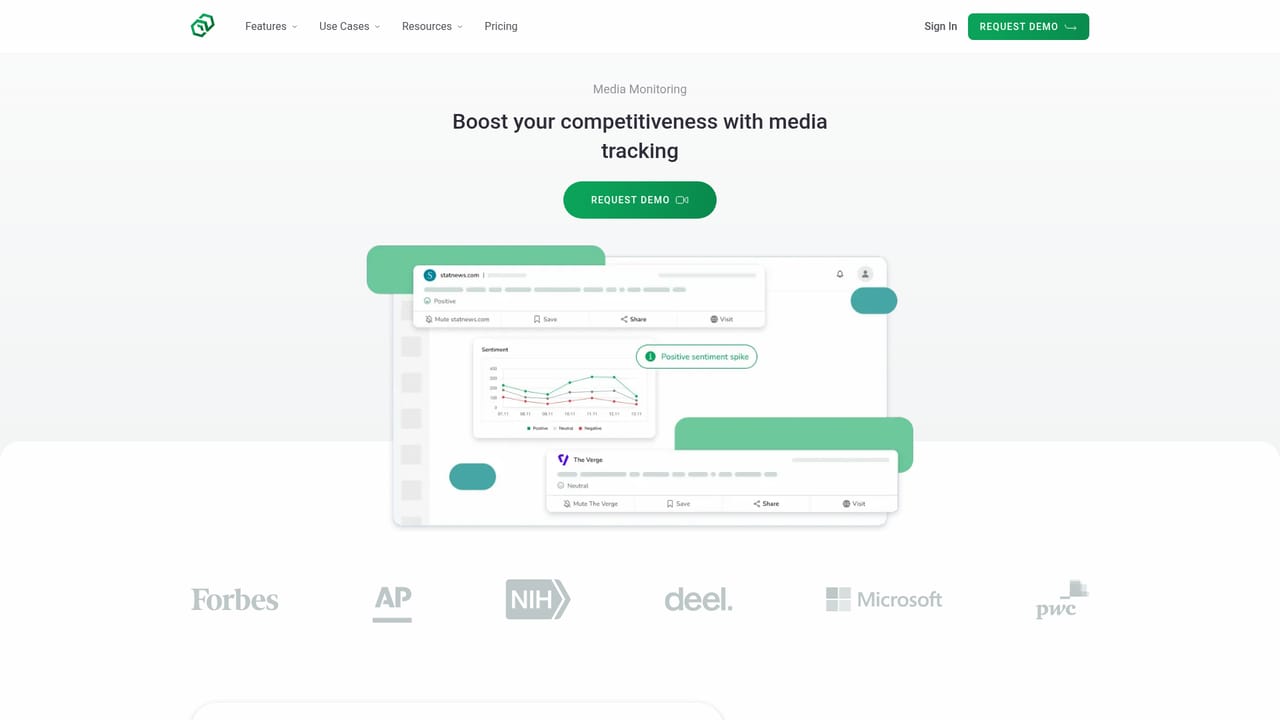
    Open the dashboard to read incoming news and social items, each carrying sentiment and popularity indicators. Use these to sort urgent or fast-spreading stories from routine coverage.
    ReadPartner — Review incoming stories with sentiment signals
  4. 4Configure internal newsletter briefings
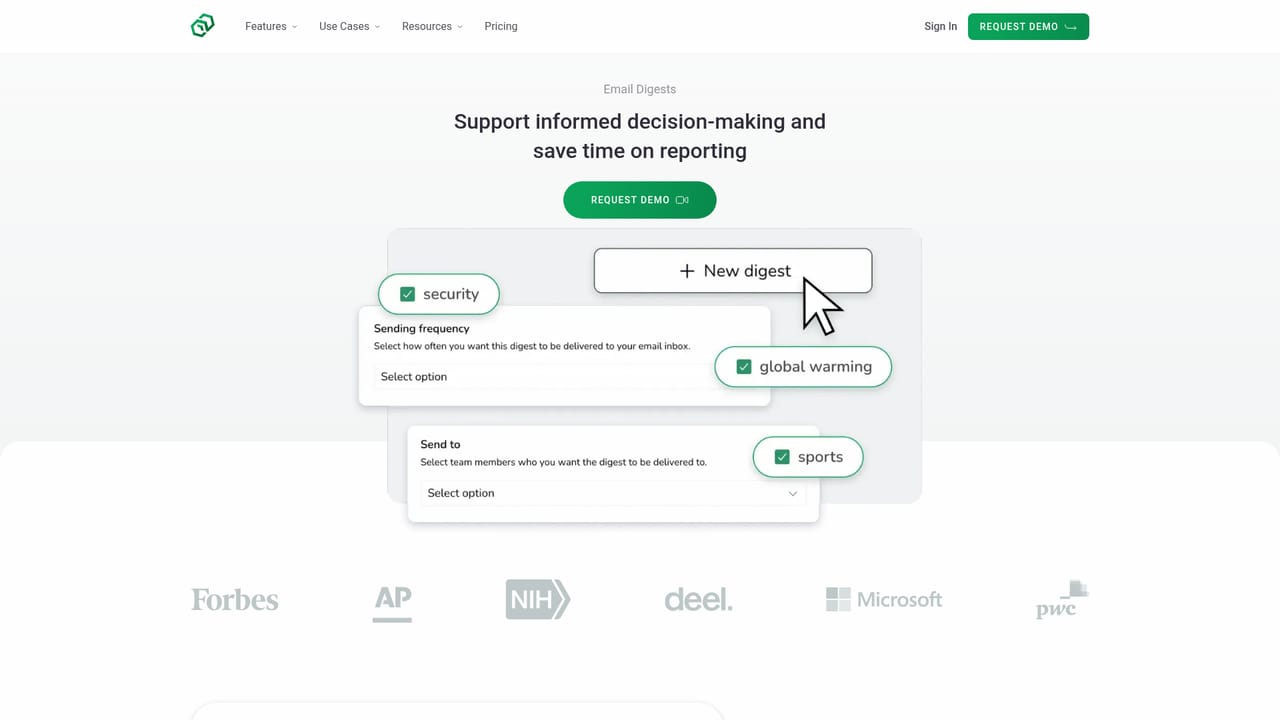
    Build a daily digest of breaking news and developments, choose the team members who receive it by email, and control exactly what goes in. This replaces manual morning briefing emails.
    ReadPartner — Configure internal newsletter briefings
  5. 5Generate executive reports and query the AI assistant
    Use the AI assistant to interrogate your monitoring data and to draft executive reports from it. This is the step that turns daily monitoring into material for decision makers.
  6. 6Extend monitoring with the API
    If your team needs monitoring data inside internal tools or dashboards, connect through the ReadPartner API. Review the API documentation before committing to an integration path.

Pros and cons

Pros

  • Combines traditional news monitoring and social media listening in a single dashboard rather than two separate productsAI
  • Sentiment, popularity and virality signals are attached to each story, which helps separate a quiet mention from a spreading oneAI
  • Internal newsletters push daily breaking news briefings to chosen team members by email, closing the gap between monitoring and internal communicationAI
  • A context-aware AI assistant and executive report generation reduce the manual work of turning raw mentions into summariesAI
  • An API is offered for teams that need monitoring data piped into their own tools and workflowsAI

Cons

  • No pricing figures are published on the homepage, so cost has to be established through a demo request before any real comparisonAI
  • The product is built around enterprise teams; smaller businesses or solo users may find the scope and sales process heavier than neededAI
  • Feature depth for any single module (for example bias detection or media outreach) is hard to judge from the homepage, so claims need verification in a trialAI
  • Social listening quality depends on which platforms are covered, and the homepage does not enumerate themAI
  • Enterprise buyer satisfaction is self-reported by the vendor and cannot be independently checkedAI

How much does ReadPartner cost?

Pricing

The homepage states that ReadPartner offers pricing plans designed for small teams, growing businesses and large enterprises, and links to a pricing page. No specific figures, tiers or billing details are given on the homepage itself.

Learn more

Support

A support centre is linked from the site footer, alongside demo requests and an about page. The homepage does not describe response times, dedicated account management or support tiers.

Learn more

Integrations

A ReadPartner API is documented for teams that want to pull monitoring data into their own systems. The homepage does not list named third-party integrations or social platform connectors.

Learn more

Features

Core modules include media monitoring across thousands of news outlets, social media listening, keyword monitoring, trend and market analysis, competitor analysis, bias detection, real-time alerts, crisis management, media outreach, disposable inboxes, internal newsletters, executive report generation, collaborative features and a context-aware AI assistant.

Learn more

Frequently asked questions about ReadPartner

  • How much does ReadPartner cost?
    The homepage states that ReadPartner offers pricing plans designed for small teams, growing businesses and large enterprises, and links to a pricing page. No specific figures, tiers or billing details are given on the homepage itself.
  • Does ReadPartner have an API?
    Yes, ReadPartner offers an API.
  • How do you use ReadPartner?
    The walkthrough on this page covers 6 steps: 1. Book a demo and scope your monitoring needs 2. Set up keyword, news and social monitoring 3. Review incoming stories with sentiment signals 4. Configure internal newsletter briefings 5. Generate executive reports and query the AI assistant 6. Extend monitoring with the API.
  • What platforms does ReadPartner support?
    ReadPartner is available on Web App.
  • What does ReadPartner integrate with?
    A ReadPartner API is documented for teams that want to pull monitoring data into their own systems. The homepage does not list named third-party integrations or social platform connectors.
  • What are the limitations of ReadPartner?
    No pricing figures are published on the homepage, so cost has to be established through a demo request before any real comparison. The product is built around enterprise teams; smaller businesses or solo users may find the scope and sales process heavier than needed. Feature depth for any single module (for example bias detection or media outreach) is hard to judge from the homepage, so claims need verification in a trial.

Status

StatusActive
Views0
Outbound clicks0
Added10/21/2026

Platforms

Web App

Pricing

FreemiumSubscription