VocaCast

Cited, researched audio briefings on any topic, built from the live web

Beginner
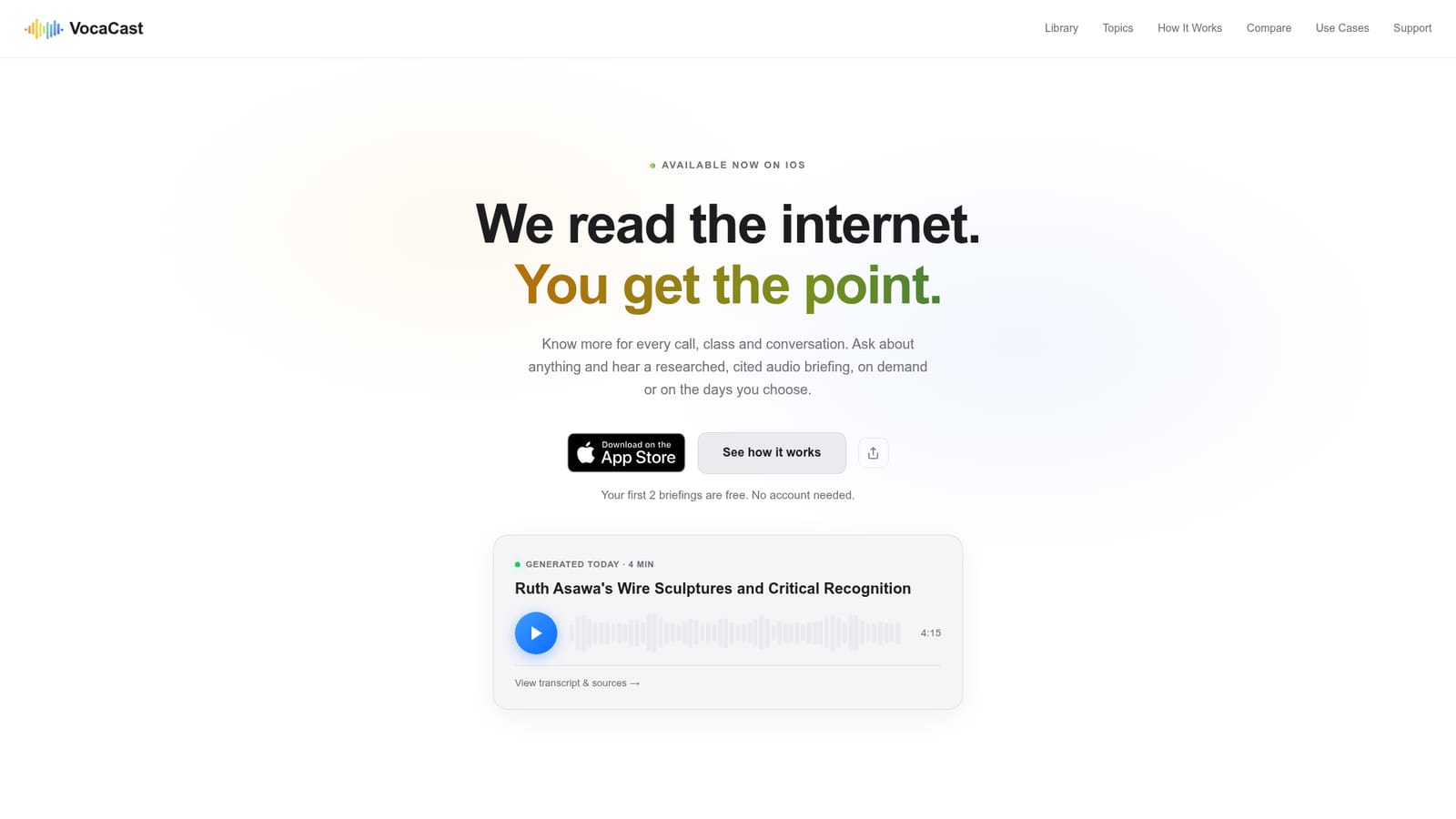
Screenshot of VocaCast, Cited, researched audio briefings on any topic, built from the live web

What is VocaCast?

VocaCast is an iOS app that turns a typed topic into a researched audio briefing of 2 to 12 minutes, built from live web search with numbered citations. Briefings can run on demand or on a schedule.

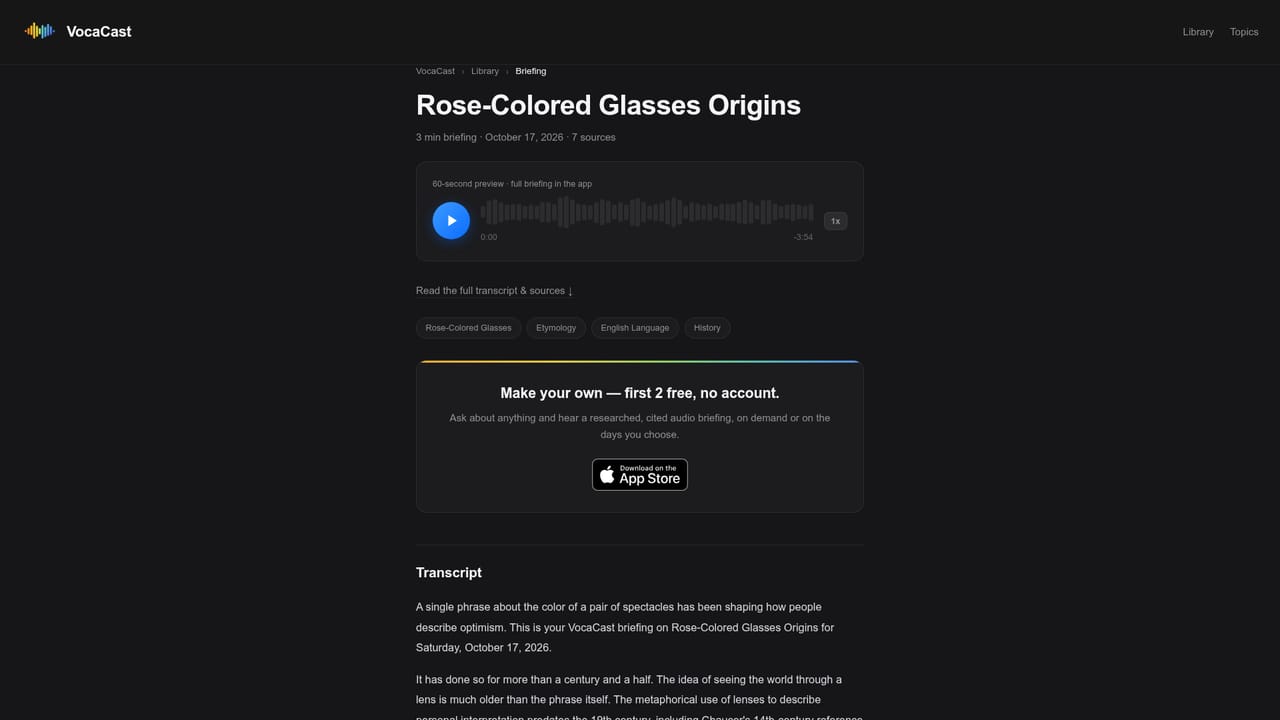
VocaCast is an iOS app that produces spoken briefings on whatever topic a user types in. Instead of returning a page of links or a chat reply, it searches the live web, collects facts from several sources, and narrates the result as an audio piece running from 2 to 12 minutes. Claims carry numbered citations, and each one can be tapped to open the original source, which makes the output easier to check than a typical AI summary. The workflow has three parts. A user asks a question or names a subject, the app researches it, and the briefing is ready to play with a chosen voice and playback speed. Briefings can also be put on a schedule, so a fresh one arrives on selected days, for example a weekly update on a market or a recurring client check. Every briefing has a page with a transcript and its sources, which can be shared with colleagues. The maker describes VocaCast as a paid product that does not sell or mine user data and does not train AI models on questions or briefings. The audience is broad: professionals preparing for client calls or board meetings, commuters who want the news without a screen, students starting a research project, and curious people standing in a museum or driving somewhere new. Its closest comparison is NotebookLM, which works from documents the user uploads; VocaCast needs no uploads and draws on the open web instead. Against Perplexity it trades reading for listening, and against ChatGPT it makes citations the default rather than an extra. Podcasts differ because the listener picks the topic instead of a host. The main practical limitation is reach: at the time of listing the app is offered on iOS only, so Android and desktop users have no native option.
How do you use VocaCast?

  1. 1Install the iOS app
    Download VocaCast from the App Store. The first 2 briefings are free and no account is needed to try them.
    VocaCast — Install the iOS app
  2. 2Ask about a topic
    Type a subject, question or area to explore, such as a news story, a research question or something seen at a museum.
  3. 3Choose length and voice
    Pick a briefing length between 2 and 12 minutes, then select a narration voice and a preferred playback speed.
  4. 4Listen and check sources
    Play the briefing and tap any numbered citation to open the original source. A transcript and sources page is also available.
    VocaCast — Listen and check sources
  5. 5Schedule recurring briefings
    Put a topic on a schedule and choose the days, so a fresh cited briefing arrives for things like a weekly market update.

Pros and cons

Pros

  • Every claim carries a numbered citation that opens the original source, so briefings can be verifiedAI
  • Needs no document uploads; a typed question is enough to start a briefingAI
  • Scheduled briefings deliver fresh, cited audio on chosen days for recurring topicsAI
  • Adjustable length (2 to 12 minutes), voice and speed fit commutes and short gapsAI
  • Stated privacy stance: no data sales or mining, and no model training on user questionsAI

Cons

  • Available on iOS only at the time of listing, with no Android, web or desktop app mentionedAI
  • Paid product; the homepage lists no prices, and only the first 2 briefings are freeAI
  • Output is audio-first, so skimming or scanning is slower than reading a written answerAI
  • Quality depends on what the live web search finds, so niche topics may yield thin briefingsAI

How much does VocaCast cost?

Free trial

The first 2 briefings are free, and no account is needed to try them.

Learn more

Pricing

VocaCast is described as a paid product. The first 2 briefings are free with no account needed. Specific plan names and prices are not stated on the homepage.

Learn more

Features

Researched audio briefings from live web search, 2 to 12 minute lengths, numbered tap-through citations, choice of voice and speed, scheduled recurring briefings, shareable transcripts with sources, and comparison guides against NotebookLM, Perplexity and ChatGPT.

Learn more

Frequently asked questions about VocaCast

  • How much does VocaCast cost?
    VocaCast is described as a paid product. The first 2 briefings are free with no account needed. Specific plan names and prices are not stated on the homepage.
  • Does VocaCast offer a free trial?
    The first 2 briefings are free, and no account is needed to try them.
  • How do you use VocaCast?
    The walkthrough on this page covers 5 steps: 1. Install the iOS app 2. Ask about a topic 3. Choose length and voice 4. Listen and check sources 5. Schedule recurring briefings.
  • What platforms does VocaCast support?
    VocaCast is available on iOS.
  • What are the limitations of VocaCast?
    Available on iOS only at the time of listing, with no Android, web or desktop app mentioned. Paid product; the homepage lists no prices, and only the first 2 briefings are free. Output is audio-first, so skimming or scanning is slower than reading a written answer.

Status

StatusActive
Views0
Outbound clicks0
Added10/18/2026

Platforms

iOS

Pricing

Free TrialPaid

Categories