Free trial
A 3-day free trial is offered at install, and the homepage invites visitors to try the room preview for free with no account details given. No card terms or trial limits are stated on the homepage.
Learn morePreview a renovation on your own photo in about ten seconds

Renovate AI is a building elevation tool. Photo-driven home design tool that redraws your own room, facade, or yard so you can compare renovations before committing. Includes virtual staging, exterior paint previews, landscaping, elevation and sketch rendering, plus a renovation cost estimator.
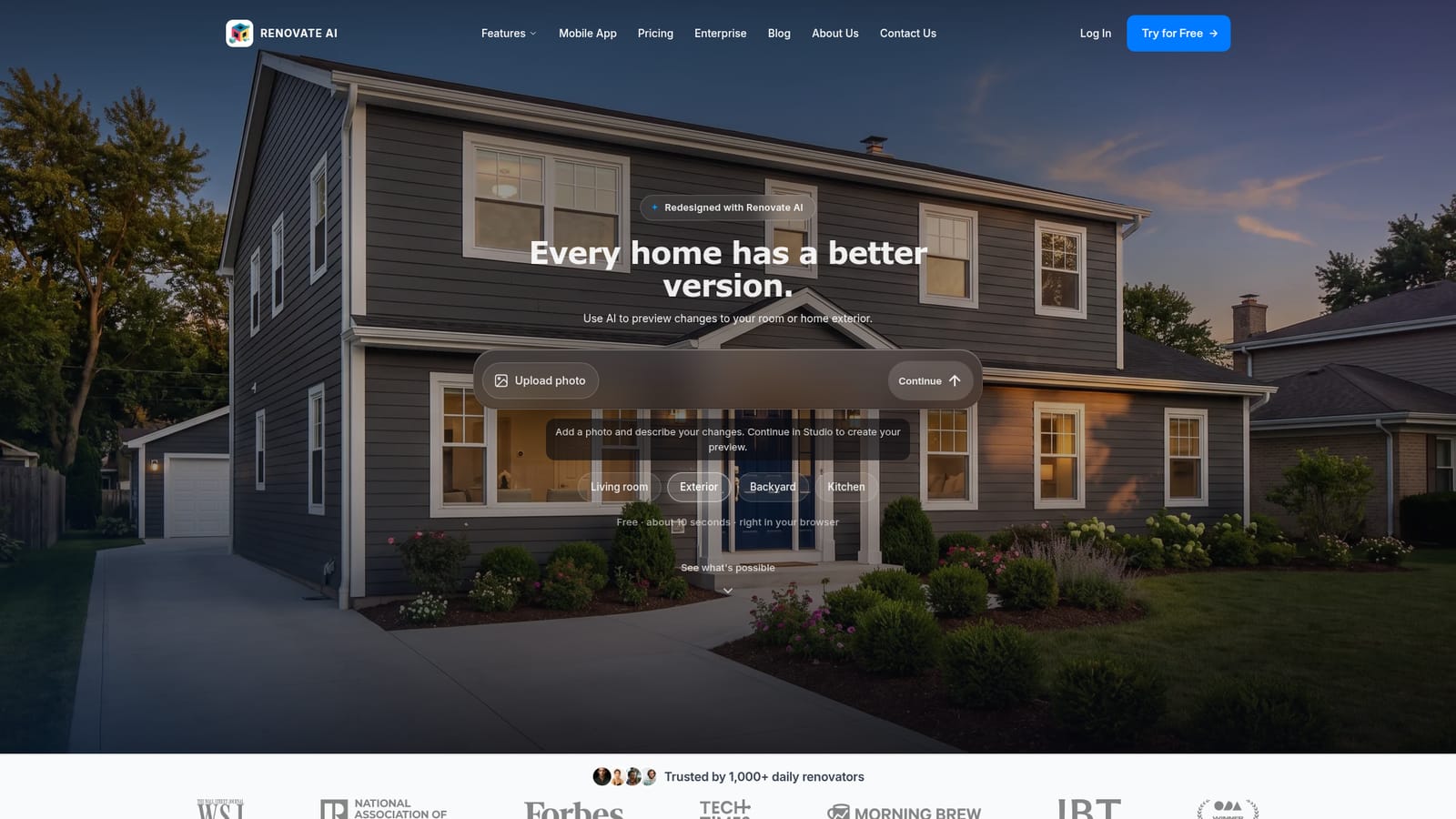
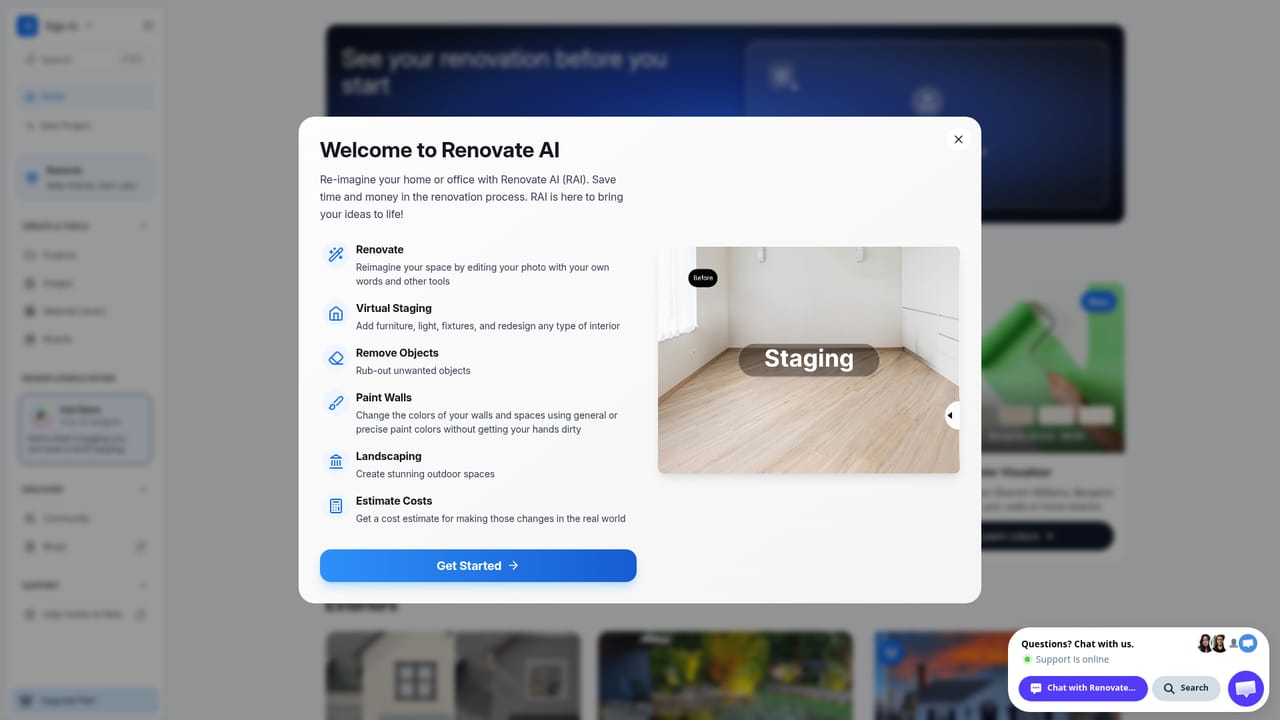
Renovate AI is a visualizer for home design and remodeling. The premise is straightforward: you supply a photograph of a room, a facade, or a yard, and the service generates a preview of how that same space could look after a design change. The output is not a mood board or a stock render, it is your own photo with new furniture, finishes, paint, or planting applied to it. The homepage pitches this as a way to see the better version of a home before anyone picks up a tool. The workflow runs from upload to style selection to preview, and the average turnaround is quoted at roughly ten seconds in a browser. Behind that simple loop sits a wider toolkit: virtual staging to furnish an empty property photo, exterior transformations, a paint visualizer, landscape design, elevation rendering that turns a 2D building sketch into a realistic image, sketch-to-render, and upscaling to 4K resolution. Several of those tools carry a PRO label, so the full set sits behind a paid tier. A separate cost estimator rounds out the pitch by attaching material and labor price ranges (fixtures from IKEA and Wayfair appear among the line items) to a design, and estimates are saved automatically for later comparison. The audience splits four ways on the site itself: homeowners weighing a remodel, interior designers producing client concepts, contractors showing proposed changes before work begins, and real estate agents staging listings. Andrew Lauren Interiors is cited as a customer, with a wireframe-to-buyer-ready turnaround of about ten minutes, and a small business program offers 1,000 visualization credits for firms that want rendering inside their workflow. An enterprise track exists for embedding the visualizer. Against alternatives, Renovate AI competes less with general image generators than with design software and human rendering services. Its advantage is speed and photo fidelity rather than drafting precision: it shows a plausible look, not measurements, structural feasibility, or a buildable specification. Anyone needing permit drawings or exact dimensions still needs a designer or architect alongside it.

A 3-day free trial is offered at install, and the homepage invites visitors to try the room preview for free with no account details given. No card terms or trial limits are stated on the homepage.
Learn morePhoto-based redesign for living rooms, bedrooms, kitchens, bathrooms, dining areas, home offices, exteriors and yards. Virtual staging for empty property photos, exterior paint previews, landscaping, 2D elevation to realistic image, sketch to render, and upscaling to 4K. A cost estimator covers materials, labor and finishes with saved estimates for comparison.
Learn more AI Angels400+ customizable AI girlfriends for NSFW chat, voice calls, and roleplay
 Candy AIExperience the future of companionship with AI friends who chat, role-play, and connect with you on a human level.
 ourdream.aiA vast AI roleplay platform with millions of characters for chat, images, video and voiceAI Angels400+ customizable AI girlfriends for NSFW chat, voice calls, and roleplayCandy AIExperience the future of companionship with AI friends who chat, role-play, and connect with you on a human level.ourdream.aiA vast AI roleplay platform with millions of characters for chat, images, video and voice