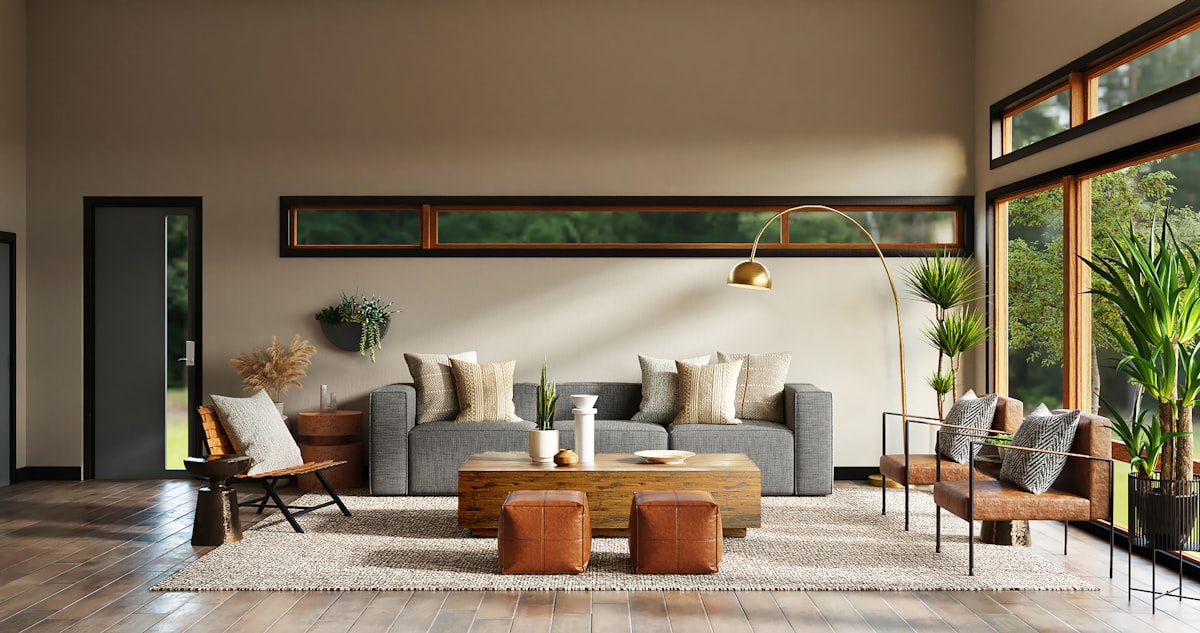
What image to rendering tools do
Image to rendering tools take an existing picture and return a more finished one. The input can be a room photo, a hand sketch, a CAD screenshot, a SketchUp or Revit view, a yard photo or a picture of a car. The output is a photoreal render, a restyled before-and-after preview, or in some cases a 3D model file. Anyone who wants to turn an image into a rendering will find the same basic idea behind all of them: the source sets the layout, and the AI supplies materials, lighting, furniture or planting.
They are used by interior designers, architects, real estate agents, landscapers, product designers, makers and homeowners planning a remodel. They replace a long render queue, a manual virtual staging job, or a mood board assembled by hand from reference images.
How to choose one
Start with the input you actually have. Room photos point to the interior redesign tools, while sketches and exported views from modeling software point to the architecture-specific ones. A CAD screenshot of a part or product calls for a tool built for product renders.
Next, match the subject. Some tools handle only one thing: kitchens, gardens, cars or exteriors. A narrow tool often gives more relevant presets than a general one, and a general one is easier if the work varies.
Then look at the output. A picture for a client presentation is a different job from a printable STL or GLB file for a 3D printer. Check whether the tool offers the format you need.
Finally, check how you can try it. Several tools offer a free tier or free trial, others are subscription or paid only. Platform matters too: most run in the browser, while a few add an iOS app, a browser extension or a Windows version.
Notable tools
RoomDesignGPT turns one room photo into a photoreal redesign in under a minute, which suits quick comparisons of ideas.
ArchRender produces photorealistic architectural renders from sketches and 3D models, with a subscription and free trial option.
Vaethat is archviz-only and upscales and refines existing 3D renders in one click, so it fits teams that already have a render and want to improve it.
RENDERCAD converts CAD screenshots, photos and sketches into product renders, and also comes as a browser extension and a Windows app.
MODCAR.ai lets owners preview paint, wheels, wraps and body kits on a photo of their own car.
ImageToSTL.org turns JPG and PNG images into printable STL and GLB models, aimed at people who want a physical object rather than a picture.
Common questions
How do I turn an image into a rendering?
Upload the photo, sketch or screenshot to a tool that matches the subject, then pick a style or describe the result you want. The tool generates a render from that input. Using a clear, well-lit source image generally gives the AI more to work with.
Can a sketch or 3D model view be used instead of a photo?
Yes. ArchRender, Maquete AI and InteriorAID accept sketches or views from modeling software such as SketchUp, Revit and Archicad, depending on the tool. Photo-only tools are a poorer fit for that kind of source.
Are there free options?
Several tools list a free or freemium tier, including RoomDesign, TimelessHome, Paintit.ai and AI Landscape Garden. Others, such as Izbaviz and ArchRender, offer a free trial. Limits differ, so check each tool's own plan before relying on it.
When to look elsewhere
If the starting point is words rather than a picture and the goal is a layout, the Text to Floor Plan category is a closer match. For moving furnishings around in a room that already exists, see Rearrange Furniture. For facade drawings of a building, Building Elevation covers that narrower task.