Reok Pro

Your expert AI photographer for realistic headshots and creator portraits

Beginner
Screenshot of Reok Pro, Your expert AI photographer for realistic headshots and creator portraits

What is Reok Pro?

Reok Pro is an AI influencers tool. AI photographer for realistic headshots, influencer portraits and social images from your own photos. Aimed at creators, business owners and companies. Pricing, trial terms and integrations are not published on the homepage, so verify them with the vendor.

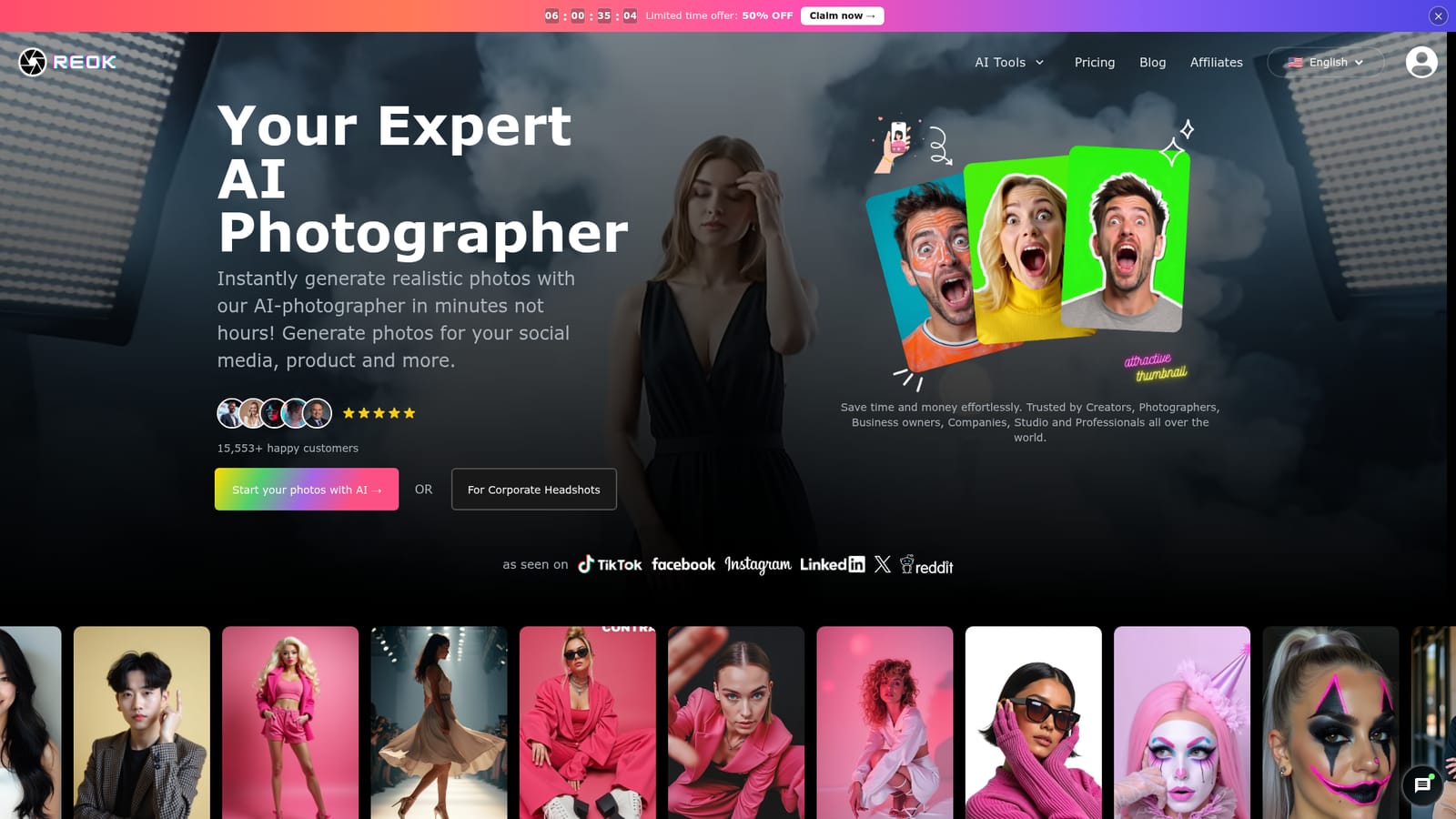
Reok Pro is a web based AI photography studio that turns ordinary selfies into polished, realistic images without a camera crew or a rented studio. The homepage positions it as an alternative to a traditional photo shoot, promising finished photos in minutes rather than hours. The tool is aimed at creators who need fresh social content, business owners who want product and profile visuals, and companies that need consistent corporate headshots. The workflow is built around sending in photos of yourself or your subject and letting the AI photographer handle lighting, pose and styling. Output is not limited to headshots: the site shows a gallery of fashion, lifestyle and influencer style results, so the same account can produce portrait images for blogs, social feeds, product pages and personal branding. A separate corporate headshot route exists for teams that need uniform professional portraits without booking each employee separately. Reok Pro sits in the same space as dedicated AI headshot services and general image generators. Its pitch leans on speed and realism rather than prompt engineering; the tool is a photographer that interprets your input, not a blank canvas you have to describe. The site claims more than 15,500 customers and says it is used by creators, photographers, business owners, companies and studios worldwide. Social proof is presented through generated samples and social channel logos rather than named case studies. Buying information is thin. The homepage does not publish prices, plan tiers, refund terms or a trial length, and no integrations or support channels are documented on the pages provided. Treat Reok Pro as a candidate you should test with a small batch before committing a team to it. For individual creators who want quick portrait variety it is a plausible shortcut; for procurement or brand governance questions, most answers have to come from the vendor directly.

How do you use Reok Pro?

  1. 1Open the homepage and pick your path
    Choose the general AI photographer flow or the corporate headshots route, depending on whether you need personal or team portraits.
    Reok Pro — Open the homepage and pick your path
  2. 2Review sample outputs first
    Click through the generated examples to check the styling and realism you can expect. Use this to decide whether the general or corporate route fits your brand.
  3. 3Read the corporate headshot option
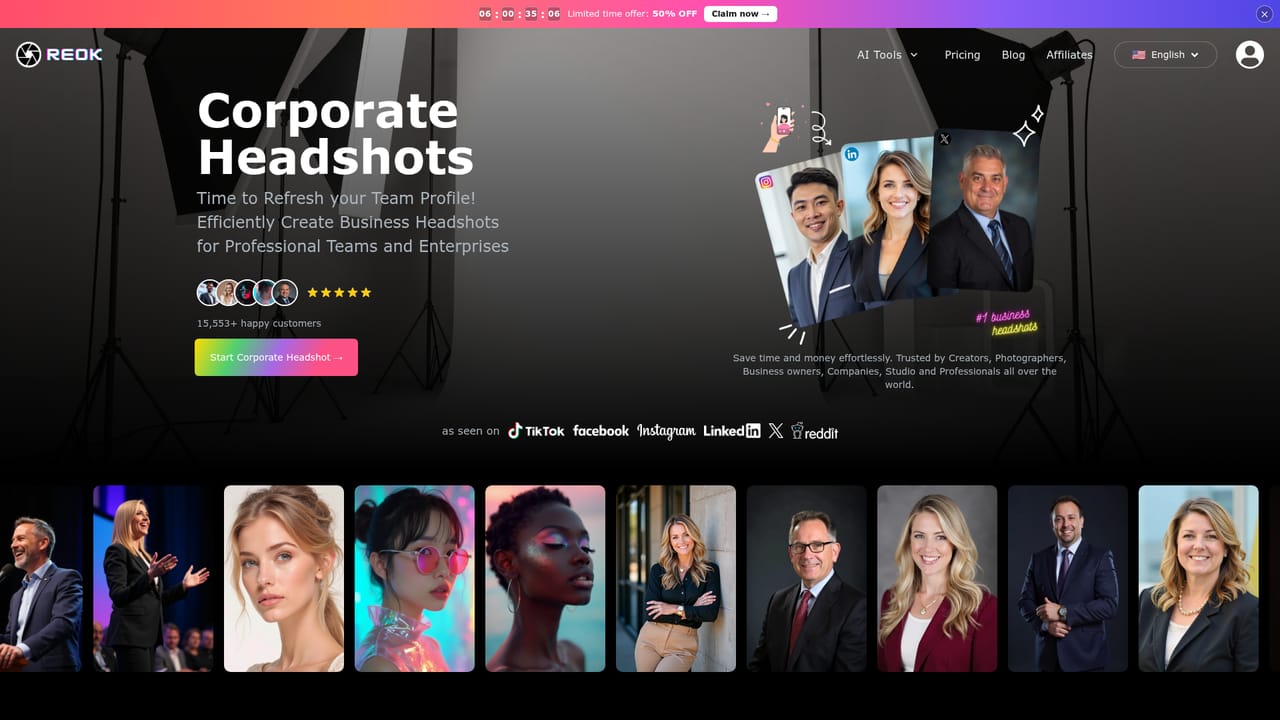
    If you are buying for a team, read the company headshots page before uploading anything. It explains the team use case that the general flow does not cover.
    Reok Pro — Read the corporate headshot option
  4. 4Check the influencer positioning
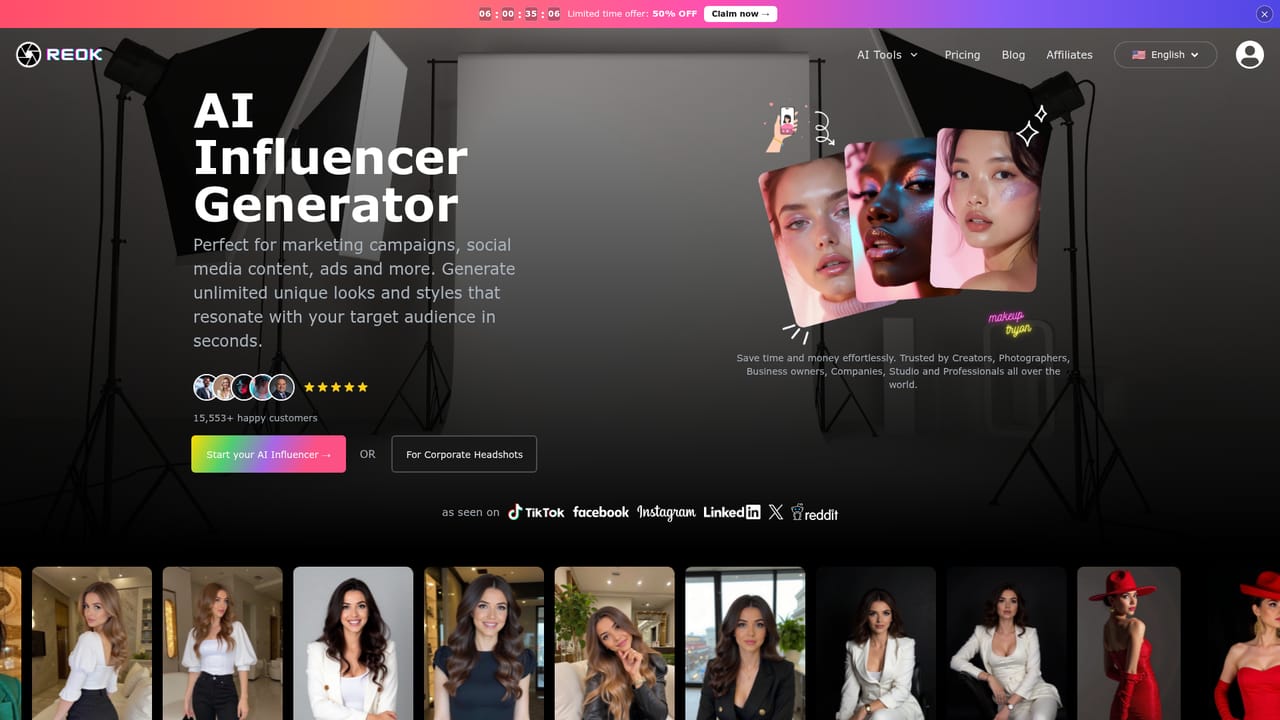
    Creators building a social persona should look at the influencer page for the relevant sample set and use case.
    Reok Pro — Check the influencer positioning
  5. 5Upload photos and confirm before paying
    Photo upload and generation happen inside the product after sign in, so there is no public page for this step. Confirm price and trial terms with the vendor before committing.

Pros and cons

Pros

  • Turns selfies into finished portraits without a studio, camera or lighting setupAI
  • Covers both personal and business use cases, including a dedicated corporate headshot routeAI
  • Minutes level turnaround, which suits fast social content and profile updatesAI
  • Large public sample gallery makes it easier to judge output style before signing upAI
  • Site claims a base of over 15,500 customers, a useful signal of operating historyAI

Cons

  • No pricing, plan details or refund terms appear on the homepageAI
  • No documented free trial length, so cost of testing is unclearAI
  • No integrations, export formats or API information is publishedAI
  • Generated samples are the main quality evidence; no named customers or case studies support the 15,500 user claimAI
  • Corporate and influencer pages are separate products, which can complicate buying one plan for mixed needsAI

How much does Reok Pro cost?

Features

Reok Pro generates realistic photos from your own images, covering personal portraits, social media visuals, product style shots and corporate headshots. The corporate route is aimed at teams needing consistent professional portraits, while the general flow supports creators and business owners. Outputs are shown in a public AI generated gallery. No export formats, resolution limits or editing controls are stated on the homepage.

Learn more

Frequently asked questions about Reok Pro

  • How do you use Reok Pro?
    The walkthrough on this page covers 5 steps: 1. Open the homepage and pick your path 2. Review sample outputs first 3. Read the corporate headshot option 4. Check the influencer positioning 5. Upload photos and confirm before paying.
  • What platforms does Reok Pro support?
    Reok Pro is available on Web App.
  • What are the limitations of Reok Pro?
    No pricing, plan details or refund terms appear on the homepage. No documented free trial length, so cost of testing is unclear. No integrations, export formats or API information is published.

Status

StatusActive
Views0
Outbound clicks0
Added10/22/2026

Platforms

Web App

Pricing

Freemium