Free trial
The tool is described as free to try, though the page does not specify how many credits come with a trial or whether a card is required.
Learn morePaste a YouTube link, get a transcript-based summary with timestamps
Own ResearchMonkey AI? Verify ownership to get a dofollow link
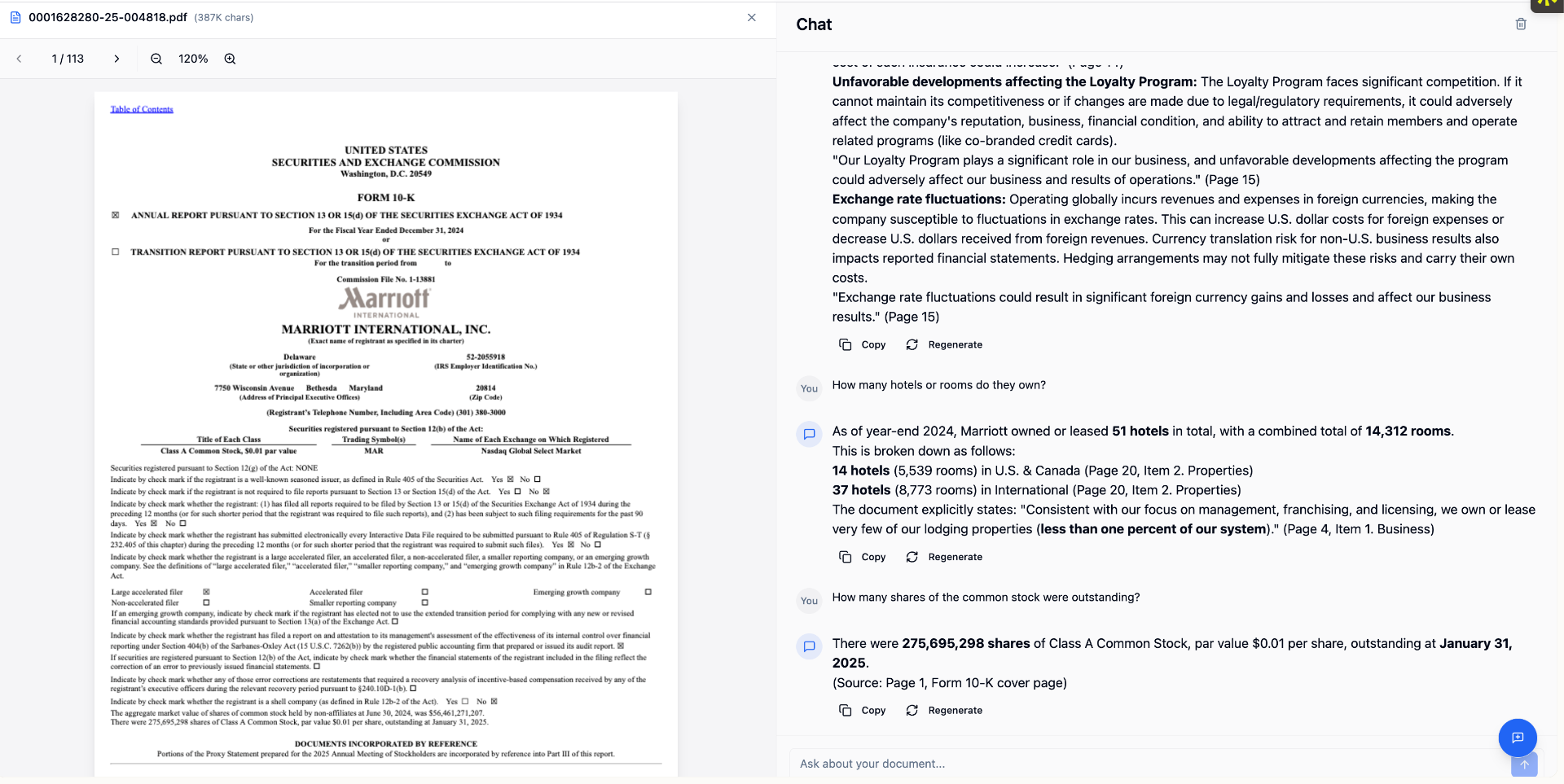
ResearchMonkey AI is an academic research tool. A transcript-based YouTube summarizer that detects video type and reshapes its output for recipes, lectures, interviews, reviews and more. Summaries include ordered takeaways, clickable timestamps, quotes and a Why It Matters section. One credit per video regardless of length.
ResearchMonkey's YouTube Video Summarizer takes a public YouTube URL and turns the spoken content into a structured written brief. The tool pulls the actual transcript rather than relying on the video description or comments, then rewrites it into a short overview, ordered key takeaways, timestamped highlights and quotable lines. Because the highlights are tied to the transcript's own timing data, clicking a timestamp jumps back to the exact moment a claim was made, which matters when the summary will be cited or checked later. The feature that sets it apart from generic video summarizers is the adaptive output structure. The tool detects what kind of video it is looking at and changes the sections accordingly: a recipe yields ingredients with quantities, prep and cook times and common mistakes; a tutorial yields prerequisites, tools, numbered steps and troubleshooting; an interview yields a guest bio, main topics and notable quotes; a product review yields specs, pros, cons and a verdict. Long lectures are handled in chapters so the closing minutes get the same coverage as the opening, and every output also carries a Summary and a Why It Matters section. Students can convert recorded lectures into revision notes with timestamps for rewatch before an exam. Researchers can mine conference talks and expert interviews for claims and quotes without sitting through the whole recording. Content teams can draft show notes, clip lists and newsletter copy from a single upload, and professionals can catch up on webinars and industry panels. Non-English caption tracks are supported, and finished summaries can be translated into the reader's working language. The pricing model is simple: one credit per summary regardless of video length, so a three-hour lecture costs the same as a ten-minute clip. It sits in the same bracket as general video summarizers but leans toward research and study workflows, and it lives inside a broader suite of 40+ tools for PDFs, papers and data analysis rather than standing alone. No browser extension is required to use it.
The tool is described as free to try, though the page does not specify how many credits come with a trial or whether a card is required.
Learn moreEach YouTube video summarized costs a single credit, with no difference in cost between a short clip and a multi-hour lecture. The page does not state the price of a credit or any subscription tiers.
Learn moreTranscript-based summarization with video type detection. Output adapts to the content: recipes get ingredients and cook times, tutorials get numbered steps and troubleshooting, interviews get guest bios and quotes, reviews get specs and a verdict. Multi-hour videos are summarized in chapters, highlights carry clickable timestamps, and non-English captions are supported with translated output.
 AI Angels400+ customizable AI girlfriends for NSFW chat, voice calls, and roleplay
 Candy AIExperience the future of companionship with AI friends who chat, role-play, and connect with you on a human level.
 ourdream.aiA vast AI roleplay platform with millions of characters for chat, images, video and voiceAI Angels400+ customizable AI girlfriends for NSFW chat, voice calls, and roleplayCandy AIExperience the future of companionship with AI friends who chat, role-play, and connect with you on a human level.ourdream.aiA vast AI roleplay platform with millions of characters for chat, images, video and voice