Resume Photo

Studio-style professional headshots from your selfies in about five minutes

Beginner
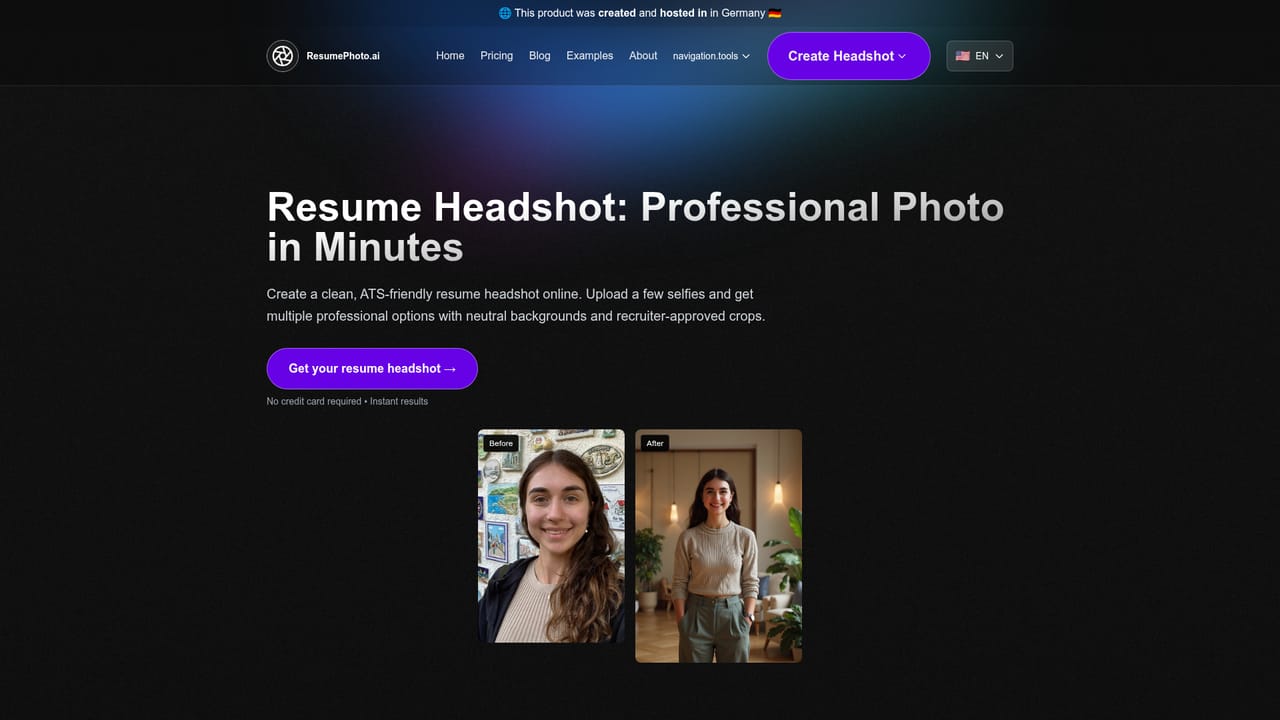
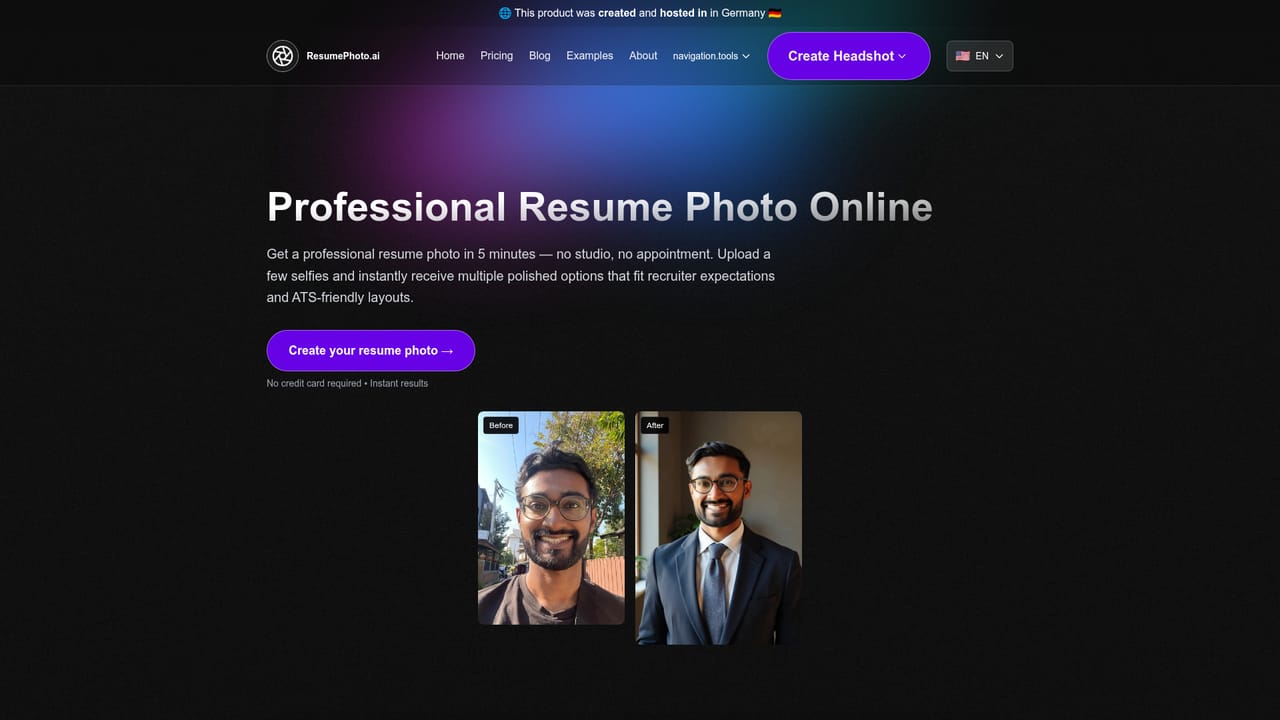
Screenshot of Resume Photo, Studio-style professional headshots from your selfies in about five minutes

What is Resume Photo?

Resume Photo is a career tool. An AI headshot generator that converts eight or more casual selfies into professional portraits for LinkedIn, resumes and personal sites. Delivery is quoted at roughly five minutes on higher tiers, no account is needed, and pricing runs from $19 to $49 depending on image count and style choices.

Resume Photo turns a batch of ordinary selfies into polished, studio-style headshots aimed squarely at job seekers. The workflow is intentionally short: the user uploads at least eight casual photos, picks one or more style options depending on the plan purchased, and receives a set of generated portraits by email. The site claims delivery in about five minutes on the faster tiers, while the cheapest tier quotes up to two hours. No account is required, which keeps the barrier low for anyone who needs a single professional image before an interview or a profile refresh. The product is positioned around hiring rather than general portrait work. Its marketing leans on recruiter behaviour (fast scanning, photo-free profiles getting skipped) and on the cost of traditional studio sessions, which the site puts at $300 and several weeks of scheduling. Output is pitched for LinkedIn, resumes and personal websites, with a LinkedIn mock-up used to show how a generated portrait reads at profile scale. The company says career coaches and industry experts were involved in shaping the service, and claims more than 1000 professionals have used it, with a Product Hunt top five placement cited on the homepage. In practice the quality ceiling is set by the input photos. The site explicitly asks for recent, well-lit, unobstructed selfies with a clear, centred face and warns that variety improves results. That honesty matters: AI headshot tools generally struggle with glasses, heavy filters and low light, and Resume Photo concedes that resemblance varies by tier, describing the Basic plan as producing images that only somewhat resemble the subject while the higher tiers promise close likeness. Privacy terms state that uploads are used only for generation and deleted after 30 days. Among AI headshot services, Resume Photo competes on price and speed rather than volume of stylistic variety. The $19 entry point is low, but buyers comparing against larger headshot suites should note the small style allowance and slower turnaround on that tier, and should read the refund policy carefully before uploading a weak set of photos.

How do you use Resume Photo?

  1. 1Pick the plan that matches your needs
    Compare the Basic, Premium and Ultimate tiers on image count, style allowance, delivery speed and commercial rights before paying.
    Resume Photo — Pick the plan that matches your needs
  2. 2Gather eight or more suitable selfies
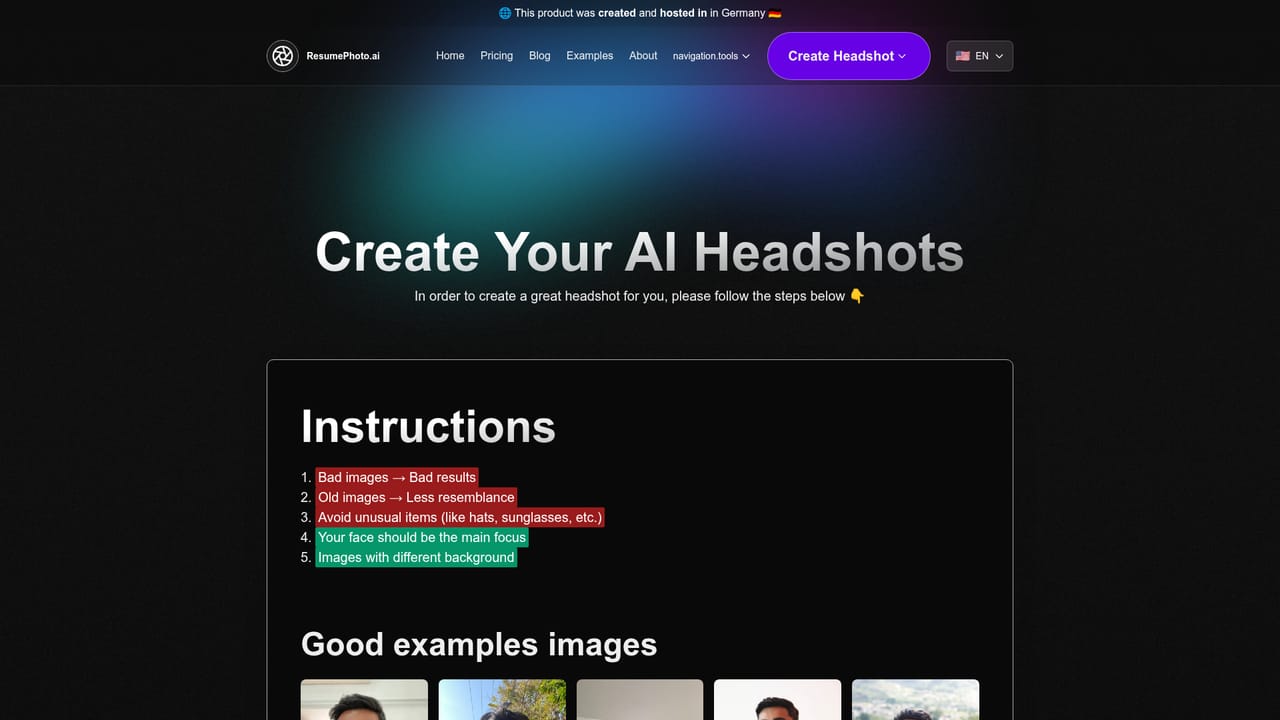
    Choose recent, well-lit photos where your face is clear and centred. Avoid hats, sunglasses and heavy filters, and favour variety across angles and settings.
    Resume Photo — Gather eight or more suitable selfies
  3. 3Upload your photos and choose styles
    Start the headshot creation flow, upload the selfie set and select the styles your plan allows. Higher tiers permit more style options.
    Resume Photo — Upload your photos and choose styles
  4. 4Wait for delivery by email
    Generated headshots arrive by email, quoted at about five minutes on Premium and Ultimate and up to two hours on Basic. No account is needed to receive them.
  5. 5Test the result at profile scale
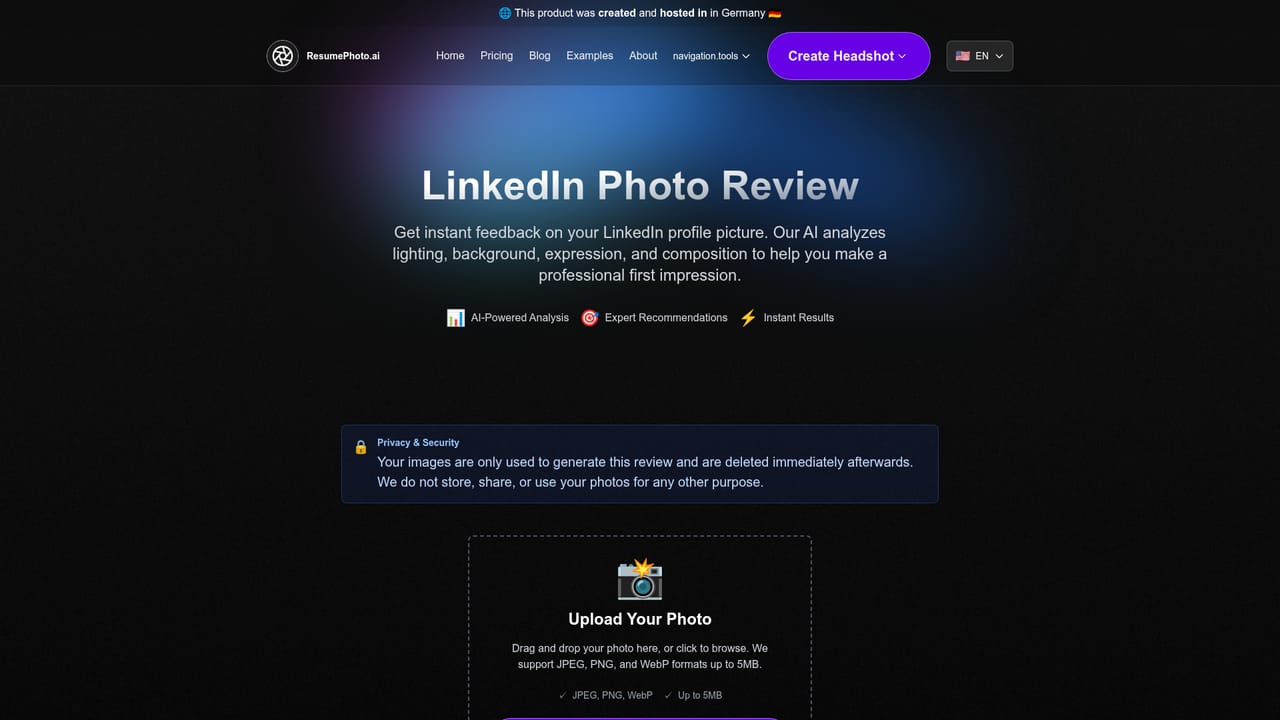
    Check how the portrait reads as a small circular avatar before committing. The LinkedIn review page shows how a headshot looks in a real profile context.
    Resume Photo — Test the result at profile scale
  6. 6Request a refund if the output misses
    If you uploaded good source photos and still are not satisfied, the site states a refund is available. Poor input photos are treated as a reason to retry instead.

Pros and cons

Pros

  • Clear, low-friction flow with no account required and delivery by emailAI
  • Entry price of $19 undercuts the $300+ studio sessions the site compares againstAI
  • Tiered plans scale from 12 to 120 images, with commercial rights on the $49 tierAI
  • Stated privacy policy limits use of uploads to generation and deletes data after 30 daysAI
  • Refund offered if results disappoint after using suitable input photosAI

Cons

  • Basic tier admits images only somewhat resemble the subject and can take two hoursAI
  • Minimum requirement of eight selfies is a real hurdle for people with few usable photosAI
  • Style selection is capped at one style on Basic, which limits variety for comparisonAI
  • Support response times stretch to two business days on the cheapest planAI
  • No account or dashboard means managing files and reorders runs entirely through emailAI

How much does Resume Photo cost?

Pricing

Three one-off packages: Basic at $19 for 12 headshots, one style and delivery within 2 hours; Premium at $29 for 60 headshots, three styles and roughly 5 minute delivery; Ultimate at $49 for 120 headshots, six styles, 5 minute delivery, 1 business day support and full commercial rights.

Learn more

Support

Support is handled by the team rather than a help centre, with response windows tied to plan: within 2 business days on Premium and within 1 business day on Ultimate. The homepage does not state a support commitment for the Basic tier.

Features

Upload eight or more selfies and receive a set of AI-generated studio-style headshots by email. Plans control the number of images (12, 60 or 120), how many styles can be selected, delivery speed and resemblance quality. The Ultimate tier adds complete commercial rights. Uploads are used only for generation and deleted after 30 days, and a refund is offered when suitable input photos still produce unsatisfactory results.

Learn more

Frequently asked questions about Resume Photo

  • How much does Resume Photo cost?
    Three one-off packages: Basic at $19 for 12 headshots, one style and delivery within 2 hours; Premium at $29 for 60 headshots, three styles and roughly 5 minute delivery; Ultimate at $49 for 120 headshots, six styles, 5 minute delivery, 1 business day support and full commercial rights.
  • How do you use Resume Photo?
    The walkthrough on this page covers 6 steps: 1. Pick the plan that matches your needs 2. Gather eight or more suitable selfies 3. Upload your photos and choose styles 4. Wait for delivery by email 5. Test the result at profile scale 6. Request a refund if the output misses.
  • What platforms does Resume Photo support?
    Resume Photo is available on Web App.
  • What are the limitations of Resume Photo?
    Basic tier admits images only somewhat resemble the subject and can take two hours. Minimum requirement of eight selfies is a real hurdle for people with few usable photos. Style selection is capped at one style on Basic, which limits variety for comparison.

Status

StatusActive
Views0
Outbound clicks0
Added10/22/2026

Platforms

Web App

Pricing

Paid