Support
Contact options and a demo booking form are available; there is no public help centre, documentation portal or stated support tier structure.
Learn moreAgentic AI that drafts credit memos and flags document fraud in-house
Own RiskInMind AI? Verify ownership to get a dofollow link

RiskInMind AI is an eye contact corrector tool. A suite of AI agents for banks and credit unions that spreads financial statements, drafts sourced credit memos, detects document fraud and models CECL reserves, all inside the institution's own environment.
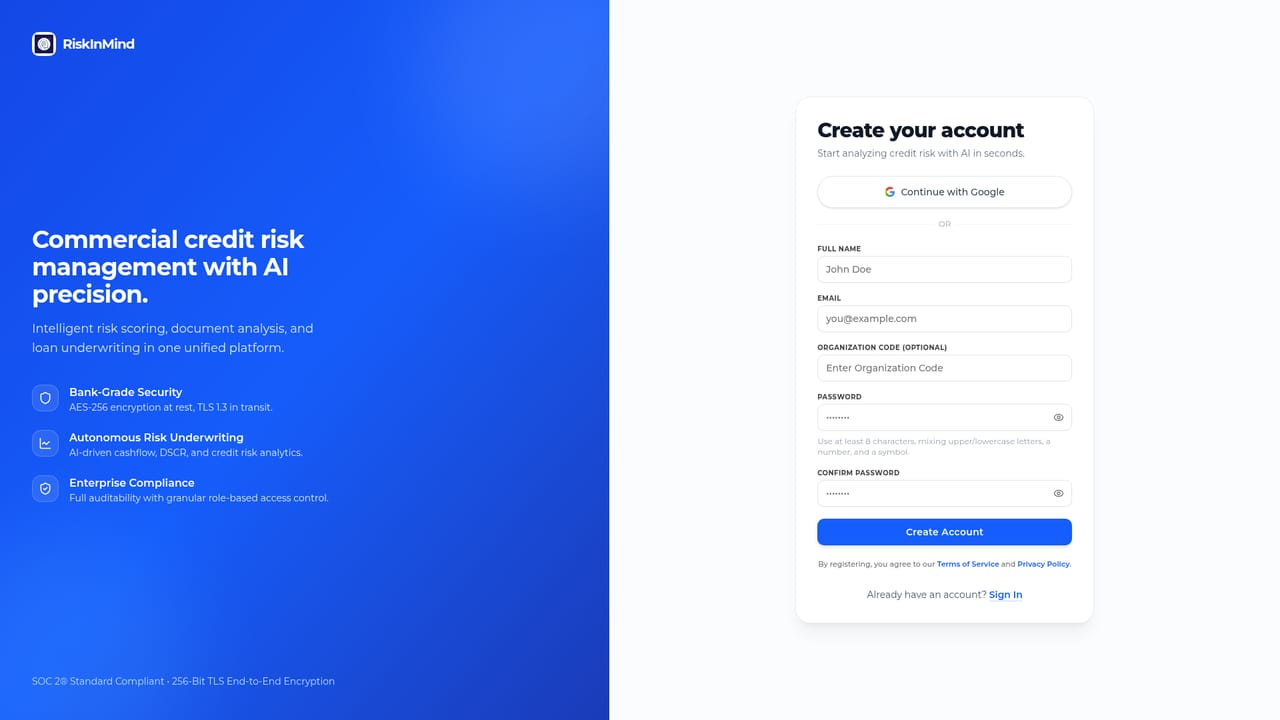
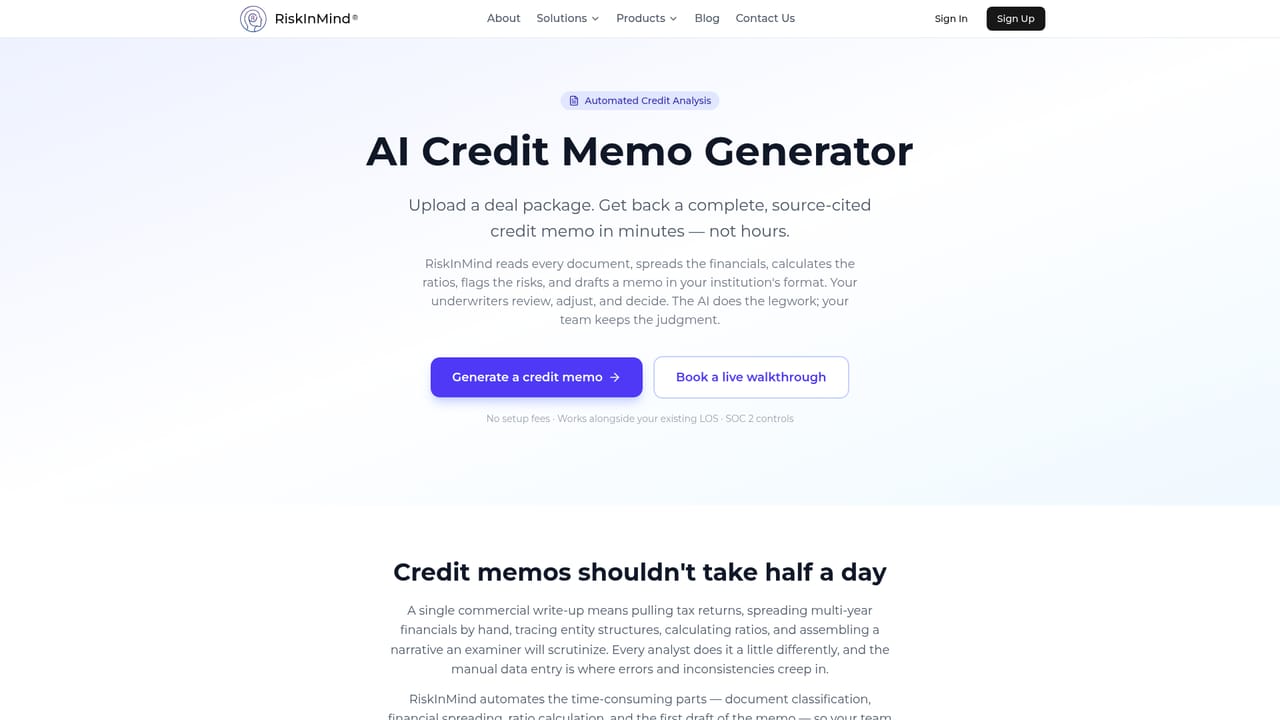
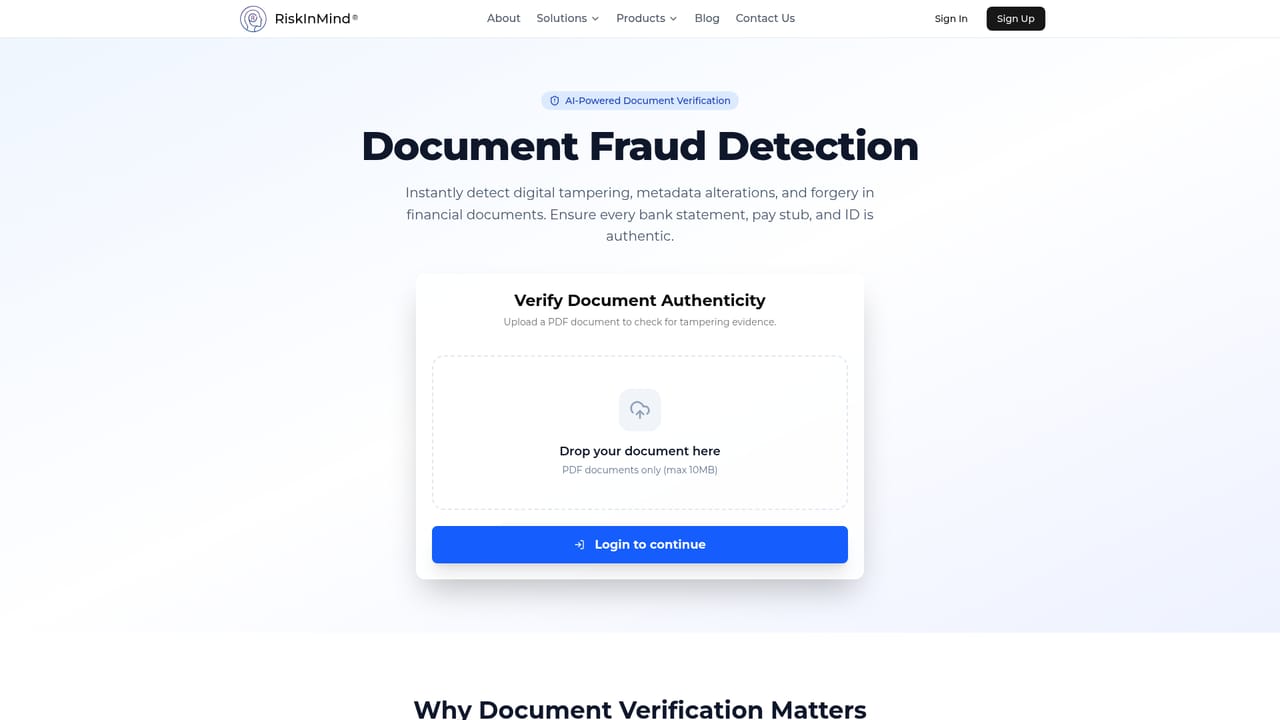
RiskInMind AI is an agentic platform built for lenders: banks, credit unions and community institutions that need faster credit decisions without sending borrower data to outside models. The system is organized around a director agent called Ava, which reads a request and hands it to one of four specialists. Erina handles regulatory monitoring and NCUA call report tracking, David spreads financial statements and scores loans, Sean runs portfolio and stress analysis, and Mark drafts the written credit memo. The pitch is that an entire commercial credit workflow lives inside the institution's own walls. The core job is the credit memo. Users upload tax returns, bank statements, P&L sheets or rent rolls, and the platform extracts tables from multi-entity documents, performs double-entry math validation, calculates DSCR and LTV, and writes narrative sections shaped by credit policy. Every figure is cited back to the source document, which matters when an examiner asks where a number came from. Alongside that, a fraud detection module flags tampered or anomalous documents at the point of analysis, and a CECL module supports loan loss reserve modeling with audit trails. A member portfolio manager gives borrowers visibility into their own positions. The product fits commercial and CRE lending teams at institutions large enough to carry real compliance overhead but small enough that manual spreading still eats analyst days. It competes less with generic chat assistants and more with outsourced credit analysis and legacy spreading software, with the differentiator being data residency and the audit trail. A mobile app for iOS and Android covers alerts, application review and agent chat on the go. The vendor states SOC 2 aligned controls, encryption in transit and at rest, and 99.9 percent uptime.

Contact options and a demo booking form are available; there is no public help centre, documentation portal or stated support tier structure.
Learn morePlaid, Experian, Alpaca, tastytrade and Everest Credit Union are shown as partners, but no connector list, API documentation or integration setup guide is published on the site.
Credit memo generation with financial spreading, math validation and source citations; document fraud and tamper detection; CECL reserve modeling and NCUA compliance monitoring; a portfolio financial analyst agent for stress modeling and cohort analytics; a regulatory agent for policy audits and change alerts; member portfolio management; and a mobile app with agent chat and push alerts.
Learn more AI Angels400+ customizable AI girlfriends for NSFW chat, voice calls, and roleplay
 Candy AIExperience the future of companionship with AI friends who chat, role-play, and connect with you on a human level.
 ourdream.aiA vast AI roleplay platform with millions of characters for chat, images, video and voiceAI Angels400+ customizable AI girlfriends for NSFW chat, voice calls, and roleplayCandy AIExperience the future of companionship with AI friends who chat, role-play, and connect with you on a human level.ourdream.aiA vast AI roleplay platform with millions of characters for chat, images, video and voice


