Free trial
A free trial is available; the homepage includes a 'Try for free' link that directs to the registration page.
Learn moreAI social media post generator and scheduler for marketers and businesses.

Robopost AI generates social media post ideas from prompts or URLs, creates images with Dall-E, improves grammar, and schedules posts across multiple platforms, all in one tool.
Robopost AI is an AI-powered social media content generator that helps users create, schedule, and manage posts across multiple platforms. It combines post idea generation, image creation, and scheduling in one tool. The AI is trained on millions of successful posts to produce engaging content in a specified tone, and it can generate ideas from a prompt or a URL. The platform also includes grammar and sentence improvement features to polish posts before publishing. Marketers, influencers, small businesses, and social media managers will find Robopost AI useful for overcoming writer's block and maintaining a consistent posting schedule. The URL-to-post feature is particularly handy for repurposing blog articles, product pages, or any web content into social media updates. With support for numerous social media platforms and a growing user community of over 20,000, Robopost aims to be a central hub for social media management. In practice, users start by entering a prompt or pasting a URL to generate post ideas. They can then refine the text using the grammar and sentence improvement tools, and optionally generate images with Dall-E to enhance visual appeal. The scheduling feature allows posts to be queued for immediate or future publication, with a calendar view to keep track of content. This makes it easy to plan campaigns and maintain an active presence without constant manual effort. Compared to standalone AI writing assistants or social media schedulers, Robopost AI bundles content creation and scheduling into a single workflow, reducing the need to switch between tools. However, it may lack some advanced analytics or deep integration with certain platforms that specialized social media management suites offer. Pricing details are not specified on the homepage, but a free trial is available via the registration link.
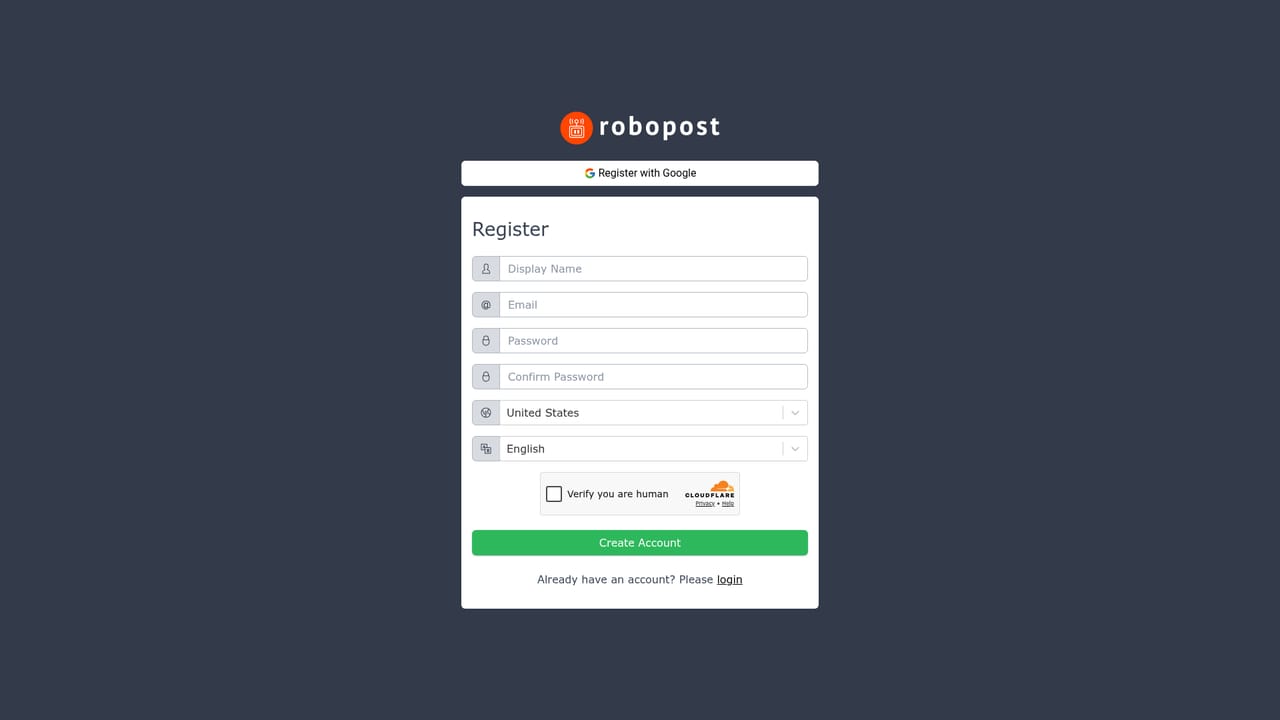
A free trial is available; the homepage includes a 'Try for free' link that directs to the registration page.
Learn moreIntegrates with Dall-E for image generation and supports posting to numerous social media platforms, though specific platforms are not exhaustively listed on the homepage.
Robopost AI generates social media post ideas from prompts or URLs, creates images with Dall-E, improves grammar and sentence structure, and schedules posts across multiple platforms. It includes a calendar view for planning and supports numerous social media networks, with ongoing additions.
 AI Angels400+ customizable AI girlfriends for NSFW chat, voice calls, and roleplay
 Candy AIExperience the future of companionship with AI friends who chat, role-play, and connect with you on a human level.
 ourdream.aiA vast AI roleplay platform with millions of characters for chat, images, video and voiceAI Angels400+ customizable AI girlfriends for NSFW chat, voice calls, and roleplayCandy AIExperience the future of companionship with AI friends who chat, role-play, and connect with you on a human level.ourdream.aiA vast AI roleplay platform with millions of characters for chat, images, video and voice


