RoleProbe

Turns a resume and job description into interview questions that test specific claims.

Beginner
Screenshot of RoleProbe, Turns a resume and job description into interview questions that test specific claims

What is RoleProbe?

RoleProbe is a productivity tool that turns a resume and job description into interview questions that test specific claims. RoleProbe generates interview questions, answer signals, and evidence requests from a pasted job description and candidate resume, helping small hiring teams test specific resume claims instead of relying on generic interview question lists.

RoleProbe is a web tool that converts a job description and a candidate resume into a list of interview questions tied to the claims on that resume, rather than a generic question bank. A user pastes the role requirements and the candidate's resume text, and the tool identifies lines worth questioning (metrics, ownership statements, budgets, launches, or reporting structure) and builds follow-up questions, answer signals, and evidence requests around each one. The tool is built for founders and small hiring teams who do not have a dedicated recruiting function and cannot afford a bad hire. It is aimed in particular at technical founders interviewing for roles outside their own expertise, such as marketing, sales, or operations, where it is harder to judge whether a polished answer reflects real work. It is also pitched at anyone who has previously hired someone whose resume sounded stronger than their actual execution, or who is comparing several candidates and wants a consistent method rather than ad hoc questions for each one. In practice, the workflow runs in three stages: enter the role context and resume to generate a question set, take the follow-up questions into the interview itself, then paste the interview notes back in afterward to separate answers that were clearly supported from ones that stayed vague. The output distinguishes personal contribution from team, agency, or vendor output, and suggests concrete artifacts (dashboards, launch plans, work samples) an interviewer could ask for when an answer lacks detail. RoleProbe sits apart from generic interview-question libraries and from applicant tracking systems, since it does not screen, score, or rank candidates. It positions itself explicitly as a preparation aid: the interviewer still has to judge whether an answer is credible and relevant to the role.
How do you use RoleProbe?

  1. 1Paste the job description and resume
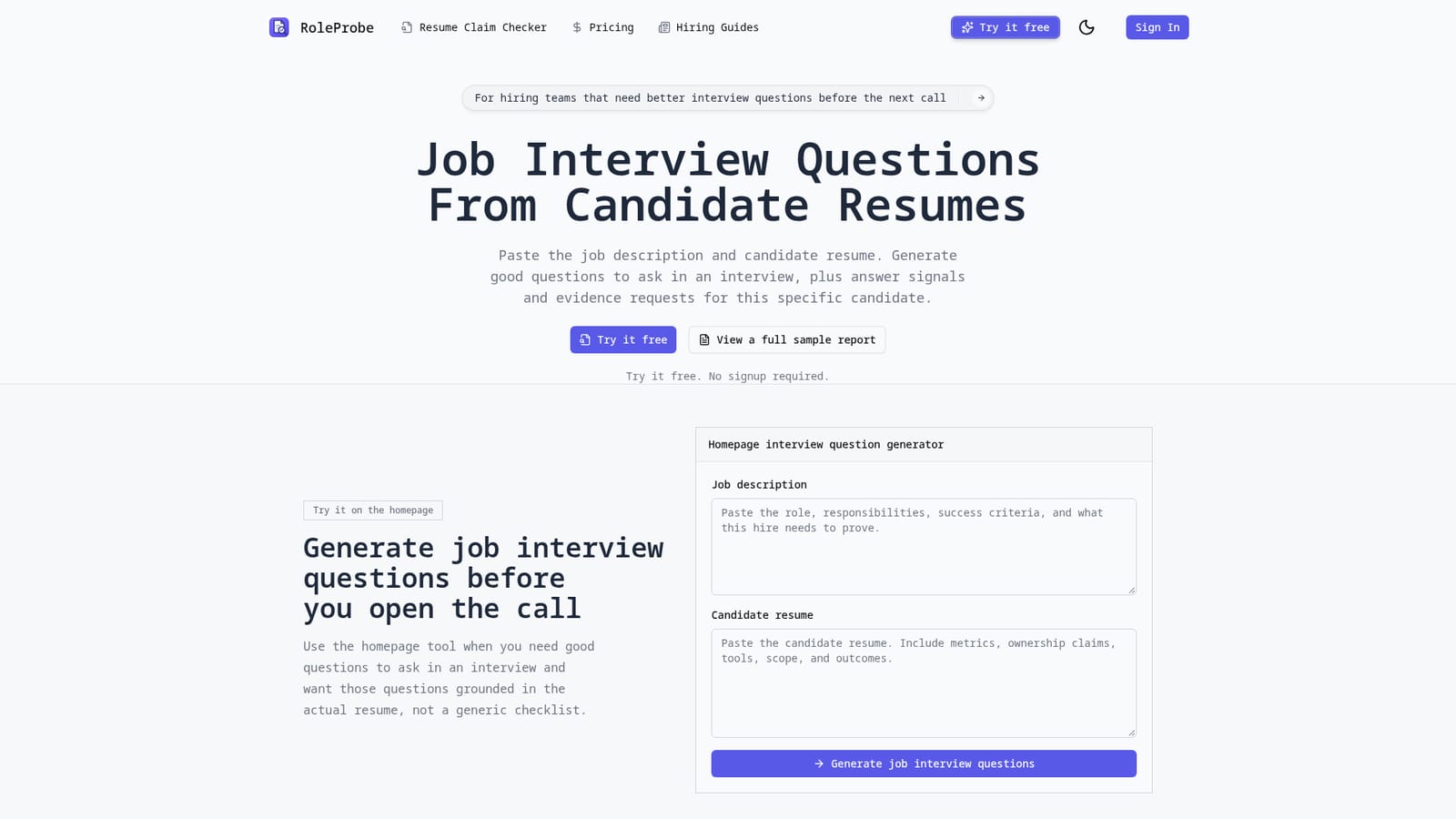
    On the homepage tool, enter the role's responsibilities and success criteria along with the candidate's resume, keeping in metrics, scope, and ownership language you want tested.
    RoleProbe — Paste the job description and resume
  2. 2Generate the question set
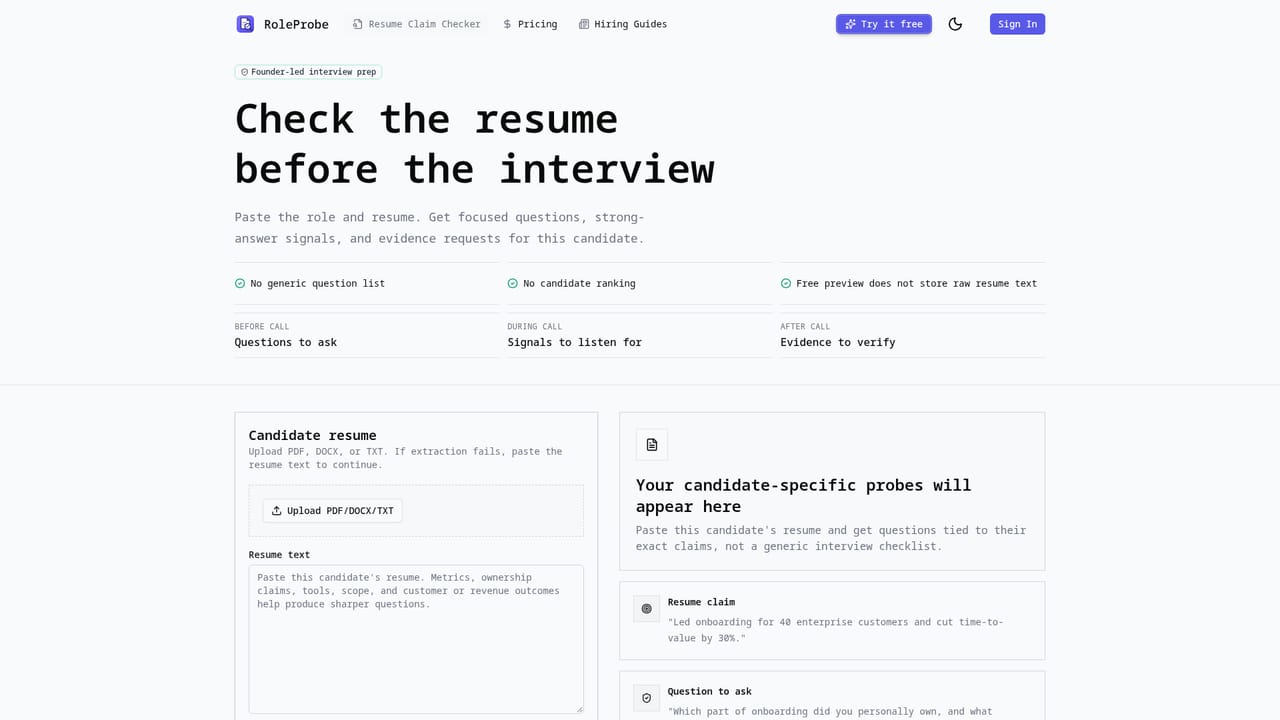
    Run the generator to produce follow-up questions, answer signals, and evidence requests tied to specific resume lines rather than a generic checklist.
    RoleProbe — Generate the question set
  3. 3Review a sample report first
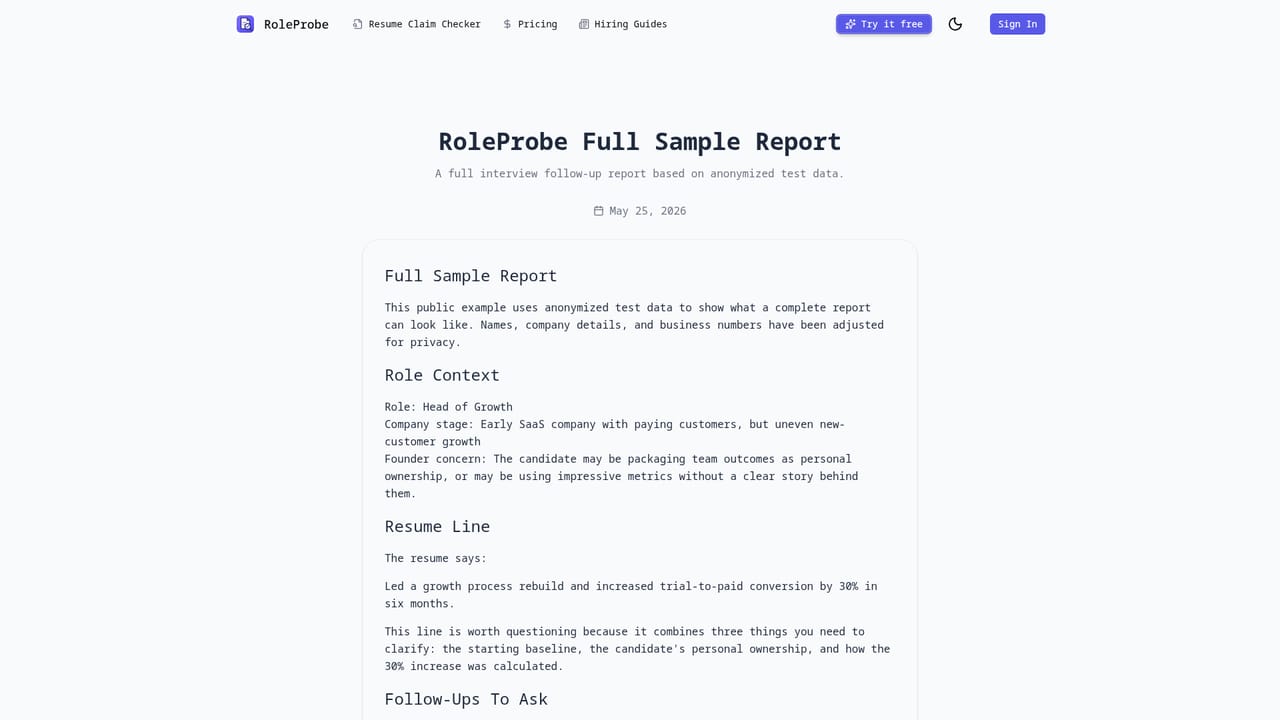
    Check the full sample report to see how resume lines map to follow-ups, listening cues, and evidence requests before running your own candidate.
    RoleProbe — Review a sample report first
  4. 4Take the follow-ups into the interview
    Use the generated questions during the call to test baselines, personal ownership, tradeoffs, and transferability of each claim.
  5. 5Paste interview notes back in for review
    After the call, enter your notes to separate claims that were clearly supported from ones that stayed vague and still need evidence.
  6. 6Compare plans for more reports
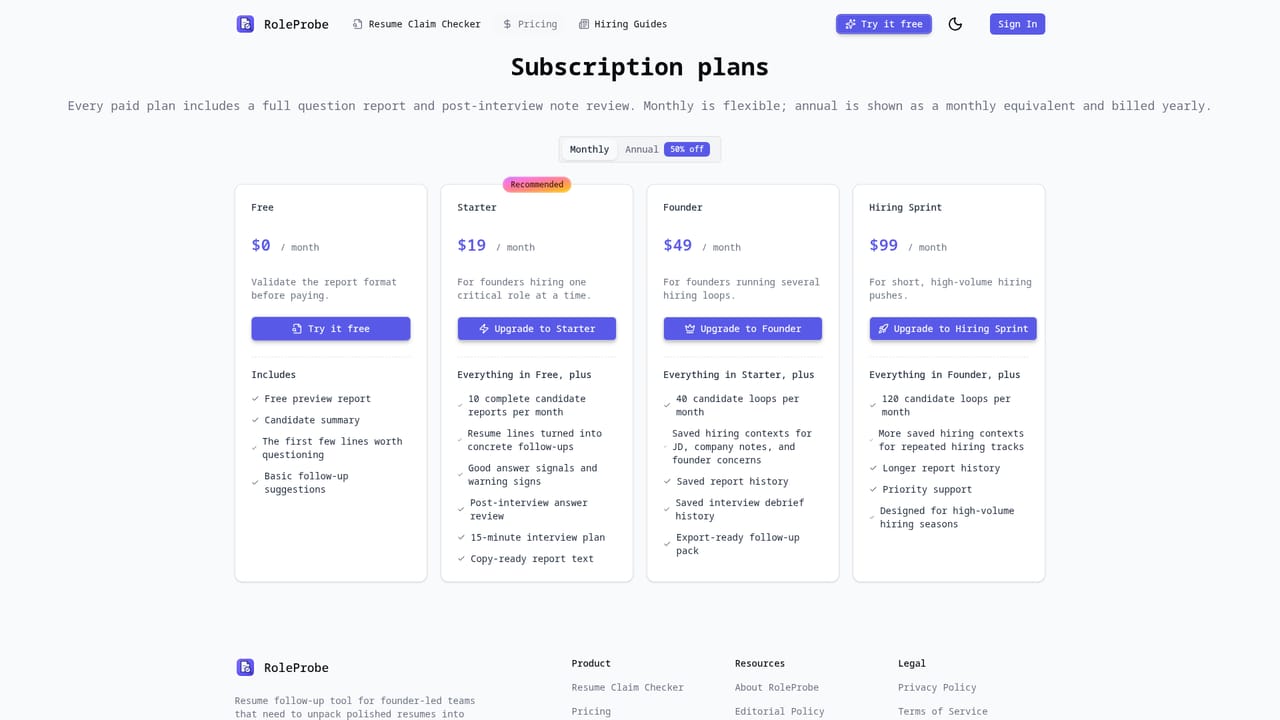
    Check the pricing page when you need more candidate reports, answer signals, or post-interview reviews than the free preview allows.
    RoleProbe — Compare plans for more reports

Pros and cons

Pros

  • Builds questions from the specific resume and job description instead of a generic interview checklistAI
  • Separates a candidate's personal contribution from team, agency, or vendor output in their claimsAI
  • Free preview works with no signup required before committing to a paid planAI
  • Supports a post-interview review step that flags which claims stayed unsupportedAI
  • Provides concrete evidence requests (dashboards, launch plans, artifacts) to raise when an answer is vagueAI

Cons

  • Relies entirely on the job description and resume text you paste; it does not independently verify any claimAI
  • Explicitly does not decide, score, or rank candidates, so judgment work still falls on the interviewerAI
  • No mobile app is mentioned, so usage is limited to a web browserAI
  • No integrations with applicant tracking systems, calendars, or video interview tools are describedAI
  • Pricing details beyond 'start free' are not specified on the homepage, requiring a visit to the pricing pageAI

How much does RoleProbe cost?

Free trial

A free preview is available directly on the homepage without creating an account, generating a sample set of interview questions from a pasted job description and resume.

Learn more

Pricing

RoleProbe can be tried free with no signup required. Paid plans unlock more candidate reports, answer signals, and post-interview note reviews; exact prices are listed on the pricing page rather than the homepage.

Learn more

Support

Product support is available by emailing support@roleprobe.com; no live chat or phone support is mentioned.

Features

Generates resume-grounded interview questions with answer signals and evidence requests, separates personal ownership from team or vendor output, suggests artifacts to request when answers are vague, and reviews post-interview notes to flag unsupported claims.

Learn more

Frequently asked questions about RoleProbe

  • How much does RoleProbe cost?
    RoleProbe can be tried free with no signup required. Paid plans unlock more candidate reports, answer signals, and post-interview note reviews; exact prices are listed on the pricing page rather than the homepage.
  • Does RoleProbe offer a free trial?
    A free preview is available directly on the homepage without creating an account, generating a sample set of interview questions from a pasted job description and resume.
  • How do you use RoleProbe?
    The walkthrough on this page covers 6 steps: 1. Paste the job description and resume 2. Generate the question set 3. Review a sample report first 4. Take the follow-ups into the interview 5. Paste interview notes back in for review 6. Compare plans for more reports.
  • What platforms does RoleProbe support?
    RoleProbe is available on Web App.
  • What are the limitations of RoleProbe?
    Relies entirely on the job description and resume text you paste; it does not independently verify any claim. Explicitly does not decide, score, or rank candidates, so judgment work still falls on the interviewer. No mobile app is mentioned, so usage is limited to a web browser.

Status

StatusActive
Views0
Outbound clicks0
Added10/11/2026

Platforms

Web App

Pricing

FreemiumFree Trial