ScamMinder

Check any website for scam risk before you click or pay

Beginner
Screenshot of ScamMinder, Check any website for scam risk before you click or pay

What is ScamMinder?

ScamMinder is a free, no signup website and message checker. Paste a URL to get a trust score and risk label, or drop in a suspicious SMS, email, phone number or screenshot for AI analysis. A public scam message database and user reviews sit alongside the automated scoring.

ScamMinder is a free web based checker that scores websites for trust and fraud risk. You paste a URL into the search box and get back a safety score plus a write up of the signals behind it. The site frames the output as a beacon in the digital fog: a number you can glance at before entering card details, creating an account, or forwarding a link to someone less careful than yourself. The homepage positions two separate workflows. The URL checker handles websites, returning risk labels such as Low Risk alongside the numeric score. A second panel takes a pasted SMS, email, phone number, or social message, or a screenshot in JPEG, PNG, GIF or WebP up to 10MB, and runs AI analysis on it. That second route covers the everyday cases people actually face: bank impersonation texts, delivery notices, fake PayPal or Amazon login pages, giveaway scams and unknown WhatsApp or Telegram contacts. The team states that submissions are private, removed after 30 days and kept out of search indexes. Community input sits alongside the automated scoring. ScamMinder publishes counts for websites analyzed, reviews submitted, registered members and articles, and keeps a public database of known scam messages that anyone can browse. Recently analyzed domains are surfaced on the homepage with their scores, which gives a rough sense of how the checker reads small shops, blogs and larger corporate sites alike. It fits the lightweight due diligence slot rather than the full security stack. The homepage pairs the checker with conventional advice: antivirus, patched software, an ad blocker, a password manager. Treat ScamMinder as the step before you trust an unfamiliar domain or reply to a strange message, not as a replacement for endpoint protection or a bank's own fraud line. No account is needed for a basic check, and the site is aimed at ordinary shoppers and message recipients as much as at security minded professionals.

How do you use ScamMinder?

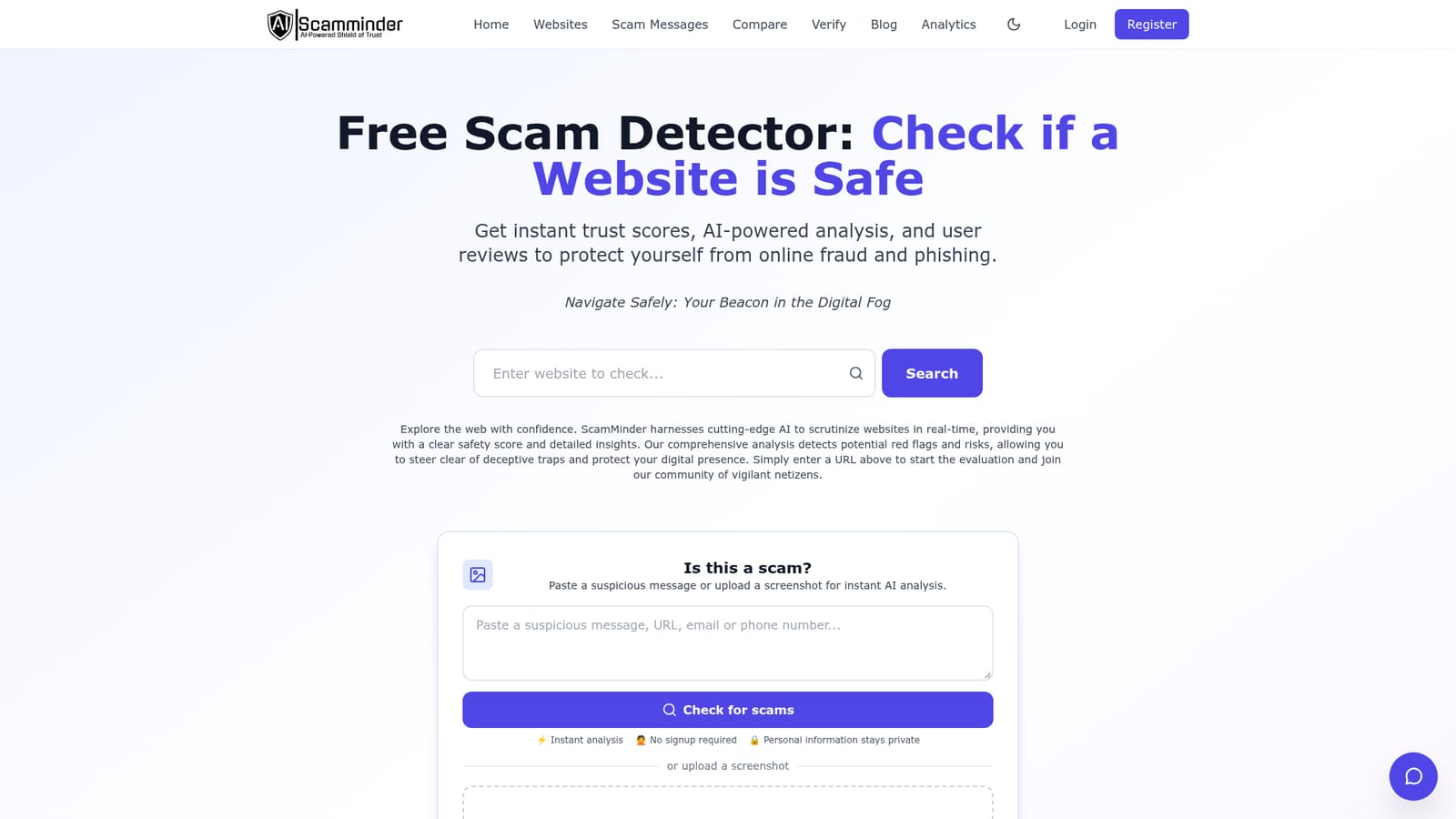
  1. 1Run a URL through the checker
    Open the homepage and enter the website address in the search field. The result page returns a trust score and a risk label for that domain.
    ScamMinder — Run a URL through the checker
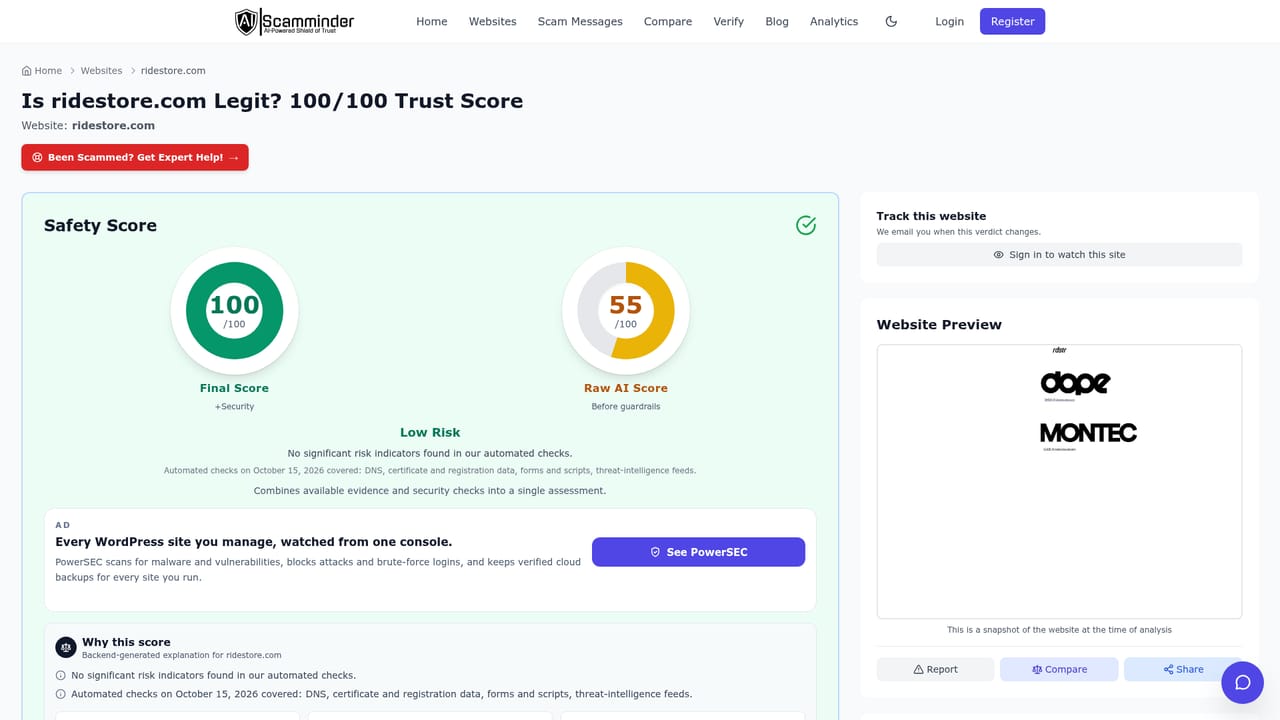
  2. 2Read a sample result page
    Look at a published analysis such as the ridestore.com entry to see how a score, risk label and site details are presented before you rely on your own result.
    ScamMinder — Read a sample result page
  3. 3Check a suspicious message or screenshot
    Use the message panel to paste an SMS, email, phone number or social message, or upload a JPEG, PNG, GIF or WebP file up to 10MB. Analysis runs without signup.
    ScamMinder — Check a suspicious message or screenshot
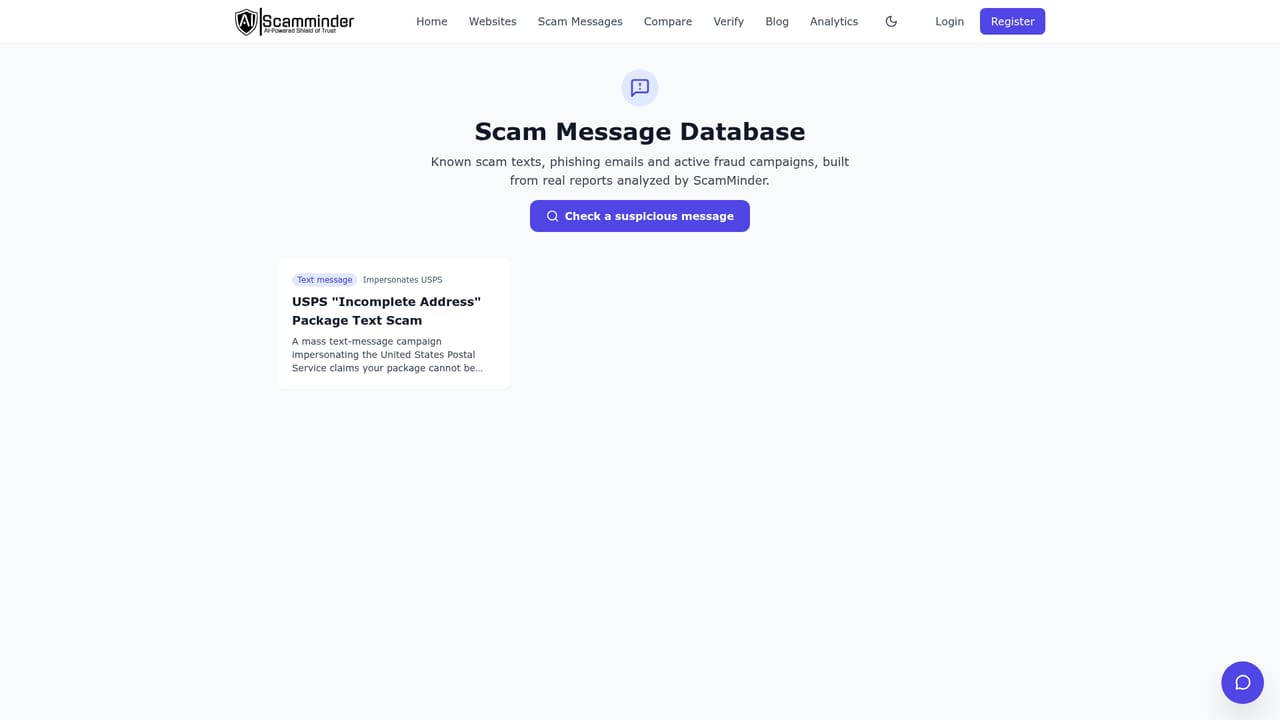
  4. 4Cross reference the scam message database
    Search the public database of reported scam messages to see whether the wording you received has already been flagged by other users.
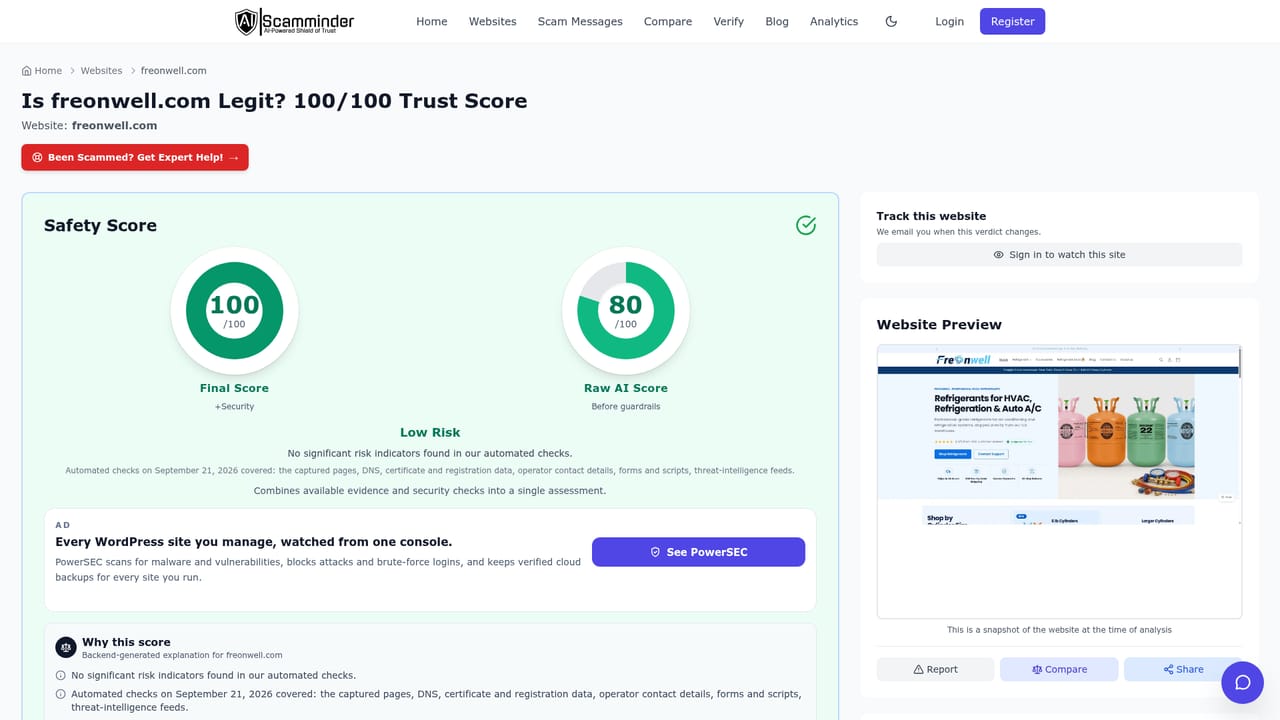
  5. 5Browse recently analyzed websites
    The full list of analyzed domains shows scores and risk labels at scale, useful for judging whether a small unfamiliar shop resembles sites already rated low risk.
    ScamMinder — Browse recently analyzed websites

Pros and cons

Pros

  • URL checks run without an account and return a numeric score plus a risk label such as Low RiskAI
  • The message checker accepts pasted SMS, email, phone numbers and screenshots up to 10MB in four common image formatsAI
  • Submissions are described as private, deleted after 30 days and excluded from search engine indexingAI
  • A browsable scam message database and user reviews add context beyond the automated scoreAI
  • Recently analyzed sites are published openly, so you can see how the checker scores familiar domainsAI

Cons

  • The homepage does not explain which signals feed the score, so a high number is hard to audit or appealAI
  • Publicly listed examples all show a perfect score and Low Risk, which says little about how the tool separates borderline sitesAI
  • Review volume is small relative to sites analyzed, so community evidence is thin on most domainsAI
  • Screenshot and message analysis has no documented accuracy rate or false positive policyAI
  • Nothing indicates API access, bulk checking or browser level warnings, so it is a manual, one URL at a time habitAI

How much does ScamMinder cost?

Features

Two core tools share one homepage. A URL checker returns a trust score and risk label for any website. A message checker runs AI analysis on pasted SMS, email, phone numbers or social messages, and on uploaded screenshots in JPEG, PNG, GIF or WebP up to 10MB. Supporting material includes a public scam message database, user reviews, published articles and a running list of recently analyzed sites.

Frequently asked questions about ScamMinder

  • How do you use ScamMinder?
    The walkthrough on this page covers 5 steps: 1. Run a URL through the checker 2. Read a sample result page 3. Check a suspicious message or screenshot 4. Cross reference the scam message database 5. Browse recently analyzed websites.
  • What platforms does ScamMinder support?
    ScamMinder is available on Web App.
  • What are the limitations of ScamMinder?
    The homepage does not explain which signals feed the score, so a high number is hard to audit or appeal. Publicly listed examples all show a perfect score and Low Risk, which says little about how the tool separates borderline sites. Review volume is small relative to sites analyzed, so community evidence is thin on most domains.

Status

StatusActive
Views0
Outbound clicks0
Added11/3/2026

Platforms

Web App

Pricing

Free